






 Google
 Github
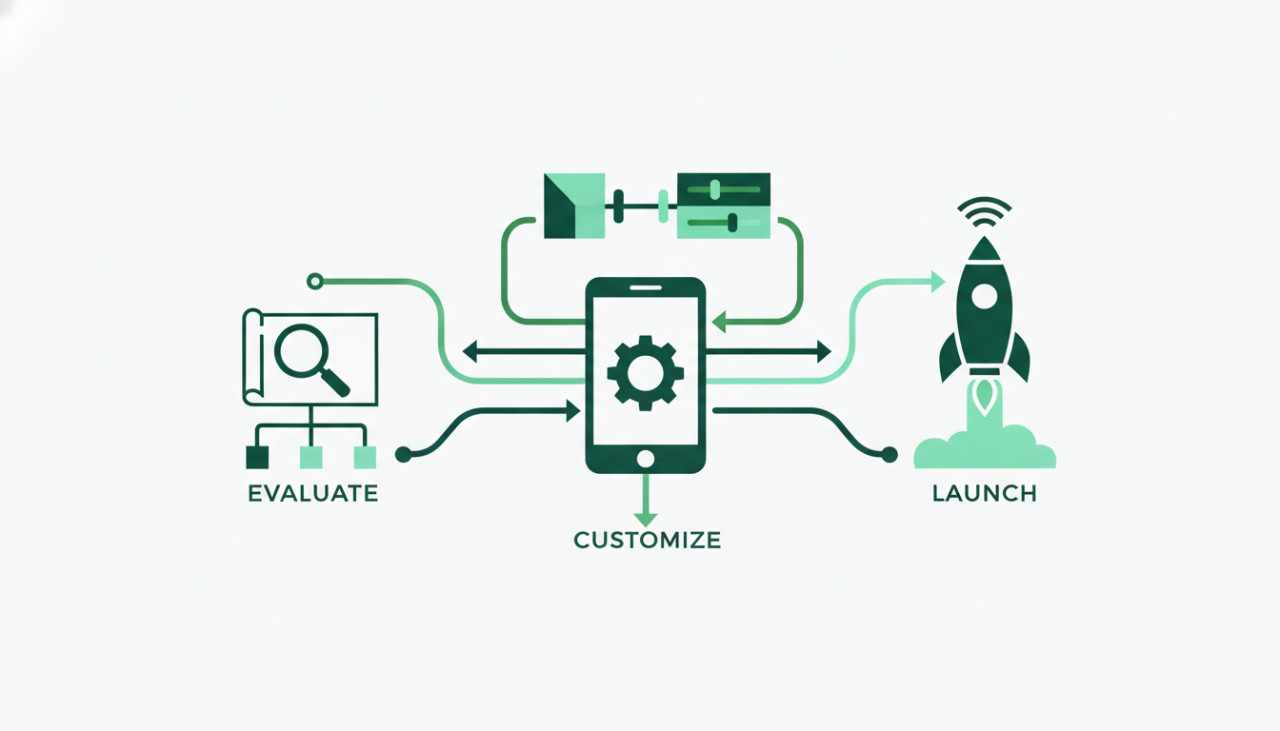
Why Pre-Built App Templates Are Transforming Development
Launching a digital product from scratch is often a resource-intensive endeavor. Building an application from the ground up requires substantial capital, dozens of engineering hours, and extensive testing cycles. For solo founders, startups, and agencies, ready-made app templates provide an efficient shortcut. Platforms like SellMyCode offer production-ready codebases that allow you to bypass foundational development and jump straight into branding and deployment.
However, buying a mobile app template or web script is only the first step. To ensure a successful launch, you must carefully evaluate the codebase, plan customizations, and deploy your product efficiently without introducing technical debt.
1. Scrutinize the Tech Stack and Dependencies
Before committing to an app template, review the core framework and its external dependencies. Popular cross-platform frameworks like Flutter and React Native evolve quickly, frequently introducing breaking changes across major versions.
- Check framework compatibility with modern operating systems such as iOS and Android updates.
- Ensure that third-party plugins used in the template are actively maintained and not abandoned.
- Verify whether the template relies on deprecated SDKs or legacy build systems.
Selecting a template with modern dependencies saves dozens of hours otherwise spent resolving Gradle errors, CocoaPods conflicts, or outdated language syntaxes.
2. Examine Code Architecture and Documentation
Well-written code is modular, self-explanatory, and supported by thorough setup documentation. When you purchase an item on SellMyCode, a quality package should always include comprehensive installation instructions, environment variable guides, and API integration references.
Look for templates that adhere to recognized architectural patterns such as MVC, MVVM, or Bloc. Clean separation of concerns ensures that business logic remains independent of the user interface. When the logic and UI are decoupled, your developers can easily replace color palettes, icons, and page layouts without risking functional regressions.
3. Perform a Security and Credential Audit
Pre-packaged scripts and application templates frequently include sample API keys, placeholder endpoints, and demo database configurations. Deploying these elements directly to production creates severe vulnerabilities.
- Replace all demo payment gateway keys, Firebase configurations, and backend URLs.
- Ensure sensitive credentials reside in secure environment variables rather than hardcoded source files.
- Review client-side authentication storage to ensure tokens use encrypted storage mechanisms.
Taking the time to audit security upfront prevents potential data leaks and protects your users from day one.
4. Establish a Clean Customization Workflow
One common mistake buyers make is modifying the downloaded code directly without version control. To maintain a smooth workflow, initialize a Git repository immediately after unpacking the template files.
Best Practices for Customization
Keep an unedited master branch containing the original template code as downloaded from SellMyCode. Create a dedicated development branch for your brand assets, styling changes, and custom features. If the original author releases an update with bug fixes or library upgrades, having a pristine base branch makes merging upstream patches significantly simpler.
Centralize your styling assets, including brand typography, primary colors, and localized strings. This approach ensures consistent white-labeling across every screen with minimal manual editing.
5. Test Across Multiple Environments
Templates often look flawless in developer emulators, but real-world hardware presents unique challenges. Prior to publishing your mobile app to app stores, perform tests across multiple physical screen sizes, operating system versions, and network speeds.
- Verify hardware integrations such as camera permissions, GPS tracking, and push notifications.
- Test edge cases like poor network connectivity and background state restoration.
- Review app store guideline compliance to avoid rejection during the submission review.
Accelerate Your Launch with SellMyCode
Pre-built scripts, themes, and application templates provide an unbeatable head start in modern software delivery. By applying proper technical diligence, enforcing structured version control, and executing thorough testing, you can transform a marketplace template into a polished, revenue-generating product in a fraction of the standard development timeline.
Comments (0)