 v1.0.0
Cipherion – Secure Python File Encryption Tool
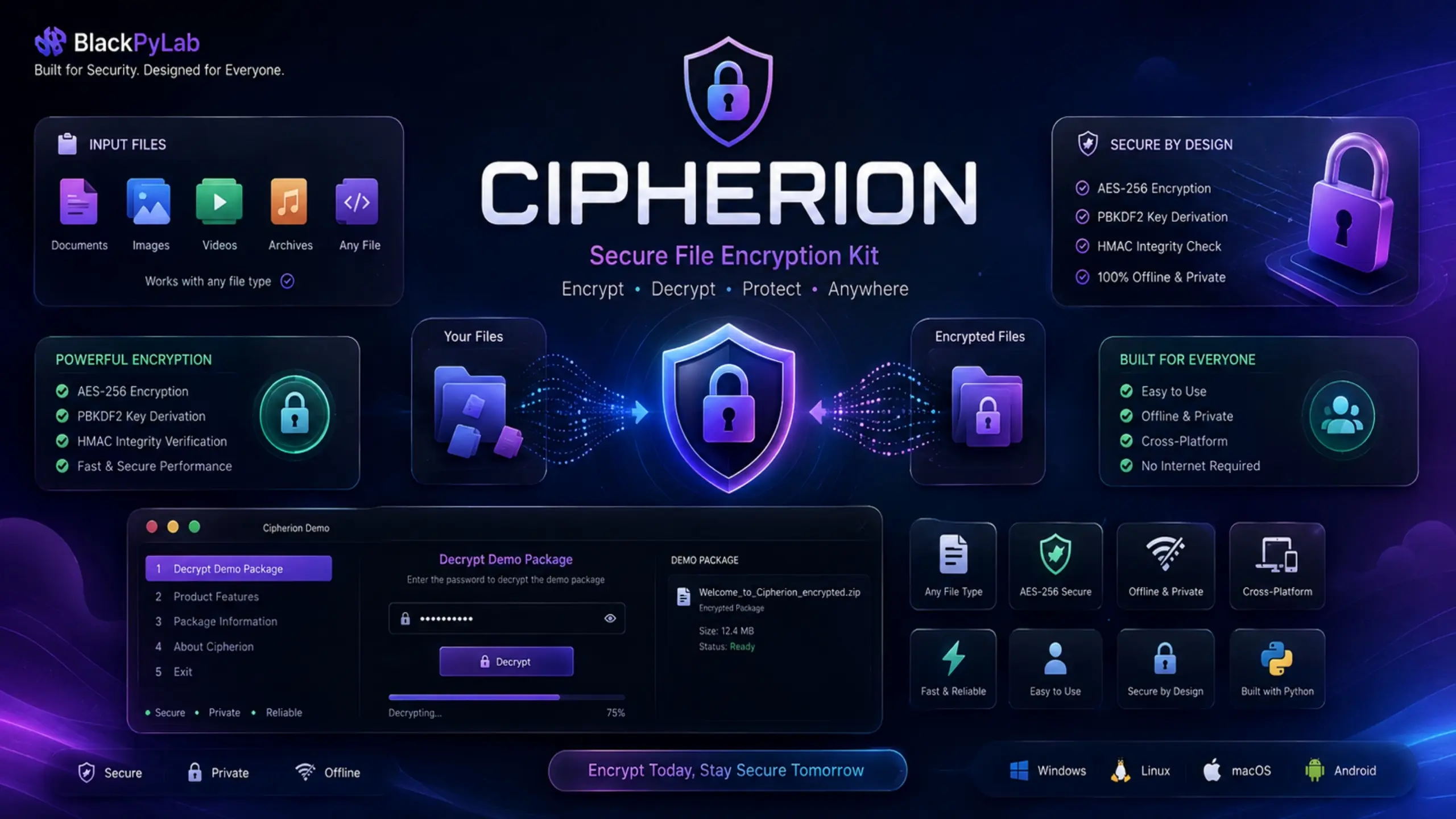
Cipherion is a professional offline Python file encryption utility designed to protect files with password-based encryption, integrity verification, and a simple interactive terminal interface.
It provides a complete encryption and decryption workflow without requiring an online service, making it suitable for users and developers who need a local file protection tool.
🔐 Core Security Features AES-256-CTR Encryption
Cipherion uses AES-256 in CTR mode to encrypt files using a password-derived encryption key.
PBKDF2-HMAC-SHA256
Passwords are processed through PBKDF2-HMAC-SHA256 key derivation with a configurable iteration count.
The default configuration uses 100,000 iterations, with support for higher iteration counts up to the configured maximum.
HMAC-SHA256 Integrity Verification
Cipherion can verify encrypted data integrity using HMAC-SHA256.
If an encrypted file is corrupted or the supplied password is incorrect, the integrity verification can detect the failure and prevent the corrupted output from being retained.
📦 ZIP Packaging
Encrypted files can be packaged together with their metadata into a ZIP archive.
This makes the encrypted output easier to store, transfer, and organize.
📝 Metadata Support
Cipherion can optionally generate a metadata.txt file containing information such as:
Original filename Encrypted filename PBKDF2 iteration count Encryption date Encryption type
The metadata option can also store the password in plain text for automated restoration.
This option is explicitly marked as insecure and should only be used when the metadata file can be kept securely.
🔄 Encryption & Decryption Modes
Cipherion provides interactive options for:
Normal encryption without metadata Encryption with metadata Decryption from metadata Manual decryption Encrypted file listing Metadata inspection Output path management 📁 Any File Type
Cipherion is designed to encrypt files regardless of their extension or file type.
The application works with files as binary data rather than relying on a specific document, image, video, or archive format.
⚡ Streaming Encryption
Files are processed in chunks instead of requiring the entire file to be loaded into memory at once.
This allows Cipherion to work with larger files while maintaining a relatively low memory footprint.
🌍 Multilingual Interface
Cipherion includes a multilingual interactive terminal interface.
Current languages include:
English Arabic Russian
The language is selected when the application starts.
💻 Interactive Terminal Interface
Cipherion does not require complicated command-line arguments for normal operation.
The application provides an interactive menu for:
Encrypting files Decrypting files Listing encrypted files Viewing metadata Managing output locations Viewing application information Exiting the application 📂 Output Management
Users can configure separate output locations for encryption and decryption.
Cipherion also provides options to:
Use the default output paths Select custom paths Create missing directories Reset output paths to their defaults 🎨 Developer-Friendly Interface
The application provides:
Colored terminal output Progress indicators Clear success and error messages File and folder navigation Numbered menu selections Automatic handling of existing output files
Colorama is used when available, with terminal color fallbacks included in the application.
🖥️ Cross-Platform Design
Cipherion is designed as a Python-based local utility and can be used on supported environments such as:
Windows Linux macOS Android environments capable of running Python, such as Pydroid 3 📦 What You Receive
The commercial package includes:
Cipherion.py requirements.txt README.md LICENSE SECURITY.md Documentation Example/demo materials where included ⚙️ Requirements Python 3 cryptography colorama tqdm (optional)
The application can operate without tqdm by using its built-in progress fallback.
🔒 Offline Operation
Cipherion performs its core encryption and decryption operations locally.
No online account or cloud storage service is required to encrypt or decrypt files.
⚠️ Security Note
Cipherion is provided as a standalone file-encryption utility.
Users should keep their passwords and metadata files secure.
If the password is stored inside metadata.txt, it is stored as plain text and therefore reduces the security of the encrypted package. For sensitive files, users should use the option that does not store the password.
📜 License
Cipherion is proprietary software developed by BlackPyLab.
The purchase grants the buyer usage rights according to the selected license. It does not transfer copyright ownership or permit unauthorized redistribution, resale, or publication of the source code.
🎯 Suitable For
Cipherion can be useful for:
Developers Security enthusiasts Privacy-conscious users System administrators Researchers Local file protection workflows Offline environments Developers building custom file-security workflows Why Cipherion?
Cipherion combines password-based encryption, integrity verification, metadata handling, ZIP packaging, streaming file processing, and an interactive multilingual terminal interface into one lightweight Python utility.
Instead of relying on an online encryption service, Cipherion gives users a local tool that can be customized and integrated into their own workflows.


 0 Viewing now
Live buyer activity
0 Viewing now
Live buyer activity

 From Unknown Location
 New Author
Published:
25 Aug, 2026
Version:
1.0.0
Category:
Files Included:
Tags:
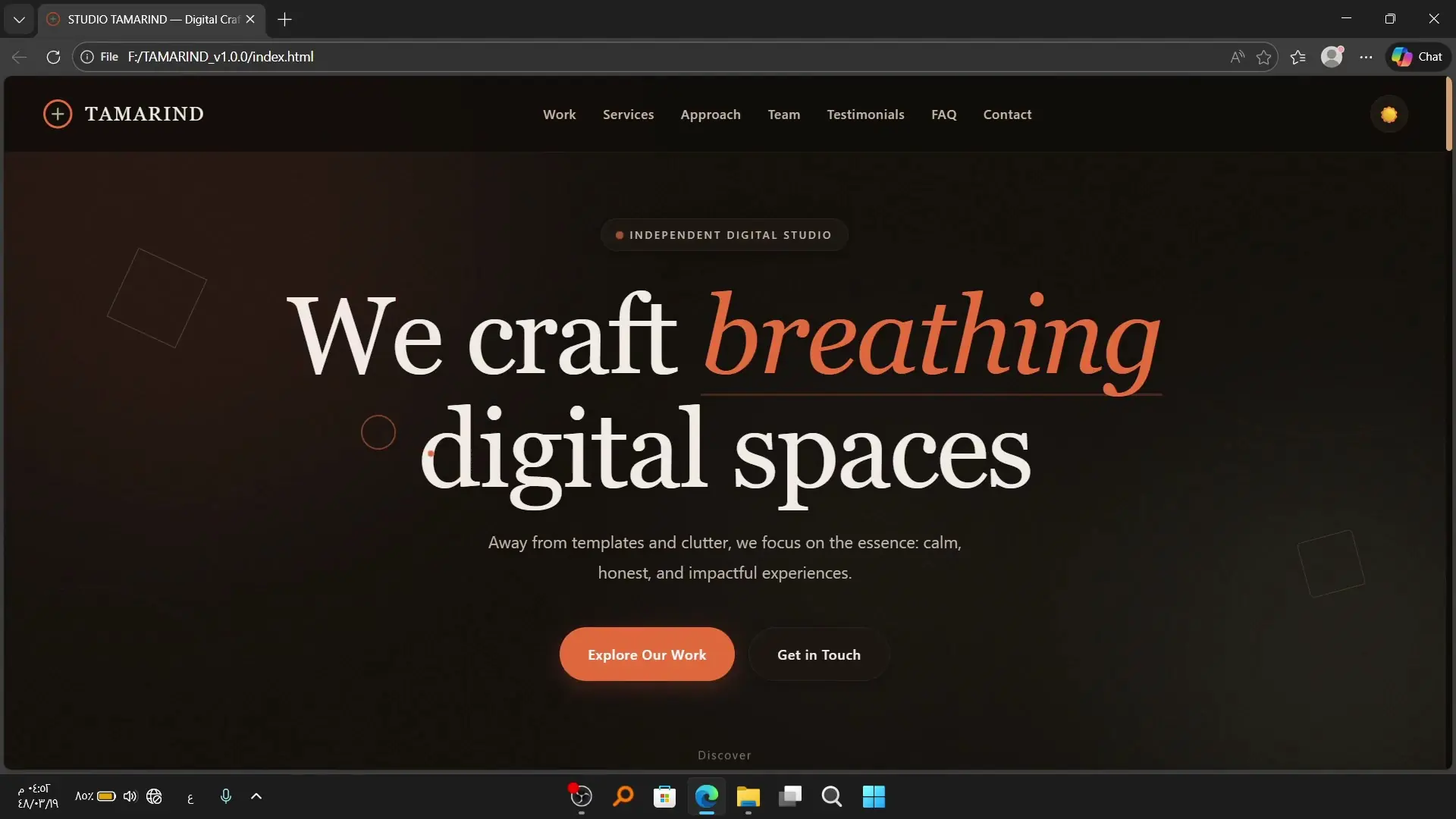
Studio Tamarind is a premium Creative Agency and Digital Studio HTML Template designed for creative agencies, design studios, freelancers, branding teams, and modern portfolios.Built with pure HTML5,...
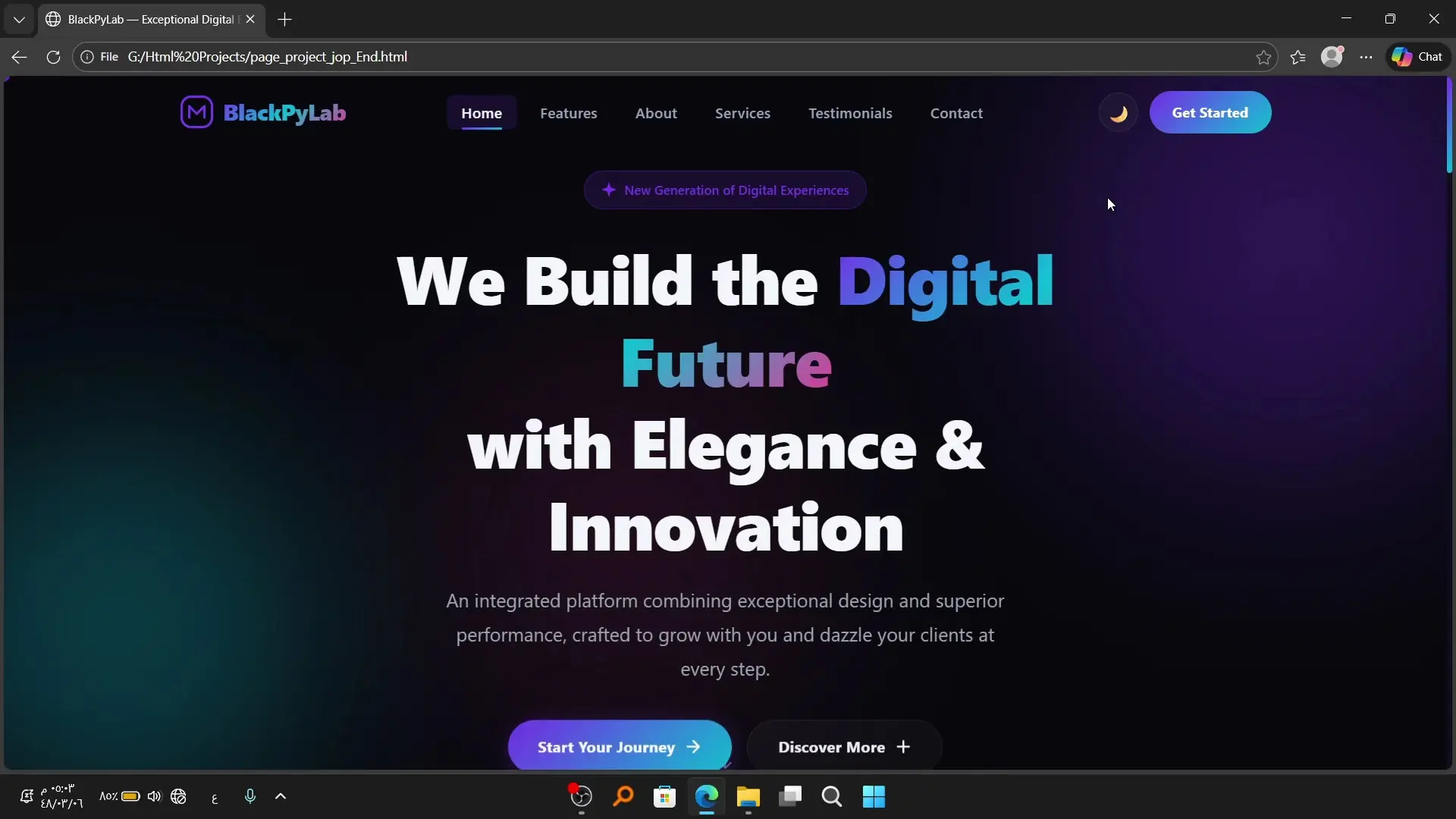
NOVA is a modern and responsive HTML5 website template designed for developers, freelancers, startups, businesses, portfolios, and modern web projects.It provides a clean and professional front-end fo...
File Manager and Cloud Storage is a self-hosted documents and folders cloud storage and sharing platform for managing and sharing data without requiring coding knowledge. Upload multiple files and fol...
The College Management System is a C# project with full source code designed for daily operations in top-level and bottom-level colleges.Manages student information, teacher details, and non-teaching...

Raffler Backend is a web application designed for managing competitions, lotteries, giveaways, and raffles. View complete and pending competitions Trigger AI-powered draws to select winners Add produc...







 Google
 Github