PDF Forge - Fast, Secure & Offline PDF Tools

7.0Version
KotlinFramework
NoUpdate Support
YesTechnical Support

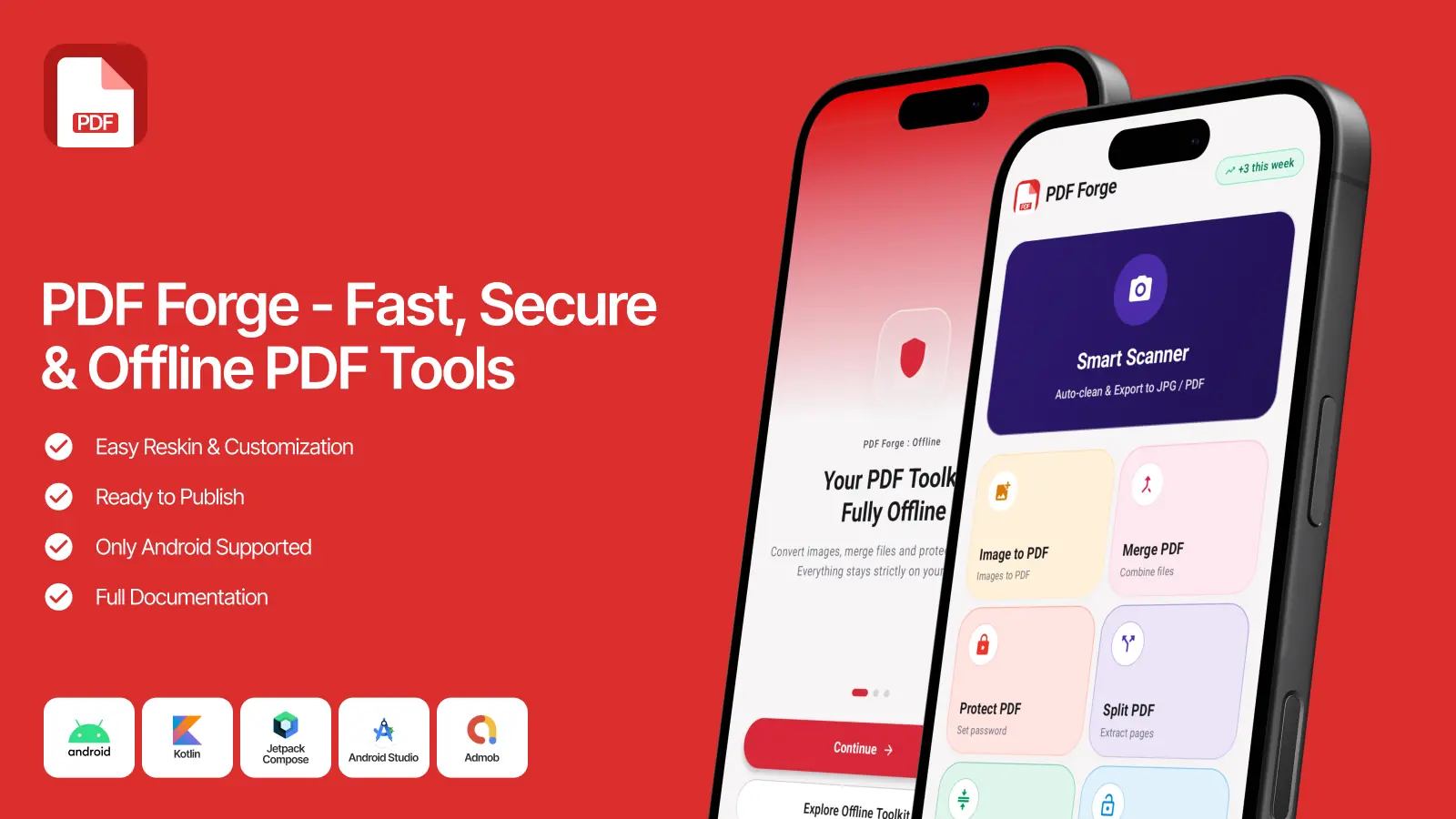
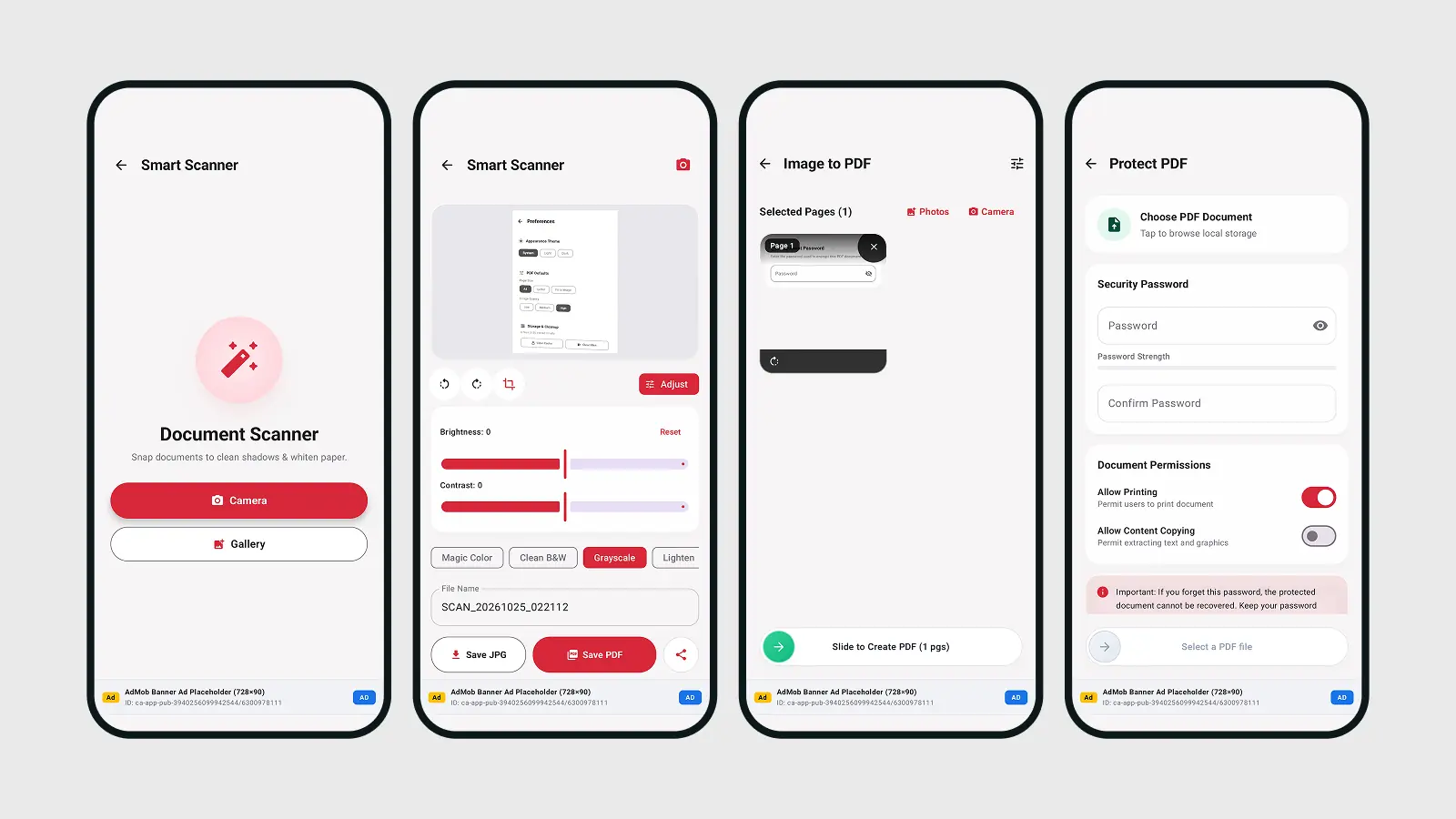
PDF Forge is a complete, ready-to-publish Android app source code built with Kotlin and Jetpack Compose. It gives your users six essential PDF tools in one clean, modern app, and every file is processed directly on the device.

By default the app has no internet permission. No document is ever uploaded to a server, so your users keep full privacy and you have no server costs.

Why Choose PDF Forge?

  • 100% offline and private: all PDF processing happens on the user's device.
  • Easy rebranding: change the app name, colors, links and tagline in one file (BrandConfig.kt).
  • Zero-code media system: replace your logos and icons in one folder and run one script.
  • Multi-language ready: all interface text is in strings.xml, with full RTL layout support.
  • Modern codebase: Kotlin, Jetpack Compose and Kotlin DSL Gradle files.
  • Complete buyer guide: step-by-step documentation for setup, rebranding, keystore creation, release signing and publishing.

6 Powerful PDF Tools

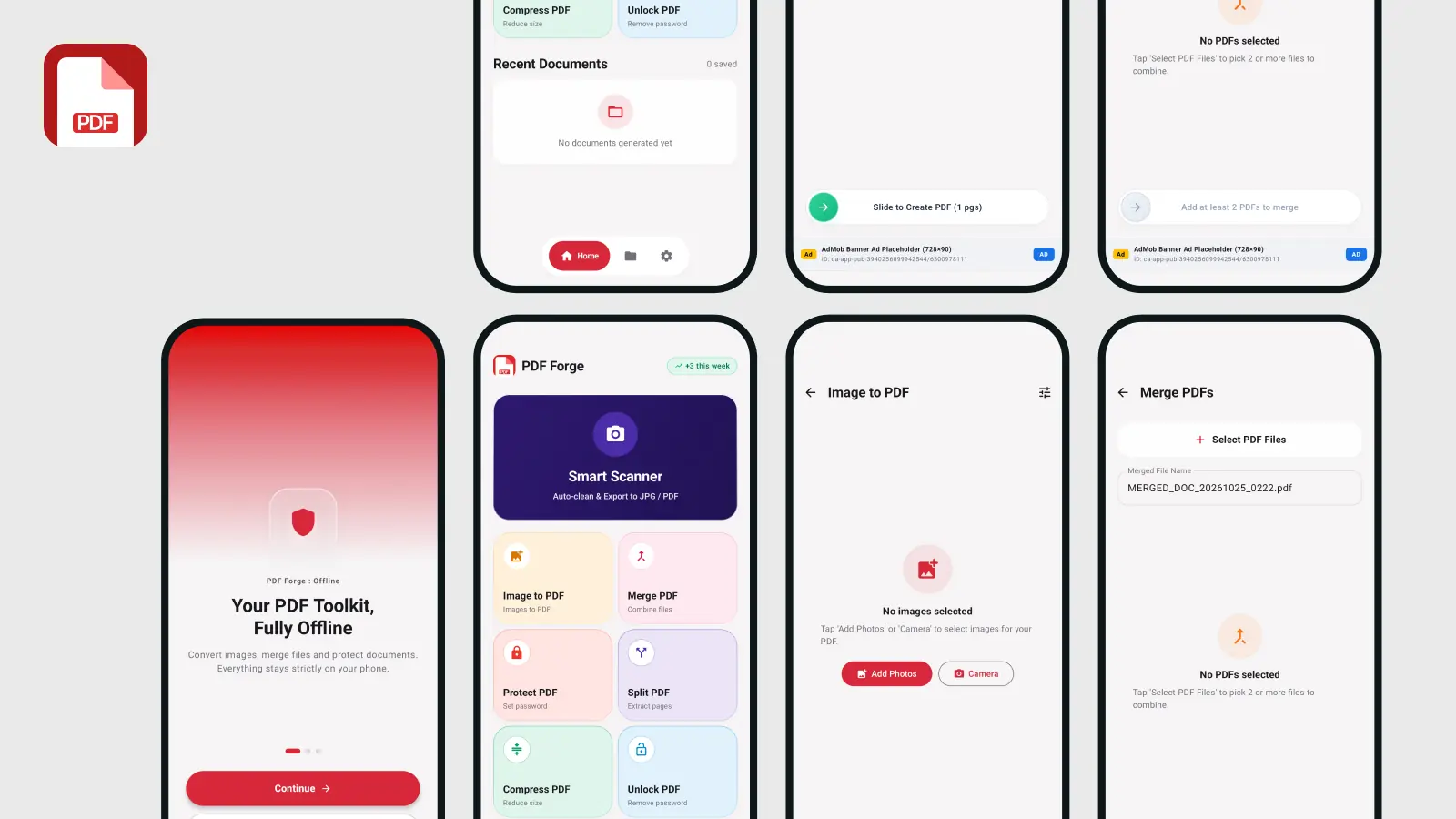
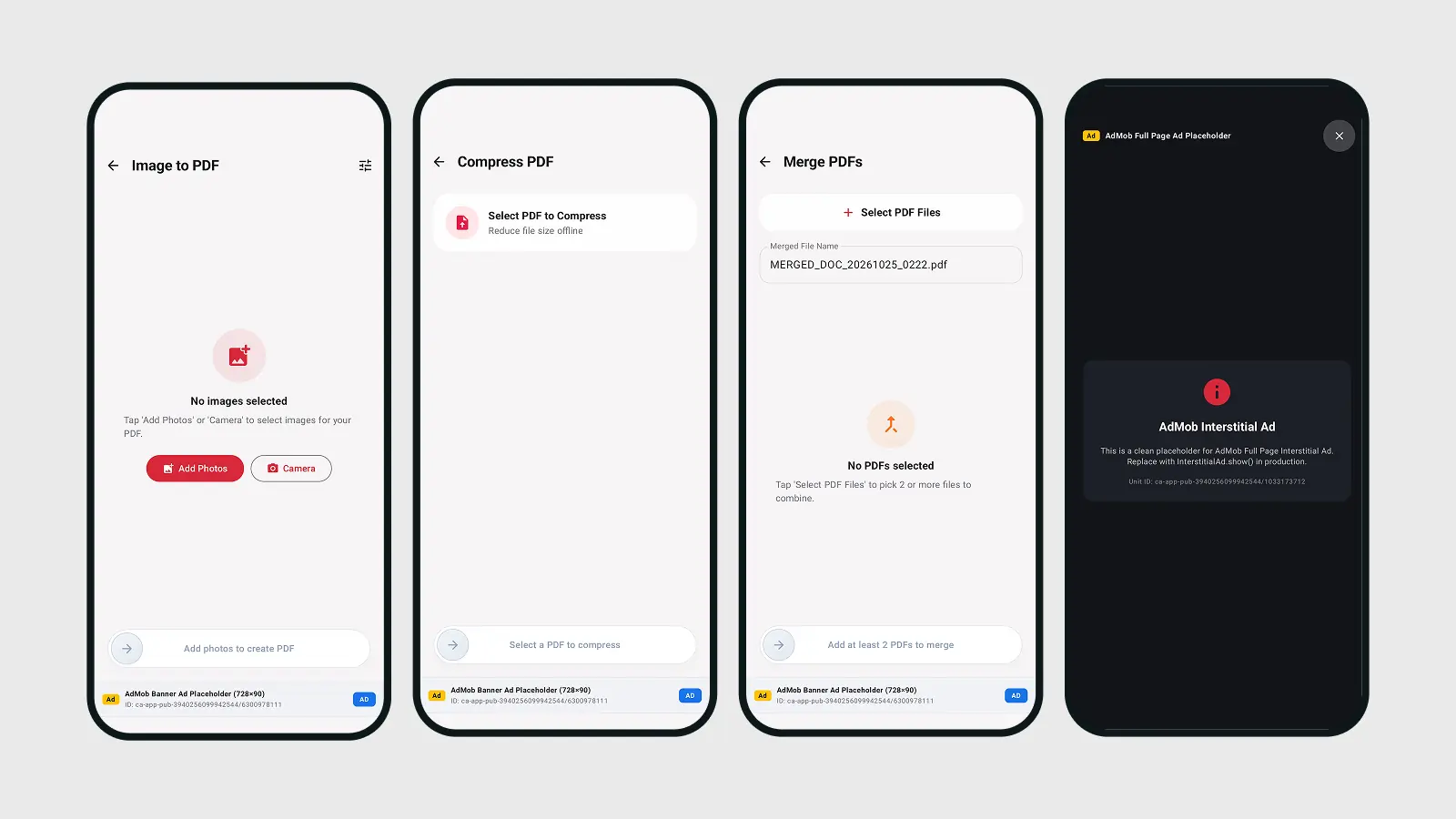
  • Image to PDF: pick multiple images from the gallery or capture photos with the camera. Drag to reorder, rotate by 90°, choose the page size (A4, US Letter, Fit to Image), adjust margins and select a quality preset.
  • Merge PDF: combine two or more PDFs, reorder them, check page counts and file sizes, and set a custom output name. Powered by Apache PDFBox to keep vector quality intact.
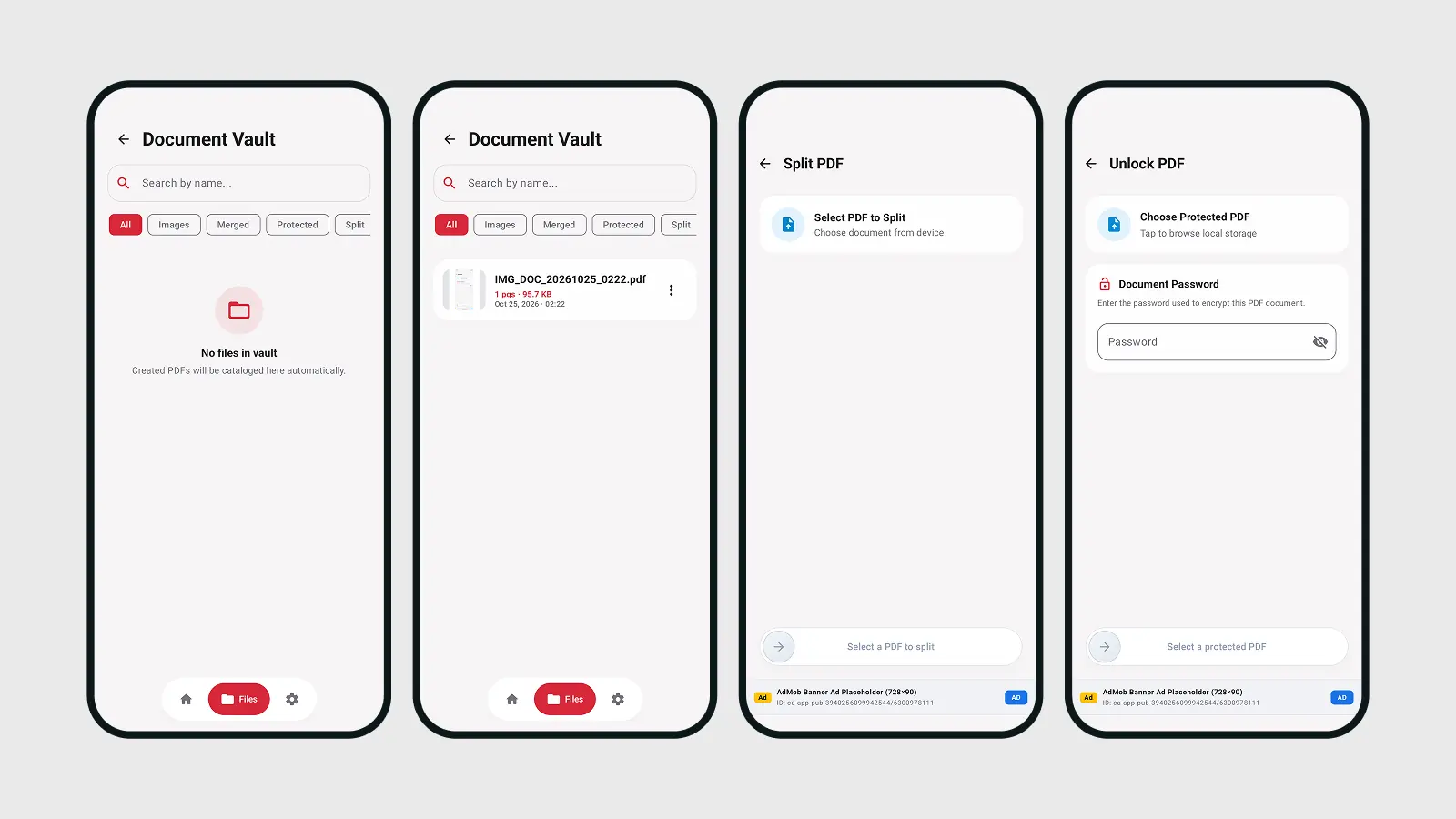
  • Split PDF: extract specific page ranges (for example 1-3, 5) into a new document. Pages are not converted to images, so text and vectors stay sharp.
  • Compress PDF: three presets (Light, Standard, Maximum) with a before and after file size comparison.
  • Protect PDF: true AES-256 encryption with permission controls for printing and content copying.
  • Unlock PDF: validates the user or owner password, decrypts the file and saves an unlocked copy.

A built-in Recent Documents / File Manager lets users open, rename, share and delete their files and view file details.

Rebrand in Minutes

PDF Forge is built so that you can make the app your own without touching complex code:

  • One configuration file: app name, tagline, support and legal links, brand colors and feature toggles are all in BrandConfig.kt.
  • One string file: every button, title and message is in strings.xml. Add a new language by creating a values folder.
  • One media folder: replace the logo, launcher icon, splash graphic, tool icons and navigation icons, then run bash scripts/sync_media.sh to generate all Android resolutions automatically.

Technical Details

  • Platform: Android (native)
  • Language: Kotlin
  • UI: Jetpack Compose
  • Build system: Gradle with Kotlin DSL (build.gradle.kts)
  • PDF engine: Apache PDFBox
  • Minimum Android version: Android 7.0 (API 24)
  • Extras: onboarding screens, slide-to-confirm buttons, light and dark mode logos

What You Get

  • Full Android Studio project with clean, well-organized source code
  • Detailed buyer guide in the Documentation folder
  • Media folder and sync script for quick logo and icon replacement

Ready to Publish

The included guide walks you through every step: opening the project in Android Studio, changing the package name, customizing text and colors, creating your own keystore, signing the release and uploading the app bundle to Google Play. Publish your own PDF app quickly with a professional result.


Recently Viewed

Author Support i
Total $49.00
0 Viewing now Live buyer activity
© All rights reserved 8489ratio
8489ratio
8489ratio Starter · since Oct 2026
From Unknown Location New Author

Similar items

Teach via video android app with admin panel - Solution for teachers and video bloggers to earn

This Android application and admin panel offers a solution for teachers and video bloggers who create educational video content. It provides a platform for earning revenue from videos. Users can launc...
$5.50
One VPN - With Admin Panel And Multi Protocol VPN App
Free
One VPN - With Admin Panel And Multi Protocol VPN App

One VPN - With Admin Panel And Multi Protocol VPN App is an Android application designed for secure browsing, unblocking websites, and proxy access. Utilizes OpenVPN protocol and supports OpenVPN UDP,...


Free

We use cookies to personalize your experience. By continuing to visit this website you agree to our use of cookies