1.0.6 - 2026-10-25 — One heading per trigger group
Builder
- Fixed: the trigger picker showed the same group heading several times (Leads, Tasks, Invoices...). Each group now
  appears once with all its triggers: General and the Perfex record groups first, then the groups added by other
  modules in alphabetical order. Searching keeps the same grouping
Upgrade
- Upload the new files and run Perfex's Upgrade Database for the module (or open any page): no manual step, every
  workflow, version, execution and setting is kept
1.0.5 - 2026-10-24 — Group names in the builder
Builder
- Fixed: the trigger picker now names the Integrations group (triggers added by Perfex Product Hub) and the Sales
  group (triggers added by Perfex Sales Growth) instead of showing a raw text key
- A trigger group or step category added by another module without its own name now shows a readable name made
  from its id, never a raw text key
- New texts in all 9 languages
1.0.4 - 2026-10-24 — Ask AI Again for a failed AI step
Ask AI Staff
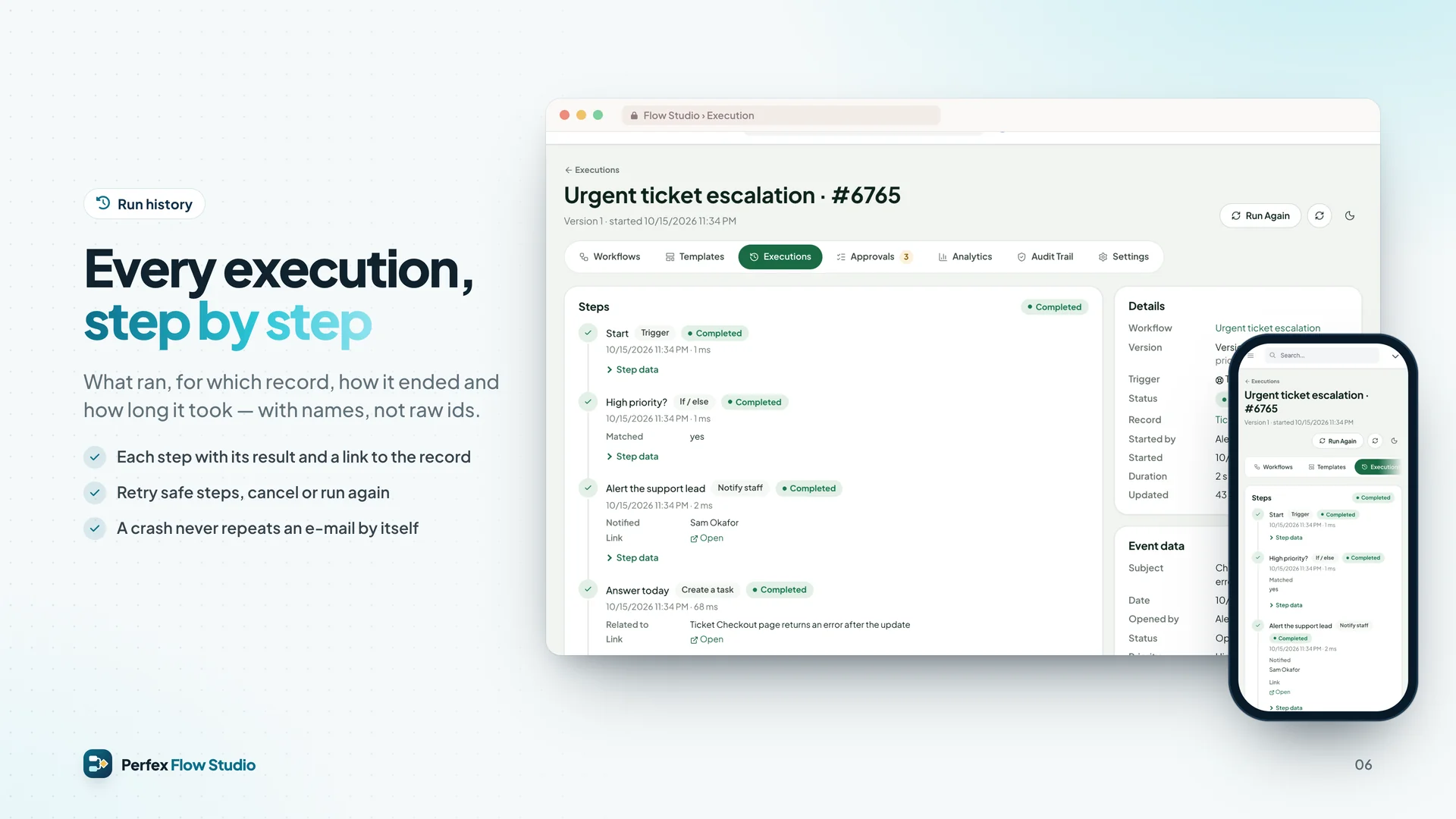
- New Ask AI Again button on the execution page when an Ask AI Staff step itself failed (AI provider error or
  timeout, rate limit, an AI Staff budget reached, AI Staff not available). Flow Studio's own dialog shows the last
  error and says that it sends one more AI request, which your AI provider charges
- The retried request goes through Perfex AI Staff exactly like the first one: its routing, budgets, permissions and
  usage log apply. A budget that is still reached blocks the retry too; raise the budget first
- Only administrators can ask again, at most 3 times per step and execution, and never automatically. At the limit the
  execution page says so; start a new execution once the cause is fixed
- Every retry is recorded in the audit trail (Ask AI Staff asked again) and listed on the execution page under AI
  Retries: who, when and the error it answered
- An answer AI already gave is kept: when a later step fails, retrying that step reuses the stored answer and never
  asks AI again. Ask AI Staff is no longer treated as a safe step for Retry Safe Step; e-mail, SMS, notification,
  webhook, web request and message steps are still never retried
- Clearer reasons when the AI step fails: AI Staff's own refusal (for example a budget) is quoted, rate limits,
  provider errors and setup problems are named
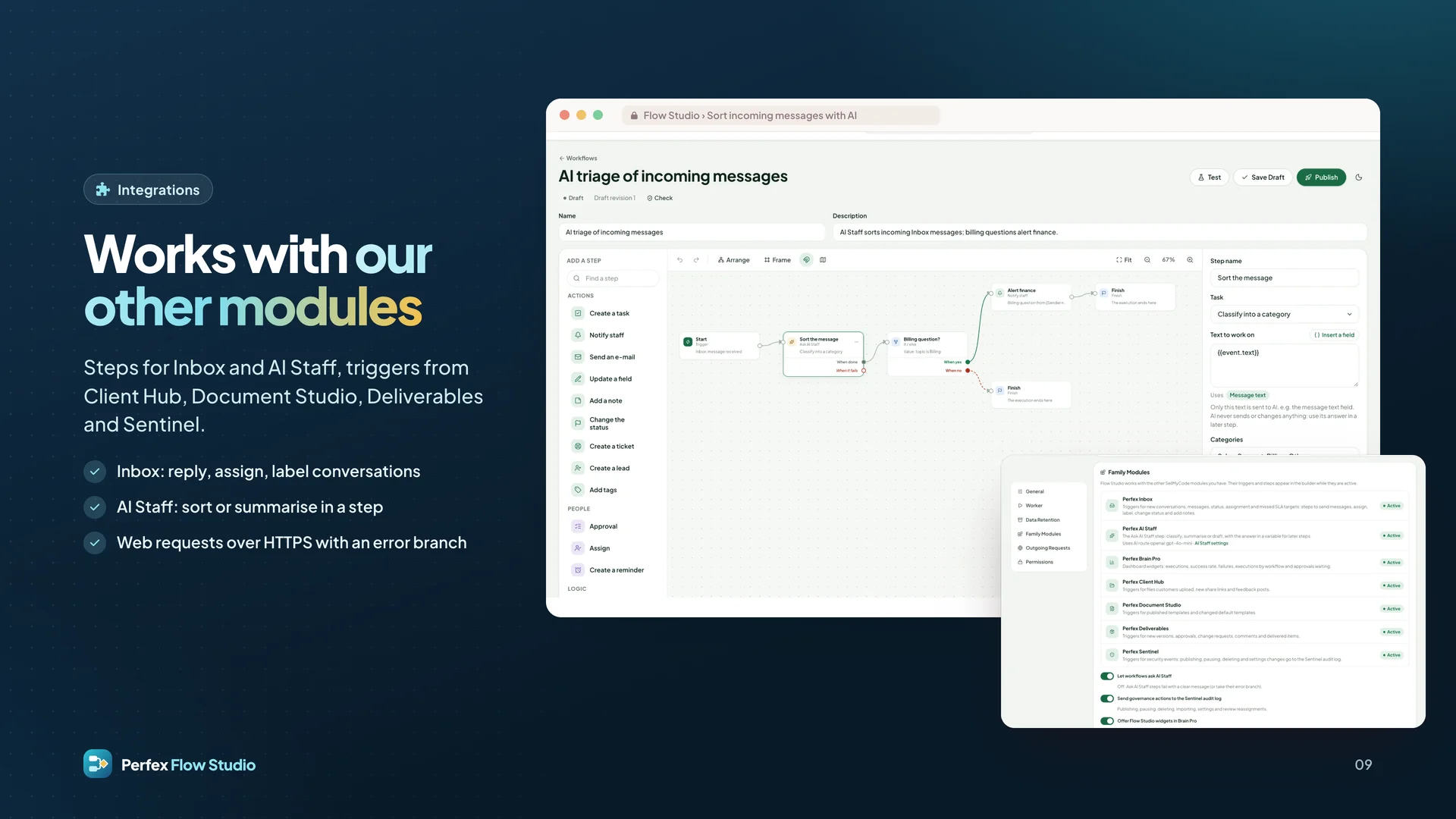
Integrations
- Fixed: the builder no longer fails to open when another module registers step options or trigger fields in a
  shorter form; such triggers now offer their fields by name
- New texts in all 9 languages
License checks name the product:
- Every license call (activate, check, pause) now sends Flow Studio's sellmycode.net item id, as sellmycode.net requires
- A purchase code bought for another product, or an unknown one, only shows "This purchase code is not valid for
  Perfex Flow Studio." It is never activated; the detailed reason is written to Perfex's application log for administrators
- An activation made by an older version with another product's purchase code is paused automatically and removed
  from this install; enter your Flow Studio purchase code to switch Flow Studio back on


 0 Viewing now
Live buyer activity
0 Viewing now
Live buyer activity

Pick 3 of SamSan’s items to unlock 10% off your total.
Everything you pick is added to your cart when you tap the button below.
Last update:
24 Oct, 2026
Published:
16 Oct, 2026
Version:
Category:

Hvillas – Architecture & Interior React Vite Template. A perfect design for business. If you are envisioning a Construction business and looking for an attractive online presence, Hvillas is the ideal...

Milano is a modern WooCommerce WordPress theme engineered for online stores that need to convert. Built from the ground up for eCommerce, it ships a complete stack of sales-driving features — FOMO too...

Influx – Influencer Marketing & Social Media Platform PHP Script and Flutter Full Application.Influx is a premium, ready-to-deploy influencer marketing and social community platform built on Laravel a...
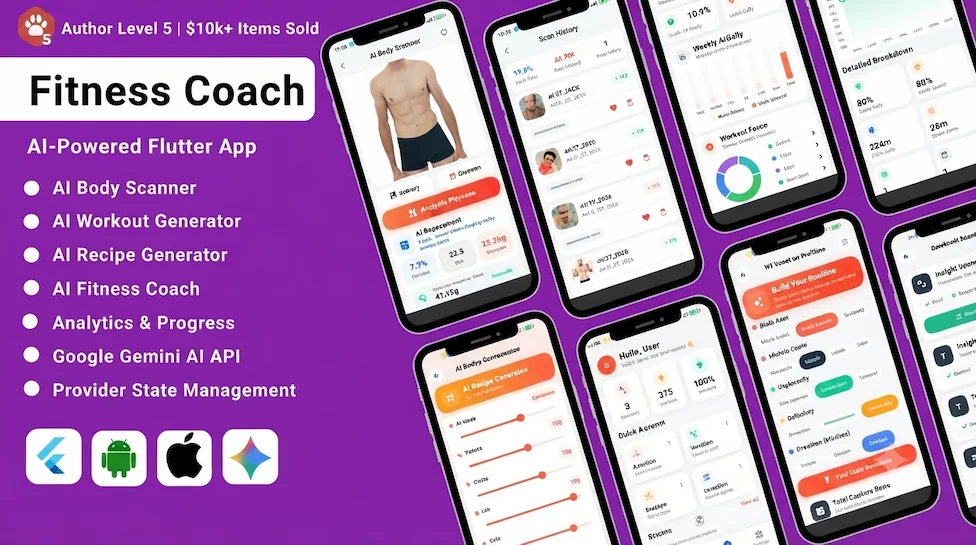
This package provides a complete ZenMove | AI-Powered Fitness Coach Flutter App built with modern UI/UX and Google Gemini AI integration. The app allows users to analyze body composition from photos,...

CMS Villa is a responsive and user-friendly content management system (CMS) for building business websites. It is built with the Laravel PHP framework. Create a variety of modern website pages, includ...

Repair module for UltimatePOS helps with complete repair service management of electronic goods like Cellphone, Computers, Desktops, Tablets, Television, Watch, Wireless devices, Printers, Electronic...

Manufacturing is the process of converting raw materials by hand or by machine to final products, which can be sold to customers. This module helps you with the complete manufacturing process, that is...







 Google
 Github
 From Unknown Location
 Elite Seller
 Trend Master
 Featured Item