1.1.0 — Assets and equipment
New: Assets (own menu entry and a section in Product Hub)
- Asset register: tag numbered from your own pattern (for example IT-{YY}-{SEQ:4}), name, category, model, serial,
  optional catalog product, supplier and purchase order, purchase date, cost and currency, warranty end, location and
  warehouse, status (in stock, assigned, in repair, lost, retired, disposed), photos and documents in private storage,
  and custom fields per category
- Check-out and check-in to a staff member, a customer (rented or loaned equipment), a project or a location, with due
  date, condition and notes. Receipt is confirmed without a signature: the staff member clicks I Received This under
  My Equipment, or the issuer types who confirmed at hand-over. Full history per asset on its timeline
- Maintenance: plans every N days or months or on a date, which create the work order ahead of time, and ad hoc work
  orders with cost, vendor and downtime; Perfex notifications for maintenance due, due back, overdue and warranty
  ending; overdue pills in every list
- Depreciation: straight line and declining balance (switching to straight line at the end), useful life, salvage
  value, monthly schedule per asset and a book value report as of any month, with CSV export
- Audits: count the assets at a location or warehouse by scanning their labels (USB/Bluetooth scanner, typed tag or
  the camera); results found, missing and found elsewhere; on closing, mark missing ones lost and move the others
- Labels: printable A4 sheet (3 × 7) with QR code and Code 128, as a page or a PDF
- Overview with assets value, assigned, due back, maintenance due and warranty ending; filters; CSV export
  (formula-safe) and CSV import with a check first and undo
- Switching from another asset module: read-only import from three widely used Perfex asset modules (listed on the
  Import screen), with a dry run, one batch per run, undo by batch and no duplicates on a second run. The other
  module is never changed
Permissions
- New group Product Hub Assets: View Assets, Manage Assets, Check Out and In, Maintenance, Audits. Any of them can read
  the register. Customer and project holder names follow Perfex visibility
Family
- AI Staff: Find Assets, Assets Due Back and Asset Maintenance Due (read only). Brain Pro: four asset widgets. Flow
  Studio: triggers asset checked out, asset overdue and asset maintenance due. Connect: read-only resource pph_assets
- For accounting modules: monthly depreciation entries (filter pph_asset_depreciation_entries) and a posted record
  (action pph_asset_depreciation_posted)
Upgrade
- From 1.0.5 or older: replace the files, then Setup › Modules › Upgrade Database (or open any admin page); new tables
  only, nothing is removed. Give staff the new Product Hub Assets permissions under Setup › Staff › Roles
1.0.5 — fix: Flow Studio steps and triggers
Fixed
- Flow Studio: the Catalog step's Direction and Field choices and the Stock changed trigger's fields are registered in
  the format Flow Studio documents, so they show with their labels in the flow builder without relying on Flow
  Studio converting them. Existing flows keep working unchanged
Upgrade
- From 1.0.4 or older: replace the files, then Setup › Modules › Upgrade Database (or open any admin page); nothing is
  removed
1.0.4 — fix: SKU identity setup on fresh installs
Fixed
- Sales › Set Up SKU Field created the Perfex items custom field hidden from the items table, which Product Hub's own
  check does not accept: on a fresh install the identity was never found afterwards (invoices asked to set it up again,
  and a second setup asked to repair the field). The field is now created visible on the items table
- Existing installs are repaired automatically on upgrade (and by Set Up SKU Field): Product Hub's own SKU field is
  switched to "show on table". Other custom fields, and a field an administrator switched off, are left alone
Upgrade
- From 1.0.3 or older: replace the files, then Setup › Modules › Upgrade Database (or open any admin page); nothing is
  removed
1.0.3 — AI Staff answers sales, profit and stock questions
AI Staff (with Perfex AI Staff active)
- Four new read tools: Product Hub Sales (units and revenue by product, variant, category, customer, warehouse or
  sales channel, top N), Product Hub Profit (revenue, cost of goods sold, gross profit and margin % by product,
  variant, category, order or customer), Product Hub Stock Value (on hand, reserved, available and value per
  warehouse) and Product Hub Stock Movers (best sellers, slow movers, days of cover, dead stock)
- Same numbers as Reports › Margin, Stock and Dead Stock: delivered invoice lines, revenue net of discounts and
  without tax, cost of goods fixed at delivery; amounts stay in the invoice currency
- Any period (today, yesterday, this or last week, month, quarter, year, or your own dates) in the company timezone,
  compared with the previous period
- Every answer follows the asking person's rights: "view own" staff see only their own products; sales and profit need
  invoice and customer view (like the Margin report); costs, profit and stock value need the permission Receive,
  reserve and dispatch stock, otherwise the answer gives quantities and revenue and says costs are hidden
- Chat suggestions "Top 5 products this month" and "Profit this month by category" for people who may use them
Upgrade
- From 1.0.2: replace the files, then Setup › Modules › Upgrade Database (or open any admin page); nothing is removed
1.0.2 — Shopify OAuth install, nine languages, family look
Shopify
- New authentication mode "OAuth Install (Authorization Code)" for stores in another Shopify organization: a
  single-use, session-bound authorization link valid for ten minutes, HMAC-verified callback, expiring offline token
  and refresh token stored encrypted, rotation under a per-connection lock, re-authorization when a refresh is refused
  or uncertain; stock holds stay in place
- The connection page shows the exact Shopify redirect URL; OAuth needs Perfex on a public HTTPS address
Interface
- Same look as our other modules (Brain Pro, Connect, Sales Growth): product mark, pill tabs, compact table actions,
  tables as cards on phones, light and dark in step with Brain Pro
- Interface in nine languages: English, Spanish, Portuguese (Brazil), French, German, Italian, Dutch, Turkish, Russian
WooCommerce companion plugin 1.0.2
- Every message is translatable (text domain pph-stock) and the plugin ships languages/pph-stock.pot

1.0.1 — Shopify Dev Dashboard apps
- Shopify Dev Dashboard Client ID/secret authentication with an encrypted 24-hour token, refreshed early and once
  after a rejected token; existing legacy token connections keep working
- Shopify 2026-10 inventory compare-and-set (changeFromQuantity) with held-pool recovery
- Companion plugin 1.0.1: split source, HPOS declaration, WordPress coding standards, documented uninstall policy
- Tested against real WooCommerce stores (HPOS on and off) and a Shopify development store

1.0.0 — first release
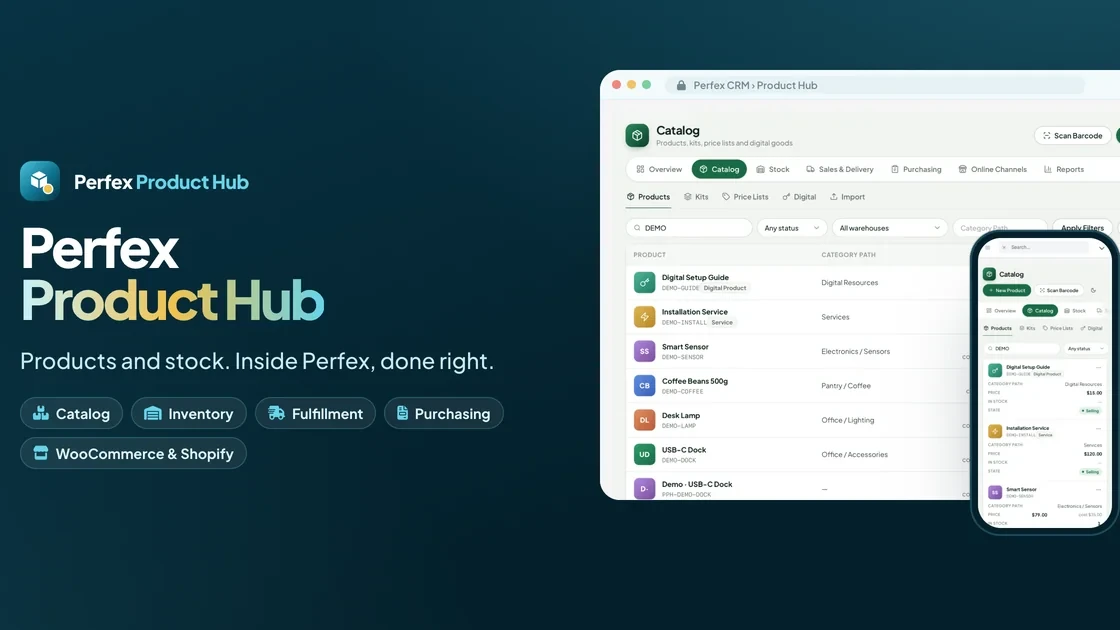
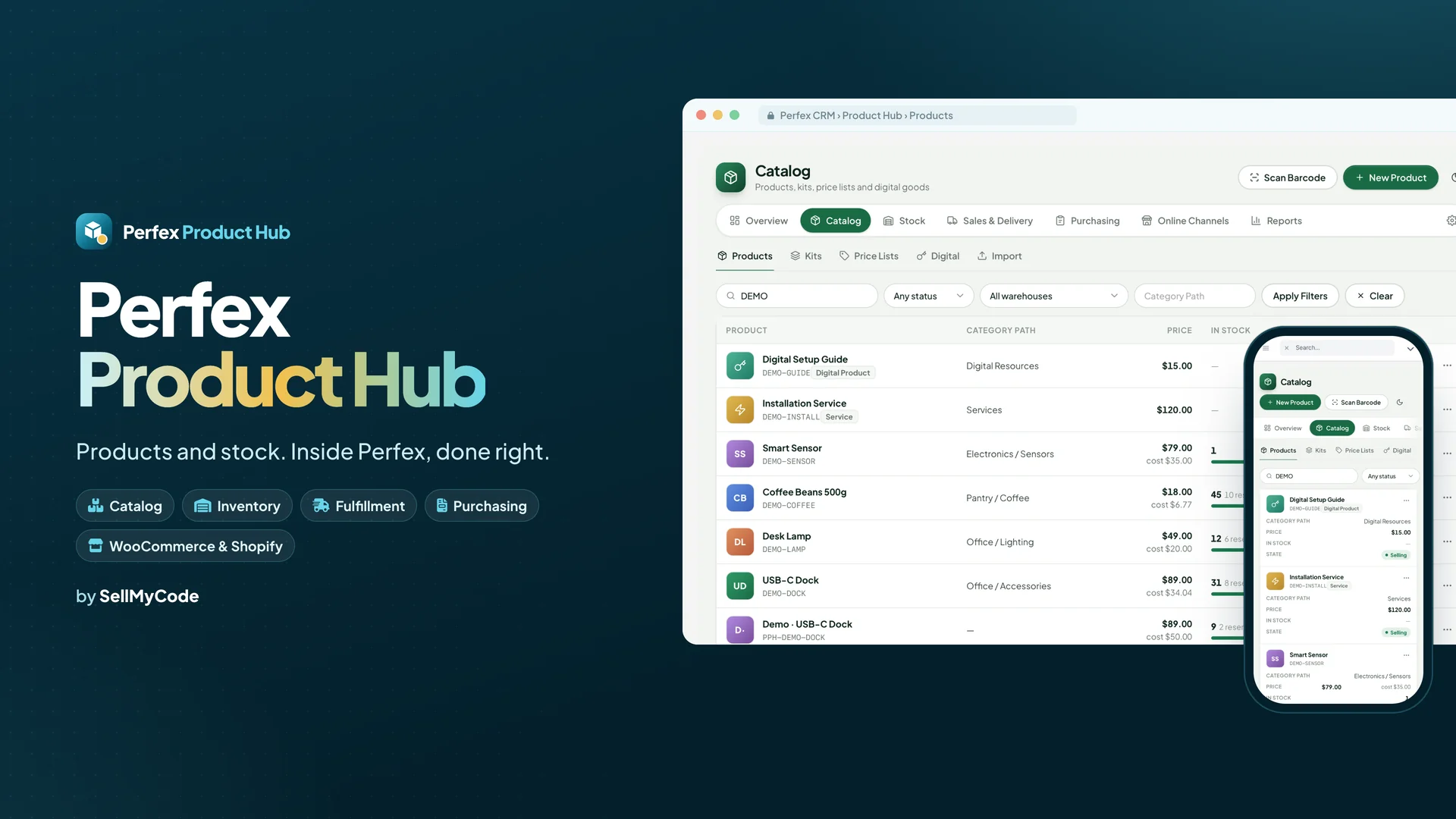
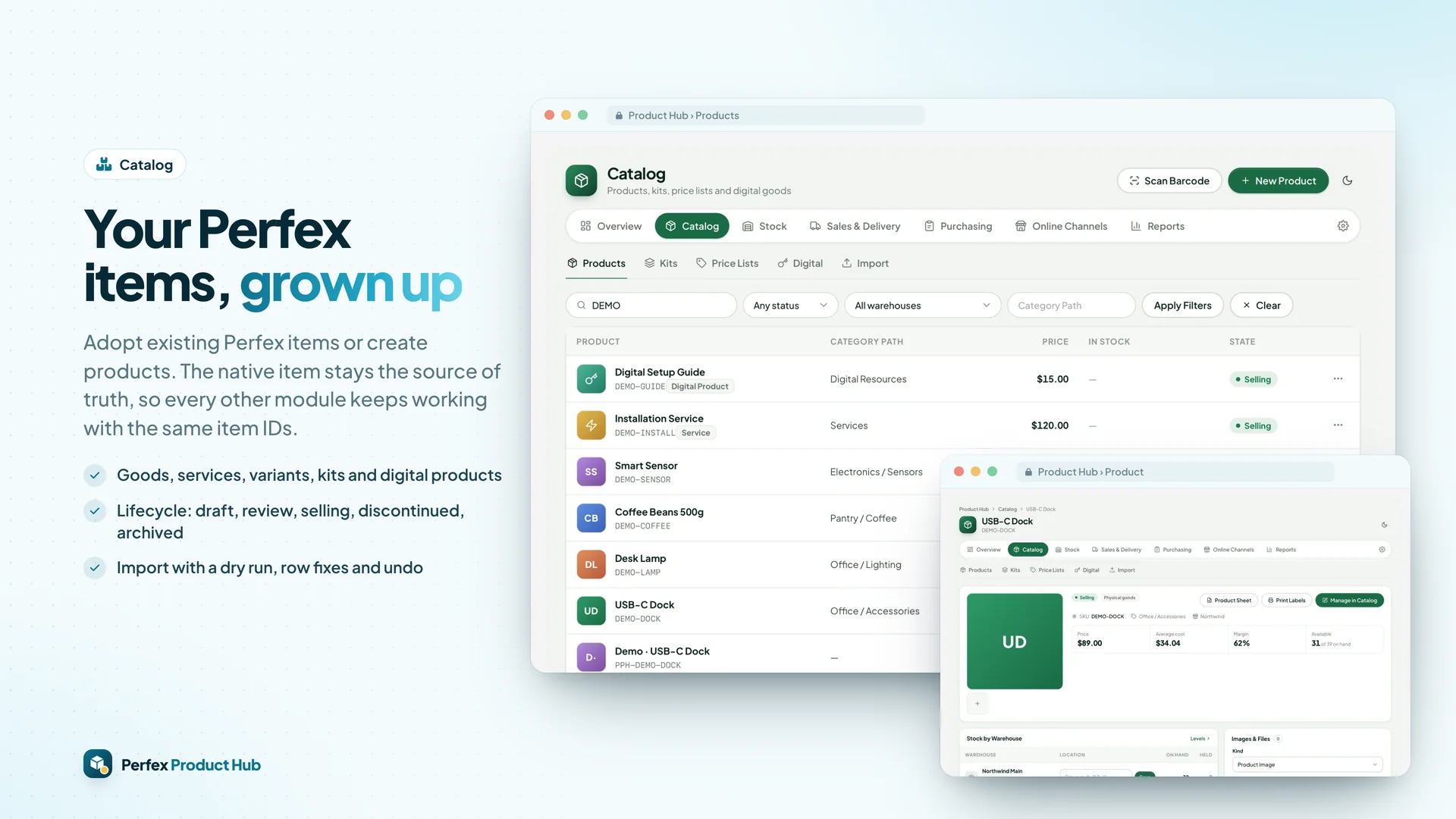
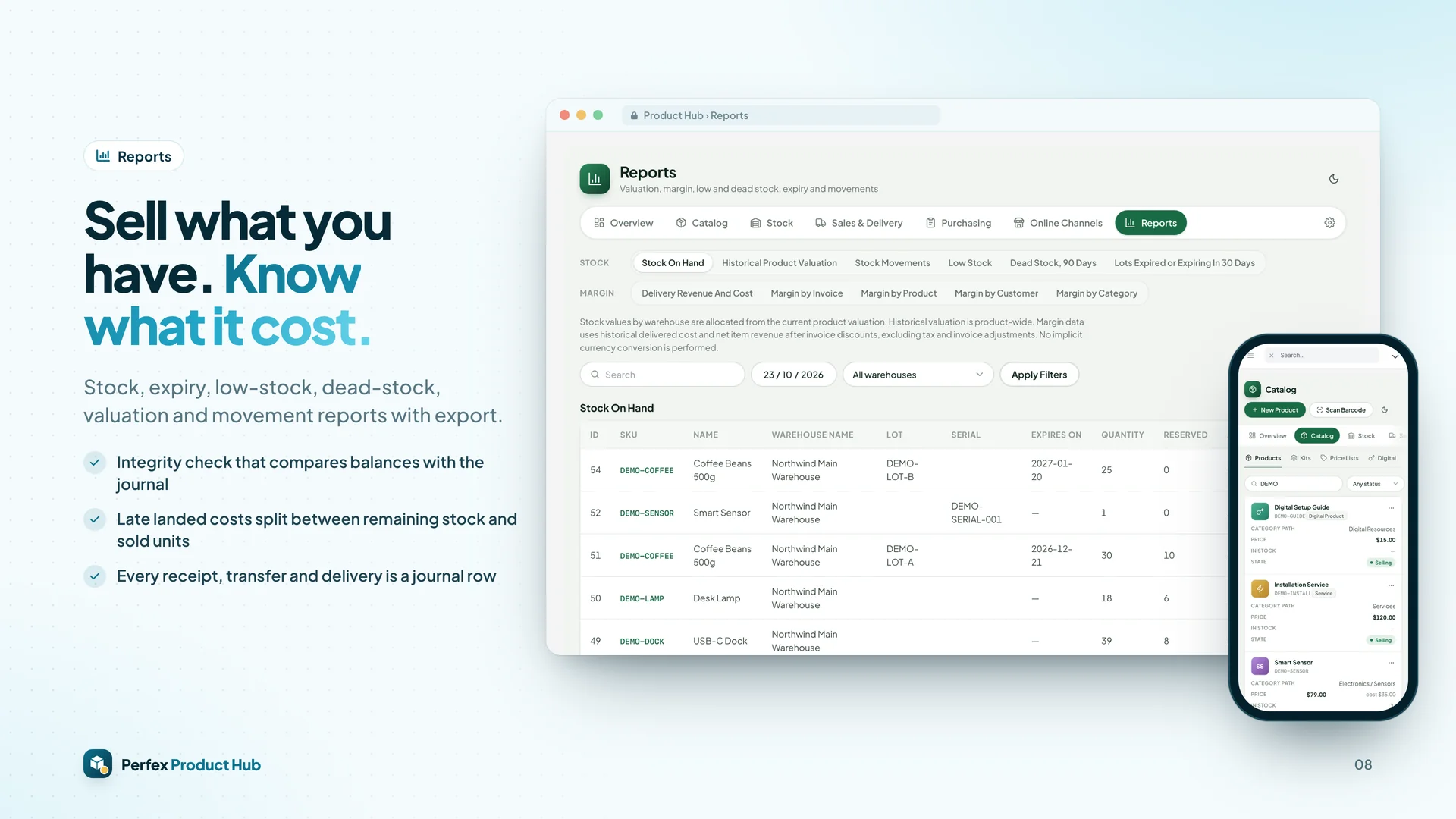
- Catalog on native Perfex items: goods, services, variants, kits, digital products, lifecycle approvals, price lists
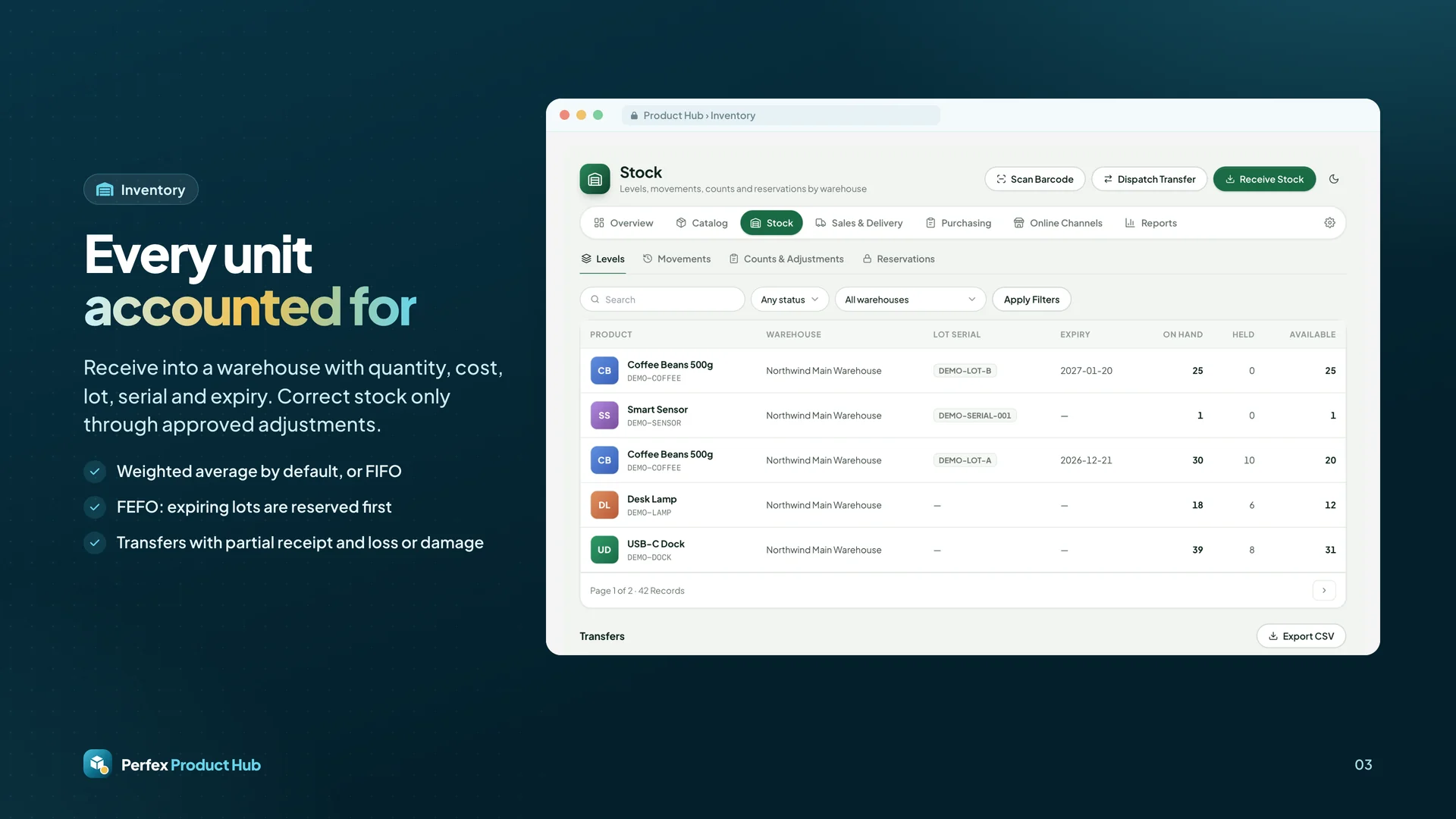
- Warehouses, bins, lots, serials, expiry, transfers, counts, approved adjustments, weighted average or FIFO, landed
  costs, integrity check and stock reports
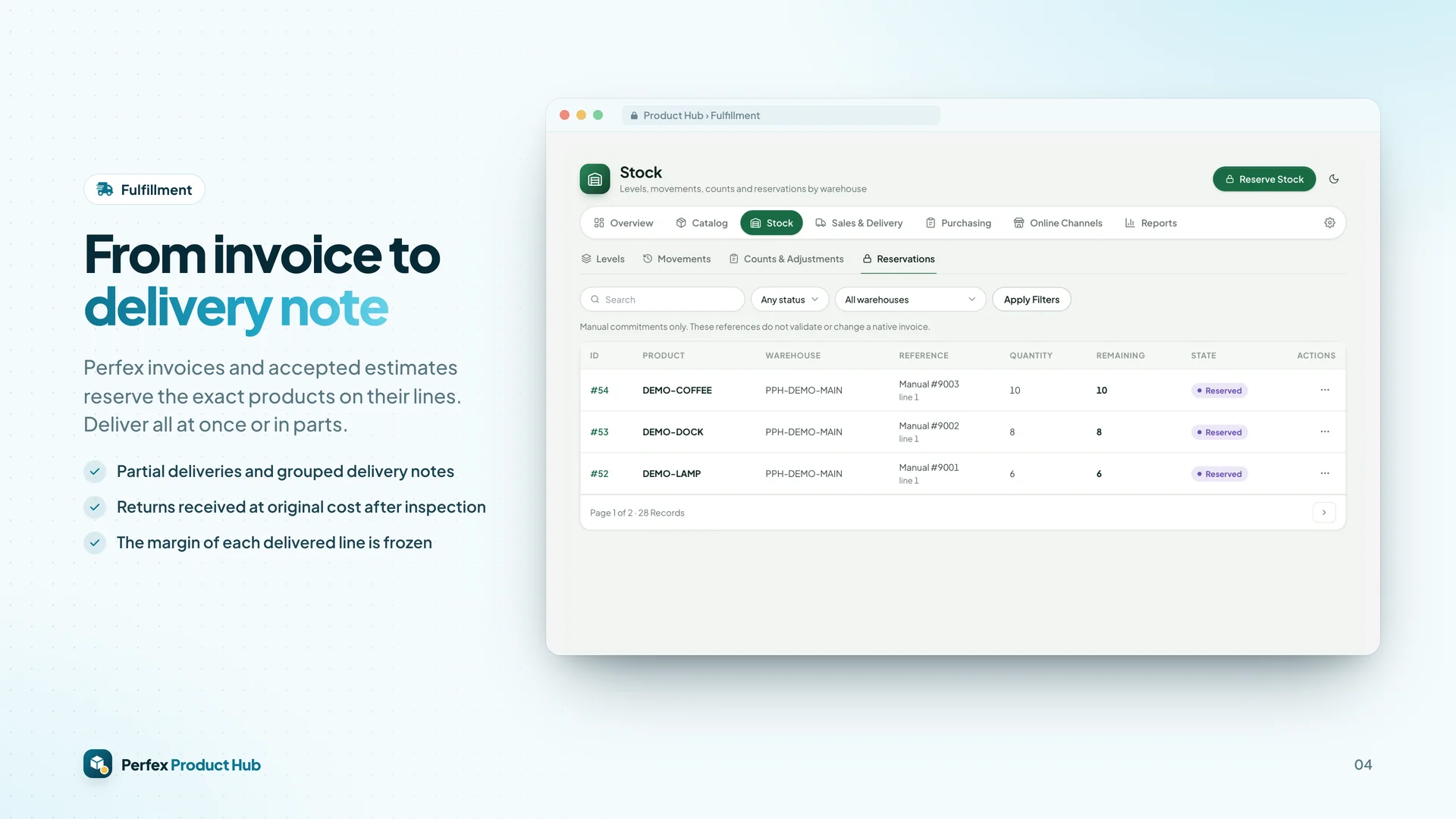
- Reservations from invoices and estimates, partial deliveries, delivery notes, returns, frozen margins
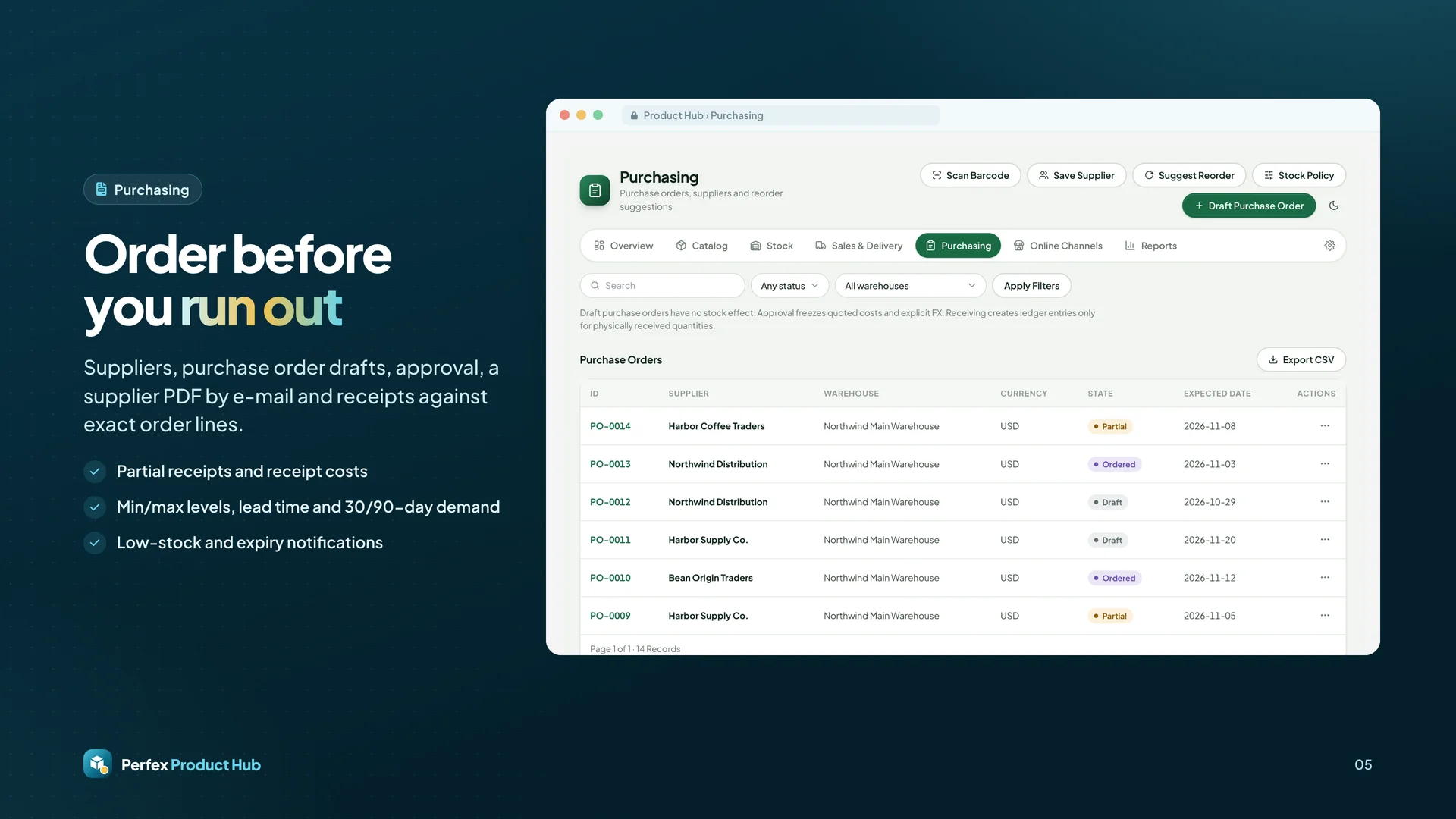
- Suppliers, purchase orders, receipts and reorder suggestions; CSV/XLSX imports with undo; labels and scanning
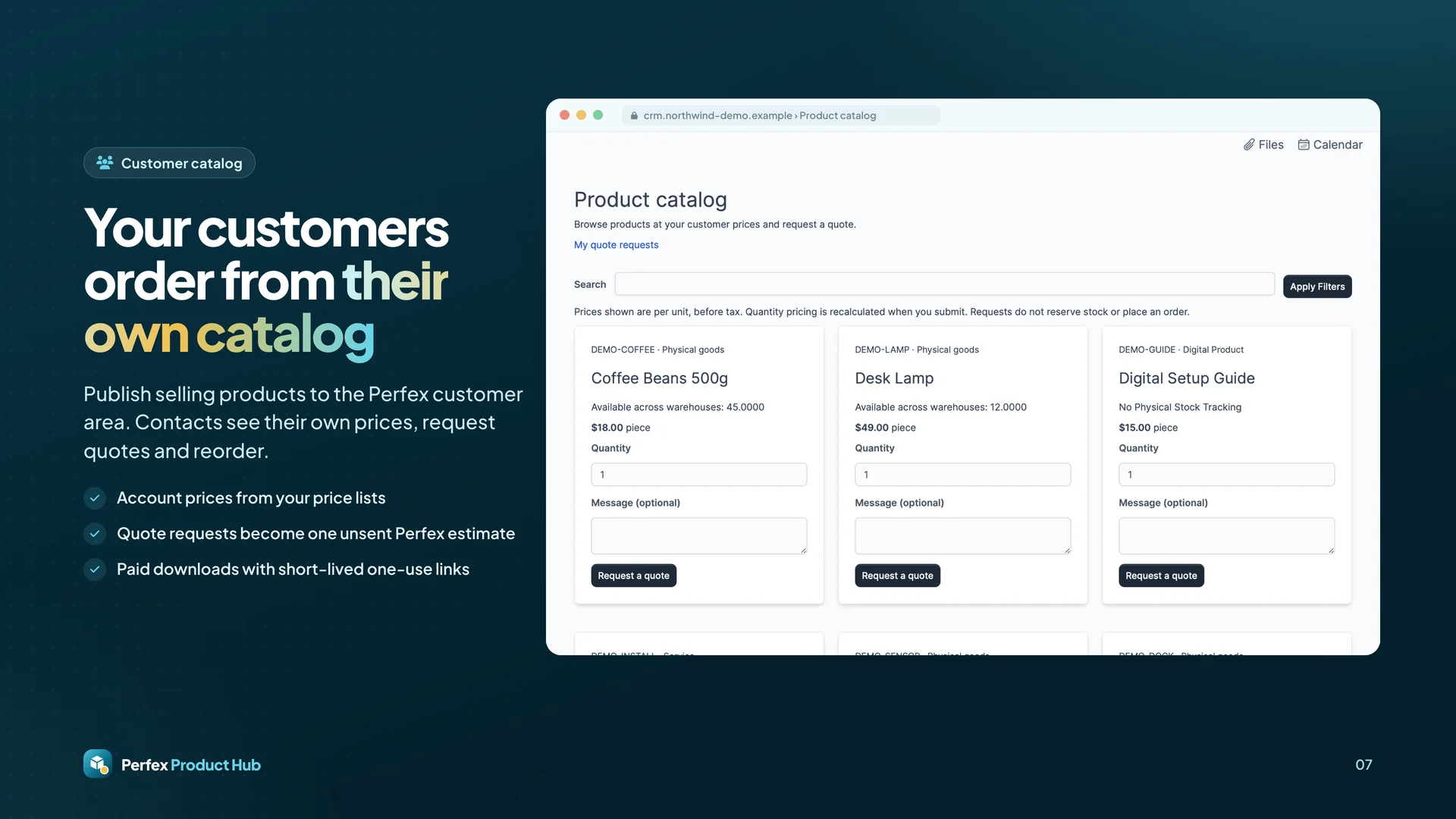
- Customer catalog, quote requests, reorders and paid digital downloads
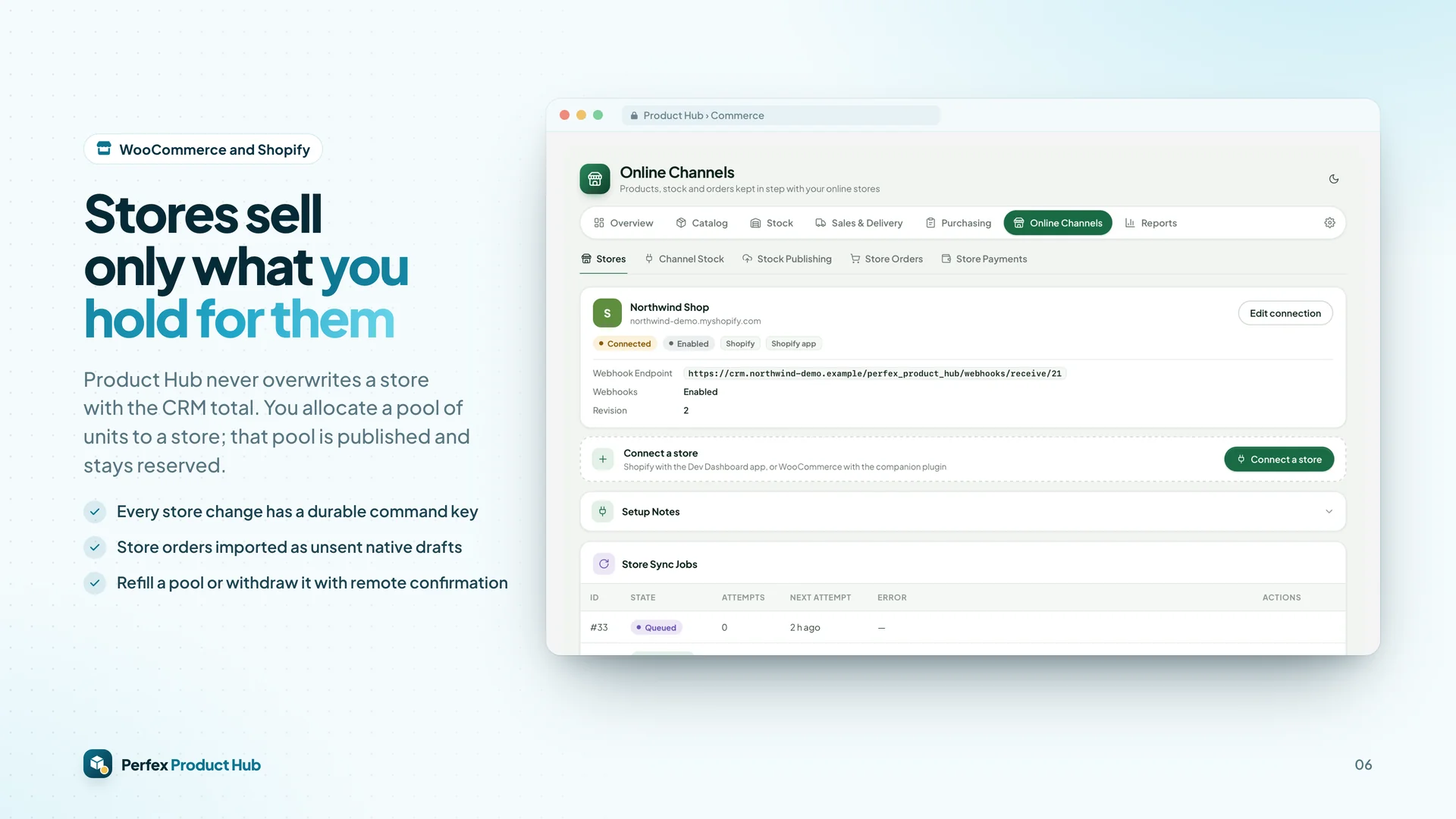
- WooCommerce and Shopify held stock pools, order import as unsent drafts, reviewed payments and field sync
- Optional integrations with Brain Pro, Cash & Capacity, AI Staff, Flow Studio, Connect, Document Studio, Inbox,
  Client Hub and Deliverables


 0 Viewing now
Live buyer activity
0 Viewing now
Live buyer activity

Pick 3 of SamSan’s items to unlock 10% off your total.
Everything you pick is added to your cart when you tap the button below.
Last update:
25 Oct, 2026
Published:
23 Oct, 2026
Version:
Category:
Framework:
Tags:

Marta is a super modern Figma template designed for conference and events websites. It comes with a clean, stylish, and professional user interface, specially crafted for event management companies, c...

Trovo bundles an AI itinerary generator, a multi-vendor tour marketplace, subscription billing (Stripe + PayPal), and a full admin panel into a single Next.js 16 app. Deploy it as a consumer trip plan...

Printop is a modern, professional, and feature-rich WordPress theme designed specifically for print shops, printing companies, design studios, signage businesses, packaging services, copy centers, com...

This platform uses AI-powered features (content generation, subject line suggestions, analytics insights) that connect to external AI providers. AI API usage costs are NOT included in the purchase pri...

Repair module for UltimatePOS helps with complete repair service management of electronic goods like Cellphone, Computers, Desktops, Tablets, Television, Watch, Wireless devices, Printers, Electronic...

ConsPoint is a responsive content management system (CMS) for building and construction websites. It is built with the Laravel framework. Create a modern website for construction, architecture, or bui...

QuickVcard is a PHP Laravel script for building digital business card SaaS platforms. It is designed for businesses and individuals who want to create contactless digital business cards. Create digita...







 Google
 Github
 From Unknown Location
 Elite Seller
 Trend Master
 Featured Item