






 Google
 Github
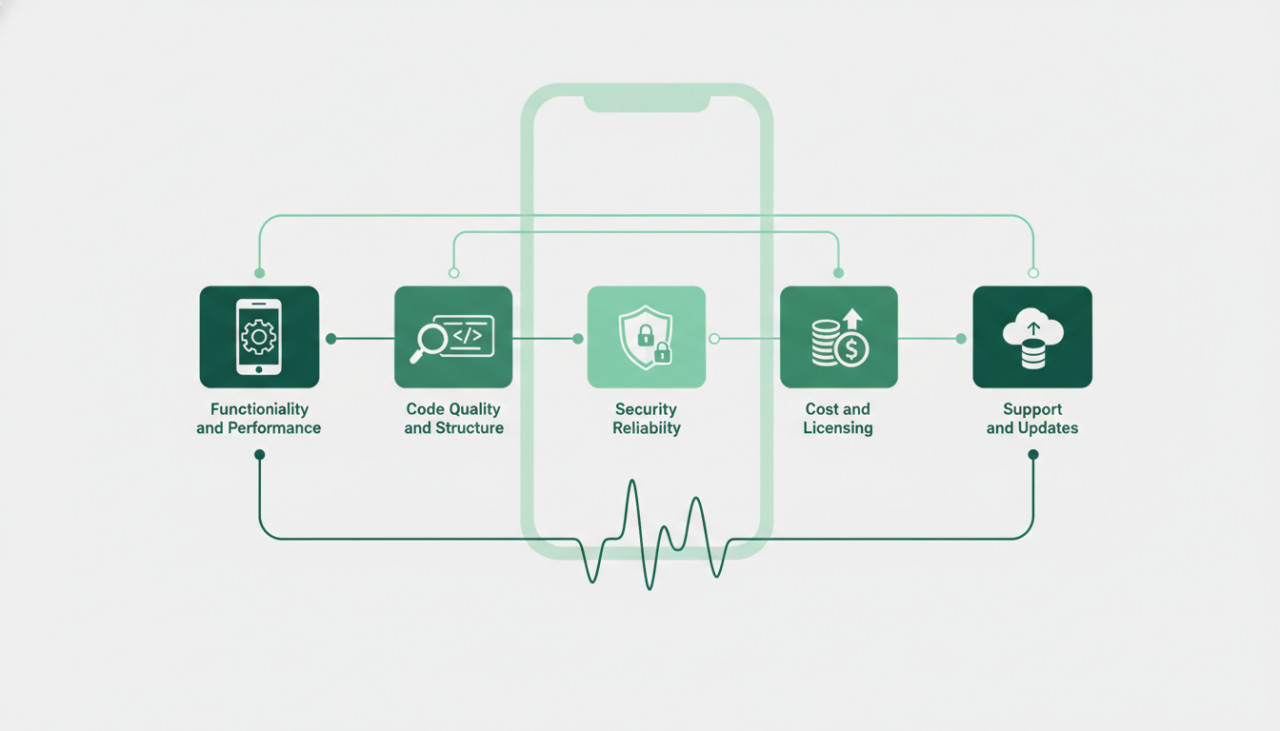
5 Critical Factors to Evaluate Before Buying a Mobile App Template
Buying pre-built app templates is one of the fastest ways to launch a mobile application without starting from scratch. Whether you are an entrepreneur looking to test a new business idea or a developer aiming to accelerate client work, app templates provide a solid foundation. However, not all app templates are created equal. To ensure a smooth launch and avoid costly refactoring, here is a comprehensive checklist of what to evaluate before purchasing your next mobile app template on SellMyCode.
1. Codebase Architecture and Framework Compatibility
First and foremost, verify the technology stack used in the template. Is it built with Flutter, React Native, Swift, or Kotlin? Cross-platform frameworks like Flutter and React Native offer the advantage of a single codebase for both iOS and Android, which significantly reduces maintenance overhead and development costs.
Beyond the framework, inspect the state management and architectural pattern used in the template. Clean architecture makes it much easier to customize features, integrate APIs, and scale the application later. Look for templates that clearly document their state management architecture, such as BLoC or Provider for Flutter, or Redux and Context API for React Native projects.
2. Quality of Documentation and Setup Guides
High-quality code is difficult to work with if you cannot get it running easily on your machine. Comprehensive documentation is the hallmark of a professional developer. Before purchasing, check the product description to see what kind of documentation and support resources are included with your download.
- Clear step-by-step setup instructions for setting up local development environments.
- Configuration guides for essential third-party services like Firebase, Stripe, or Google Maps.
- Detailed explanations of the project folder structure and key core components.
- Video walkthroughs showing installation, API key configuration, and app deployment processes.
If a seller provides detailed setup guides, you will spend far less time troubleshooting build errors and configuring environment dependencies.
3. Backend Integration and API Readiness
Many app templates come pre-integrated with popular backend solutions such as Firebase, Supabase, or custom REST APIs. Consider whether the template includes a fully functional, ready-to-use backend or if it only provides frontend user interface components with static mock data.
If you need advanced features like user authentication, push notifications, real-time database updates, or payment processing, choosing a template with built-in integrations will save you hundreds of development hours. Ensure that mock data can easily be replaced with live backend API endpoints without breaking existing screen layouts or user flows.
4. Licensing Terms and Commercial Use Rights
Before completing your transaction, thoroughly review the licensing terms offered on SellMyCode. Digital product licenses generally fall into standard, extended, or agency categories, depending on how you plan to use and monetize the application.
- Standard License: Best suited for single personal or commercial projects where end users are not charged to download or use the app.
- Extended License: Required if you intend to publish an app where users pay to download the app or purchase in-app subscriptions.
- Developer License: Ideal for freelancers and digital agencies offering custom app development services to multiple clients.
Choosing the correct license upfront protects your business from potential legal complications and copyright disputes down the road.
5. Seller Support and Update Frequency
Software dependencies evolve rapidly in mobile development. Operating system updates, framework upgrades, and deprecated third-party libraries can quickly break an unmaintained app template. Inspect the product details for the seller update history and community feedback.
A template that has received regular updates over the past few months indicates an active developer who maintains compatibility with the latest iOS and Android SDKs. Additionally, verify if the seller offers direct customer support to assist buyers with initial configuration setup or potential code bugs.
Conclusion
Purchasing a mobile app template on SellMyCode can accelerate your product development timeline by months and save thousands of dollars in engineering resources. By carefully evaluating code structure, documentation quality, backend readiness, licensing parameters, and seller support, you can make a smart purchasing decision and build a successful mobile product with total confidence.
Comments (0)