






 Google
 Github
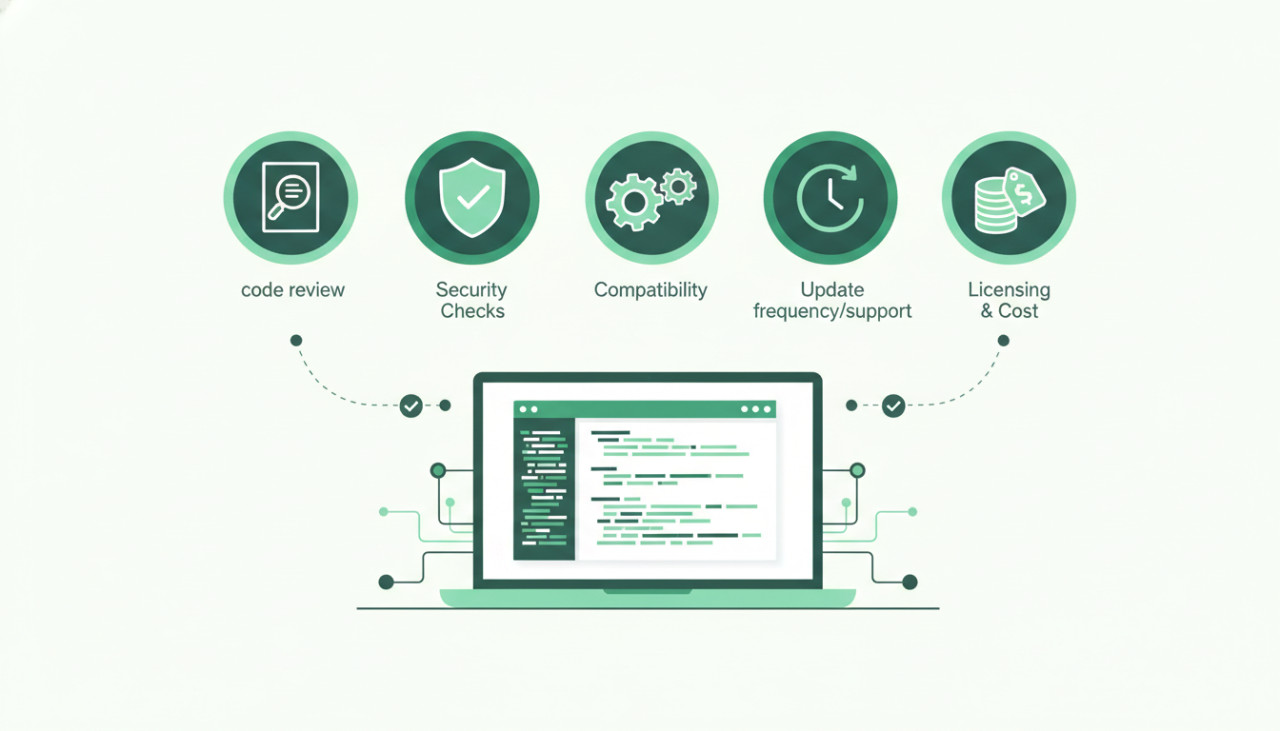
Purchasing ready-made source code, mobile app templates, and plugins is one of the fastest ways for entrepreneurs, agencies, and developers to bring ideas to market. Instead of spending months building foundational features from scratch, you can deploy a functional base within days. However, not all source code is created equal. Making an uninformed purchase can result in technical debt, security risks, or costly rewrites.
Before you hit checkout on your next script or template on SellMyCode, here are five critical factors to review to ensure your investment pays off.
1. Technology Stack Compatibility and Framework Versions
Before purchasing any asset, confirm that the underlying technology stack aligns with your team skills and long-term project requirements. A beautifully designed Flutter app is of little use if your development team only specializes in native Swift and Kotlin.
- Check the framework version to ensure it uses a modern, supported release (for example, React Native 0.70+, Flutter 3.x, or PHP 8+).
- Verify third-party library dependencies to ensure the author is not relying on abandoned packages.
- Ensure the backend infrastructure matches your hosting preferences, whether that is Firebase, Node.js, Laravel, or Python.
2. Code Cleanliness and Architectural Structure
Well-architected source code saves hundreds of debugging hours down the line. Look through preview screenshots, live demos, or sample files provided by the author to gauge the overall architecture.
- Look for clean architectural patterns such as MVC, MVVM, or Bloc pattern in mobile apps.
- Ensure the code includes inline comments explaining complex business logic.
- Check whether UI components are modular and decoupled from API calls, making custom styling easier.
3. Quality and Completeness of Documentation
Comprehensive documentation is often the difference between a one-hour setup and days of configuration frustration. High-quality code products always come with step-by-step guides.
What to Look for in Documentation:
Ensure the package contains detailed instructions covering local environment setup, dependency installation, API key configuration, payment gateway integration, and app store deployment guidelines. If the documentation includes video tutorials or troubleshooting FAQs, it is a strong indicator of a committed seller.
4. Update History and Author Support
Operating systems, app store policies, and browser standards evolve constantly. A template that was pristine twelve months ago might fail app store submission today if it has not been updated with current SDK requirements.
- Check the product changelog to verify regular maintenance and bug fixes.
- Review the author support policy to confirm how quickly they respond to buyer queries.
- Read buyer ratings and reviews to see how well the author handles technical issues and edge cases.
5. Licensing Rights and Scalability Potential
Different business models require different licensing terms. Before integrating code into a commercial product, make sure your planned usage matches the license provided by the marketplace.
- Confirm whether the license allows a single deployment or multiple commercial instances.
- Check if reselling the end product as a SaaS solution or client project is permitted under your selected tier.
- Ensure the database schema and API endpoints are built to scale as your user base expands.
Conclusion: Accelerate Development the Smart Way
Buying pre-built digital products on SellMyCode gives you a massive competitive advantage by cutting development time and reducing costs. By taking a few minutes to evaluate the tech stack, documentation, updates, and licensing, you can confidently choose templates and scripts that provide a rock-solid foundation for your business.
Comments (0)