






 Google
 Github
Introduction
Building a mobile application entirely from scratch requires hundreds of hours spent on coding, user interface design, and bug testing. For developers, entrepreneurs, and digital agencies, this traditional development path can severely delay market entry and consume substantial upfront capital. Purchasing pre-built mobile app templates on SellMyCode offers a powerful shortcut, enabling you to launch functional applications in a fraction of the usual time.
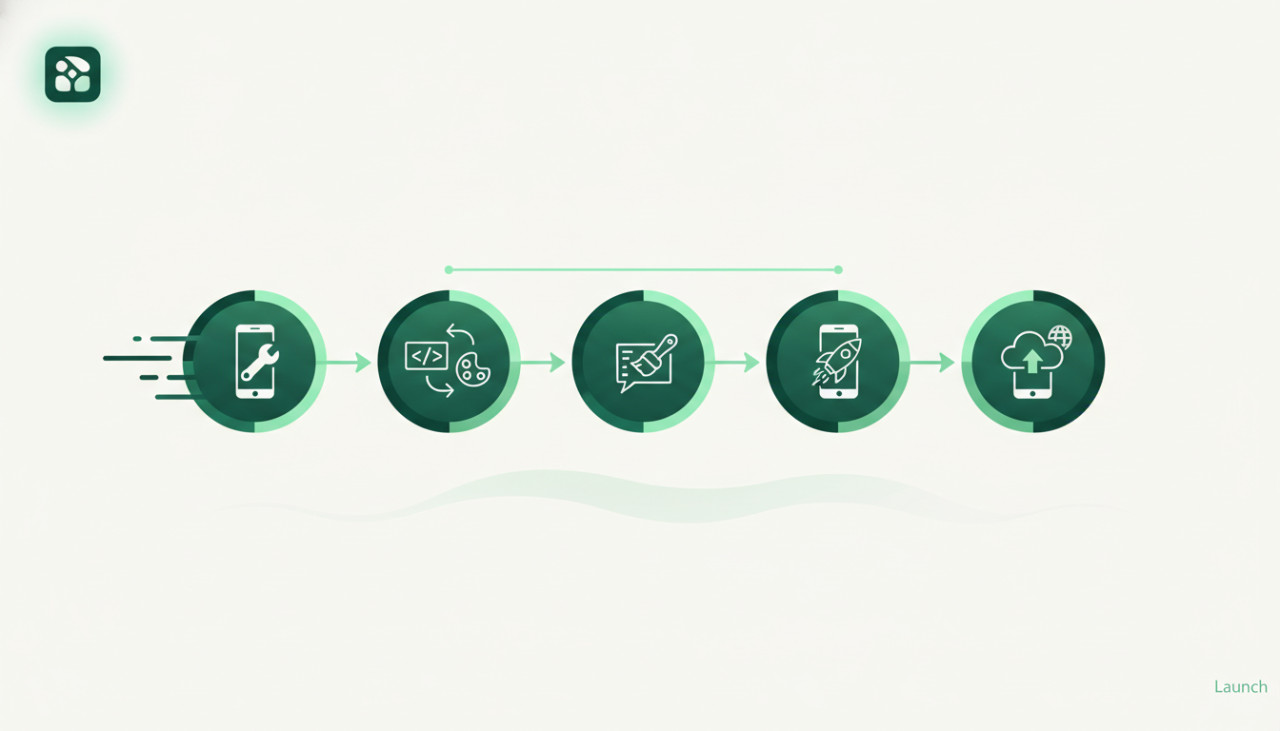
However, acquiring a source code script is only the first step of the journey. To stand out in competitive app marketplaces and build brand equity, you must effectively reskin and customize the codebase. Here is a comprehensive step-by-step guide to turning a premium app template into a unique, production-ready mobile application.
1. Select the Right App Template
The overall success of your project depends heavily on choosing a clean, well-documented source code package. When browsing SellMyCode, focus on software assets that align closely with your core feature requirements rather than just visual aesthetics.
- Verify framework compatibility such as Flutter, React Native, iOS Swift, or Android Kotlin.
- Review developer ratings, update frequency, and buyer comments.
- Ensure comprehensive documentation and installation guides are included.
2. Customize Visual Branding and Assets
To prevent your application from appearing as an identical clone of existing marketplace projects, complete visual customization is essential. A fresh aesthetic builds user trust and helps satisfy Google Play and Apple App Store policies regarding repetitive content.
Key Visual Modifications
- Design an original app icon, logo, and splash screen animation.
- Modify primary, secondary, and background color palettes within global style sheets.
- Replace placeholder graphics, vector icons, and onboarding media with unique assets.
3. Configure Backend Infrastructure and APIs
Modern application templates rely heavily on cloud services such as Firebase, AWS, or custom RESTful APIs. Replacing the seller's default sandbox credentials with your own server environment is critical for operational functionality and end-user security.
Follow the included setup documentation carefully to connect your personal Firebase database, generate push notification keys, and set up third-party services like Stripe, PayPal, or Google Maps.
4. Refactor Package Names and Identifiers
Before generating your release build, update all default bundle identifiers and package names in the source code. Failing to change these unique IDs will result in build errors or deployment rejection from digital stores.
- Update the Android Package Name in your project manifest and build files.
- Modify the iOS Bundle Identifier in Xcode settings.
- Rename root code namespaces and bundle keys where appropriate.
5. Conduct Comprehensive Testing
Even though digital source codes on SellMyCode are functional upon purchase, your customized assets, code edits, and backend parameters can introduce unexpected errors. Thorough quality assurance across physical hardware is vital before publishing.
Essential Pre-Launch Testing Checklist
- Test account registration, social authentication, and password recovery procedures.
- Confirm in-app purchases and subscription payment flows using sandbox accounts.
- Verify push notifications and location services across diverse operating system versions.
Conclusion
Reskinning a mobile app template from SellMyCode is one of the most efficient and cost-effective methods to launch software products into the market. By choosing a solid codebase, establishing original branding, securely configuring backend services, and testing rigorously, you can publish a professional application in a matter of days. Explore the digital catalog on SellMyCode today to find the perfect template for your next launch.
Comments (0)