






 Google
 Github
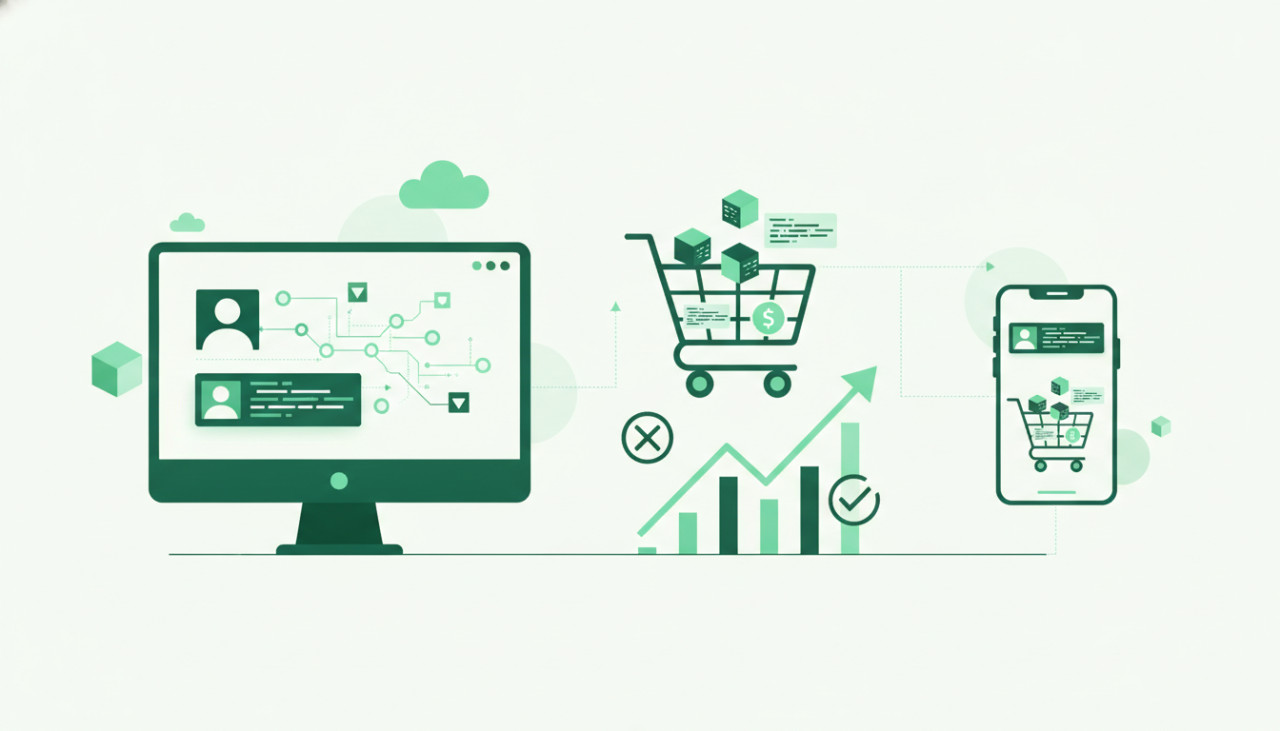
Introduction: Your Digital Storefront Matters
On a bustling marketplace like SellMyCode, your product listing isn't just a description; it's your virtual storefront. It's the first, and often only, chance you get to captivate potential buyers, communicate the value of your work, and ultimately, convert a browse into a sale. A hastily put-together listing can hide even the most brilliant code, while a meticulously crafted one can elevate a solid product to best-seller status. Let's dive into how you can create listings that don't just sit there, but actively sell your incredible digital products.
The Anatomy of a High-Converting Listing
1. The Product Title: Your First Impression
Your title is the hook. It needs to be clear, concise, and keyword-rich, telling buyers exactly what your product is and what problem it solves at a glance. Avoid jargon where possible, and focus on the benefit. Instead of "MyCoolScript v2.0", consider "Dynamic Image Gallery WordPress Plugin with Lazy Load" or "Modern Admin Dashboard Template - React & Material UI".
2. The Product Description: Tell a Story, Solve a Problem
This is where you elaborate. Don't just list features; explain benefits. How does your script save time, improve performance, or enhance user experience? Structure your description logically:
- The Hook: Start with a compelling sentence or two that highlights the core value or problem your product solves.
- Key Features: Use bullet points for readability. Be specific.
- Use Cases/Scenarios: Show buyers how they can actually use your product in their projects. "Perfect for e-commerce sites needing a robust search function" or "Ideal for developers building SaaS applications."
- Technical Details: Specify compatibility (PHP version, framework, browser support), dependencies, and installation requirements.
- What's Included: List files, assets, and any additional components.
- Why Choose This Product: Differentiate yourself from competitors. Is it performance, unique features, or exceptional support?
Write in a clear, engaging tone. Use formatting (like bold text) to break up long paragraphs and highlight important information.
3. Visuals That Convert: Screenshots & Videos
Humans are visual creatures. High-quality visuals are non-negotiable. They demonstrate your product's functionality and aesthetics far better than words ever could.
- Screenshots: Provide a variety of crisp, high-resolution screenshots. Show different aspects of your product: the UI, backend settings, responsive views on mobile, even relevant code snippets if it's a developer tool. Ensure they are well-cropped and highlight key features.
- Video Demos: A short, clear video demonstration can dramatically increase conversions. For themes, show navigation and key pages. For scripts, show the functionality in action, step-by-step. Keep it concise, professional, and well-narrated or subtitled.
- Branding: Use consistent branding (if applicable) across your visuals.
4. The Live Demo: Let Them Experience It
For themes, templates, and many plugins, a live demo is paramount. It allows potential buyers to interact with your product firsthand, exploring its features and assessing its performance. Ensure your demo is:
- Fully Functional: All features should work as advertised.
- Fast & Responsive: A slow or buggy demo will deter buyers.
- Easily Accessible: Clearly link to it from your listing.
5. Comprehensive Documentation & Support Information
Once a buyer is convinced, they want reassurance. Good documentation and clear support policies build trust and reduce post-purchase friction.
- Documentation: Outline installation steps, usage instructions, customization options, and troubleshooting tips. The more thorough, the better. Consider linking to it directly in your listing.
- Support: Clearly state what kind of support you offer (e.g., bug fixes, installation help) and your typical response times. Manage expectations upfront.
Optimizing for Discoverability
Even the best listing won't sell if no one sees it. Utilize SellMyCode's categorization and tagging system effectively.
- Categories: Choose the most relevant categories that accurately describe your product.
- Tags/Keywords: Use a diverse set of relevant keywords that buyers might search for. Think about synonyms and related terms. Don't keyword stuff, but be comprehensive.
Continuous Improvement: Listen and Adapt
Your listing isn't static. Pay attention to buyer feedback, questions, and sales performance. Are people asking the same questions repeatedly? That's a sign your description or documentation might need clarification. Is a competitor outselling you? Analyze their listing. Continuously refine your title, description, visuals, and demo based on insights to keep your sales climbing.
Conclusion
Creating an irresistible product listing on SellMyCode is an investment of time and effort, but it's one that pays significant dividends. By focusing on a compelling title, a problem-solving description, high-quality visuals, a working demo, and clear support, you transform your listing from a mere data entry into a powerful sales tool. Start optimizing your listings today and watch your digital products fly off the virtual shelves!
Comments (0)