






 Google
 Github
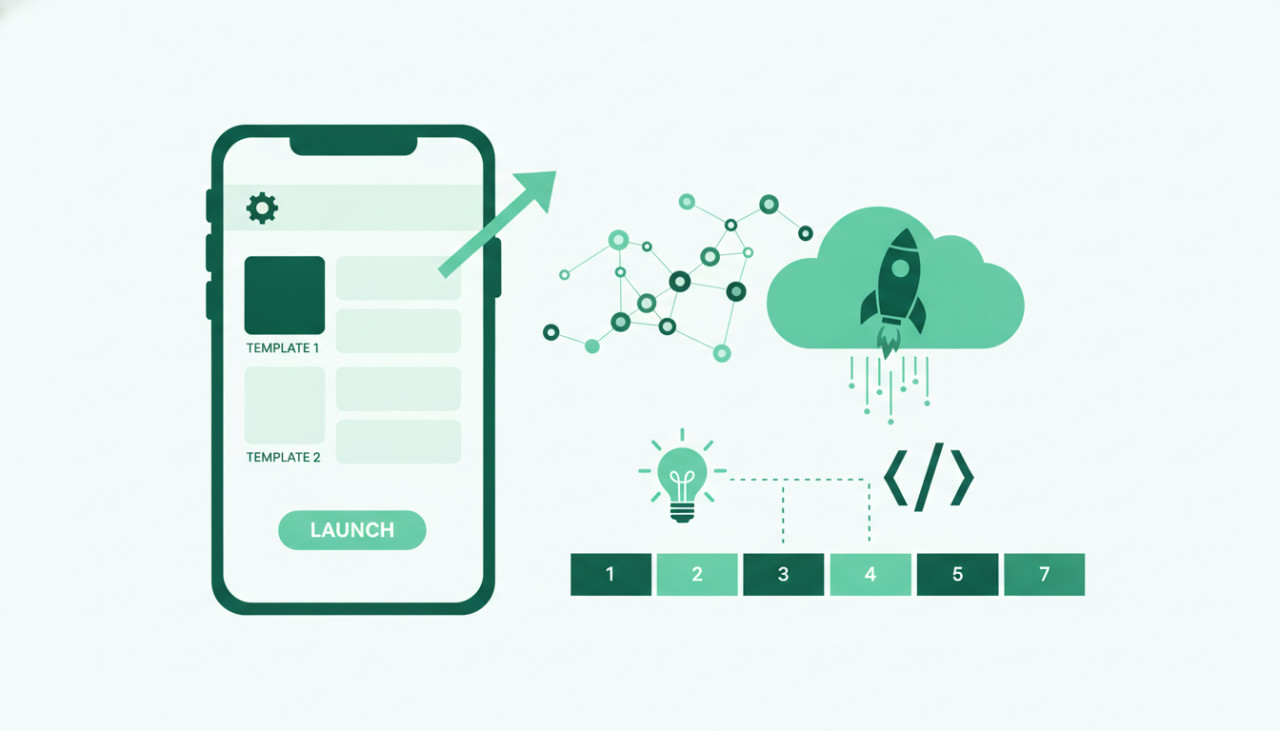
Why Pre-Made Source Code is a Game Changer
Building a mobile application from scratch requires hundreds of hours of design, architecture planning, frontend coding, backend integration, and debugging. For solo developers, agencies, and non-technical entrepreneurs, this process can cost thousands of dollars and delay market entry by months. In today's fast-moving digital ecosystem, speed to market is often the deciding factor between failure and success.
By leveraging high-quality pre-made mobile app templates from a trusted code marketplace like SellMyCode, you bypass the tedious foundational work. Templates give you access to production-ready codebases complete with modern UI components, secure authentication, and scalable backend integrations. Here is a step-by-step roadmap to customize and launch a commercial app in just seven days.
Day 1: Select the Ideal App Template
Your launch speed depends heavily on selecting the right starter kit. Browse through verified categories on SellMyCode and evaluate templates based on cross-platform frameworks like Flutter or React Native. Cross-platform templates allow you to deploy to both iOS and Android from a single codebase, drastically cutting down maintenance effort.
Key Selection Criteria
- Clear and comprehensive documentation included by the author
- Recent code updates supporting current OS versions
- Integrated backend frameworks like Firebase or RESTful APIs
- Clean code structure with well-commented functions
Day 2: Environment Setup and Code Inspection
Download your purchased source code package from SellMyCode and extract the project files. Open the code in your preferred integrated development environment, such as VS Code or Android Studio. Install all necessary dependencies, update package versions carefully, and run the initial build on local emulators to ensure everything compiles without errors.
Day 3: Rebranding and Visual Customization
To stand out in competitive app stores, you must transform the default template aesthetic into a unique brand identity. Modify primary color palettes, typography styles, and UI spacing within the centralized configuration files. Replace all dummy media, splash screen images, app icons, and logo graphics with your custom brand assets.
Day 4: Backend Configuration and API Integration
Connect the app frontend to your chosen cloud backend. Most premium templates feature built-in connection hooks for platforms like Firebase or Supabase. Configure user authentication services, database security rules, cloud storage buckets, and push notification triggers required for your real-world workflow.
Day 5: Enable Monetization Features
Transform your mobile application into a revenue-generating business asset. Customize the monetization features provided in your template according to your business model:
- In-app purchases for digital goods or feature unlocks
- Subscription models integrated via Stripe, RevenueCat, or StoreKit
- Targeted advertising placements using AdMob or Unity Ads
Day 6: Quality Assurance and Device Testing
Comprehensive testing prevents initial negative user reviews on store listings. Test your compiled app across multiple physical smartphones and tablets with varying screen sizes and operating system versions. Verify login loops, payment checkouts, network offline modes, and edge-case form validations thoroughly.
Day 7: Store Submission and Launch Preparation
Prepare your store presence on both the Apple App Store and Google Play Store. Draft engaging app descriptions, design high-converting preview screenshots with highlighted key features, and configure privacy policy links. Submit your build binaries for store review and prepare your initial marketing push.
Conclusion
Using pre-made app scripts from SellMyCode transforms app development from a months-long ordeal into a streamlined one-week sprint. Explore our growing library of mobile templates, web scripts, and plugins today to build your next profitable digital product faster than ever before.
Comments (0)