






 Google
 Github
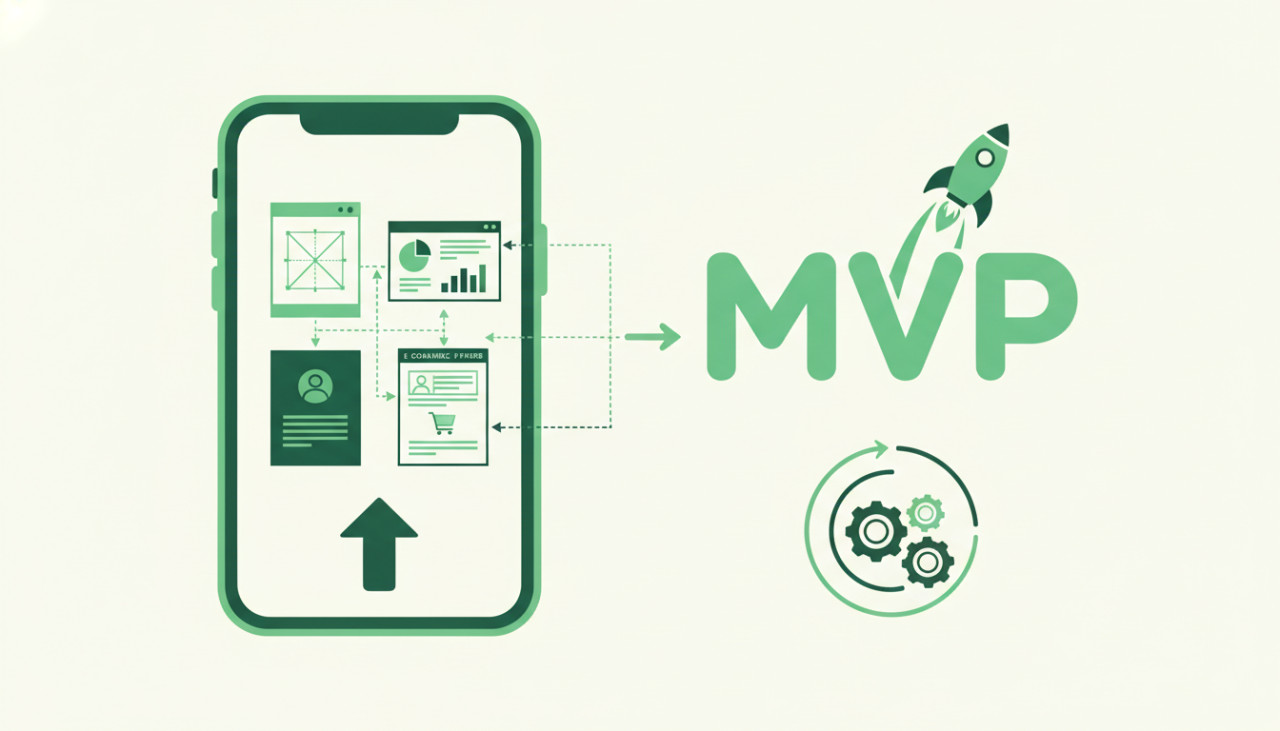
Accelerating Your MVP Launch with Pre-Built App Templates
Launching a minimum viable product (MVP) quickly is essential for validating business ideas in today's fast-paced digital ecosystem. However, building a mobile application from scratch requires hundreds of hours of design, development, and testing, which can quickly drain your budget. This is where high-quality mobile app templates come into play. By purchasing pre-built source code from trusted digital marketplaces like SellMyCode, developers and entrepreneurs can skip the initial groundwork and launch fully functional apps in a fraction of the time.
With thousands of templates available, choosing the right script for your project can feel overwhelming. Selecting an outdated or poorly structured codebase can lead to technical debt, security risks, and endless debugging. To ensure you make a smart investment, here is a comprehensive guide on how to evaluate and choose the best mobile app template for your next MVP.
1. Check the Technology Stack and Versioning
The first step in evaluating a mobile app template is inspecting its core technology stack. You want to choose a framework that matches your team's skillset and offers long-term sustainability.
- Cross-Platform Frameworks: Frameworks like Flutter and React Native allow you to deploy to both iOS and Android from a single codebase, significantly reducing maintenance costs.
- Native Frameworks: Native Swift (iOS) or Kotlin (Android) templates provide maximum performance and access to hardware features, though they require separate codebases.
- Dependency Freshness: Verify that the template uses recent versions of dependencies and SDKs. Outdated packages can cause build failures and compatibility issues with current operating systems.
2. Inspect Documentation and Setup Support
A mobile app template is only as good as its documentation. Even the cleanest code is difficult to work with if there are no clear instructions on how to set up the development environment, configure environment variables, and build the final binary.
Look for templates that include step-by-step installation guides, video walkthroughs, and well-commented code. Good documentation should guide you through connecting your database, setting up push notifications, and publishing the app to the Apple App Store and Google Play Store.
3. Evaluate Backend Integration and Architecture
Mobile applications rarely operate in isolation; they rely on backend services to manage authentication, databases, and third-party APIs. Before purchasing, examine how the template handles backend communication.
- Firebase Integration: Many templates use Google Firebase for authentication, real-time databases, and cloud storage because it is easy to set up and highly scalable.
- Custom REST or GraphQL APIs: If the template comes with an admin panel or custom server, verify that the API documentation is comprehensive and structured logically.
- State Management: For Flutter or React Native apps, check how state management is handled. Clean state management makes scaling the app much easier.
4. Assess UI/UX Design and Customization Capability
Your MVP needs to stand out, which means you will likely need to rebrand and customize the app's visual identity. Look for templates built with modular design systems that make custom styling straightforward.
Check if the developer provides original design files, such as Figma or Adobe XD assets. Having access to source design files allows your designers to prototype changes quickly before updating the code. Additionally, ensure the UI components are separated into reusable elements so you can add or remove screens without breaking the app layout.
5. Review Author Reputation and Update Frequency
When buying digital products on SellMyCode, purchasing from a reputable seller gives you peace of mind. Mobile operating systems continuously evolve, and apps need periodic maintenance to stay functional.
- Ratings and Reviews: Read feedback from other buyers to gauge code quality, bug frequency, and customer satisfaction.
- Update History: Check when the template was last updated. Regular updates indicate that the developer actively maintains the project and fixes reported bugs.
- Support Services: Determine whether the seller offers post-purchase support, bug fixes, or custom development services if you need specialized features tailored to your needs.
Final Thoughts
Investing in a mobile app template is one of the smartest strategies for startups, agencies, and solo developers looking to validate product concepts quickly. By carefully evaluating tech stacks, documentation quality, design flexibility, and author support, you can confidently choose a template that accelerates your development timeline while keeping costs low.
Explore the curated selection of mobile app templates, web scripts, and plugins on SellMyCode today, and turn your next app idea into reality faster than ever.
Comments (0)