






 Google
 Github
Introduction
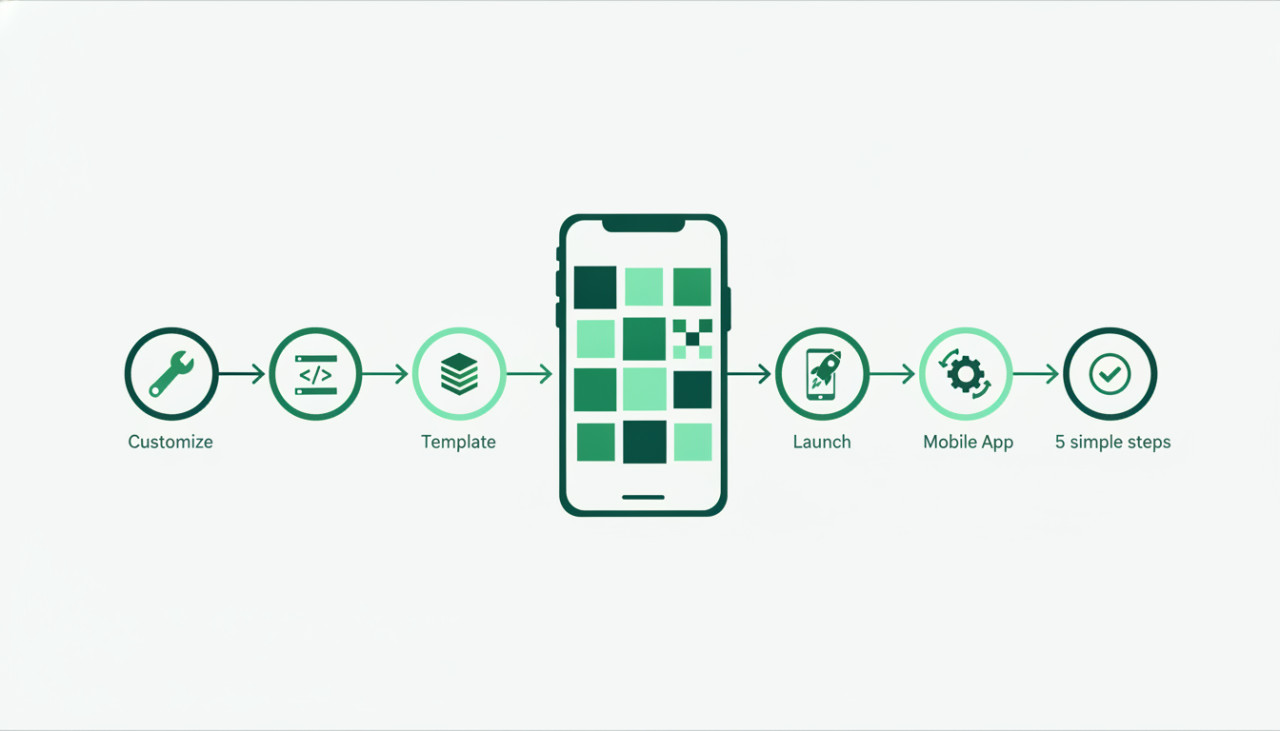
In the fast-paced world of mobile app development, speed to market is often the deciding factor between success and obscurity. Building an app entirely from scratch can take months of intensive coding, designing, and testing, requiring significant financial investment. This is where mobile app templates become a powerful shortcut. By purchasing a pre-built app template from a reputable marketplace like SellMyCode, developers and entrepreneurs can skip the initial groundwork and focus on tailoring the product to their target audience. In this guide, we will walk you through the essential steps to successfully customize and launch a mobile app template in record time.
1. Select the Right Template for Your Tech Stack
Before making a purchase, ensure the template aligns with your existing skill set and technical requirements. Popular choices include cross-platform frameworks like Flutter and React Native, as well as native Swift or Kotlin templates. Consider the following points when selecting your code script:
- Check framework versions and compatibility with current SDKs.
- Review included features such as push notifications, payment gateways, and authentication options.
- Inspect the developer documentation to ensure clear setup instructions are provided.
Choosing a template that matches your technical background minimizes the learning curve and speeds up implementation.
2. Set Up Your Environment and Inspect Source Code
Once you download the template source code from SellMyCode, your first step is setting up a clean local environment. Open the project in your preferred Integrated Development Environment, such as Visual Studio Code, Android Studio, or Xcode. Run dependency installation commands to ensure all necessary packages install cleanly without version conflicts.
Reviewing Code Structure
Take time to explore the file hierarchy. Well-architected templates separate user interface components, state management, and API services into distinct directories. Understanding where assets, stylesheets, and business logic reside will save you hours during the customization phase.
3. Customize Branding, Colors, and Media Assets
To make the app distinctly yours, you must replace default placeholder assets with your custom brand identity. This process, often referred to as reskinning, includes several key tasks:
- Replacing logo images, splash screens, and application icons.
- Updating color palettes in configuration files or theme settings.
- Changing typography to match your brand style guide.
- Rewriting static text, onboard sliders, and localized language files.
A unique visual identity ensures your app stands out on Google Play and the Apple App Store, preventing app rejection due to spam or duplicate design policies.
4. Configure Backend Services and API Integration
Most commercial mobile app templates come integrated with backend services like Firebase, Supabase, or custom RESTful APIs. You must disconnect the default test keys provided in the code and replace them with your own credentials.
Key Security Practices
Ensure you replace all placeholder API keys, database URLs, and payment gateway tokens. Never hardcode sensitive production keys directly into client-side code where they could be decompiled. Store keys in environment configuration files and secure your database security rules before going live.
5. Test Across Devices and Prepare for Launch
Never rely solely on emulators when testing your customized app. Deploy the build onto physical iOS and Android devices to verify performance, touch responsiveness, screen scaling, and battery efficiency.
- Test push notifications and in-app purchase workflows end-to-end.
- Verify offline handling and graceful error messages during network drops.
- Conduct user testing to uncover usability flaws in navigation.
Conclusion
Using app templates is a smart, cost-effective strategy to bring digital products to market fast. By choosing the right code script on SellMyCode, customizing the branding, and configuring your secure backend, you can launch a polished, store-ready app in days rather than months. Explore our marketplace today to find the perfect template for your next big project.
Comments (0)