






 Google
 Github
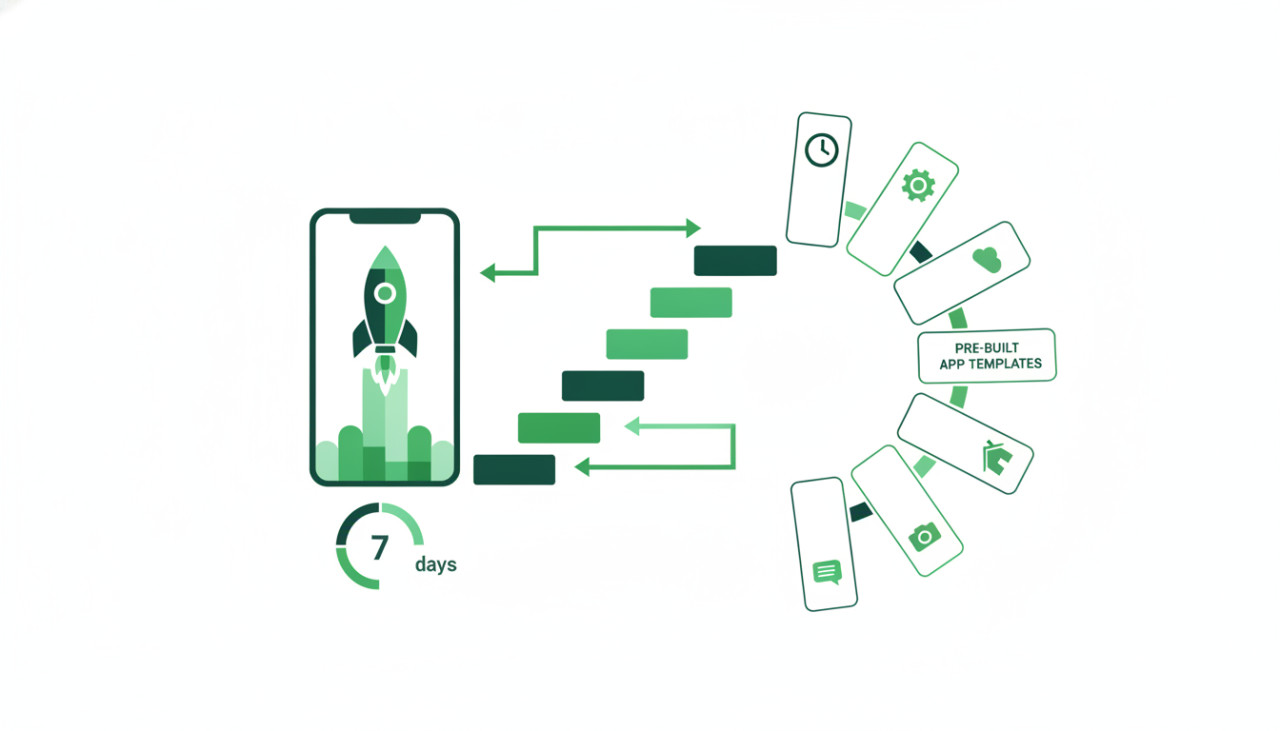
Accelerating Mobile Development with Pre-Built Templates
Building a mobile application from scratch traditionally requires months of development, thousands of dollars in capital, and a dedicated team of engineers. For solo founders, freelance developers, and agencies, this traditional approach often delays market validation and burns through critical budget. Using ready-made mobile app templates from marketplaces like SellMyCode offers a modern alternative: starting with a fully functional, tested codebase and customizing it to fit your brand.
With the right roadmap, you can take a production-ready mobile app template from purchase to app store submission in just seven days. Here is a step-by-step framework to launch your product efficiently.
Days 1 and 2: Selection, Setup, and Environment Configuration
The foundation of a successful rapid launch lies in choosing the right codebase. Modern templates come in various frameworks, including Flutter, React Native, iOS Swift, and native Android Kotlin.
Selecting the Best Stack
- Cross-platform frameworks like Flutter and React Native allow you to publish to both iOS and Android from a single codebase.
- Native templates offer maximum performance and deep OS integration for hardware-intensive utilities.
- Ensure the template documentation covers backend dependencies, third-party SDKs, and build instructions clearly.
Once you download your package from SellMyCode, set up your development environment. Verify that all dependencies install cleanly, update package versions if needed, and run the default project in an emulator to confirm baseline functionality before editing any files.
Days 3 and 4: Branding, Assets, and Custom Styling
To differentiate your app in the app stores, visual uniqueness is essential. Avoid launching a template with its default theme, colors, and stock placeholder copy.
Customization Checklist
- Generate a cohesive color palette and update the primary, secondary, and background color variables in the global stylesheet.
- Replace placeholder logos, icons, splash screens, and vector illustrations with original brand assets.
- Review all typography and UI copy to align with your product tone of voice.
- Update configuration files to register your unique bundle identifier and package name.
Focusing on visual customization ensures your app feels original to end users while preserving the underlying architecture and business logic.
Day 5: Backend Integration and Payment Gateways
Most complete app templates include backend architectures powered by Firebase, Supabase, or custom REST APIs. Day five is dedicated to connecting these systems to your production environment.
Generate new API keys and replace all demo credentials. Configure database rules, authentication providers, push notification services, and cloud storage buckets. If your app includes in-app purchases or subscription tiers, configure your merchant accounts with Apple App Store Connect, Google Play Console, and payment processors like Stripe.
Day 6: Testing, Security Audits, and Performance Checks
Before publishing, thorough quality assurance is critical to prevent early negative user reviews.
Key Testing Areas
- Test user authentication flows, including password resets and social sign-ins.
- Simulate slow network conditions to verify error handling and loading indicators.
- Audit all API keys to ensure private credentials are kept secure and excluded from public client builds.
- Test edge cases across multiple screen sizes, tablet formats, and OS versions.
Run automated build scripts to verify there are no compilation warnings or deprecated API calls that could trigger app store rejection.
Day 7: App Store Optimization and Submission
The final step is preparing your store listings and uploading production binaries.
Write compelling app store titles, subtitles, and keyword-rich descriptions. Capture high-resolution screenshots highlighting core features, and generate accurate privacy policy URLs as required by app marketplace guidelines. Once the metadata is complete, build your release archive, upload the binary to App Store Connect and Google Play Console, and submit your app for review.
Final Thoughts
Pre-built code templates do not replace developer creativity; they accelerate execution. By starting with proven architecture from SellMyCode, you eliminate repetitive boilerplate development and focus your energy on branding, unique features, and user acquisition.
Comments (0)