






 Google
 Github
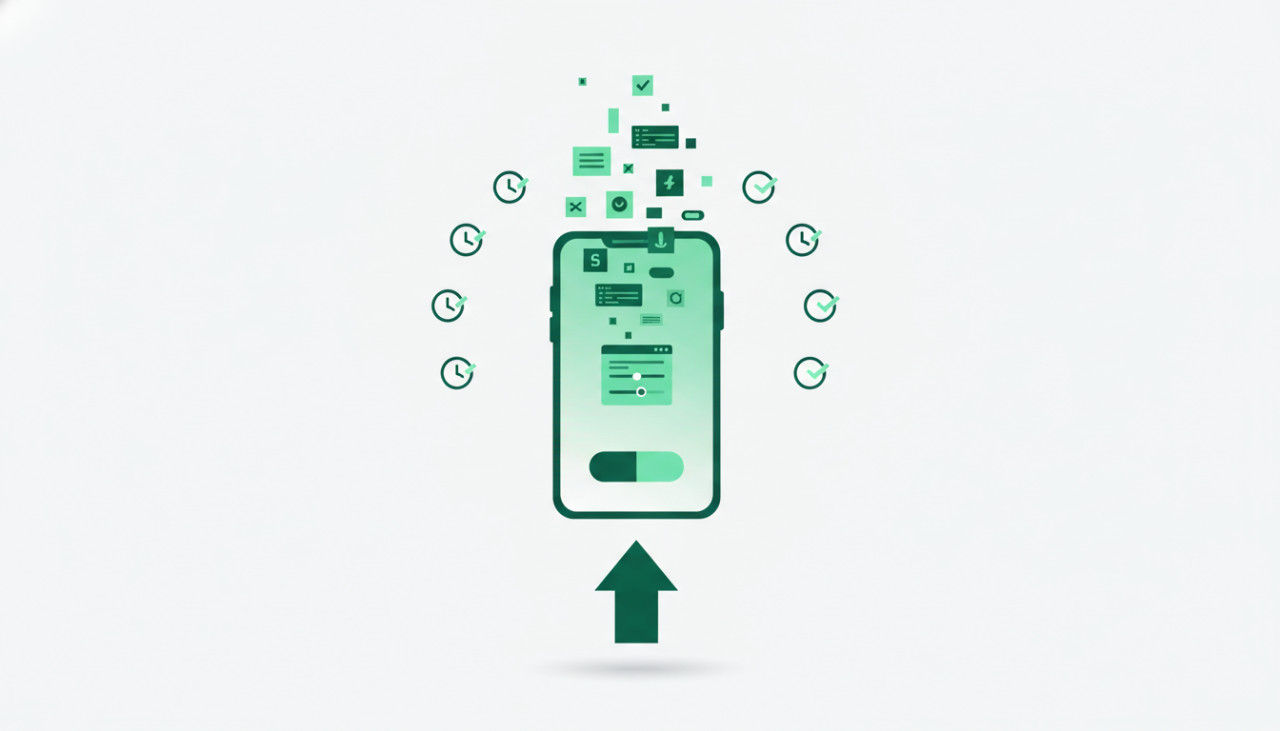
The Modern Way to Build Apps Faster
Building a mobile app from scratch used to require months of custom development, thousands of dollars in budget, and a dedicated team of software engineers. Today, the development landscape has completely shifted. Digital marketplaces like SellMyCode allow entrepreneurs, freelancers, and businesses to skip the tedious foundation work by using pre-made app templates, scripts, and plugins.
Whether you are building an e-commerce platform, a ride-sharing service, or a niche social network, starting with a vetted code template can accelerate your product launch timeline by up to eighty percent while dramatically reducing upfront capital expenditure.
Why Start with a Source Code Template?
Before diving into the quick launch process, it is important to understand the primary advantages of utilizing pre-written code for your next digital venture.
- Massive Cost Savings: Custom app development typically costs anywhere from five thousand to fifty thousand dollars. Purchasing a high-quality app template on SellMyCode usually costs under one hundred dollars.
- Proven Architecture: Established templates are built using standard framework practices like Flutter, React Native, Swift, or Kotlin, ensuring enterprise-grade stability and effortless scalability.
- Faster Time-to-Market: Instead of waiting half a year to test your product concept, you can deploy a functional minimum viable product within days and collect real user feedback immediately.
A Step-by-Step Guide to Rapid Deployment
To go from concept to live deployment within a single week, follow this systematic workflow when working with pre-made scripts and app templates.
Step 1: Choose the Right App Template
Your first step is finding a product on SellMyCode that matches your business model. Look closely at the technology stack, user reviews, feature lists, and live preview demos. Ensure that the template supports your required payment gateways, authentication methods, and database structures before making a purchase.
Step 2: Customize the Branding and Visual Design
A template provides the underlying engine, but your brand gives the app its identity. Download the source files and open the project in your integrated development environment such as Android Studio or Visual Studio Code. Modify primary and secondary theme colors, replace assets with your logo, and update typography in the central design configuration files.
Step 3: Connect Backend Services and APIs
Most modern mobile app templates include seamless integration with popular backend platforms like Firebase, Node.js, or Laravel. Configure your environment variables, establish database security rules, set up third-party API keys, and test push notification services. Replacing default placeholder data with your actual catalog content transforms the generic template into your personalized operational solution.
Step 4: Test Extensively Across Multiple Devices
Even with a professionally built template, thorough quality assurance testing remains essential. Run automated unit tests and perform manual end-to-end testing across various screen dimensions, operating system versions, and network speeds. Verify key user journeys, error handling messages, offline behaviors, and payment checkout flows.
Step 5: Build, Sign, and Submit to App Stores
Once testing is complete, generate your production app bundles. Set up developer accounts on the Apple App Store and Google Play Console. Prepare high-resolution screenshots, draft compelling store descriptions, compile privacy policies, and submit your signed binary files for app store review. Within a few days, your application will be live and ready for customer downloads worldwide.
Final Thoughts
Launching a successful digital product no longer requires reinventing the wheel. By leveraging ready-made source code templates from SellMyCode, you reduce technical debt, eliminate overhead, and maintain focus on what truly matters: user acquisition, product marketing, and sustainable business growth.
Comments (0)