






 Google
 Github
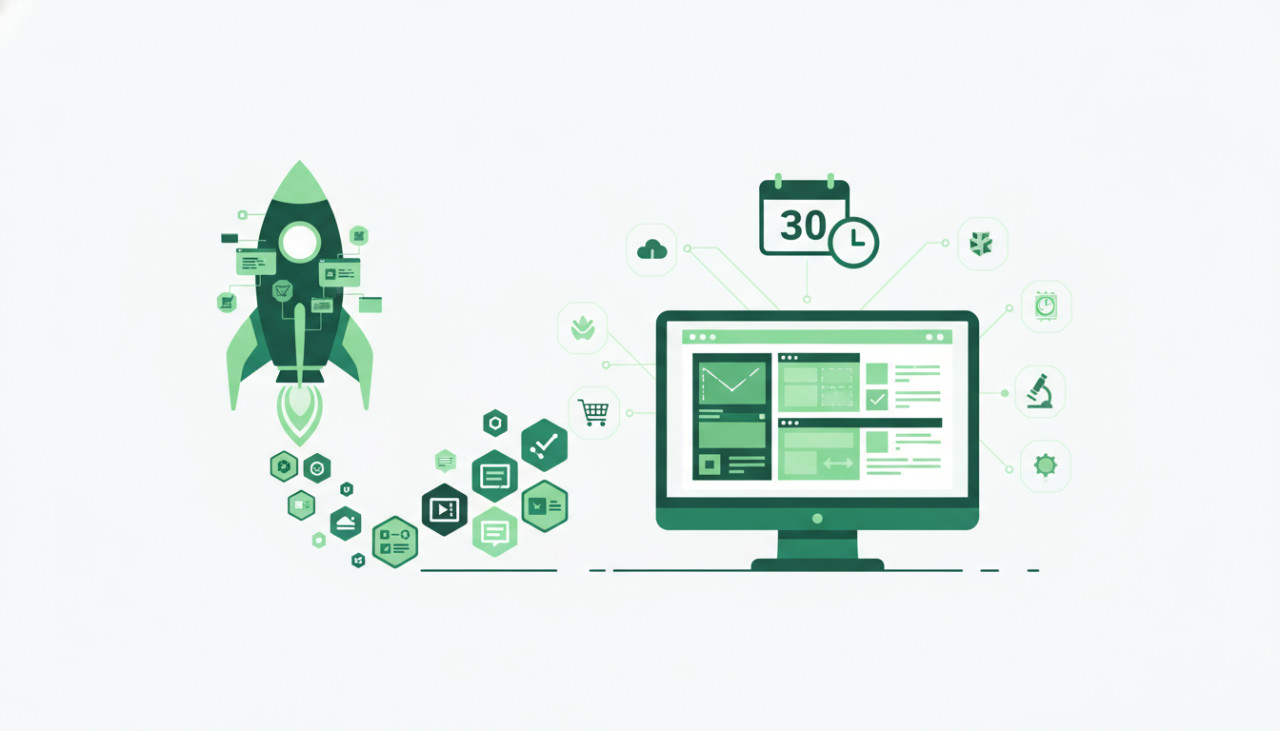
In the fast-paced modern digital ecosystem, speed to market is often the single biggest factor determining a tech startup's success. Building a Software-as-a-Service application entirely from scratch can take six months to a year, costing tens of thousands of dollars in engineering hours. However, smart entrepreneurs and developers have discovered a faster path: leveraging pre-built source code, mobile app templates, and specialized backend plugins available on digital marketplaces like SellMyCode.
By starting with a pre-built foundation, you eliminate the repetitive work of setting up user authentication, payment processing gateways, admin dashboards, and database schemas. Instead, you can focus on unique value proposition customization and user acquisition. Here is a step-by-step framework to launch a fully functional, revenue-generating product in just 30 days using digital code assets.
Step 1: Define a Specific Niche and Feature Scope
The biggest mistake first-time SaaS creators make is attempting to build an all-in-one platform that caters to everyone. To launch successfully within a 30-day window, narrow your focus to a specific industry or user problem. For example, rather than building a generic project management tool, consider a dedicated client portal for real estate agents or an automated booking script for fitness trainers.
When searching for templates, look for solution-oriented digital products that already solve 70% to 80% of your target market's core problem out of the box.
Step 2: Source High-Quality App Templates and Scripts
Selecting the right digital asset on SellMyCode requires careful evaluation. You need clean, well-documented, and scalable source code that aligns with your preferred technology stack.
Key Factors to Evaluate Before Purchasing
- Tech Stack Compatibility: Ensure the template uses modern, active frameworks such as Flutter, React Native, Laravel, Node.js, or Vue.js so you can easily find support or hire freelancers if needed.
- Documentation Quality: Look for seller listings that include thorough setup guides, API reference docs, and deployment steps.
- Recent Updates and Seller Support: Check when the code script was last updated to ensure compatibility with modern operating systems, SDKs, and dependencies.
- Included Features: Prioritize templates with pre-configured authentication, payment gateways like Stripe or PayPal, and modular code architecture.
Step 3: Customize, Rebrand, and Connect Core APIs
Once you have purchased and downloaded your starter source code, days 8 through 20 should be dedicated to customization. You do not need to rewrite core architecture; instead, focus on visual identity, user flows, and custom integrations.
Replace generic branding elements, adjust design themes, and update typography to match your product identity. Next, configure essential third-party APIs such as transactional email services, analytics, and billing webhooks. By keeping the underlying logic intact, you save hundreds of development hours while tailoring the frontend experience to your target audience.
Step 4: Conduct Rigorous Security and Quality Audits
Before introducing your product to paying users, security and performance must be thoroughly vetted. Purchasing code scripts gives you complete visibility into the source code, which allows you to audit security protocols directly.
- Rotate all API keys, database credentials, and admin passcodes included in setup files.
- Test input validation and user authorization roles to prevent common vulnerabilities like SQL injection or cross-site scripting.
- Perform cross-device testing to verify responsive design on smartphones, tablets, and desktop browsers.
- Run load tests to verify database performance under simultaneous traffic connections.
Step 5: Deploy, Market, and Monetize
During the final week, deploy your application to scalable cloud hosting environments such as AWS, Vercel, DigitalOcean, or Heroku. Ensure SSL certificates, domain names, and automated database backups are active.
With a working product deployed, redirect your energy to distribution. Reach out directly to your niche audience, list your product on startup directories, launch targeted ad campaigns, and gather initial feedback. Because you saved months on initial development, you have remaining resources to dedicate to marketing and customer retention.
Final Thoughts
Launching a SaaS product doesn't require months of coding or massive venture funding. By leveraging high-quality app templates, plugins, and web scripts from SellMyCode, you can compress product development from months down to days. Take control of your execution, launch quickly, validate with real users, and scale your digital business efficiently.
Comments (0)