






 Google
 Github
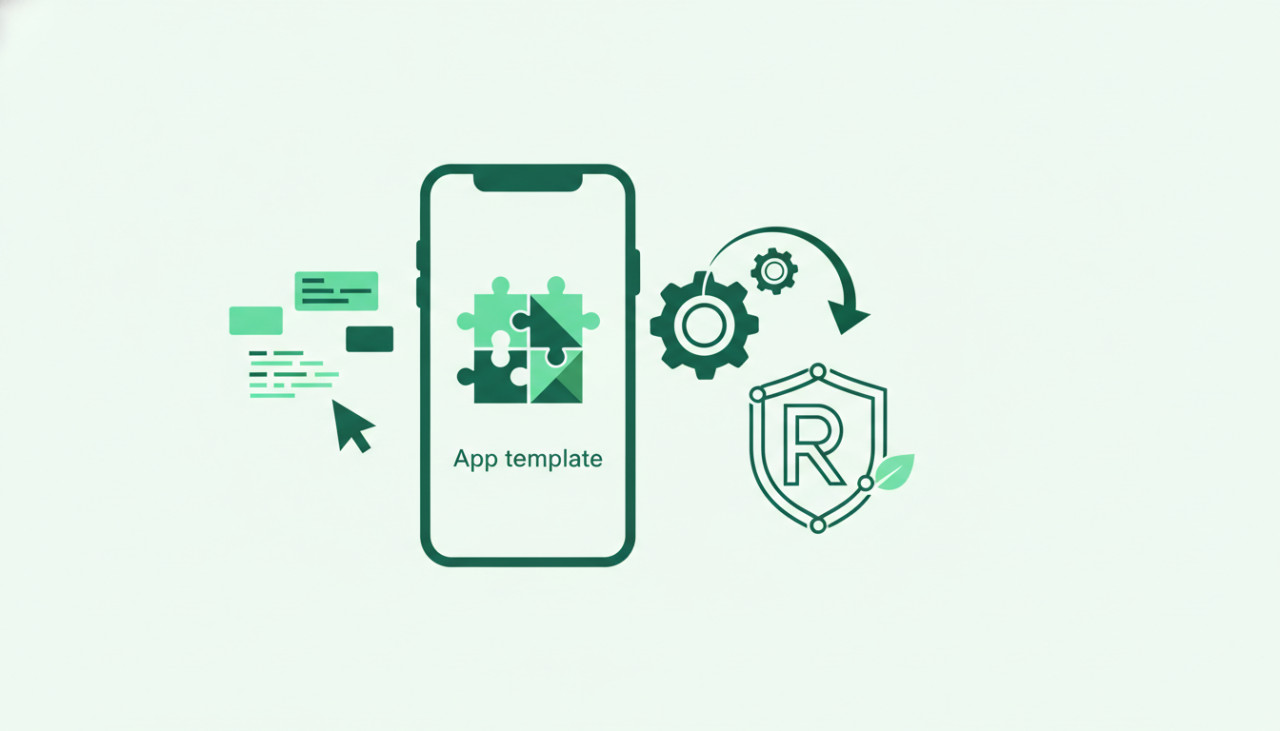
Why Pre-Built App Templates Are the Smartest Launchpad
Building a mobile application entirely from scratch requires months of dedicated engineering, extensive wireframing, and thousands of dollars in capital. For lean startups, digital agencies, and independent entrepreneurs, time-to-market is the single most critical factor in validating a product concept. Purchasing verified source code gives you a functional baseline, freeing you to focus on branding, user acquisition, and business logic.
However, buying a template is only the first phase. Simply uploading an unmodified template directly to the app stores risks rejection under duplicate content guidelines and damages brand trust. To succeed, you must systematically reskin, customize, and optimize the source code for your specific audience.
Step 1: Audit the Source Code and Documentation
Before writing a single line of code, thoroughly inspect the downloaded package. A quality template should include clean directory structures, setup documentation, and dependency manifests for modern frameworks such as Flutter, React Native, Swift, or Kotlin.
- Review the setup guide to identify required software development kits and dependencies.
- Run the default project locally in an emulator or simulator to confirm error-free compilation.
- Identify all hardcoded API keys, mock data files, and external third-party services.
Step 2: Redesign the User Interface and Assets
Reskinning is fundamentally about reshaping the visual identity so that your application looks unique and professional. The goal is to ensure the app reflects your brand rather than the marketplace demo.
Update Graphic Assets
Replace every stock graphic provided in the template repository. This includes the application launcher icon, splash screen graphics, onboard illustration vectors, empty-state placeholders, and tab bar navigation icons. Ensure you export your new visual assets at all standard resolutions to prevent blurriness across high-density mobile screens.
Establish a Unique Color Palette and Typography
Most premium templates isolate stylistic properties inside a global theme file or centralized configuration script. Modify the primary, secondary, and accent colors to match your brand guidelines. Swapping default system fonts for a distinct, readable typeface can instantly transform the overall aesthetic of your interface.
Step 3: Connect Your Backend and Authentication
Pre-built templates often ship with mock JSON data or link to a shared demo backend. You must configure the application to communicate with your dedicated infrastructure.
- Connect your own backend services, whether using Firebase, Supabase, or a custom REST or GraphQL API.
- Configure authentication credentials, including social sign-in providers like Google, Apple, and Facebook.
- Replace mock payment credentials with your live Stripe, In-App Purchase, or PayPal gateway keys.
- Set up push notification certificates through Apple Push Notification service and Firebase Cloud Messaging.
Step 4: Test Across Platforms and Edge Cases
Quality assurance is crucial before submitting your application for review. A template tested only on one simulator can exhibit layout bugs, broken deep links, or permission failures on alternative screen sizes and operating system versions.
Test the application on both low-end and high-end physical devices. Verify how the user interface adapts to screen notches, camera cutouts, dark mode toggles, and dynamic font resizing. Pay careful attention to network connectivity edge cases by testing user authentication and data loading under slow 3G connections and offline states.
Step 5: Navigate App Store Guidelines and Submission
Both Apple and Google enforce strict review guidelines to prevent spam, template clones, and low-quality software. Your submission must demonstrate genuine utility and original value.
- Create original metadata, including an engaging title, informative description, and clear feature keywords.
- Capture authentic screenshots directly from your customized build rather than using marketplace mockups.
- Publish clear, accessible privacy policy and terms of service pages on a live domain.
- Provide active demo credentials in the review notes so store evaluators can explore all gated features.
By treating a pre-built app template as a robust architectural foundation rather than a finished product, you can launch a polished, market-ready mobile application in days instead of quarters.
Comments (0)