






 Google
 Github
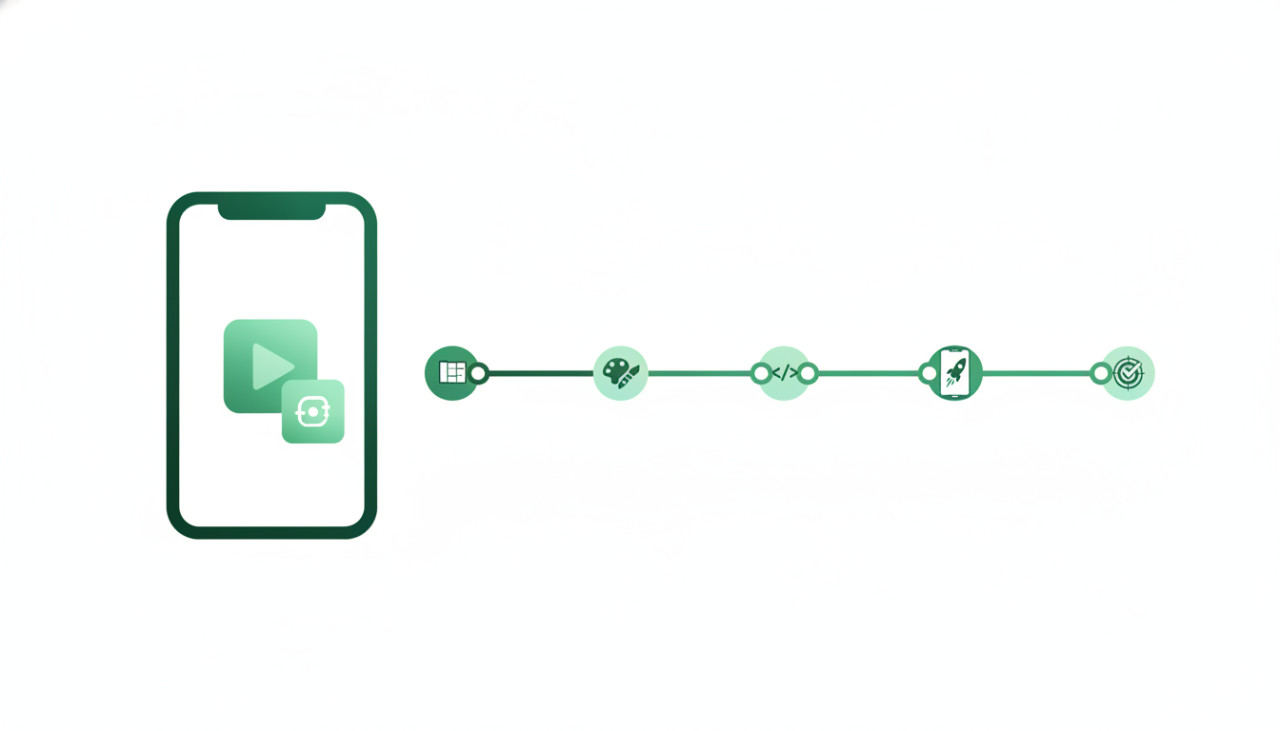
Introduction to App Template Customization
Launching a mobile application completely from scratch requires hundreds of hours of design, coding, testing, and debugging. For indie developers, digital agencies, and entrepreneurs, pre-made mobile app templates offer a massive head start. Buying a fully functional app template on SellMyCode allows you to focus on branding, unique features, and marketing rather than reinventing the wheel. Re-skinning, which is the process of changing the visual elements, assets, and configurations of a pre-built app, is the fastest way to get your product onto the App Store and Google Play.
However, re-skinning involves more than just swapping out logos. To build a successful application that users love and stores approve, you need a structured workflow. Here is a step-by-step guide on how to successfully customize and launch a mobile app template.
Step 1: Select the Right Template for Your Project
The success of your project depends heavily on the source code you select. Before making a purchase on SellMyCode, evaluate your project requirements against the template features.
- Check the Tech Stack: Ensure the template uses frameworks you or your team are comfortable with, such as Flutter, React Native, iOS Swift, or Android Kotlin.
- Review the Documentation: High-quality templates include clear setup guides, API documentation, and configuration instructions.
- Verify Buyer Reviews and Support: Look for authors with positive ratings and responsive customer support.
- Confirm License Terms: Ensure you buy the appropriate license depending on whether you plan to monetize the app directly or sell it to a client.
Step 2: Prepare Your Development Environment
Once you download the source code package from SellMyCode, clean up and set up your workspace before making any code modifications.
Extract the template files and open the project in the designated IDE, such as Android Studio, Xcode, or Visual Studio Code. Run the unmodified app immediately to confirm that it builds without errors out of the box. If you encounter dependency issues or build failures right away, check the included documentation or reach out to the seller on SellMyCode for assistance before altering any code files.
Step 3: Customize Branding and UI Assets
Re-skinning requires transforming the original template visual identity into a unique design that reflects your brand.
- Replace Graphics and Icons: Swap out placeholder logos, onboarding illustrations, app icons, and splash screens with your high-resolution assets.
- Update Color Palettes and Typography: Modify global styling files, theme variables, or styling configs to match your brand guidelines.
- Refine Text Strings: Change static text strings, button labels, legal policies, and onboarding messages to reflect your app tone.
Avoid leaving default placeholder images or placeholder text in your final build, as app store reviewers frequently reject submissions with incomplete content.
Step 4: Connect Your Backend, APIs, and Monetization
With the visual styling completed, you must configure the underlying services that power your application.
Replace sample backend URLs with your own backend servers, Firebase project credentials, or REST API endpoints. Set up push notification services like OneSignal or Firebase Cloud Messaging. If your template includes ad networks or in-app purchases, update the configuration files with your AdMob IDs, RevenueCat keys, or store product identifiers.
Step 5: Test Thoroughly and Publish to App Stores
Thorough testing prevents negative user reviews and store rejections. Test the application across multiple screen sizes, device operating system versions, and light or dark display modes.
- Test Offline and Edge Cases: Verify how the app behaves with slow or missing internet connections.
- Perform Security Checks: Ensure API keys and secret tokens are properly obscured and not exposed in public repositories.
- Prepare Store Listings: Create compelling store screenshots, optimized app descriptions, keywords, and privacy policy URLs.
Conclusion
Buying pre-made mobile app templates on SellMyCode is one of the smartest ways to reduce time-to-market and lower development costs. By following this systematic approach—selecting a quality template, setting up your environment, customizing branding, configuring backends, and performing rigorous testing—you can turn a template into a polished, revenue-generating mobile app in record time.
Comments (0)