






 Google
 Github
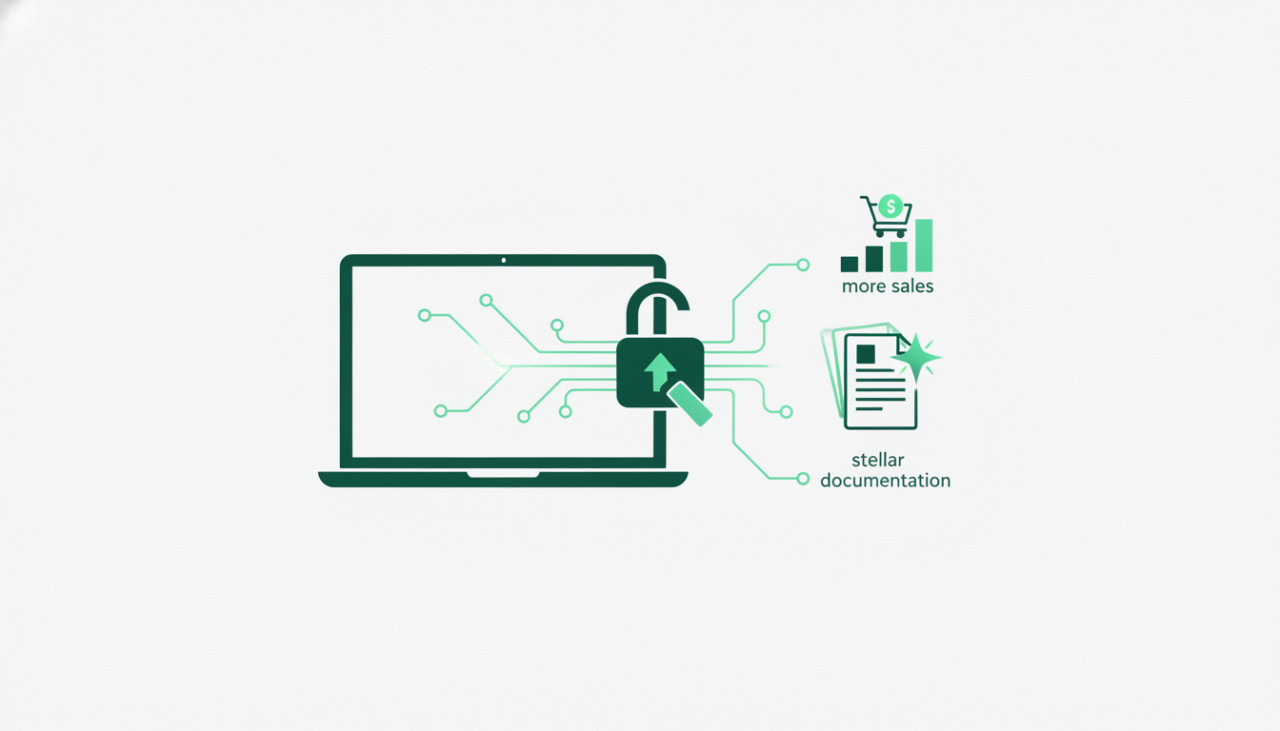
The Unsung Hero of Digital Product Sales
As a developer or designer selling your code scripts, themes, mobile app templates, or plugins on SellMyCode, you pour hours into crafting elegant, functional products. But have you given equal attention to their unsung hero: documentation? Excellent documentation isn't just a nice-to-have; it's a powerful sales tool, a trust builder, and a time-saver. On a marketplace like SellMyCode, where buyers can't physically interact with your product before purchase, comprehensive documentation bridges that gap, providing confidence and clarity.
Why Documentation Sells More Products on SellMyCode
Think of your documentation as a 24/7 sales assistant and support specialist. It works tirelessly to convince potential buyers and empower existing users. Here's why it's crucial for boosting your sales:
- Builds Trust & Credibility: Detailed, well-written documentation signals professionalism and thoughtfulness. It shows you stand behind your product.
- Reduces Support Requests: Clear instructions mean fewer questions from buyers, freeing up your time to develop more products or improve existing ones.
- Improves User Experience: Happy customers are repeat customers. Easy-to-follow guides ensure users can quickly get your product up and running.
- Highlights Value & Features: Documentation is an excellent place to elaborate on features, use cases, and customization options, showcasing the full potential of your offering.
- Expands Audience Reach: Beginners are more likely to buy a complex product if they feel confident they can understand and use it.
What Buyers REALLY Look For in Your Documentation
When a potential buyer lands on your product page on SellMyCode, they’re looking for answers. They want to know if your product will solve their problem and how easy it will be to implement. Their documentation check often includes:
- Clarity and Simplicity: Can they quickly grasp how to install and use it?
- Completeness: Does it cover common scenarios, edge cases, and customization options?
- Accessibility: Is it easy to navigate, with a clear table of contents or search function?
- Real-World Examples: Are there code snippets or screenshots that illustrate usage?
Key Components of Stellar Documentation
1. Getting Started Guide
A concise overview for first-time users. What is the product? What can it do? What are the minimal requirements to run it?
2. Installation Instructions
Step-by-step guidance. Whether it's uploading files, running a database script, or configuring a plugin, make each step crystal clear with relevant screenshots or code blocks.
3. Usage Examples & Code Snippets
Show, don't just tell. Provide practical examples of how to implement key features. For a script, include common functions; for a theme, explain shortcode usage.
4. Configuration & Customization
Explain all available settings, options, and how to customize the product to fit specific needs. Cover things like changing colors, modifying layouts, or integrating with other services.
5. Troubleshooting & FAQs
Anticipate common issues and provide solutions. A well-curated FAQ section can drastically cut down on support tickets.
6. API Reference (If Applicable)
For more complex scripts or plugins with an API, provide a clear reference documenting endpoints, parameters, authentication methods, and response formats.
7. Change Log & Version History
Keep a running list of updates, bug fixes, and new features for each version. This helps users understand what's new and when to upgrade.
Tips for Writing Clear & Concise Documentation
Know Your Audience
Are you writing for experienced developers, junior coders, or non-technical end-users? Tailor your language, depth, and examples accordingly.
Use Clear, Simple Language
Avoid jargon where possible, or explain it. Use short sentences and paragraphs. Break down complex processes into digestible steps.
Incorporate Visuals
Screenshots, diagrams, and video tutorials can explain complex steps far better than text alone. Use annotations to highlight important areas.
Structure for Readability
Utilize headings (like these!), bullet points, numbered lists, and bold text. A logical flow and easy navigation are paramount.
Keep It Updated
As your product evolves, so should your documentation. Outdated information is worse than no information, as it can lead to frustration and confusion.
Set Clear Support Expectations
Clearly state what kind of support you offer (e.g., bug fixes, feature guidance, customization help) and how buyers can reach you. This manages expectations and prevents misunderstandings.
Conclusion: Document Your Way to Digital Product Success
Documentation isn't an afterthought; it's an integral part of your digital product's success on SellMyCode. By investing time in creating clear, comprehensive, and user-friendly guides, you're not just providing instructions – you're building trust, reducing future headaches, and ultimately, driving more sales. Make your documentation as stellar as your code, and watch your SellMyCode products thrive!
Comments (0)