2.0.0 - 2026-10-27 — calls, leads, cadences, campaigns and CSAT
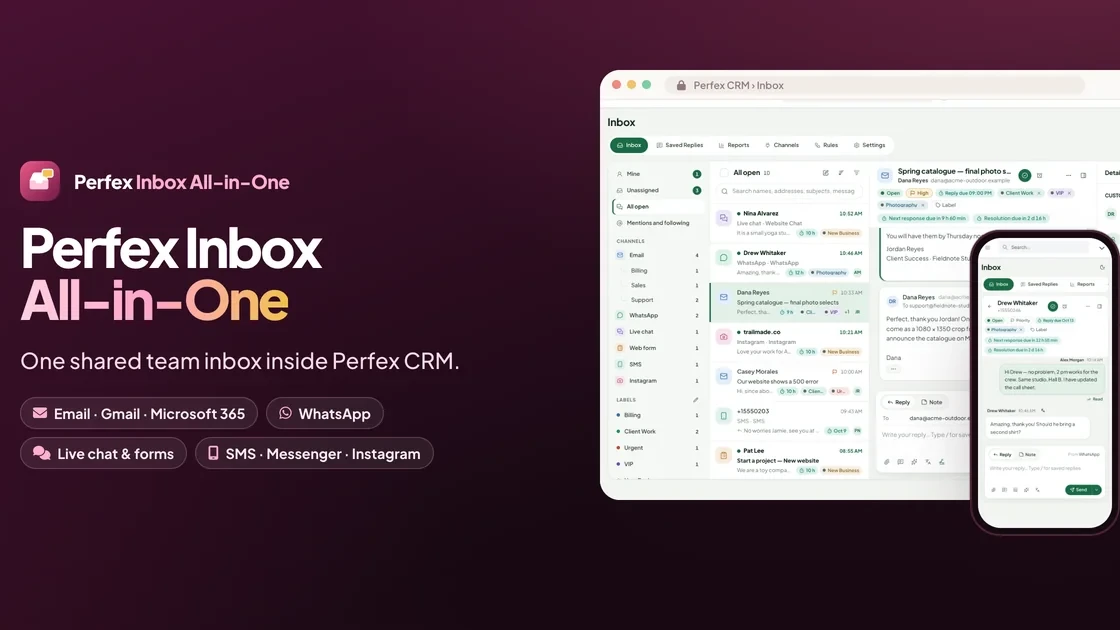
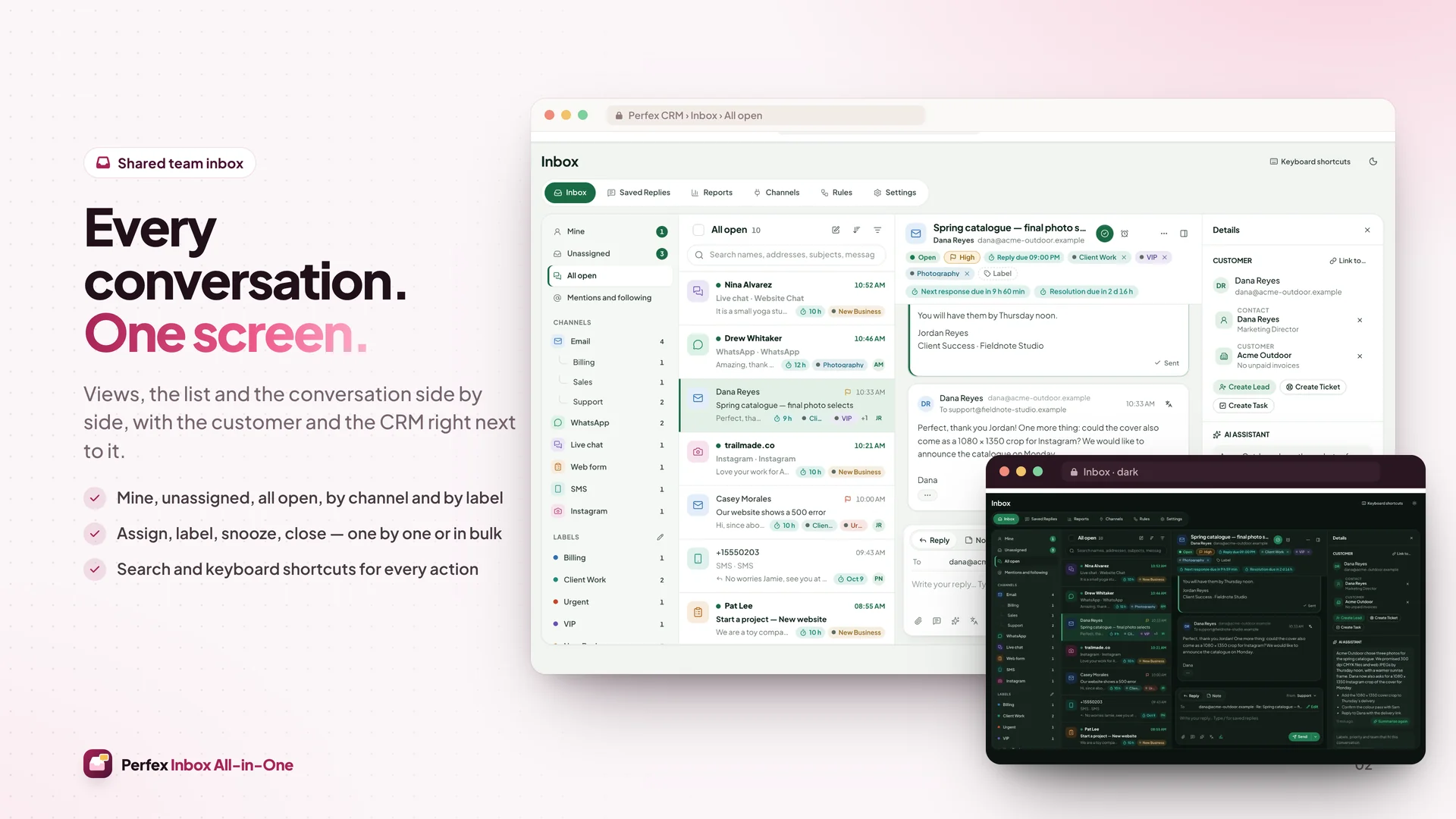
Perfex Inbox 2.0 adds phone calls, lead handling and outbound follow-ups to the shared inbox. Every new area has its
own switch under Inbox › Settings › Features and is off after the upgrade, CSAT surveys included.

Voice
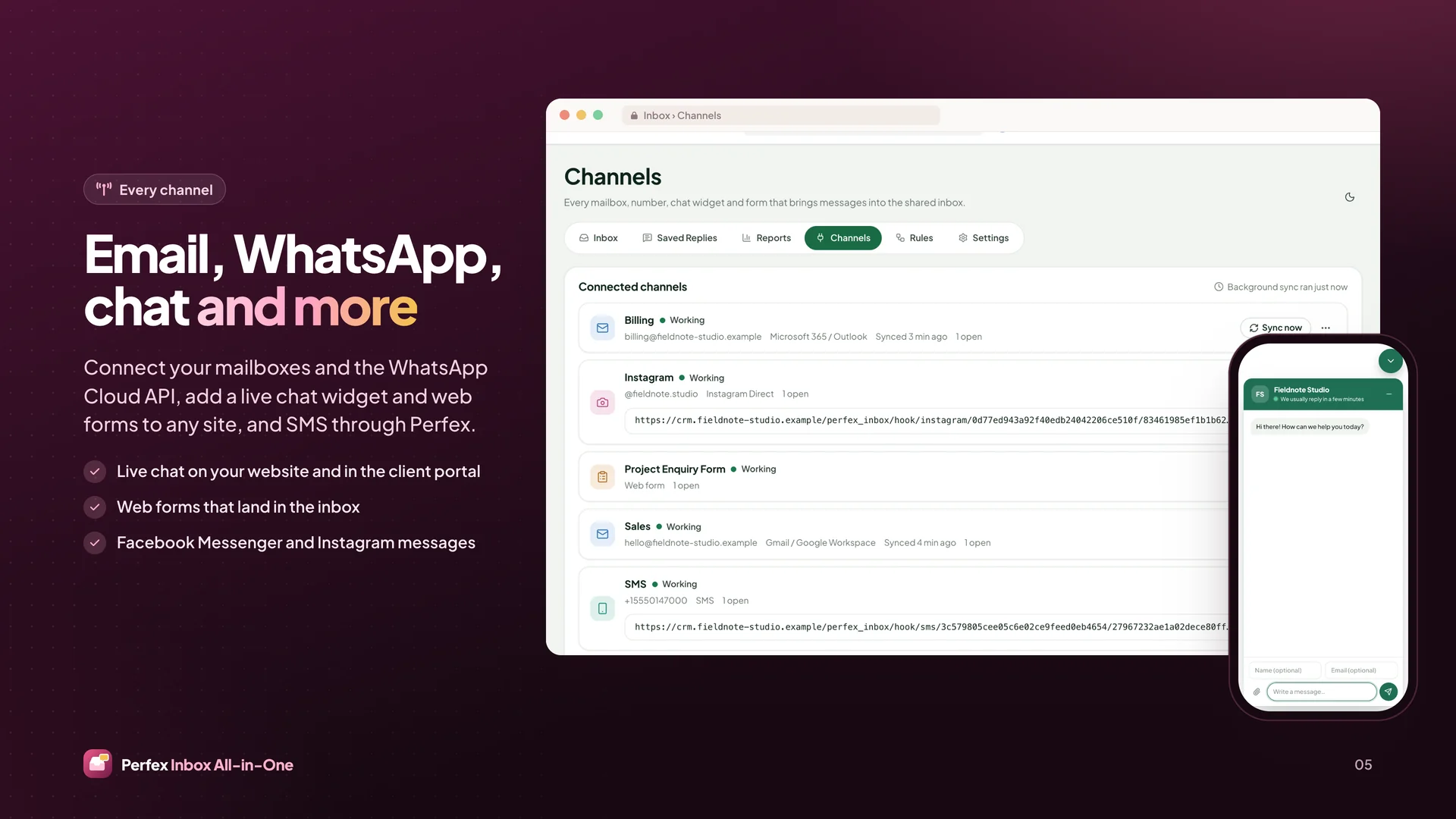
- New Voice channel: call from the browser and take incoming calls inside Inbox, with Twilio (Voice SDK) or Telnyx
  (Call Control) on your own provider account
- Softphone with dial pad, mute, hold, warm transfer to a colleague, keypad tones and a call timer; Pop Out keeps a
  call running while you move around Perfex
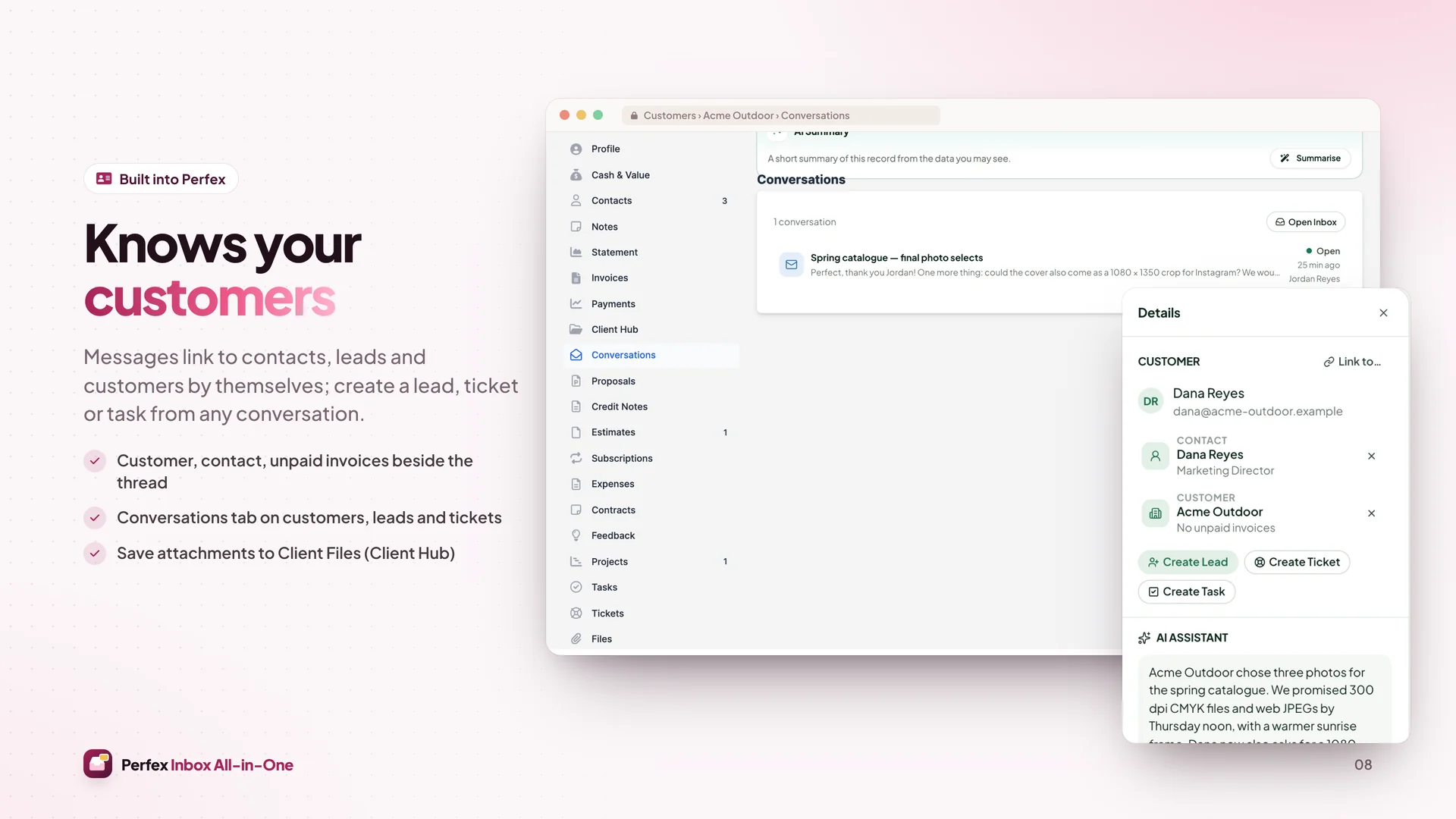
- Click-to-call from conversations and from the contact, customer and lead panels
- Incoming calls ring the assignee, then the account's default assignee and the team, follow business hours and fall
  back to voicemail
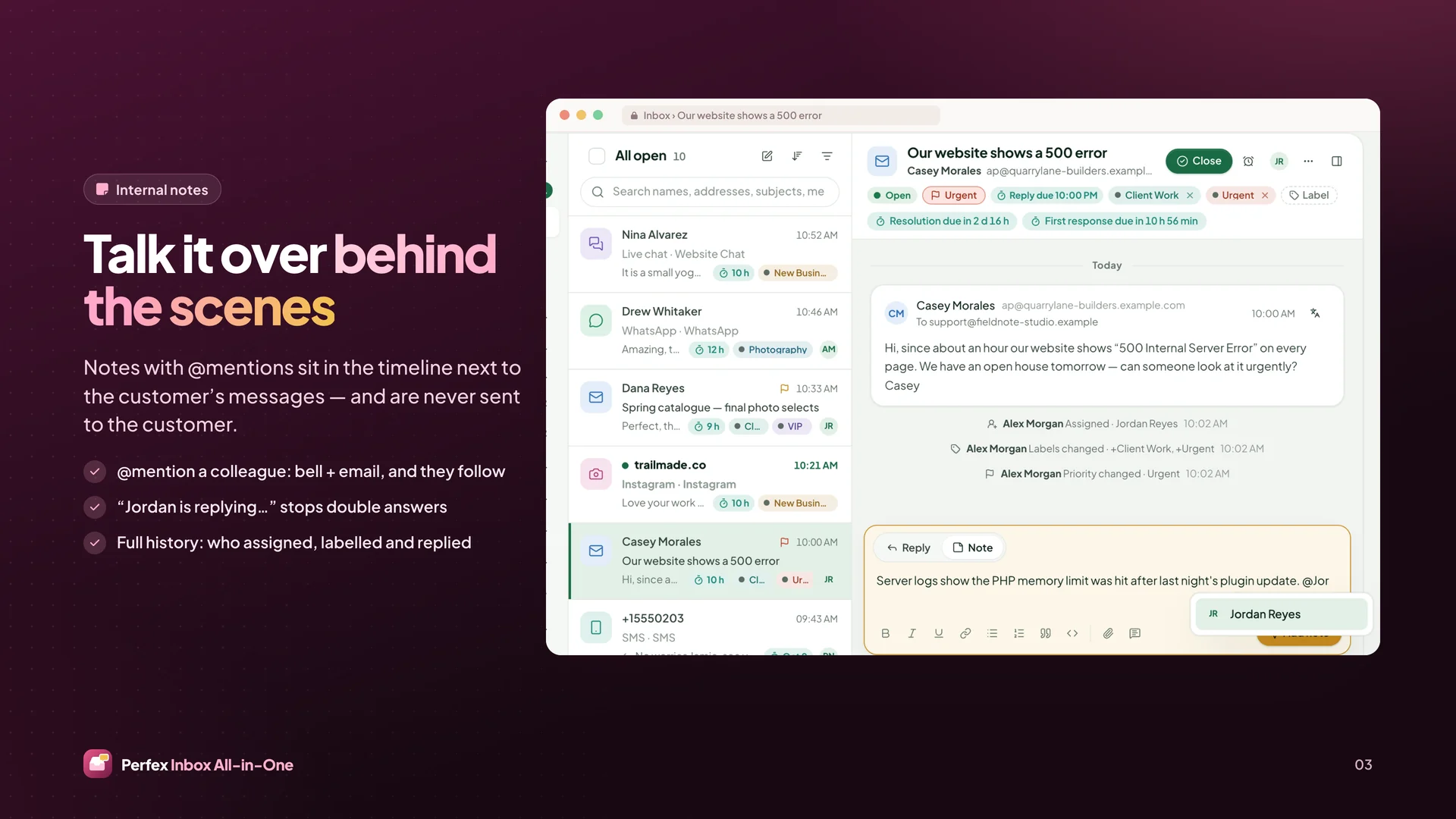
- Every call is a message in the conversation: direction, duration, result, notes, recording and voicemail players
- Numbers mapped to teams and business hours, caller ID per number, allowed destination calling codes, premium
  prefixes blocked, per-day call cap per number
- Recordings optional per number, with a consent prompt, private storage, access that follows the conversation,
  15-minute signed playback links and a retention period; the provider's copy can be deleted once Inbox has its own

Power Dialer
- New Calls › Power Dialer: call queues built from an Inbox view, a lead or contact picker or a saved selection (up
  to 1,000 records)
- Preview dialing: the agent sees the next contact and presses Call; dispositions, notes, then Save and Next
- Respects do-not-call flags, the suppression list, business hours and each contact's local calling window; pause
  and resume; retry and callback scheduling
- Progress per queue, a Supervisor view for team leads and CSV export
- At most six customer calls per agent per minute, shared with normal calls

Leads
- New Leads section: rule-based lead score from source, fields, activity and replies, optionally mixed with an AI
  score through Perfex AI Staff (30% by default, also shown on its own); hot leads highlighted in Perfex's leads
  table, kanban and lead window
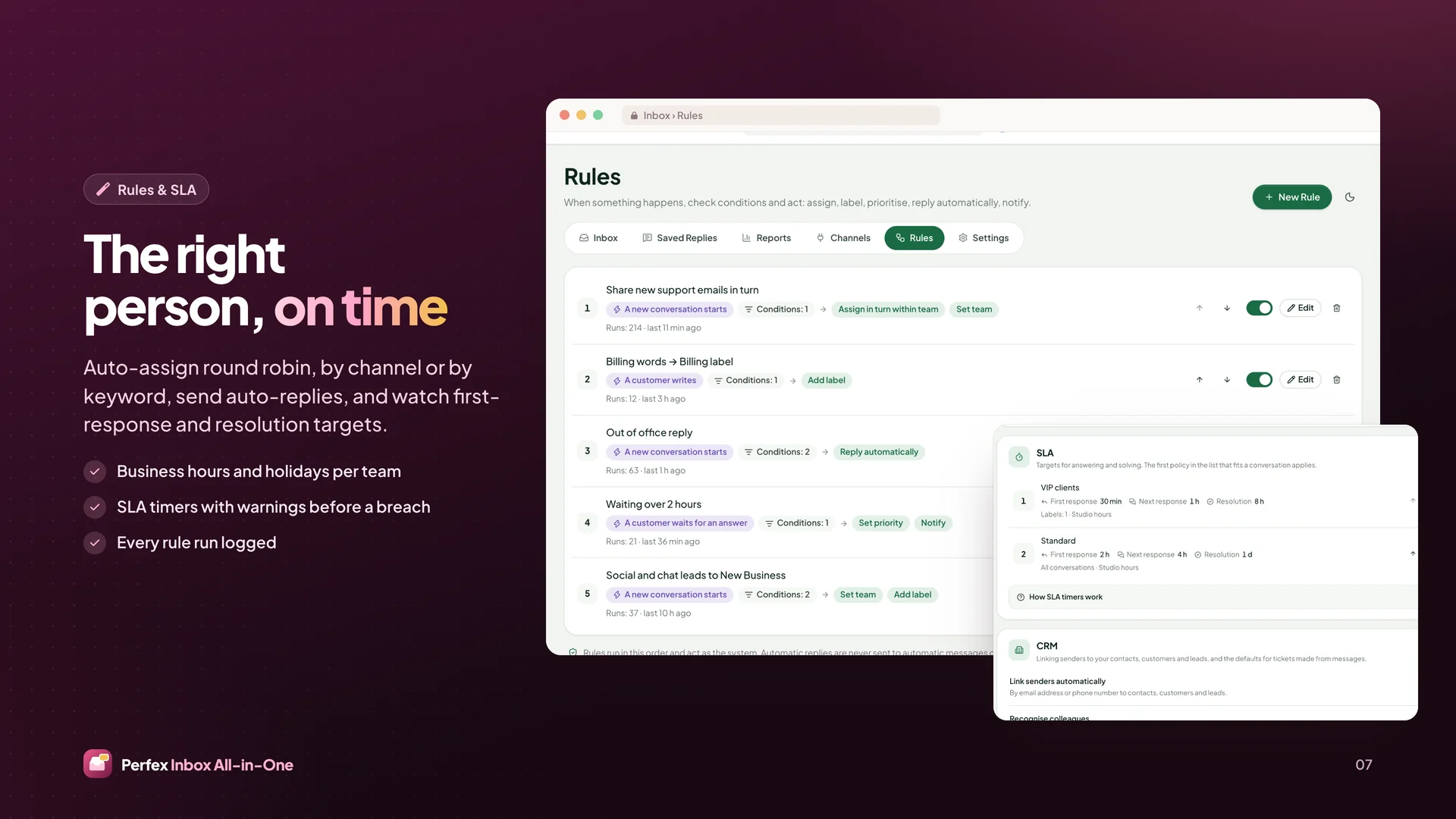
- Routing by round robin, skills, language, region or product, or by open conversations per agent, with overflow
- First-response target for new leads on Inbox business hours, with warning and breach bells
- Duplicate finder (email, phone, name and company) and a merge preview; a merged lead keeps its history
- Enrichment filter for other modules or providers; no paid data provider is built in

Cadences
- New Cadences: multi-step follow-ups by email, WhatsApp, SMS (where a driver exists), call task, wait and manual
  task, each step with merge fields, a send window and skip rules
- Enrol by hand, by rule or from Perfex Flow Studio
- Email steps to leads go only to opted-in people by default; an administrator may switch a cadence to everyone
  who has not opted out, after a confirmation that records who and when; WhatsApp and SMS steps always need an
  opt-in
- Stop by themselves on a reply, unsubscribe, bounce, conversion or a booked meeting
- Per-step results: sent, replied, opened (only when open tracking is on) and clicked

Campaigns
- New Campaigns: bulk email and WhatsApp template sends to segments of customers, contacts and leads, in four steps
  (audience, content, schedule, review)
- Opt-in always required; suppression list (bounces, complaints, opt-outs) honoured across Inbox
- Test send to staff, preview per recipient, per-hour speed, daily cap and quiet hours in the recipient's time
- Replies land in the normal Inbox conversations
- Report: delivered, opened (when tracked), clicked, replied, unsubscribed, bounced; automatic stop when bounces,
  complaints or unsubscribes run high

CSAT
- One satisfaction question after a conversation is resolved, by email or in the web chat (faces, stars or numbers),
  with an optional comment
- Expiring one-answer link, cooldown so regular customers are not asked every day, labels to skip, a bell on a low
  rating
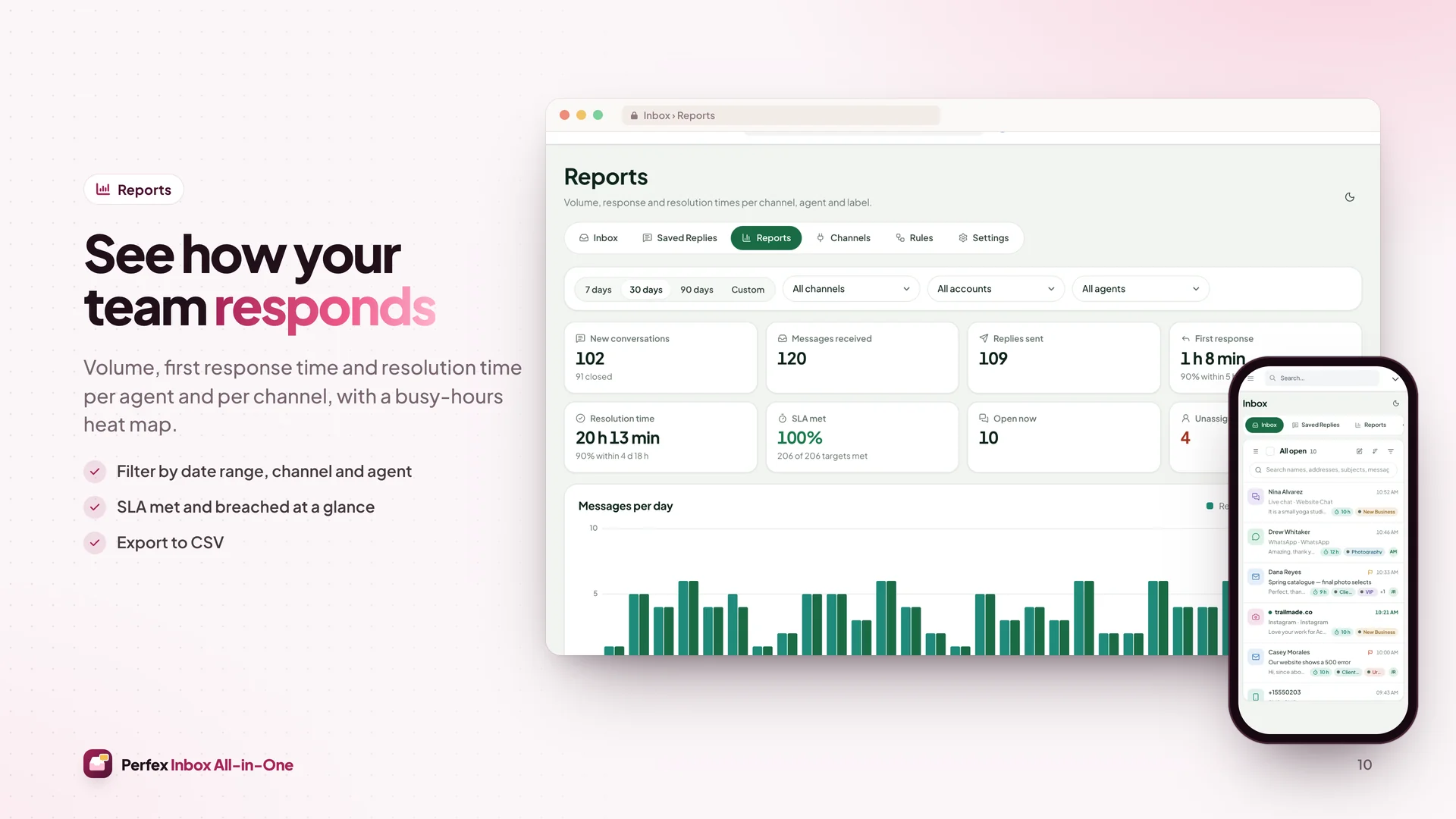
- Scores per agent and team in Reports › CSAT and on the conversation

Call AI
- New Call AI (needs Voice and Perfex AI Staff): transcript from the phone provider, then a summary, sentiment, talk
  share and up to five proposed next steps
- Next steps become a Perfex task or reminder only when someone approves them
- Transcripts are stored encrypted, removed with the number's recording retention, and treated as untrusted text;
  AI Staff's budgets, permissions and audit apply

Integrations
- Perfex Flow Studio: triggers for call ended and summarised, lead score crossed, lead response target missed, cadence
  finished, campaign finished and CSAT received; steps to enrol in or stop a cadence, route a lead and start a
  campaign
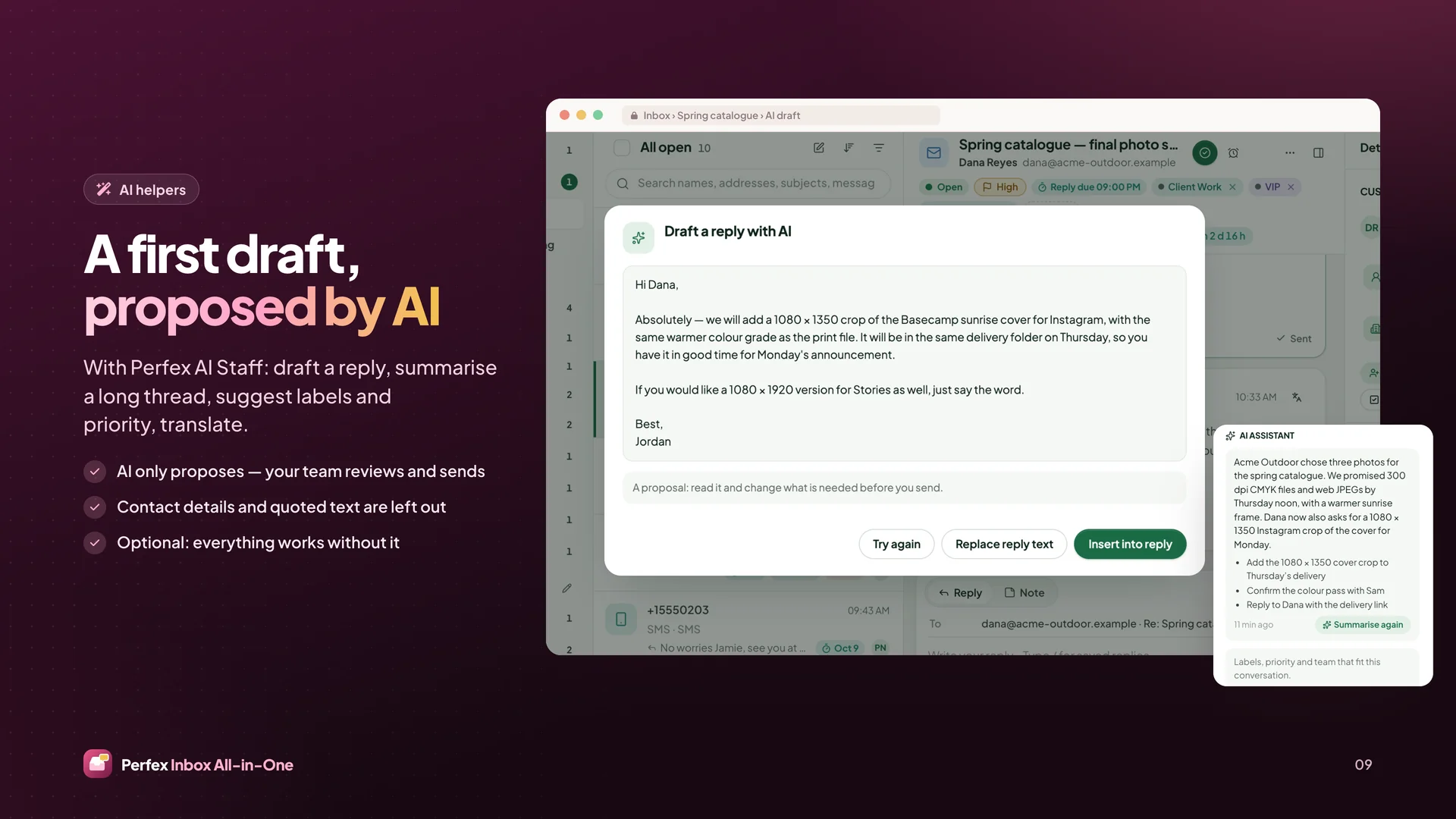
- Perfex AI Staff: tools for a call summary, a lead score and a draft for the next cadence message
- Perfex Connect: read-only API resources and webhooks for calls, cadences, enrolments, campaigns and CSAT
- Perfex Brain Pro: widgets for calls per agent, answer rate, lead response time, CSAT and campaign results, plus a
  Calls & Outreach dashboard template
- Perfex Sales Growth: Reports › Lead ROI from lead source to won revenue, read-only

Security
- Provider webhooks verified (Twilio signature, Telnyx Ed25519) with replay protection, size limits and rate limits
- One-time, server-approved dial targets: the browser cannot change the number being called
- Private, per-agent Telnyx credentials that expire; API keys and secrets never reach the browser
- Unsubscribe and campaign links signed, unsubscribe tokens hashed, no open redirect; one-click unsubscribe
  (List-Unsubscribe-Post); postal address in every cadence and campaign email
- Per-account daily caps and per-minute limits for sends and dials; formula-safe CSV exports
- Fix: mail-server addresses written in NAT64, 6to4 or Teredo form are refused like other private addresses (also
  in 1.x)

Upgrade notes
- Free for everyone who bought Perfex Inbox: download 2.0.0 from your sellmycode.net account with the same purchase
  code
- Upload the new files, then run Upgrade Database for Perfex Inbox (Setup › Modules); every account, conversation,
  message, attachment and setting is kept. Upgrade Database also works while the module is inactive, from 1.0.0,
  1.1.0, 1.1.1 or 1.1.2
- After the upgrade Voice, Call AI, Leads, Cadences, Campaigns and CSAT surveys are off (a one-time notice offers
  administrators to turn CSAT on; new installs start with CSAT on). Turn areas on in Inbox › Settings › Features
- Uninstalling now keeps Inbox data unless an administrator turns on Delete Inbox Data When the Module Is
  Uninstalled
- Calls need your own Twilio or Telnyx account (call and number fees are billed by the provider) and Perfex on a
  public HTTPS address
- Voice needs a voice worker that runs all the time (systemd or Supervisor): php index.php
  perfex_inbox/voice_worker/run loop 60 calls; Telnyx also needs a second one with agents instead of calls. Perfex's
  cron still runs every minute
- Telnyx: set up a failover route in your Telnyx account, because a call that arrives while the voice worker is down
  is refused so Telnyx can fail over; the agent SIP connection must be internal with no outbound voice profile
- Email cadences and campaigns: enter your postal address in Sending Rules; sign mail with DKIM at your mail provider
  so mail programs show one-click unsubscribe
- Cadences and campaigns send through Perfex's cron, up to 100 messages per run and within each account's daily cap
- Call transcripts need the transcription option of your phone provider (a paid add-on at Twilio and Telnyx)
License checks name the product:
- Every license call (activate, check, pause) now sends Perfex Inbox's sellmycode.net item id, as the license server
  requires
- A purchase code bought for another product, or an unknown one, only shows "This purchase code is not valid for
  Perfex Inbox." and is never activated
- An activation made by an older version with another product's purchase code is paused automatically and removed
  from this install; enter your Perfex Inbox purchase code to switch the module back on


 0 Viewing now
Live buyer activity
0 Viewing now
Live buyer activity

Pick 3 of SamSan’s items to unlock 10% off your total.
Everything you pick is added to your cart when you tap the button below.
Last update:
26 Oct, 2026
Published:
12 Oct, 2026
Version:
Category:
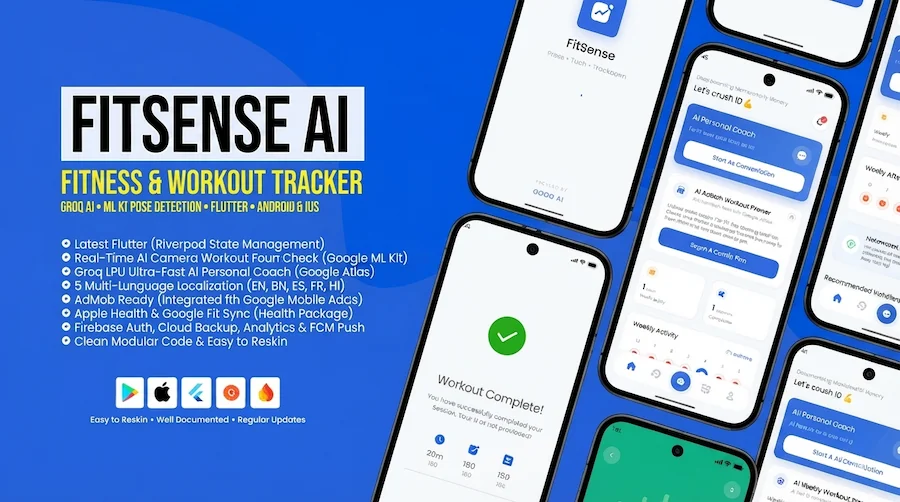
Important Notice: This application uses third-party services that may require additional costs and setup:Groq API — Required for AI workout recommendations and coaching. You must provide your own API...

Dino Crossing is a fun and addictive Android arcade game where players help a cute dinosaur cross busy roads, floating logs, and dangerous obstacles while collecting dinosaur eggs.Built with Android S...
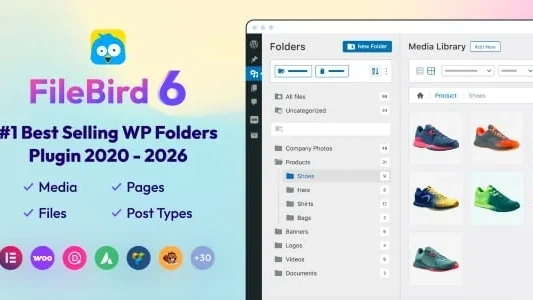
Do you have thousands of files in your WordPress media library? And you’re struggling to keep them organized?We get it, that’s exactly the mess FileBird – WordPress Media Library Folders was built to...

Puzzle Panda is a premium, fully offline Android puzzle game developed in 100% Native Kotlin. It combines adorable graphics, smooth animations, challenging gameplay, and modern Android architecture to...

FicKrr is a PHP-based multivendor digital products marketplace. It is designed for selling various digital items such as themes, scripts, plugins, print items, graphics, mobile apps, software, audio f...

Karenderia Multiple Restaurant System is a PHP-based solution for food ordering and restaurant membership management. Merchants can manage food items, including add-on categories, sizes, and cooking p...

This PHP module adds REST API capabilities to UltimatePOS Advance, enabling integration with other applications. Provides a REST API for UltimatePOS Advance. Integrates with UltimatePOS Advance. Compa...







 Google
 Github
 From Unknown Location
 Elite Seller
 Trend Master
 Featured Item