






 Google
 Github
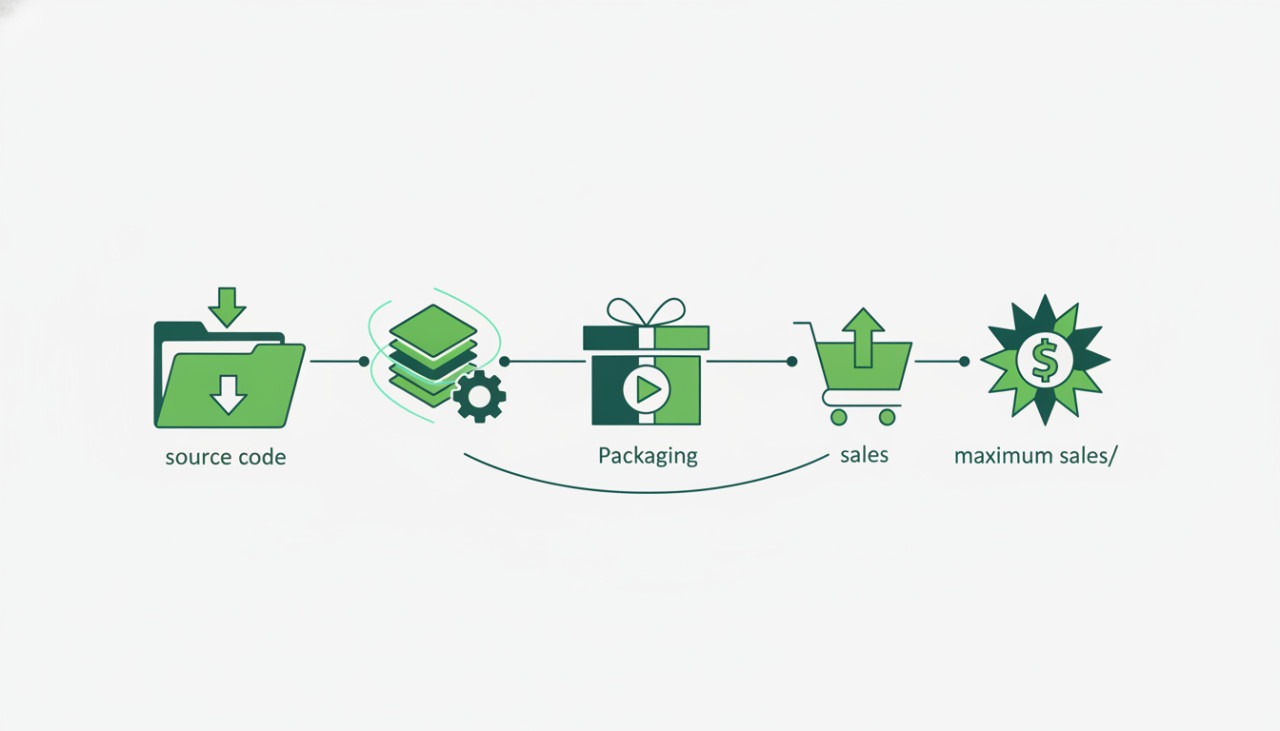
Building a mobile application from scratch often requires months of development, a hefty budget, and significant technical overhead. For solo founders, freelance developers, and agencies, speed-to-market is the ultimate competitive advantage. This is where pre-built mobile app templates and source codes from marketplaces like SellMyCode shine. By acquiring a verified codebase, you reduce upfront development time by up to eighty percent.
However, acquiring source code is only the initial milestone. To transform a generic starter kit into a market-ready, secure, and unique mobile application, you must follow a structured evaluation and customization process. Here is your roadmap to turning ready-made code into a successful digital product.
1. Verify Tech Stack and Dependency Freshness
Before committing to full-scale customization, inspect the foundational technology. Check whether the codebase uses modern frameworks like Flutter, React Native, or native Kotlin and Swift. Outdated dependencies can create compatibility roadblocks during store deployment.
- Confirm support for the latest Android target SDK and iOS versions.
- Audit external libraries to ensure they are actively maintained.
- Check backend requirements, whether Firebase, Supabase, or a custom REST API.
2. Examine Code Architecture and Documentation
Clean, modular code allows for effortless updates, while poor structure invites bugs and technical debt. A top-tier asset on SellMyCode includes comprehensive setup documentation, clean naming conventions, and scalable architecture such as BLoC, Provider, or Redux.
Take time to inspect folder structures, state management patterns, and inline comments. If the seller provides setup videos or step-by-step guides for environment configuration, you will save hours during onboarding.
3. Perform a Thorough Security and Configuration Audit
Pre-built templates often contain dummy API keys, test credentials, and placeholder endpoints. Overlooking these details can lead to severe security leaks or broken features upon launch.
- Replace all sandbox payment credentials with your live Stripe, PayPal, or In-App Purchase accounts.
- Secure your backend endpoints using proper authentication headers and environment variables.
- Remove any hardcoded secrets from client-side files before compilation.
4. Rebrand and Tailor the User Experience
To stand out in crowded app stores, avoid publishing templates with default styling. Apple and Google frequently reject apps that appear to be direct clones or minimal-effort repackages.
Key Rebranding Steps
- Update the color palette, typography, and iconography to match your unique brand identity.
- Replace generic stock illustrations with bespoke artwork tailored to your niche audience.
- Refine copy, onboarding screens, and localized microcopy to establish your brand voice.
- Tweak user navigation to introduce custom workflows that set your product apart from competitors.
5. Run Rigorous Quality Assurance
Never assume third-party code runs flawlessly across all device formats. Test the application across multiple screen resolutions, operating system versions, and network speeds. Verify responsiveness on low-end hardware as well as flagship tablets and phones.
Ensure offline caching operates correctly and error-handling screens provide clear fallback messages instead of crashing. A polished user journey prevents immediate uninstalls and negative early ratings.
6. Comply with App Store Guidelines
Both the Apple App Store and Google Play Store enforce strict review criteria regarding original value and user privacy. Ensure your customized build complies with all store policies before submission.
- Publish clear privacy policies and terms of service documents linked directly inside the app.
- Implement transparent consent prompts for device permissions such as camera, location, and push notifications.
- Provide complete demo login credentials in your store submission notes so reviewers can test authenticated features smoothly.
Conclusion
Purchasing pre-made source code on SellMyCode provides an exceptional launchpad for modern creators. By methodically auditing the tech stack, securing APIs, completely refreshing the visual identity, and rigorously testing performance, you bypass months of mundane boilerplate setup. You can focus your energy on what truly counts: acquiring users, iterating on feedback, and growing your digital revenue.
Comments (0)