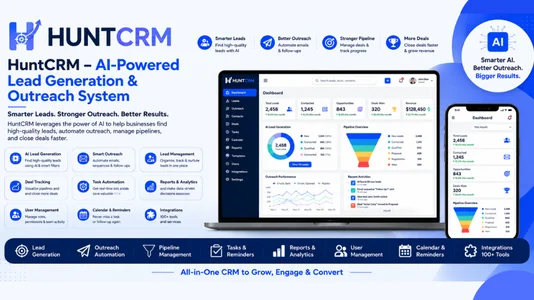
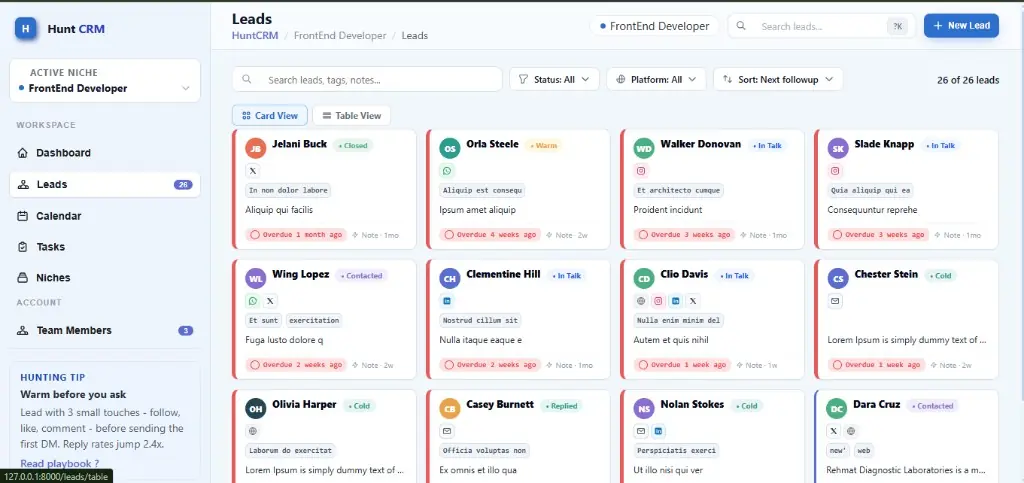
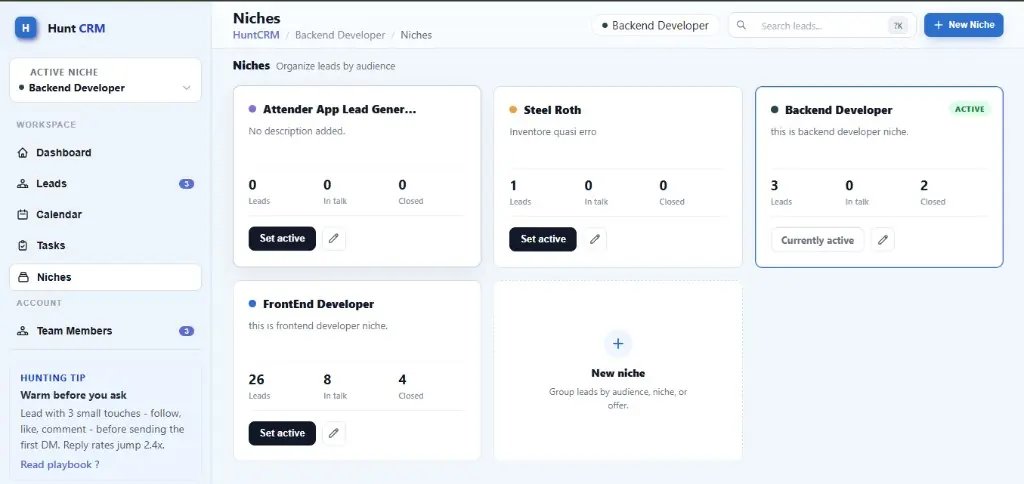
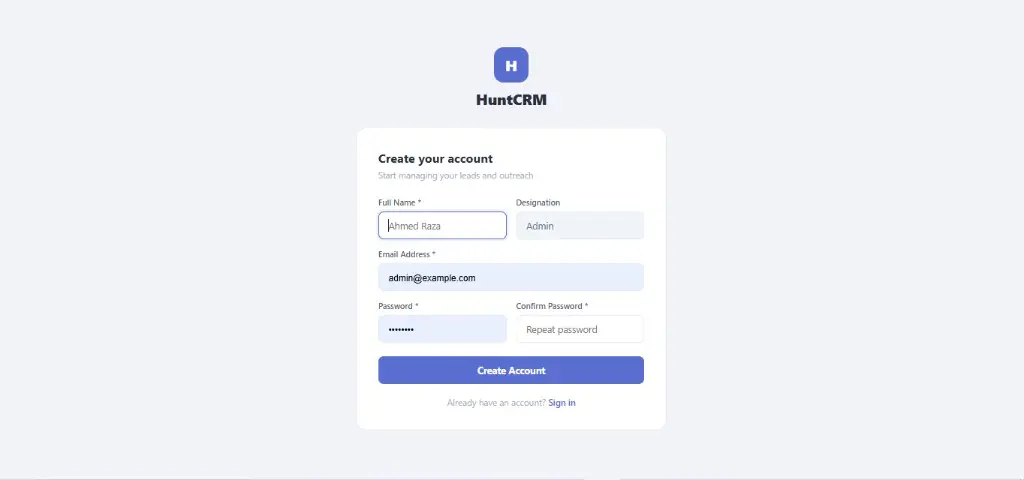
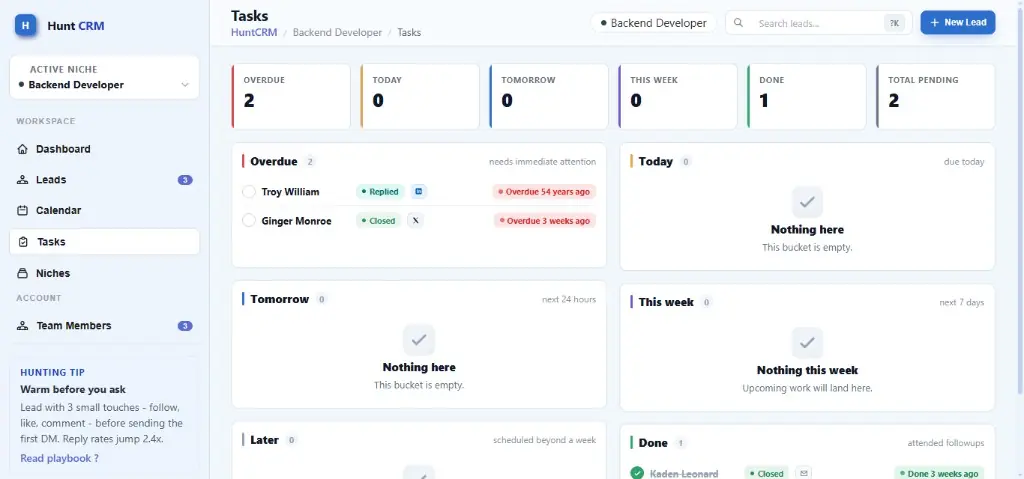
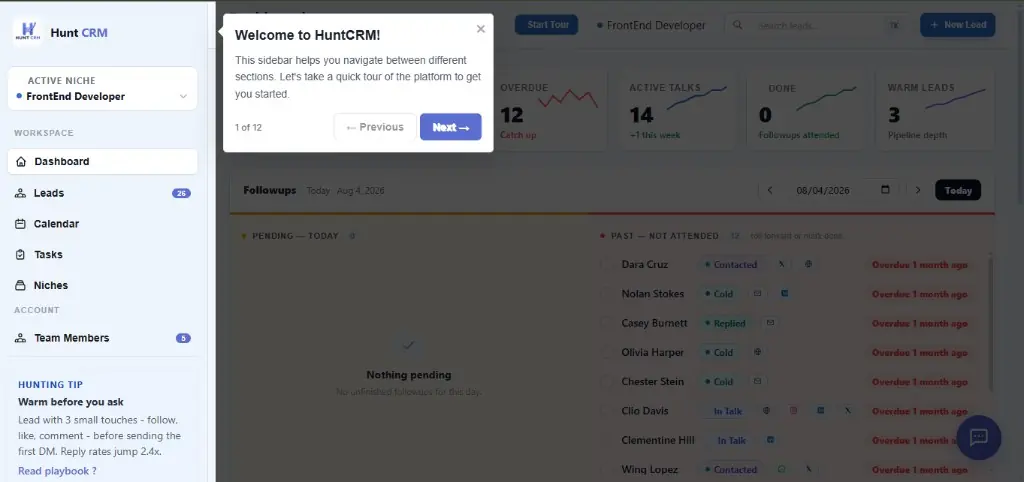
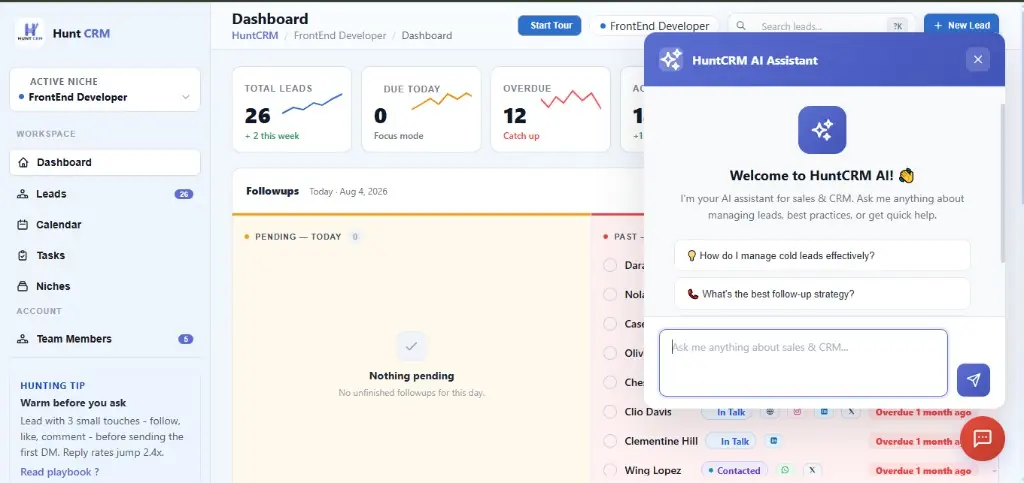
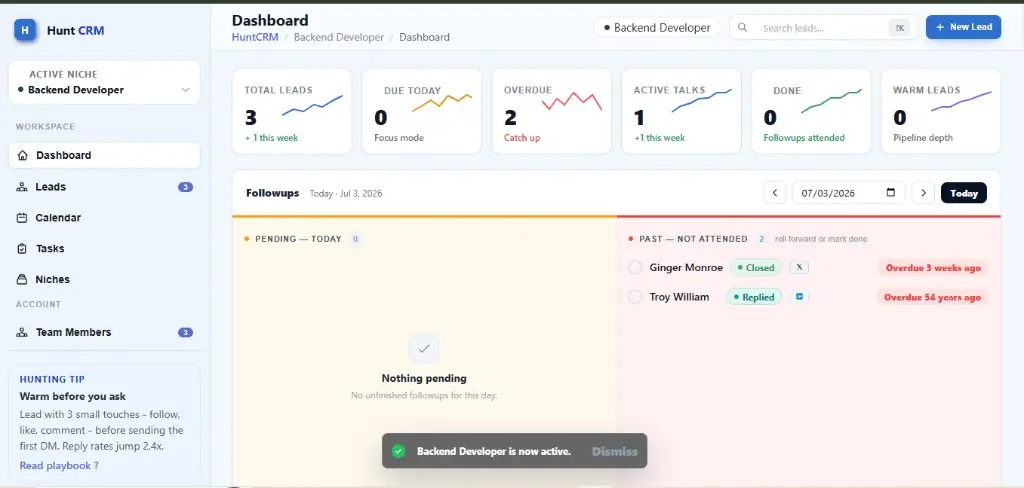
Hunt CRM is a self-hosted, niche-centric lead prospecting and outreach CRM built on Laravel 13, now with a built-in AI Assistant. It helps sales teams, freelancers, agencies, and outreach specialists find prospects, organize them by audience niche, track every conversation, manage follow-ups, and close deals - all from one clean, modern dashboard.
Ask the AI Assistant anything about your pipeline, tasks, or team - it answers using your real account data and gives on-demand sales advice, right from any page.
Whether you hunt leads on LinkedIn, Instagram, WhatsApp, or email, Hunt CRM keeps your pipeline visible, your team aligned, and your follow-ups on schedule.
🔴 Live Demo: https://hunt-crm.composerforce...
📄 Documentation: https://huntcrm-documentation....
📄User Documentation : https://huntcrm-user-documenta...
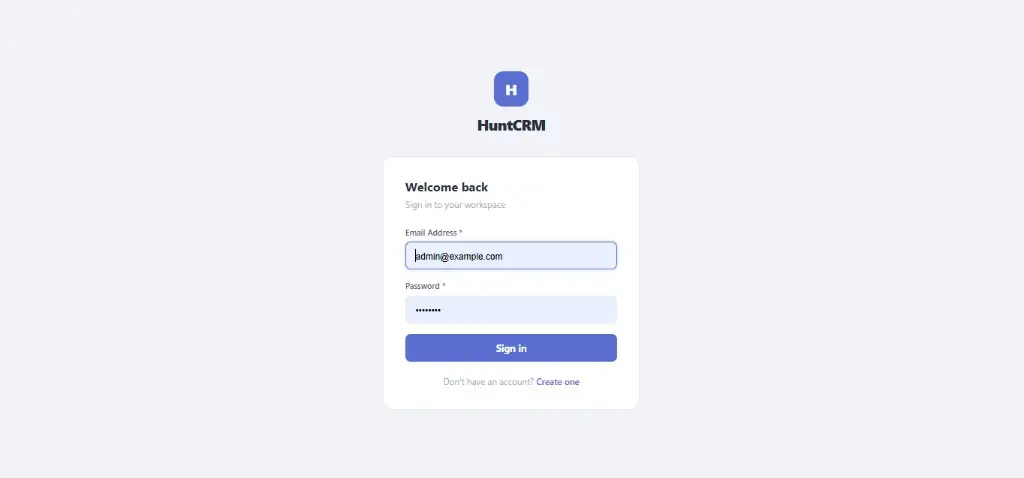
Email - admin@example.com
Password - 12345678
HuntCRM is a modern and powerful Customer Relationship Management (CRM) solution built with Laravel 13, featuring a built-in AI Assistant. It helps businesses manage customers, leads, sales activities, tasks, and daily operations through an intuitive and user-friendly dashboard.
Features:
php artisan key:generate php artisan migrate --seed php artisan storage:link php artisan optimize:clear
Set the document root to the public directory.
Use the administrator account created during installation or the default demo credentials (if provided).


 0 Viewing now
Live buyer activity

 From Unknown Location
 New Author
Published:
17 Sep, 2026
Version:
1.0.0
Category:
Files Included:
Framework:







 Google
 Github