Browse
Premium Code Scripts PulseDrop – AI Blood Donor Recipient App v1.0.0
1.0.0Version
Next.jsFramework
YesUpdate Support
YesTechnical Support

Overview

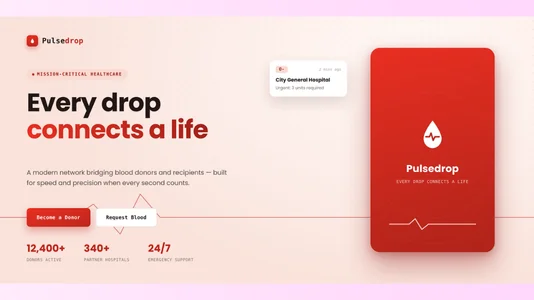
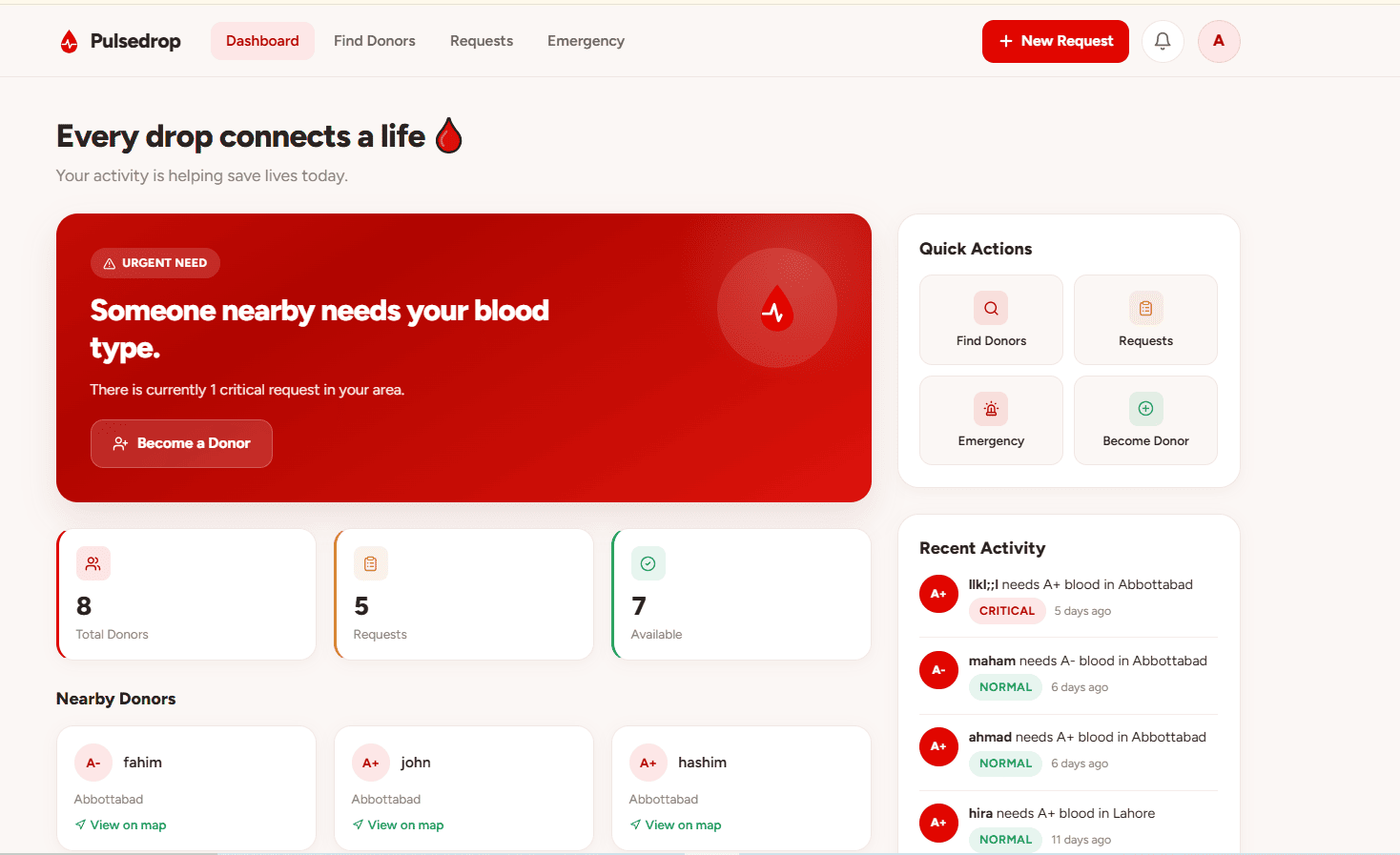
PulseDrop AI is a full-stack, AI-powered blood donation platform that connects donors with people who urgently need blood - in real time. Built on a serverless Next.js architecture, it lets anyone register as a donor, search for compatible donors by blood group and city, broadcast emergency blood requests, and message donors directly, all with JWT-secured authentication. A built-in Groq/LLaMA-3 powered AI Assistant answers donation and eligibility questions, and a guided interactive tour walks new users through the platform.

Key Features

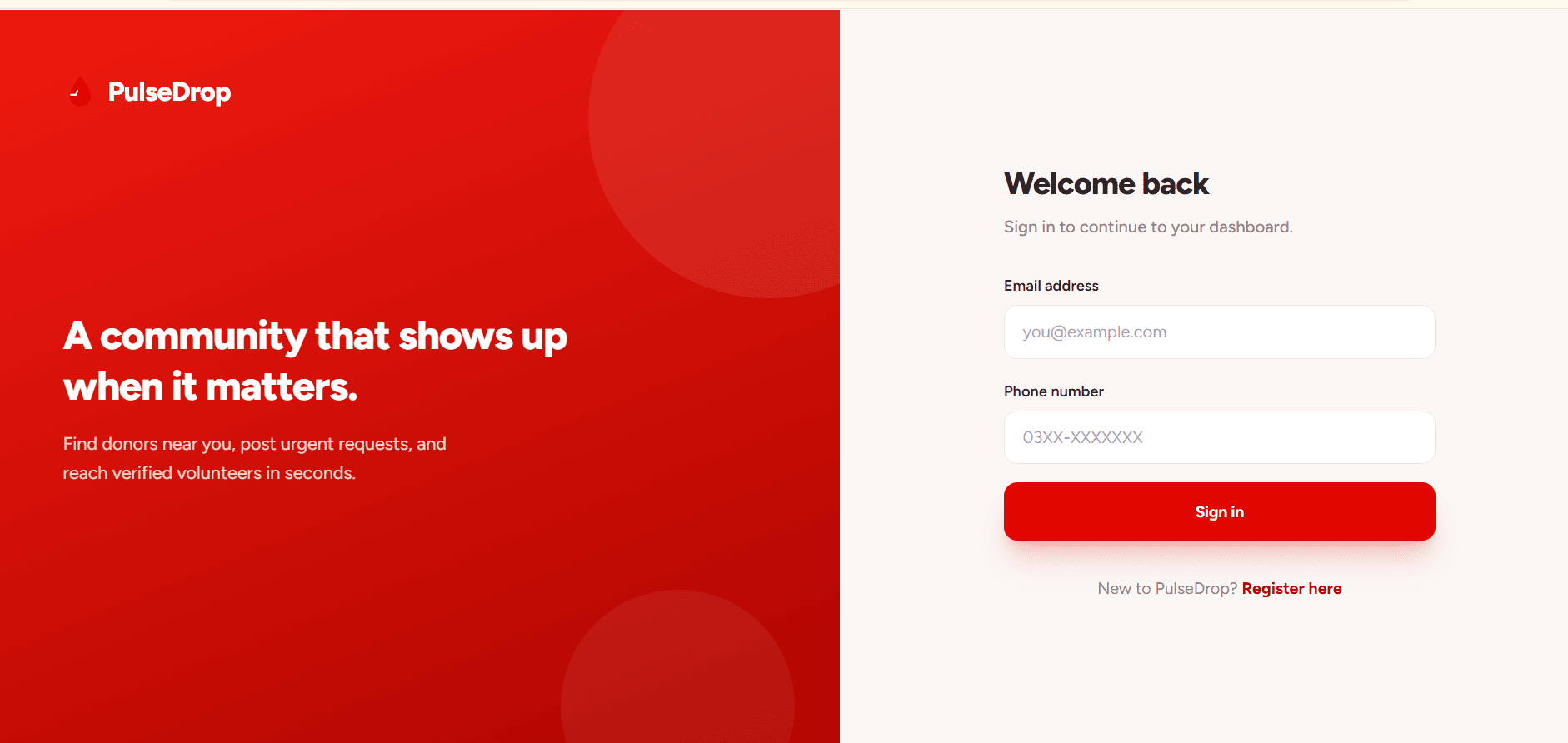
  • JWT Authentication - Stateless, secure login with bcrypt-hashed passwords
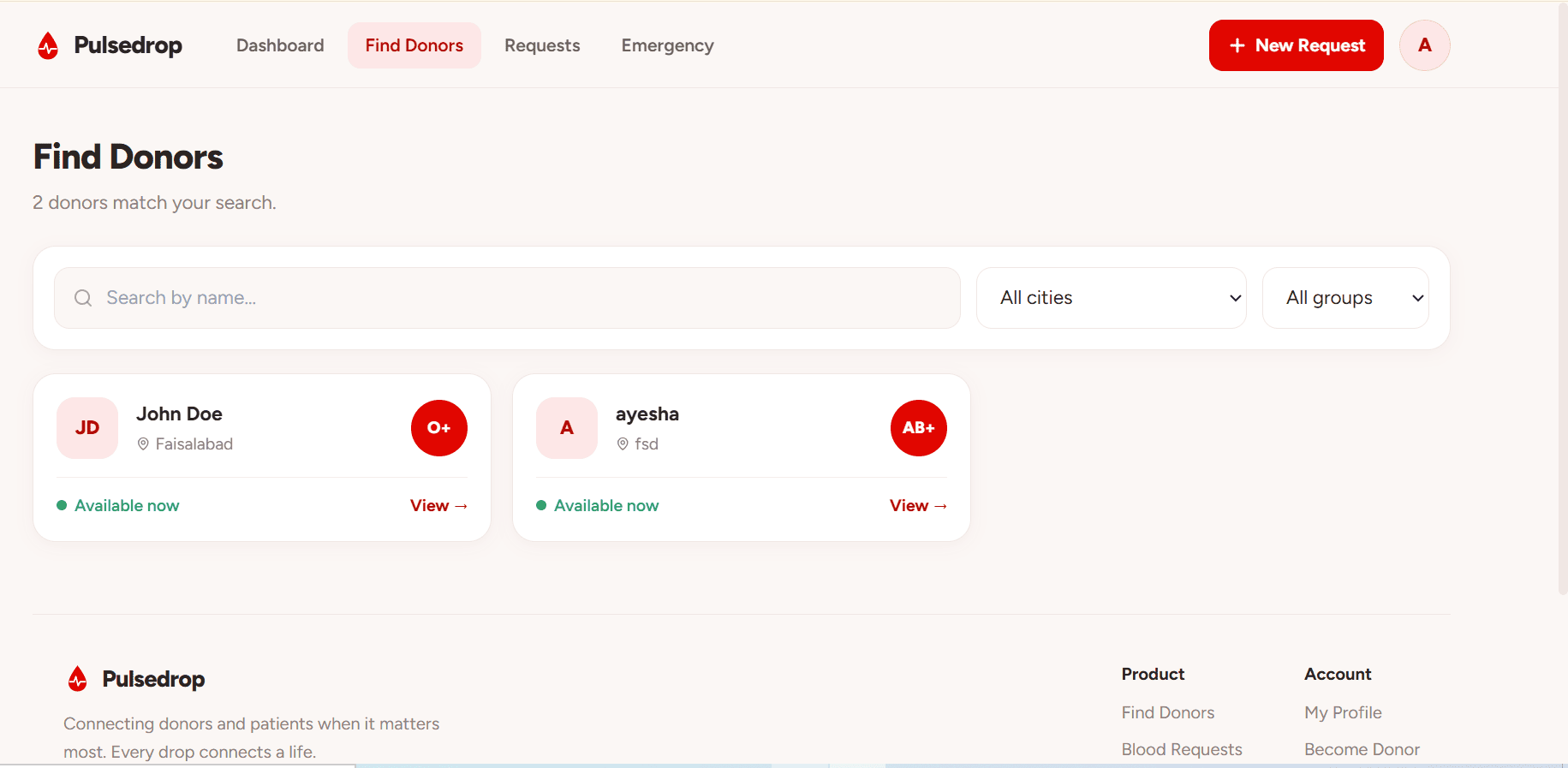
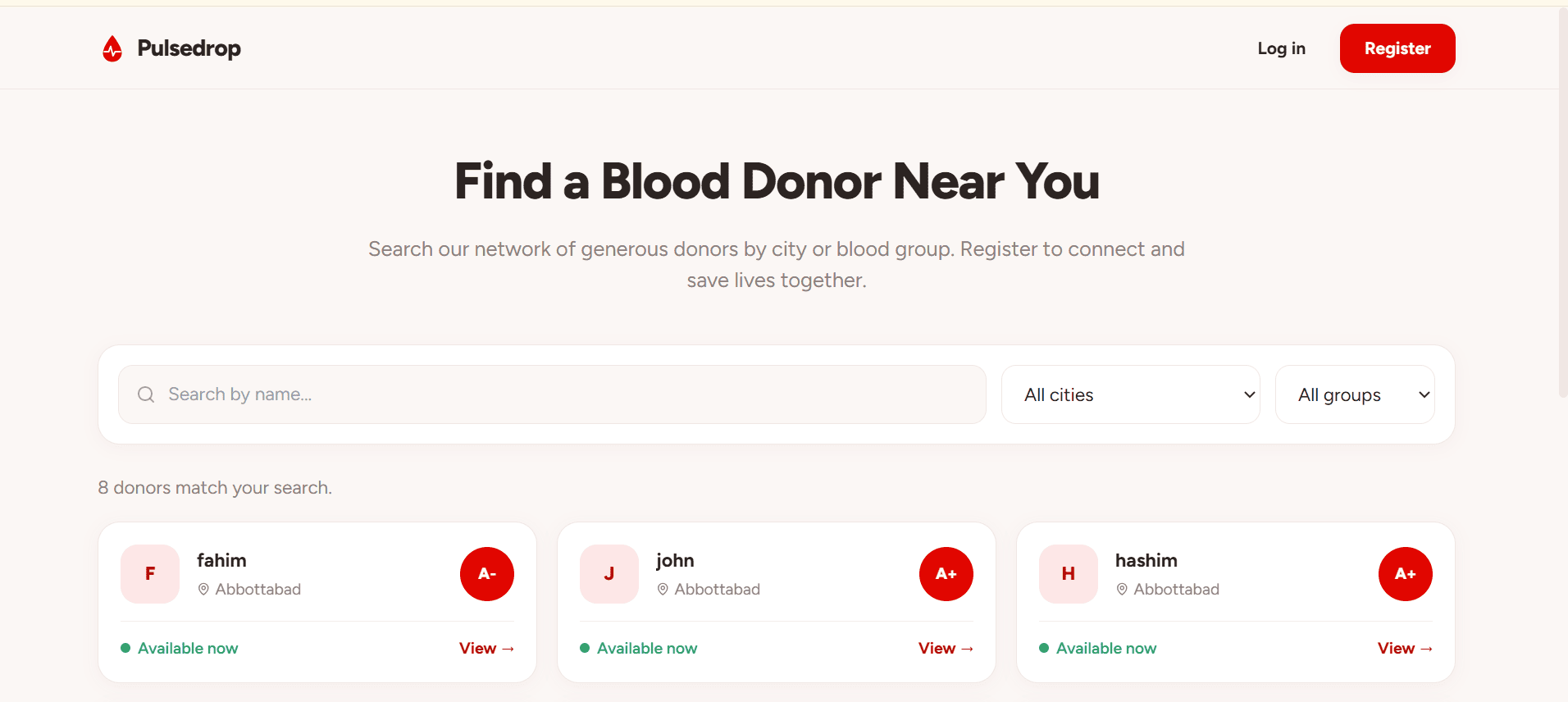
  •  Smart Donor Search - Filter donors by blood type and city with live results and detailed profile cards
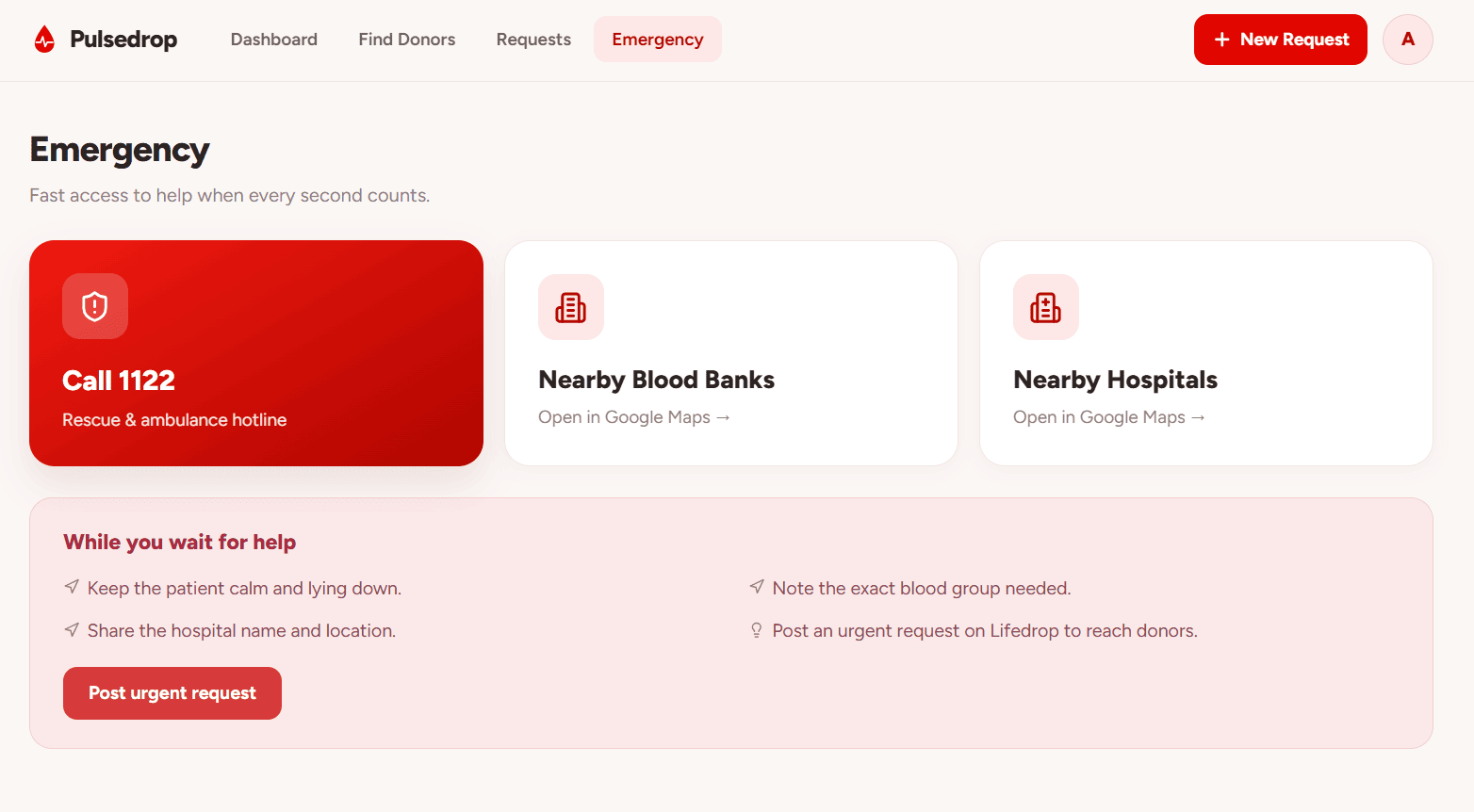
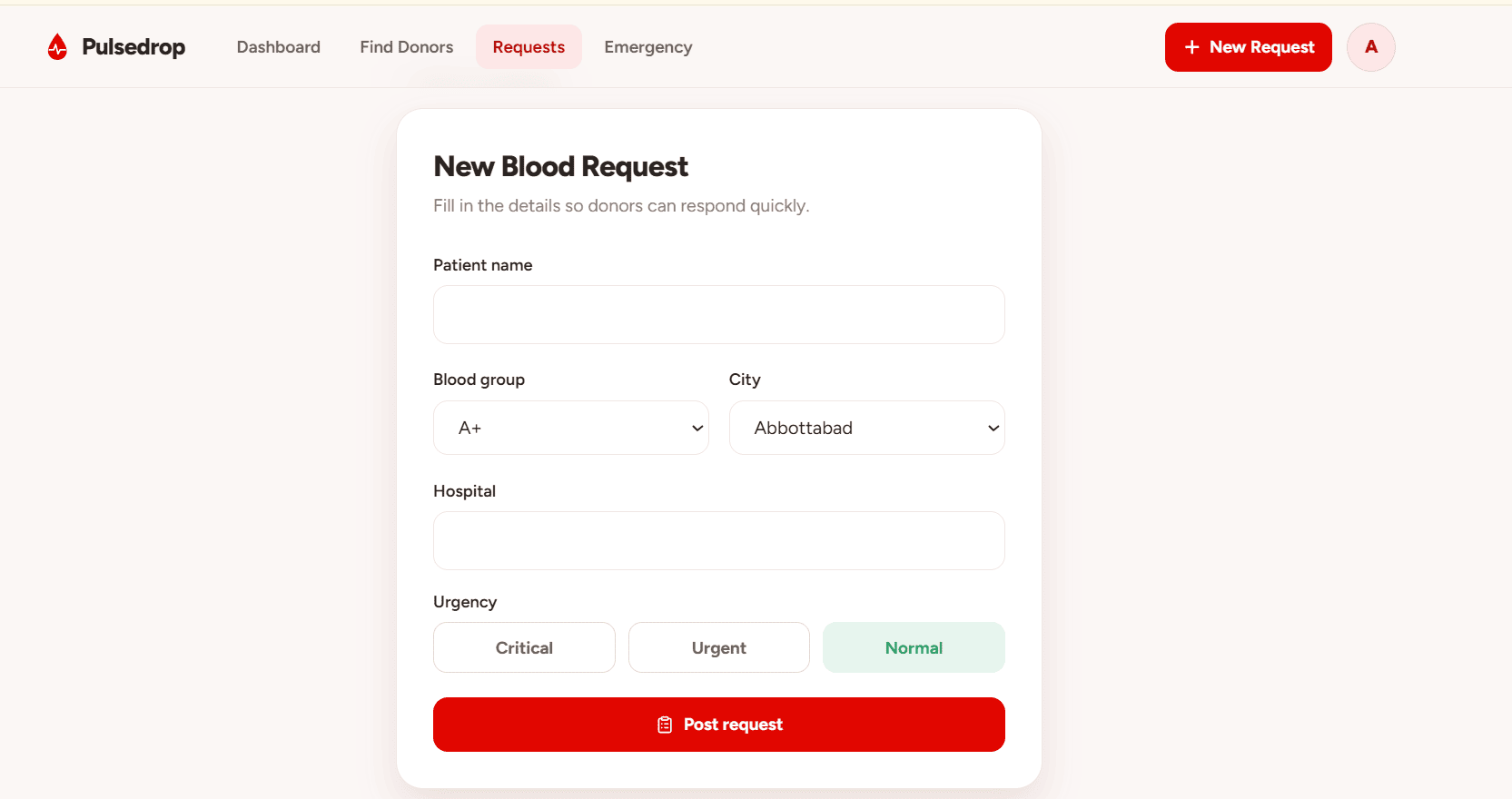
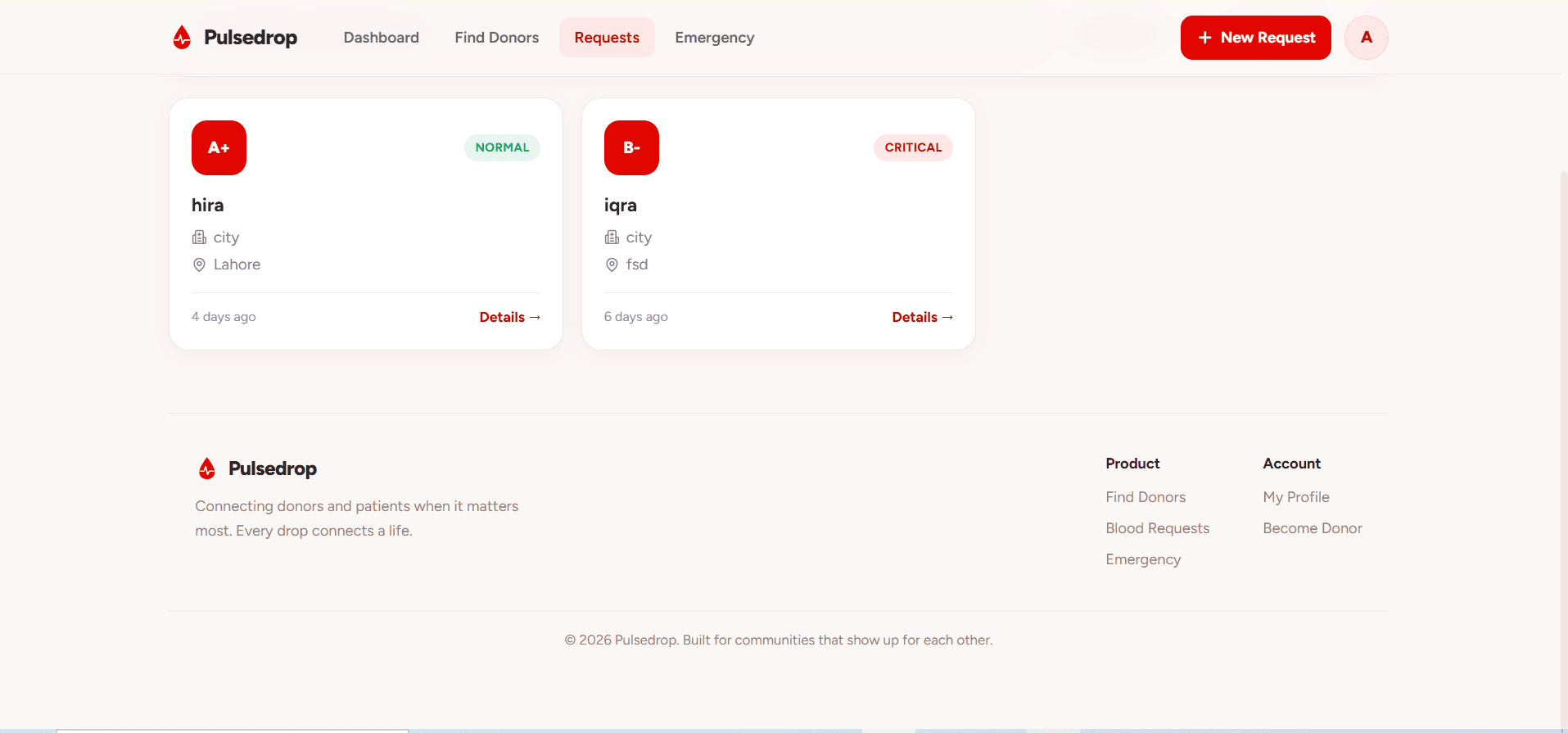
  •  Emergency Broadcasts - Post urgent blood requests with urgency levels (Critical / Urgent / Normal) that notify all compatible donors instantly
  •  In-App Messaging - Private conversation threads between donors and requesters, with email notifications and unread-count tracking
  •  Protected Routes - Client-side route guarding plus server-side auth enforced on every API route
  •  Profile & Availability Control - Donors can toggle their availability and control public visibility of their phone number
  •  Fully Responsive - Mobile-first design with Tailwind CSS v4, works on every screen size
  •  AI Assistant - Context-aware chat powered by Groq and LLaMA 3, answering blood donation queries and post-donation guidance in real time
  •  Interactive AI Tour - Guided onboarding built with driver.js that walks new users through the dashboard and core features

Tech Stack

  • Frontend: Next.js 16.2.10, React 19.2.4, Tailwind CSS v4, Lucide React, Axios
  • Backend: Next.js API Routes (serverless), Mongoose 9.7.4, bcrypt, jsonwebtoken
  • Database: MongoDB Atlas (Free M0 tier works) or local MongoDB
  • AI: Groq SDK (LLaMA 3 model, default openai/gpt-oss-120b)
  • Email: Resend, for message-notification emails

Requirements

  • Node.js v18.17.0+
  • npm v9.0.0+
  • Git v2.30+
  • MongoDB Atlas (Free M0 tier) or local MongoDB v6+
  • A Groq API key (console.groq.com) - powers the AI Assistant
  • A Resend API key (resend.com) - sends message-notification emails

Installation

  1. Extract the package and cd pulse-drop
  2. npm install - install dependencies
  3. Copy .env.example to .env.local and fill in your credentials (MongoDB URI, JWT secret, Groq key, Resend key)
  4. npm run dev - start the development server
  5. Open http://localhost:3000 to see PulseDrop running

MongoDB collections are created automatically on first connection — no manual schema migration or seed scripts required.

Usage

  1. Register an account (or click "Get Started" on the homepage)
  2. Log in and land on your Dashboard
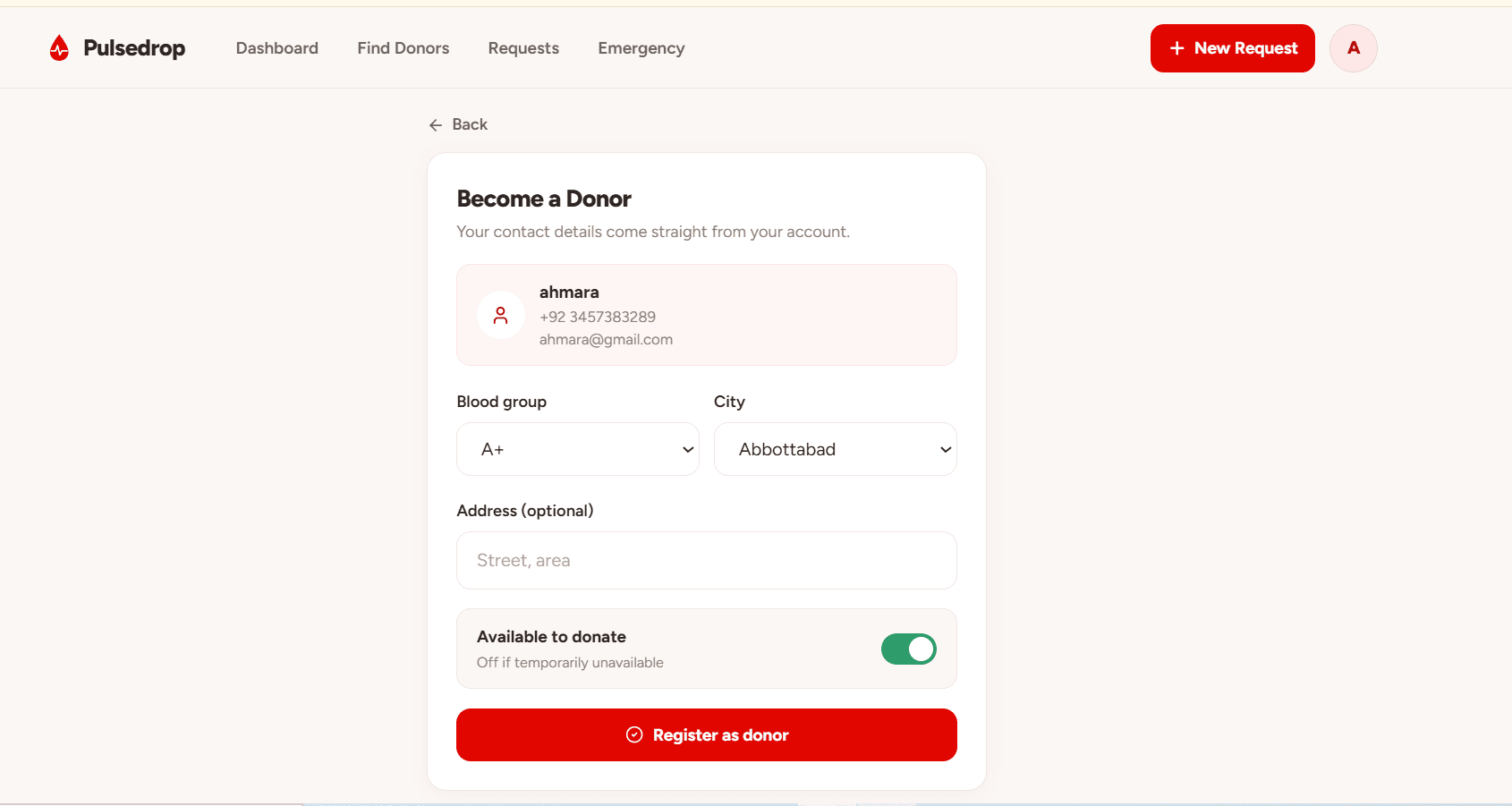
  3. Become a donor from your Profile by entering your blood group and city
  4. Find donors, filter by blood group and city, and message someone directly
  5. Post an emergency request if you urgently need blood - compatible donors see it live
  6. Message donors/requesters from your Inbox and coordinate the donation

Live Demo & Documentation

Recently Viewed

Author Support i
Updates & Downloads i
  • No update support
  • 1 month update support +$5.00
  • 3 months update support +$10.00
  • 6 months update support +$15.00
  • 1 year update support +$20.00
  • Lifetime update support +$25.00
Total $17.00
Included in PremiumUnlimited downloads of premium items See plans
0 Viewing now Live buyer activity
© All rights reserved Sumsolstechnologies
Sumsolstechnologies
Sumsolstechnologies Starter · since Sep 2026
From Unknown Location New Author

More from Sumsolstechnologies

7 items
See all
Sumsolstechnologies
Sumsolstechnologies Starter · since Sep 2026
7Items — Rating 0Followers

Similar items

Code Scripts
View More

We use cookies to personalize your experience. By continuing to visit this website you agree to our use of cookies