Browse
Premium Code Scripts ScanNPay AI - Self Checkout POS Solution v1.0.0
1.0.0Version
LaravelFramework
YesUpdate Support
YesTechnical Support

Overview

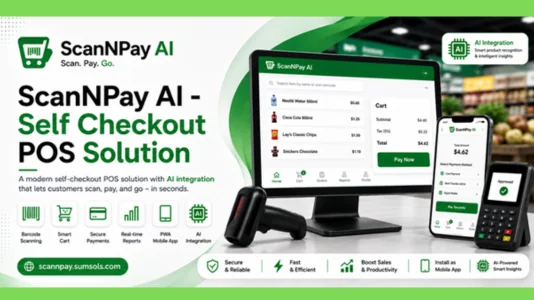
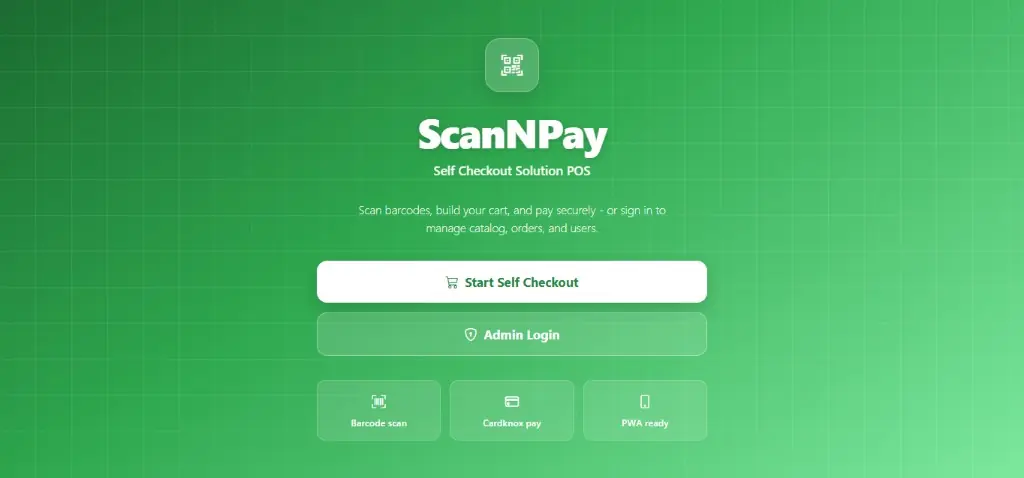
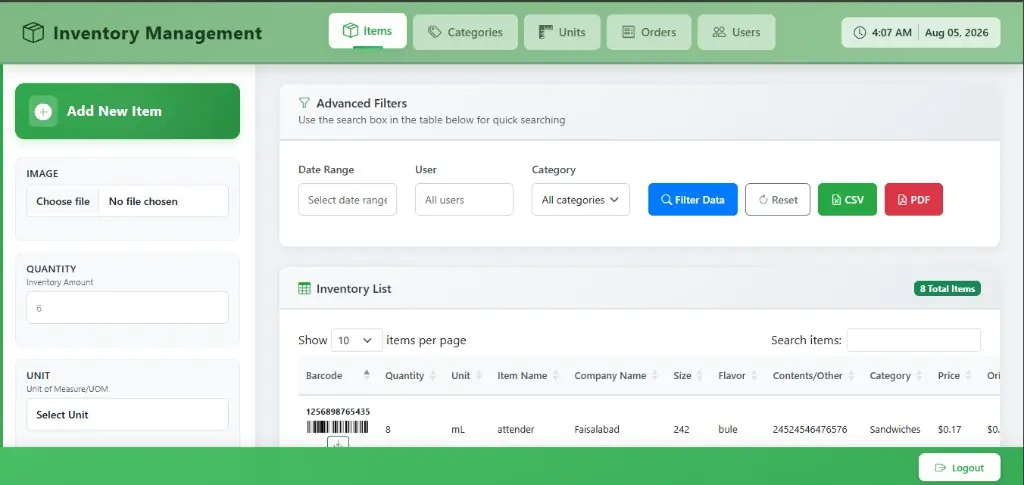
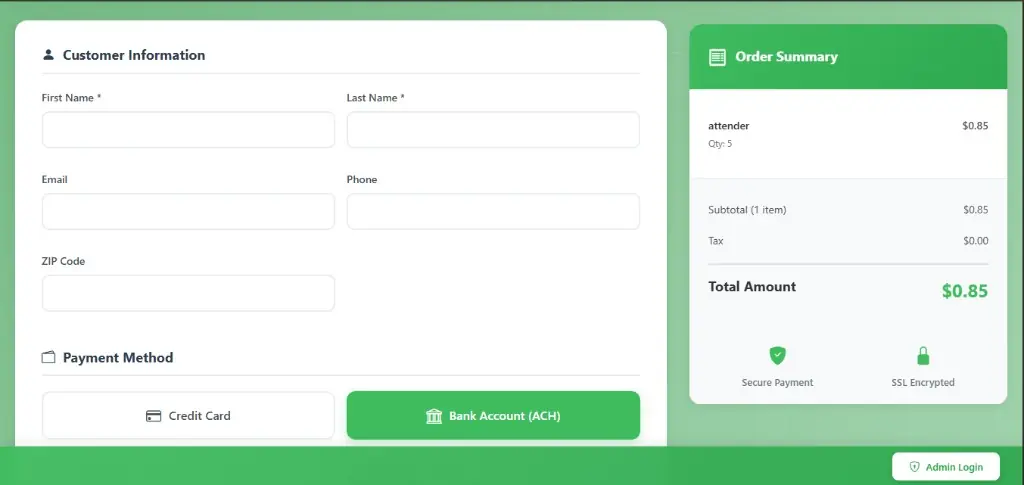
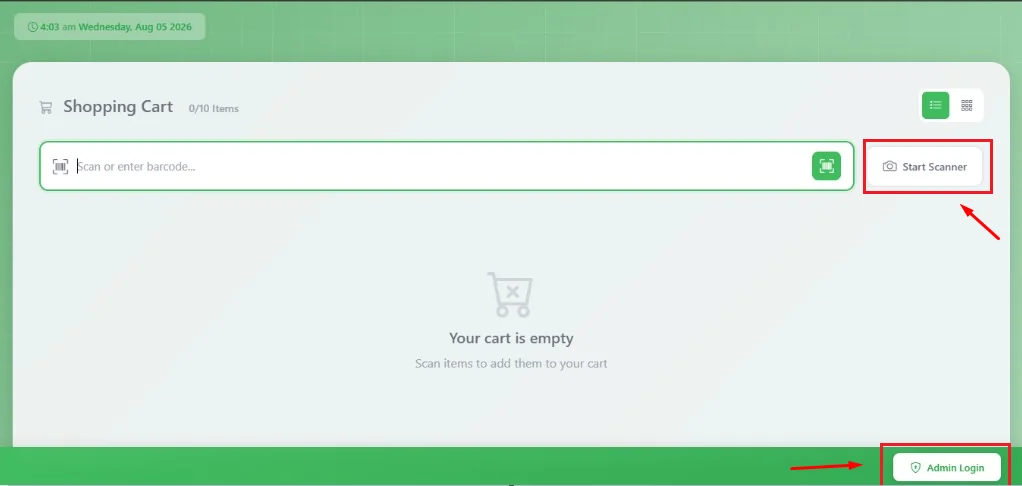
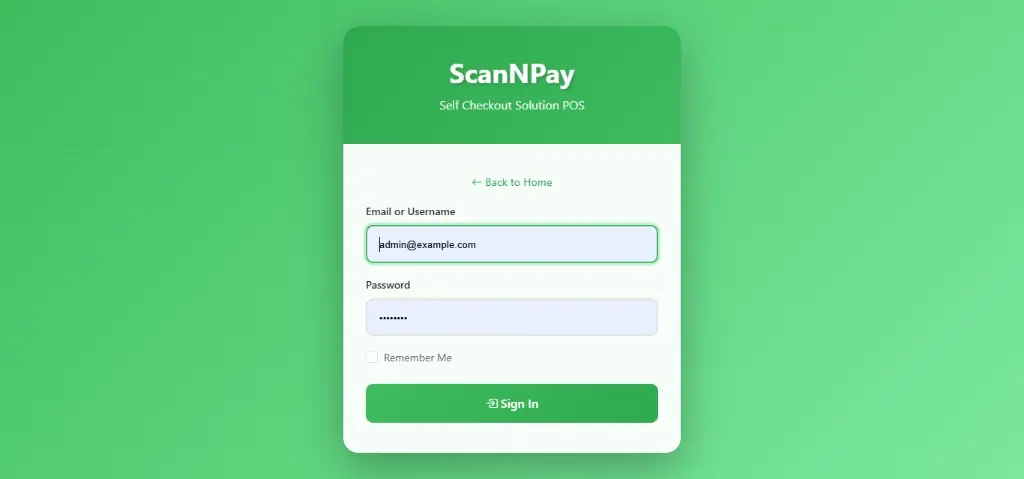
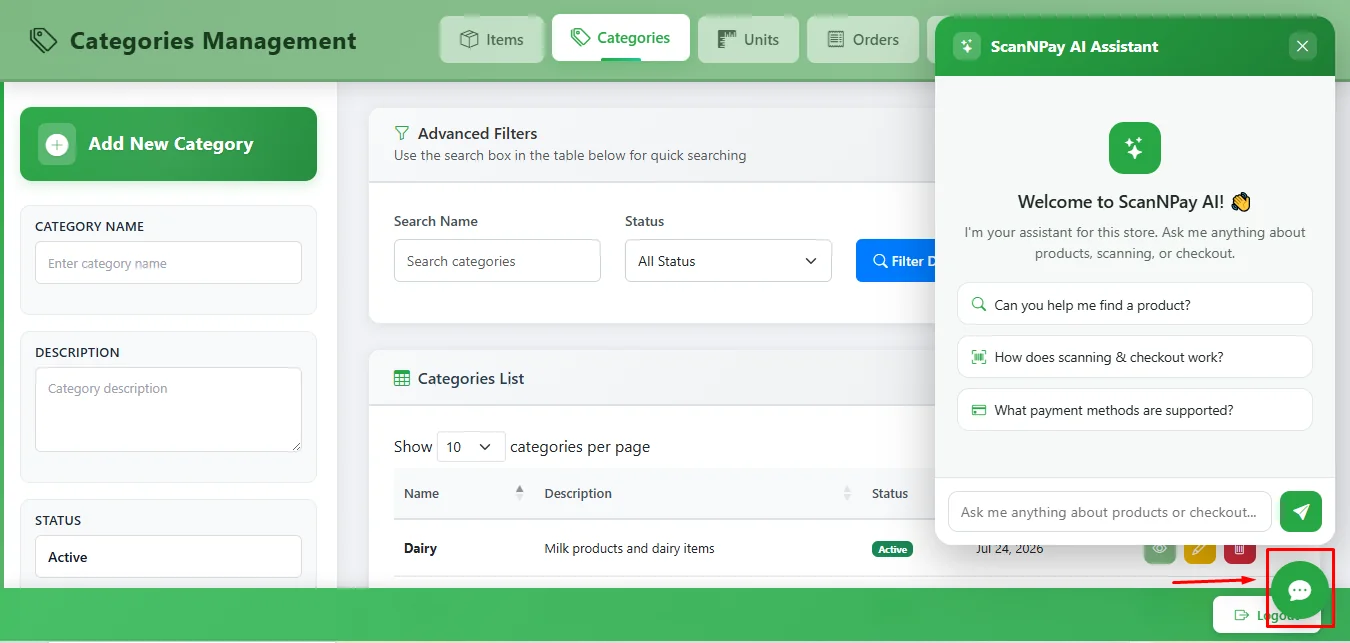
ScanNPay AI is a Laravel-powered self-checkout Point of Sale (POS) solution built for retail stores. Customers or staff scan product barcodes with a camera or manual entry, review the cart in real time, and complete checkout with card or ACH payment through Cardknox — including tap-to-pay. Admins manage the full catalog (items, categories, units, barcode labels), track order history, and get instant answers from a built-in AI Assistant. The app is PWA-ready, so it installs on any phone, tablet, or desktop like a native app, with no app-store download required.

Key Features

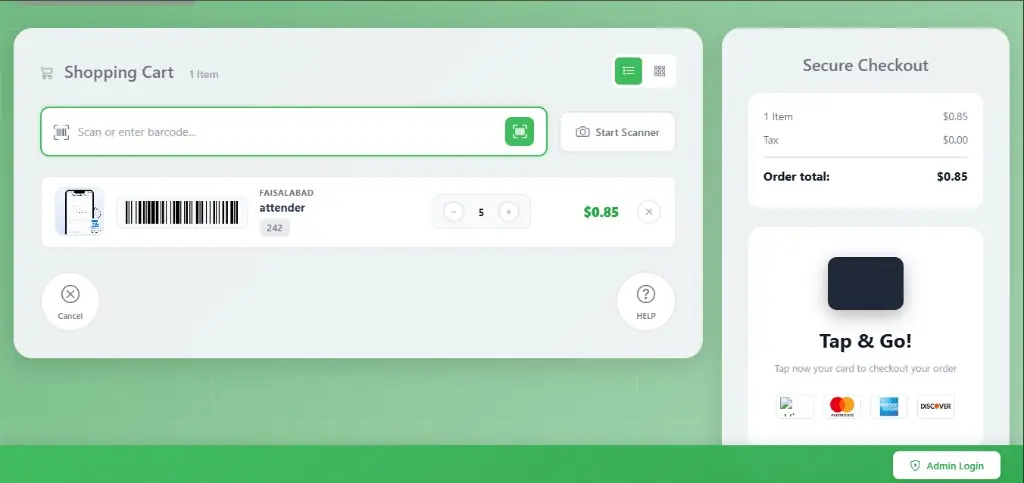
  • Barcode Scanning - Camera-based scanner or manual entry, with live cart updates as items are added
  • Cardknox Payments - Credit card and ACH checkout, including contactless tap-to-pay, tokenization, and refunds
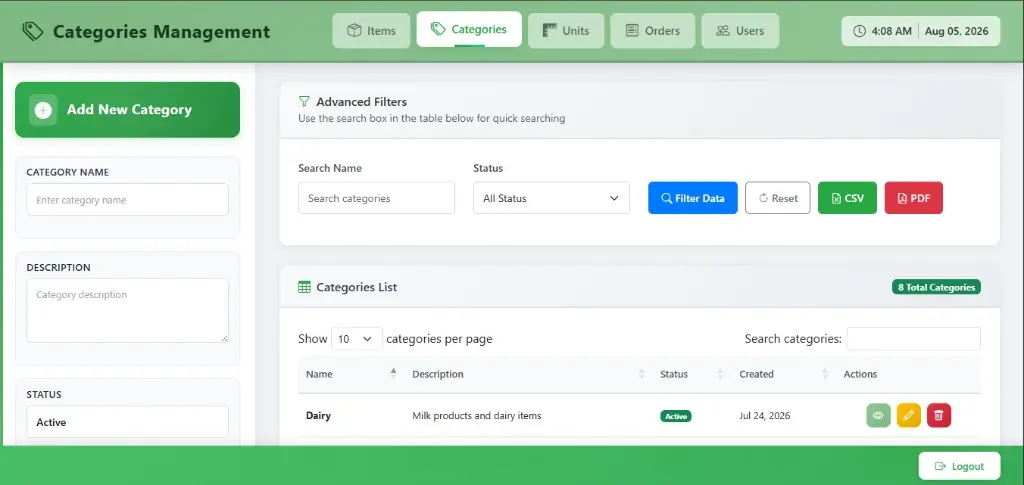
  • Catalog Management - Full control over items, categories, units, and barcode label generation
  • Order History - Searchable order and customer records for every transaction
  • AI Assistant - A Groq-powered chat widget that answers product questions for everyone, and live sales/order/catalog questions for signed-in admins
  • PWA-Ready - Installable on phone, tablet, or desktop with an offline shell and a full icon set
  • Full Documentation Included - A complete System Guide and User Guide ship inside the package


Tech Stack

  • Backend: PHP ^8.4, Laravel Framework ^12.0
  • Database: MySQL (also used for sessions, cache, and queues)
  • Frontend: Blade templates + vanilla JavaScript 
  • UI: Bootstrap 5.3, Bootstrap Icons, jQuery 3.7, DataTables 1.13.6
  • Barcode/QR scanning: html5-qrcode
  • Barcode generation: picqer/php-barcode-generator
  • Build tooling: Vite 7, Tailwind CSS 4, Axios
  • Payments: Cardknox Payment Gateway
  • AI: Groq API (openai/gpt-oss-120b by default)


Requirements

  • PHP ^8.4 with ext-mbstring, ext-pdo, ext-gd, ext-curl, ext-fileinfo
  • Composer 2.x
  • MySQL 5.7+ / 8.x
  • Node.js 18+ and npm 9+
  • A Cardknox merchant account (for real or test payments)
  • A Groq API key (optional - only needed for the AI Assistant)
  • A web server: artisan serve for local use, or Apache/Nginx pointed at public/ for production


Installation

  1. composer install - install PHP dependencies
  2. npm install - install front-end dependencies
  3. cp .env.example .env - copy the environment file
  4. php artisan key:generate - generate the app key
  5. Configure your .env (database, Cardknox keys, Groq key)
  6. php artisan migrate --seed - create tables and demo data
  7. npm run build - build front-end assets
  8. php artisan serve - serve the app, then visit http://localhost:8000


Live Demo & Documentation

Recently Viewed

Author Support i
Updates & Downloads i
  • No update support
  • 1 month update support +$5.00
  • 3 months update support +$10.00
  • 6 months update support +$15.00
  • 1 year update support +$20.00
  • Lifetime update support +$25.00
Total $20.00
Included in PremiumUnlimited downloads of premium items See plans
0 Viewing now Live buyer activity
© All rights reserved Sumsolstechnologies
Sumsolstechnologies
Sumsolstechnologies Starter · since Sep 2026
From Unknown Location New Author

More from Sumsolstechnologies

7 items
See all
Sumsolstechnologies
Sumsolstechnologies Starter · since Sep 2026
7Items — Rating 0Followers

Similar items

Code Scripts
View More

We use cookies to personalize your experience. By continuing to visit this website you agree to our use of cookies