📌 OVERVIEW
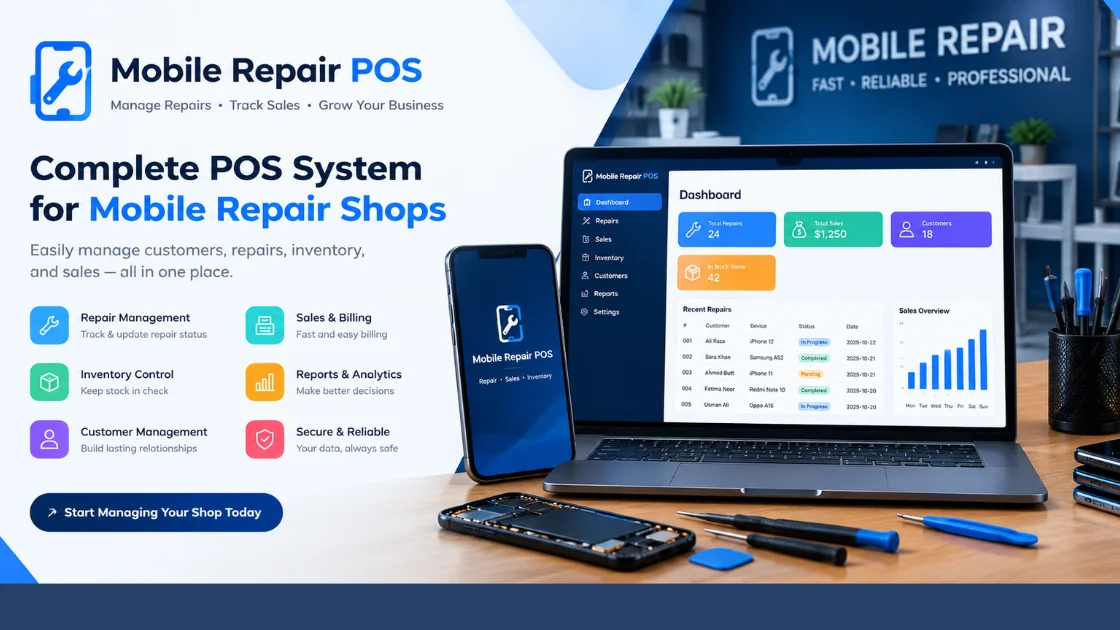
Mobile Repair POS is a modern, full-stack Point of Sale and store management web application engineered specifically for mobile phone, tablet, computer, and electronics repair shops. Built with the latest Next.js 16 (React 19), Tailwind CSS, and MongoDB, it provides an all-in-one solution for tracking repair tickets, managing spare parts inventory, processing invoices and payments, tracking shop expenses, and analyzing real-time financial metrics.
Now upgraded with RepairCopilot AI, an intelligent hardware diagnostic and shop assistant that helps technicians troubleshoot component-level faults (power drops, water damage, screen issues), summarizes live shop data, and drafts instant, professional customer WhatsApp messages.
🌐 LIVE DEMO & OFFICIAL DOCUMENTATION
Live Demo: mobile-repair-pos.vercel.app/
System Documentation: mobile-repair-doc.sumsols.com/
User Guide: mobile-repair-userguide.sumsols.com/
===== Demo Admin Login: =====
Demo Admin Email: admin@demo.com
Demo Admin Password: admin123
✨ KEY FEATURES
1. AI-Powered Assistant (RepairCopilot):
• Hardware Diagnostics: Step-by-step troubleshooting for mobile faults (no power, USB ammeter readings, backlight circuits, water damage).
• Live Shop Insights: Real-time query of pending repairs, today's arrivals, and depleted stock parts.
• Customer Message Drafting: Automatically generates professional, polite WhatsApp/SMS status messages.
• Dual-Engine Architecture: Seamlessly connects with Google Gemini Flash AI, with a 100% offline built-in smart diagnostic engine fallback.
2. Multi-Tenant User Data Isolation:
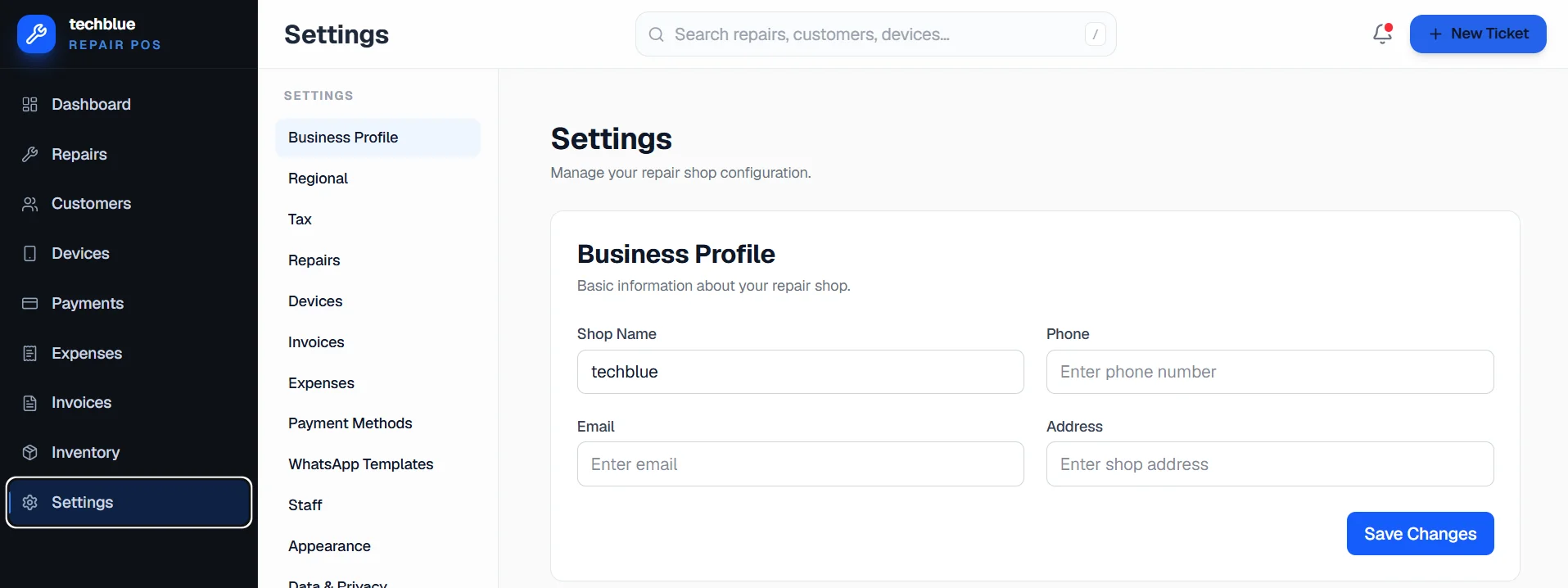
• Complete data privacy: Each registered shop or user only sees and manages their own customers, tickets, invoices, inventory, and settings.
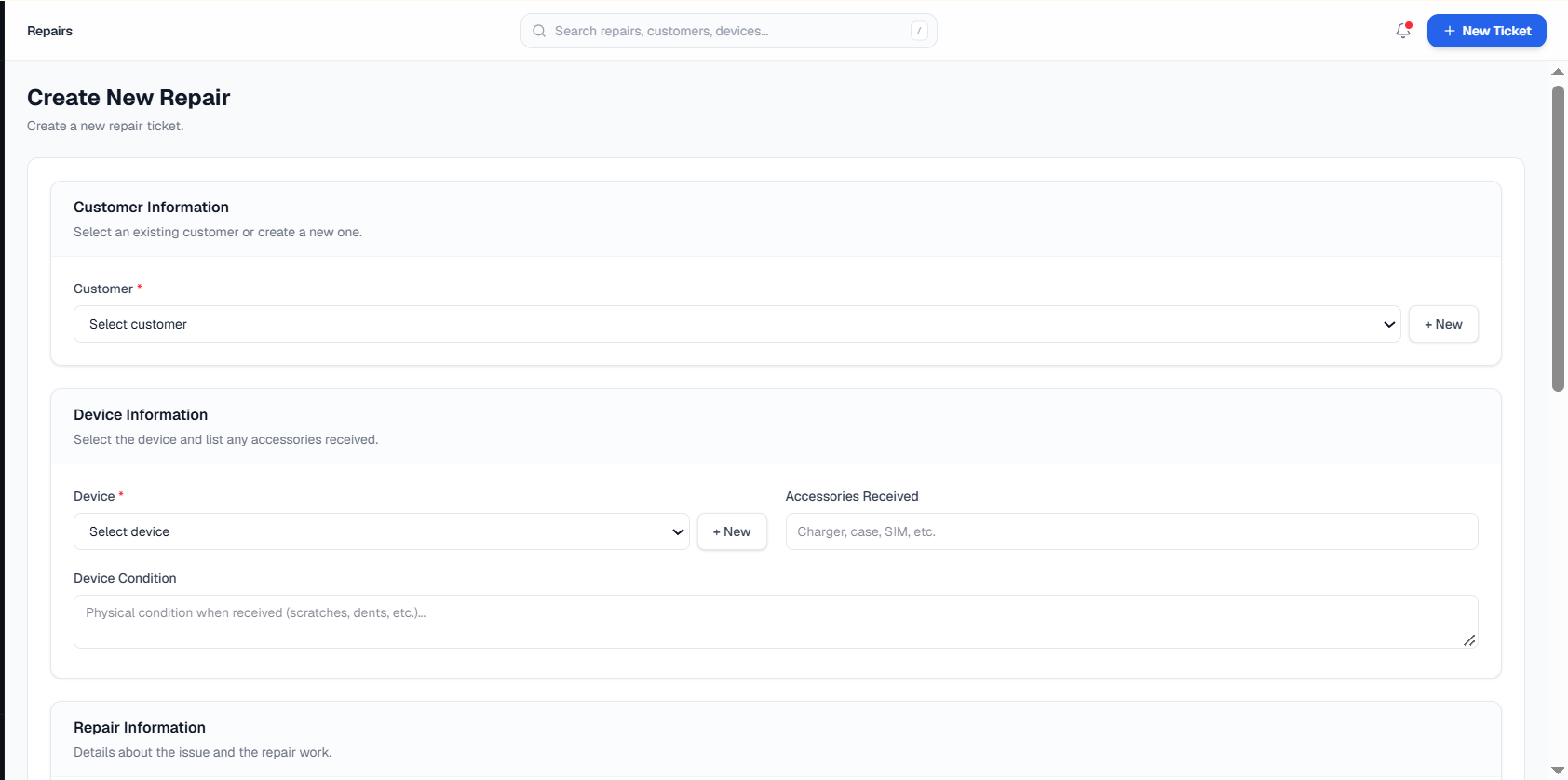
3. Repair Ticket Management & Lifecycle Pipeline:
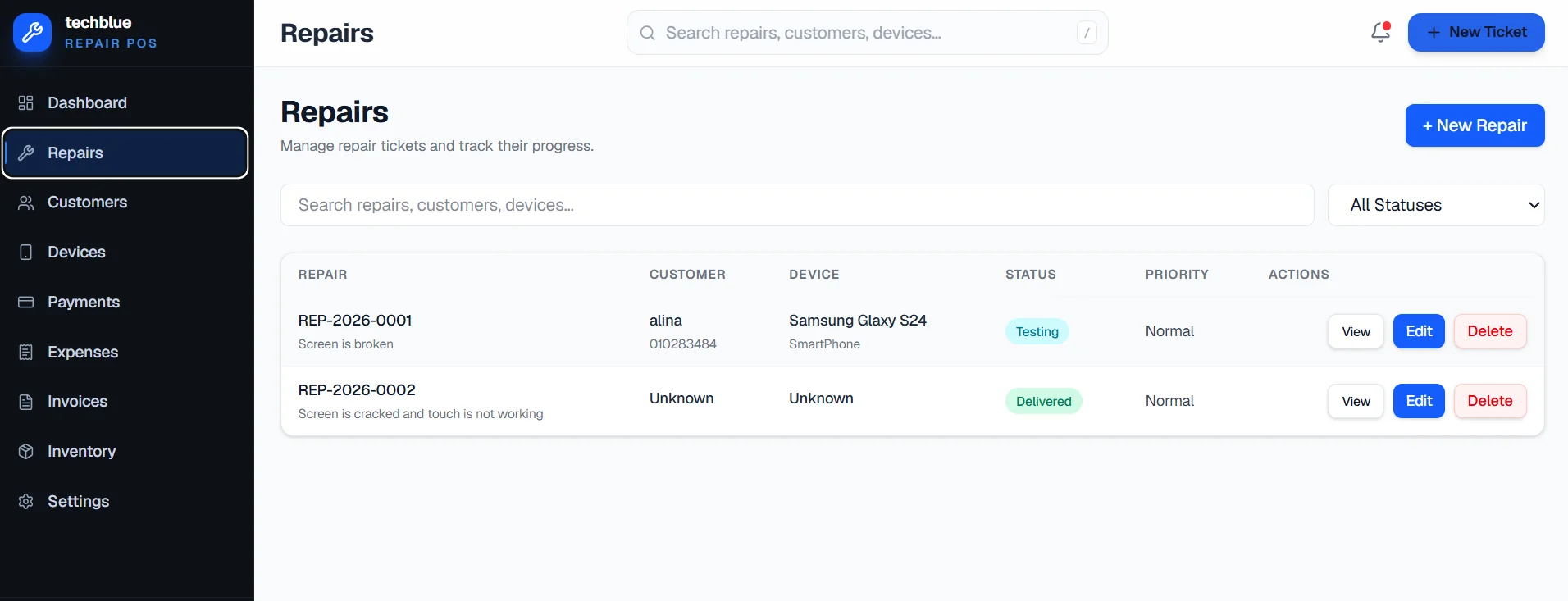
• Automated ticket generation (e.g., REP-2026-0001).
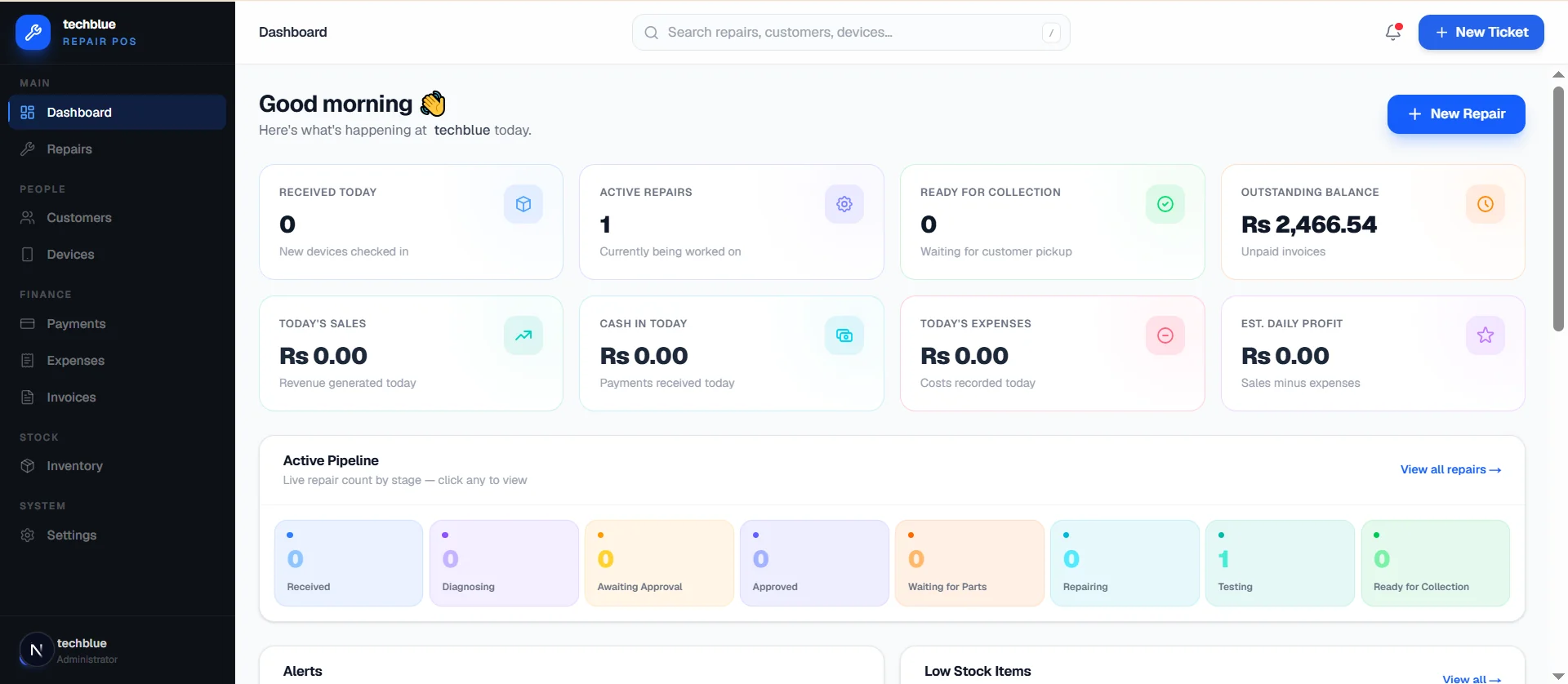
• Visual status progression: Received -> Diagnosing -> Awaiting Approval -> Approved -> Waiting for Parts -> Repairing -> Testing -> Ready for Collection -> Delivered.
• Track technician assignment, device condition, accessories received, issue description, and warranty periods.
• 1-click part allocation directly from your inventory.
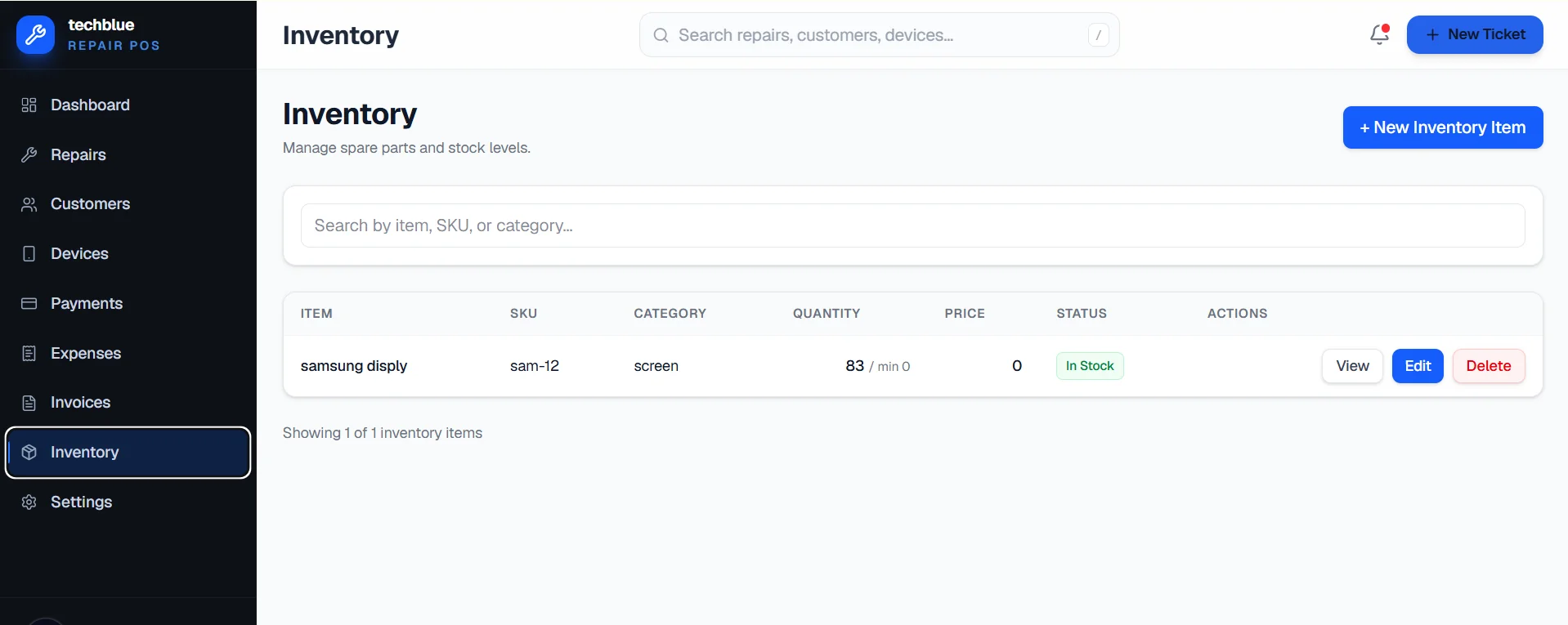
4. Inventory & Spare Parts Management:
• SKU & Barcode tracking for LCDs, batteries, charging flexes, ICs, and accessories.
• Real-time stock deduction when parts are utilized in repair jobs.
• Automated low-stock alerts and re-order indicators.
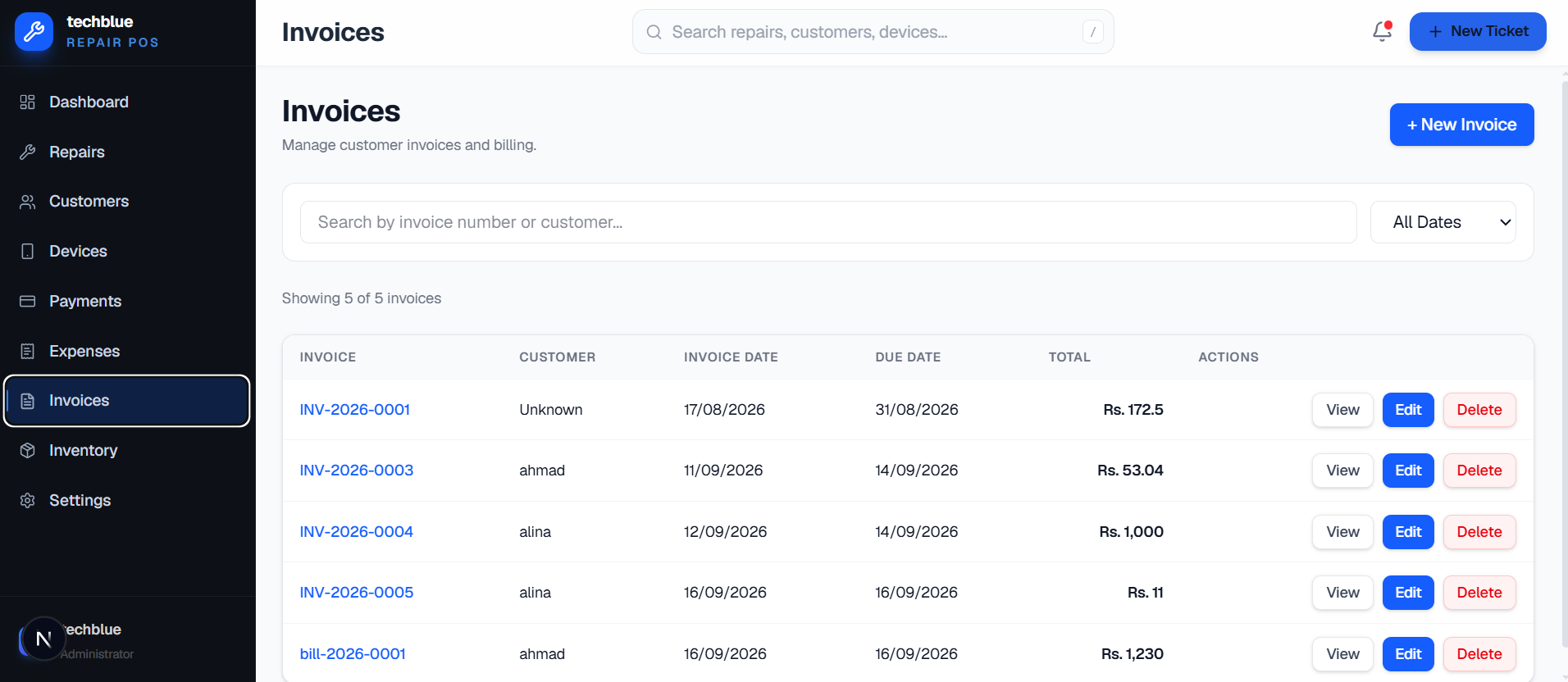
5. Point of Sale (POS) Invoicing & Billing:
• Create professional invoices linked directly to repair tickets or over-the-counter item sales.
• Dynamic subtotal, discount, VAT/Tax rate calculations, and due dates.
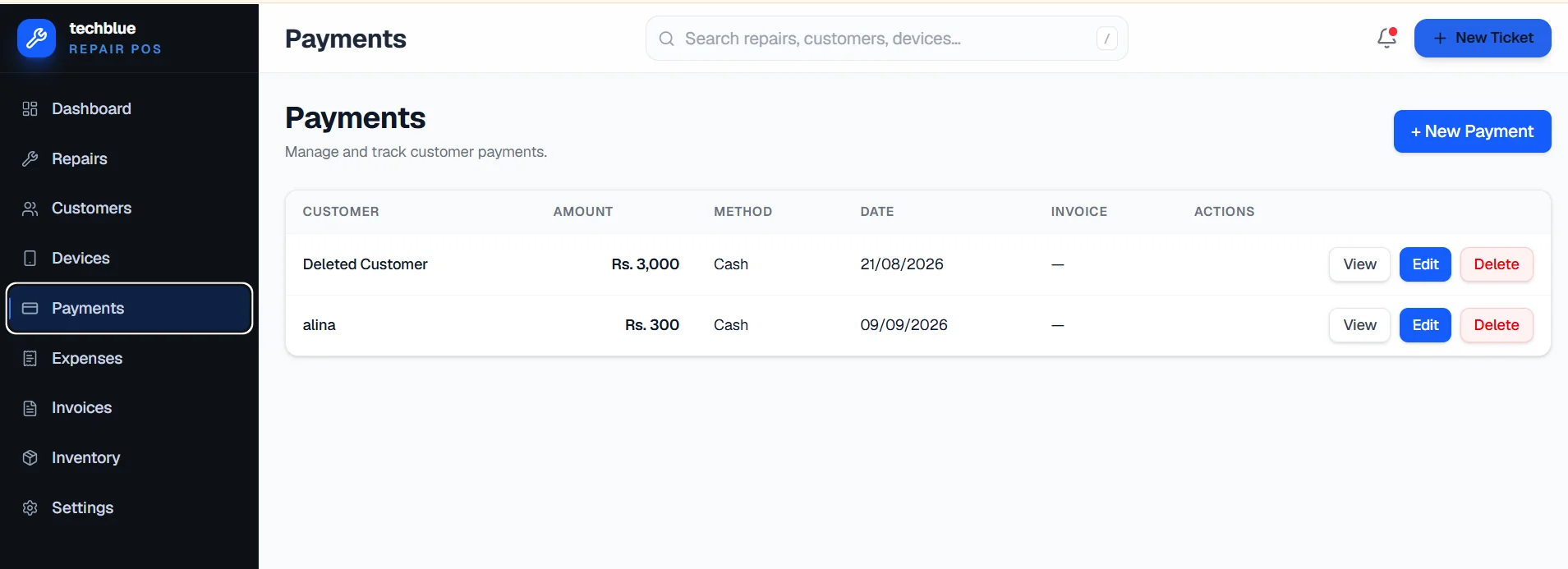
• Multiple payment methods supported: Cash, Card, Bank Transfer, and others.
• Automatic payment status updates (Unpaid, Partially Paid, Paid).
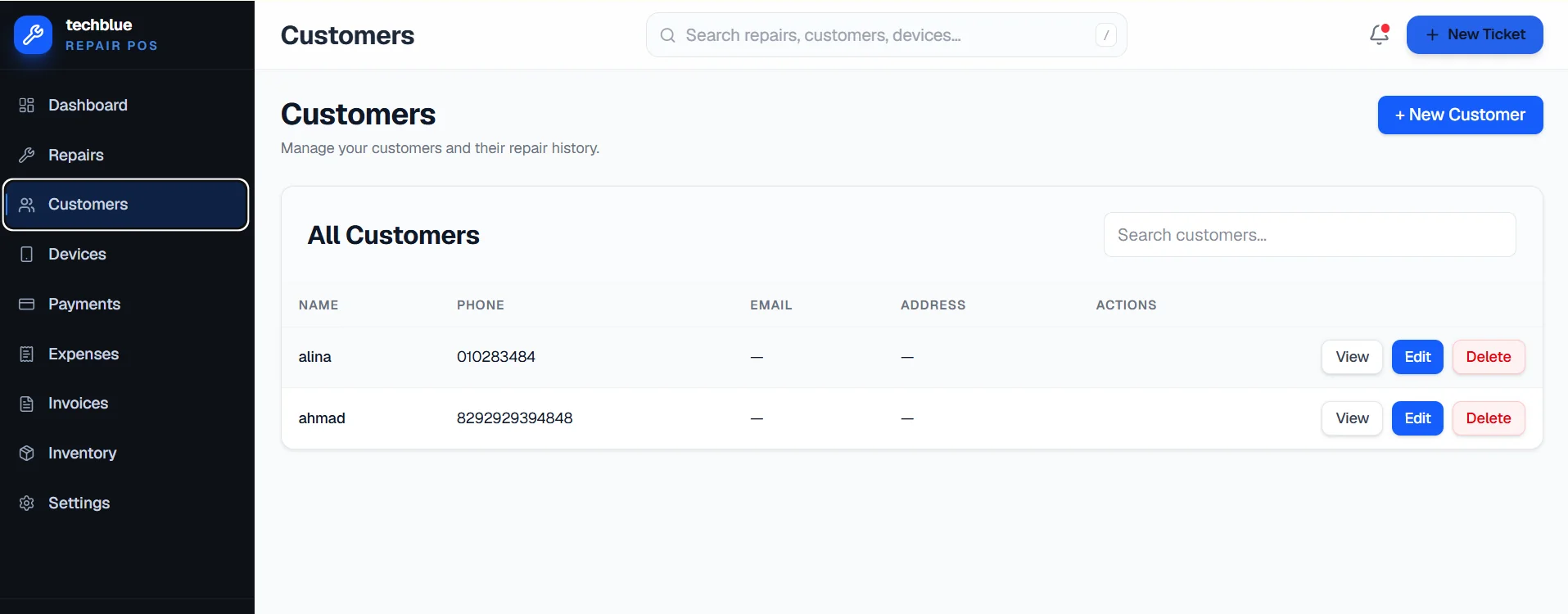
6. Customer & Device Relationship Management (CRM):
• Maintain comprehensive client profiles with complete repair and purchase history.
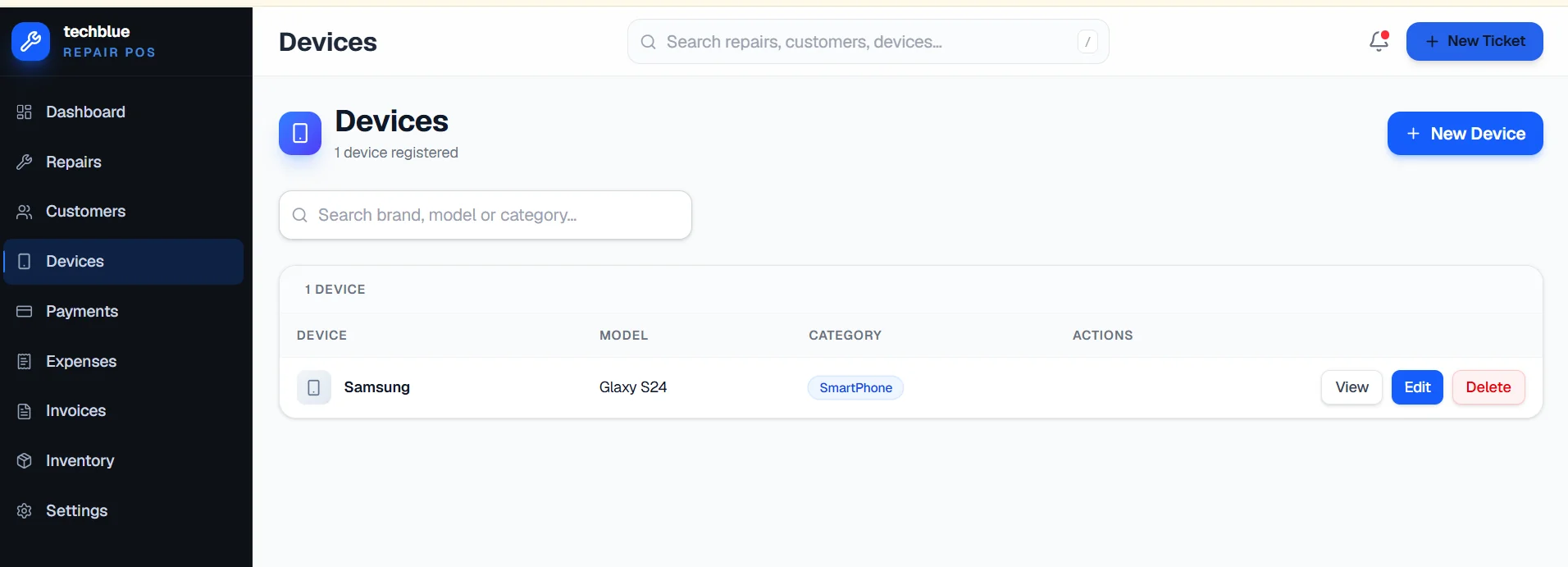
• Dedicated device catalog categorized by brand and model.
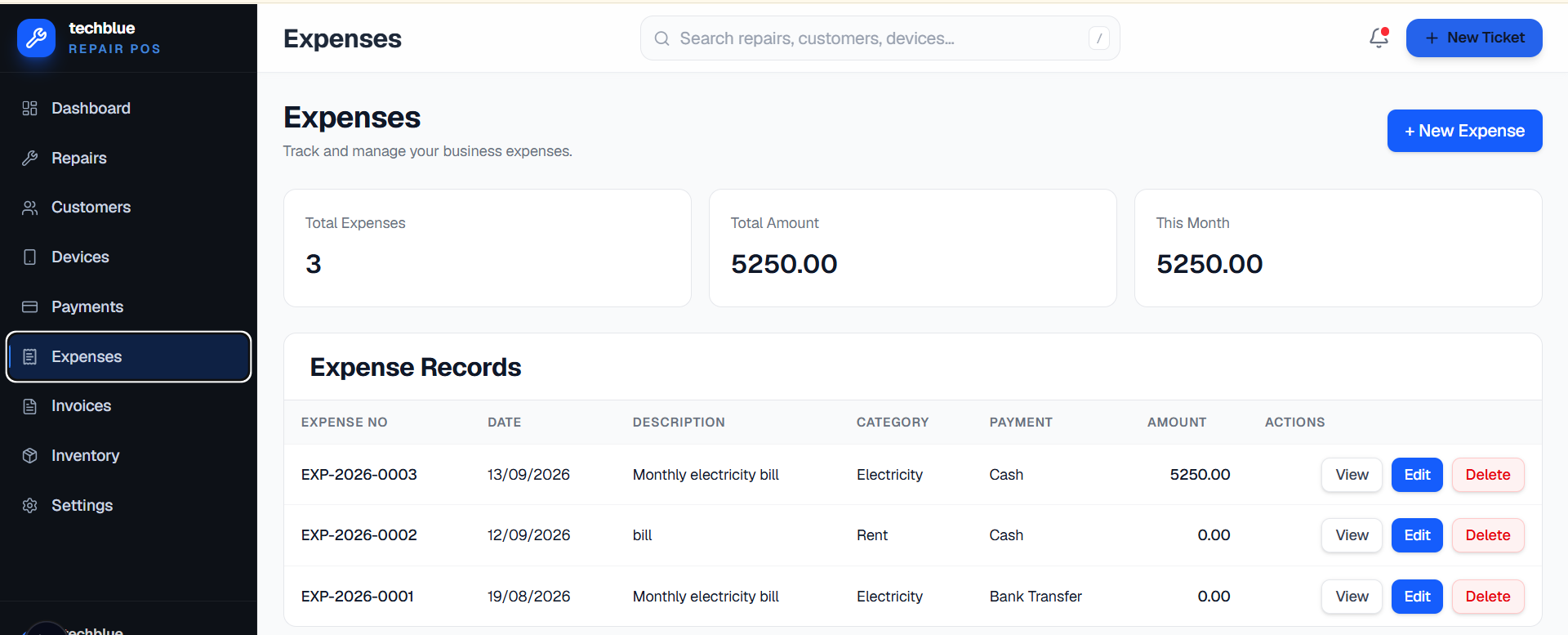
7. Expense & Cash Flow Tracking:
• Record recurring and one-time shop expenses (Rent, Utilities, Salaries, Tools, Spare Parts, Marketing).
• Real-time daily and monthly profit estimations.
9. Modern UI/UX & Theming:
• Ultra-sleek dark and light mode.
• Responsive layouts optimized for desktops, laptops, tablets, and POS touchscreens.
📋 SYSTEM REQUIREMENTS :-
To run this application locally or deploy it to a server, you need:
• Node.js: v18.0.0 or higher (v20+ recommended)
• Package Manager: npm (v9+) or yarn / pnpm
• Database: MongoDB (Local MongoDB Server or free cloud-hosted MongoDB Atlas cluster)
• Modern Web Browser: Google Chrome, Microsoft Edge, Mozilla Firefox, Safari
⚙️ INSTALLATION & SETUP INSTRUCTIONS :-
Step 1: Extract the Project Package :-
Extract the downloaded "mobile-repair.zip" file into your desired directory.
Step 2: Install Project Dependencies:-
Open your command terminal inside the project root folder and execute:
npm install
Step 3: Configure Environment Variables :-
Create a file named ".env.local" in the root directory (refer to the included ".env.example" file):
MONGODB_URI=your_mongodb_connection_string
JWT_SECRET=your_secret_jwt_key_here
GEMINI_API_KEY=your_gemini_api_key_here (Optional: Free from https://aistudio.google.com/)
Step 4: Run the Development Server :-
npm run dev
Open your browser and navigate to: http://localhost:3000
Step 5: Production Build & Deployment :-
To build and start the application for production:
npm run build
npm start


 0 Viewing now
Live buyer activity

 From Unknown Location
 New Author
Published:
28 Oct, 2026
Version:
1.0.0
Category:
Files Included:
Tags:







 Google
 Github