1.2.0 - 2026-11-25
New
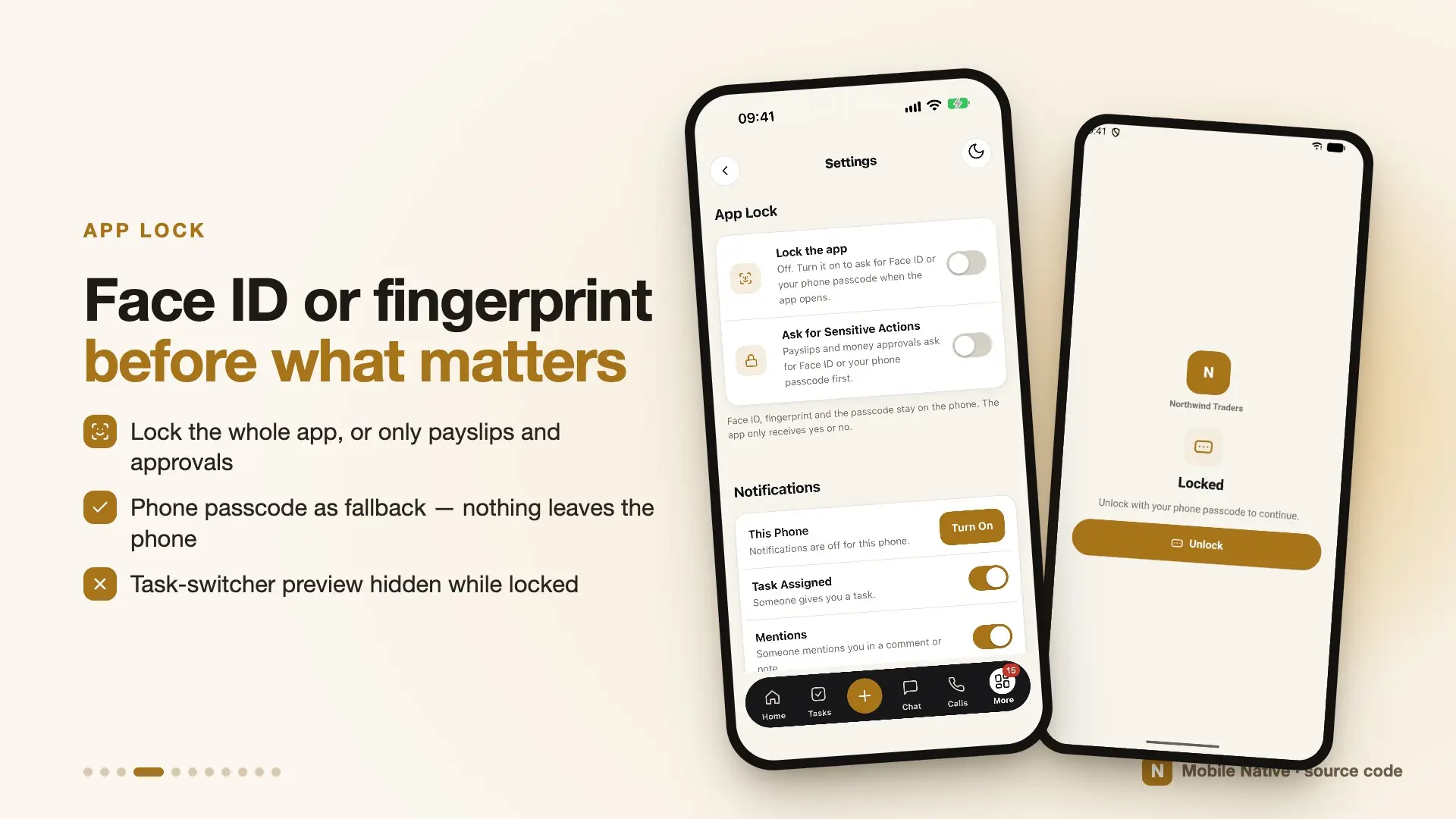
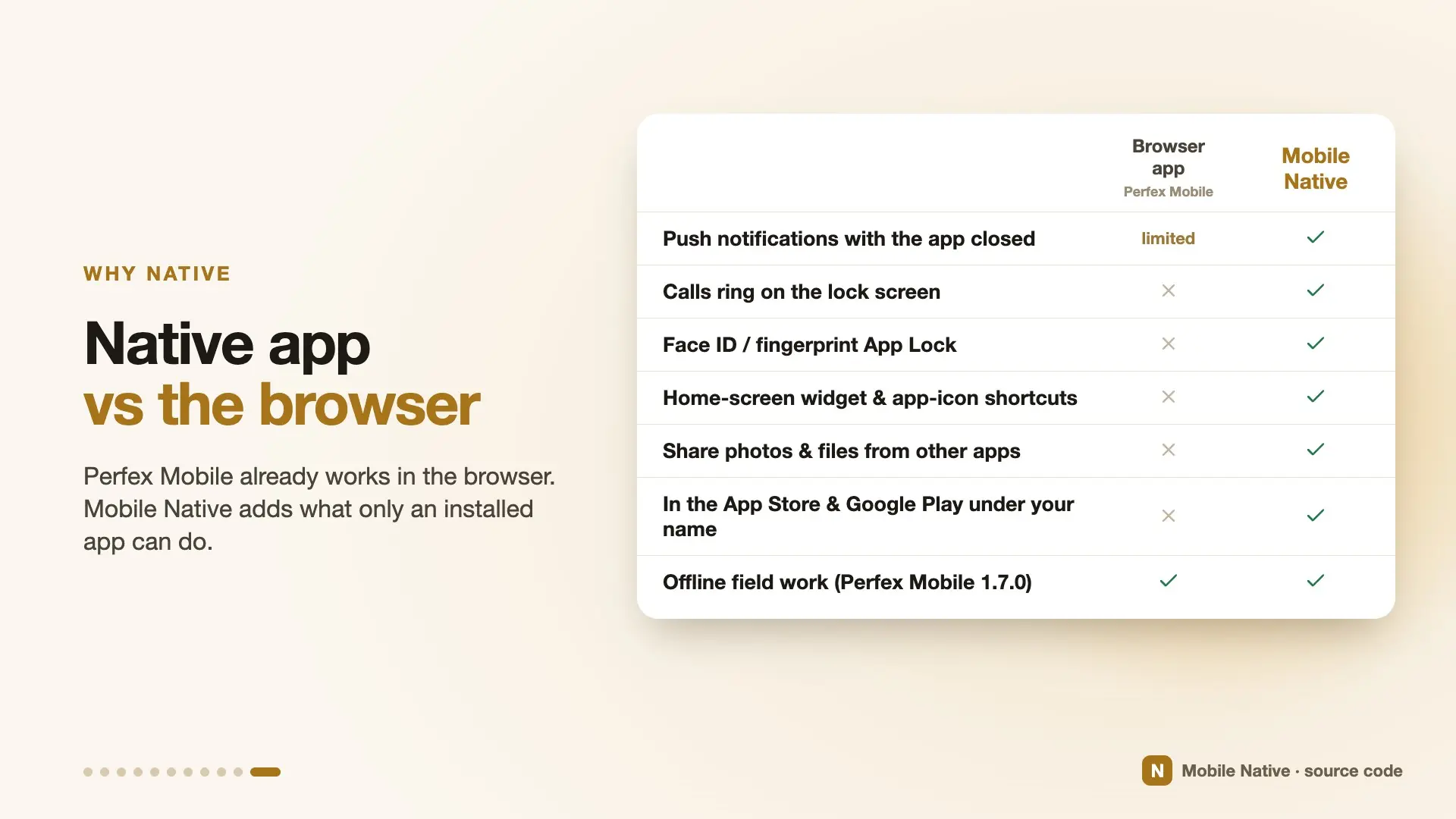
- Clock in and out with Face ID or fingerprint when the CRM turns on Attendance Biometrics (Perfex Mobile 1.8.0 with
  People 1.6.0). The phone keeps its own key in the Secure Enclave / hardware keystore; an admin approves each new phone
  once (Setup › Mobile App › Settings › Face ID Approvals). With older versions clock-in keeps PIN and QR as before.
- Settings › Attendance Biometrics: set up, see "Awaiting Approval" / "Active", remove.
- Each biometric problem has its own message on the clock sheet (sensor locked, no Face ID or fingerprint on the phone,
  fingerprints changed, phone not approved, no attendance access); PIN and QR stay available. A key that can no longer
  work is retired and the app offers Set Up Again.
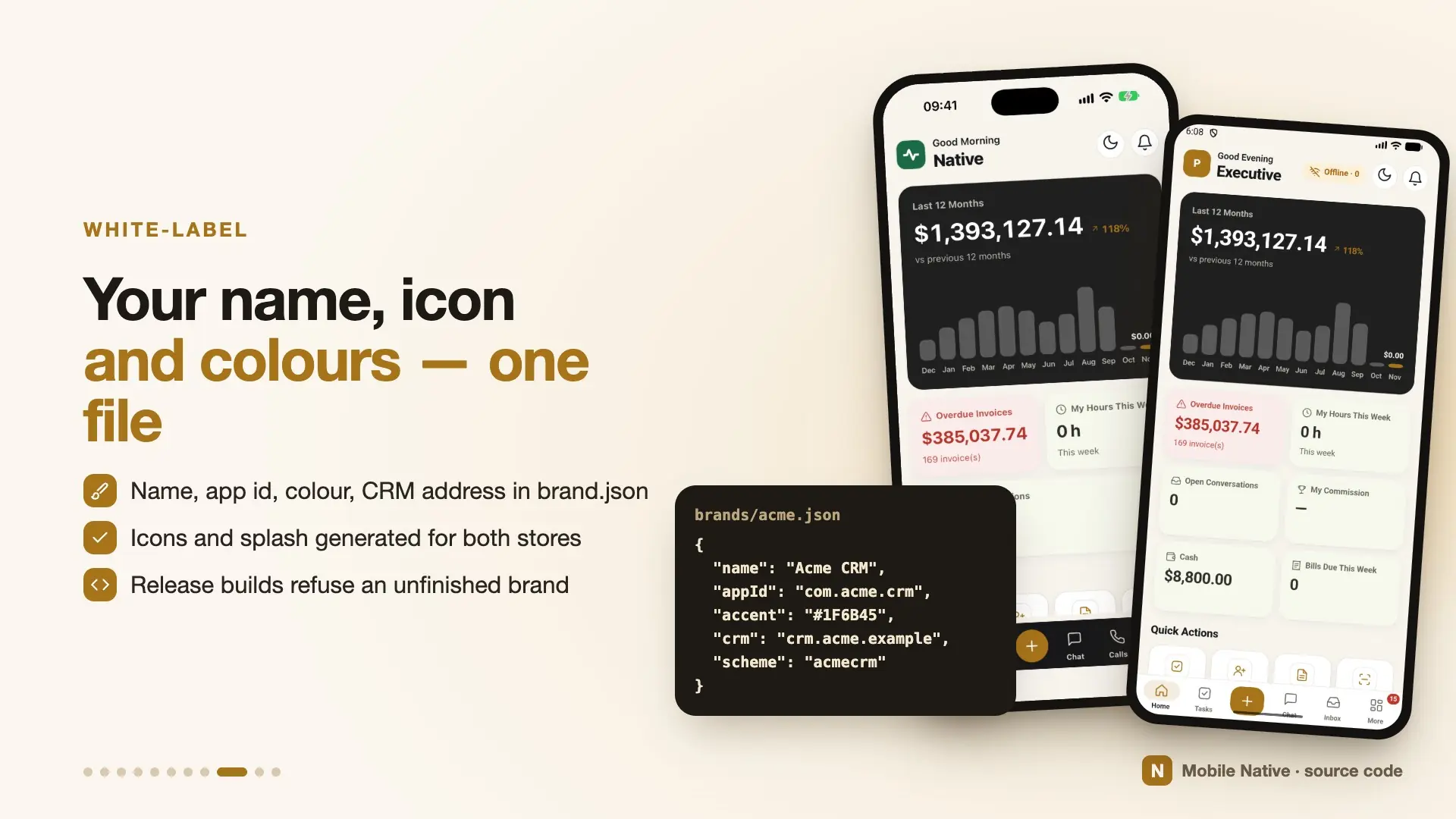
- docs/GETTING-STARTED.md Step 7: setting up Attendance Biometrics, including the Android package name and signing
  fingerprint the CRM checks.
Improved
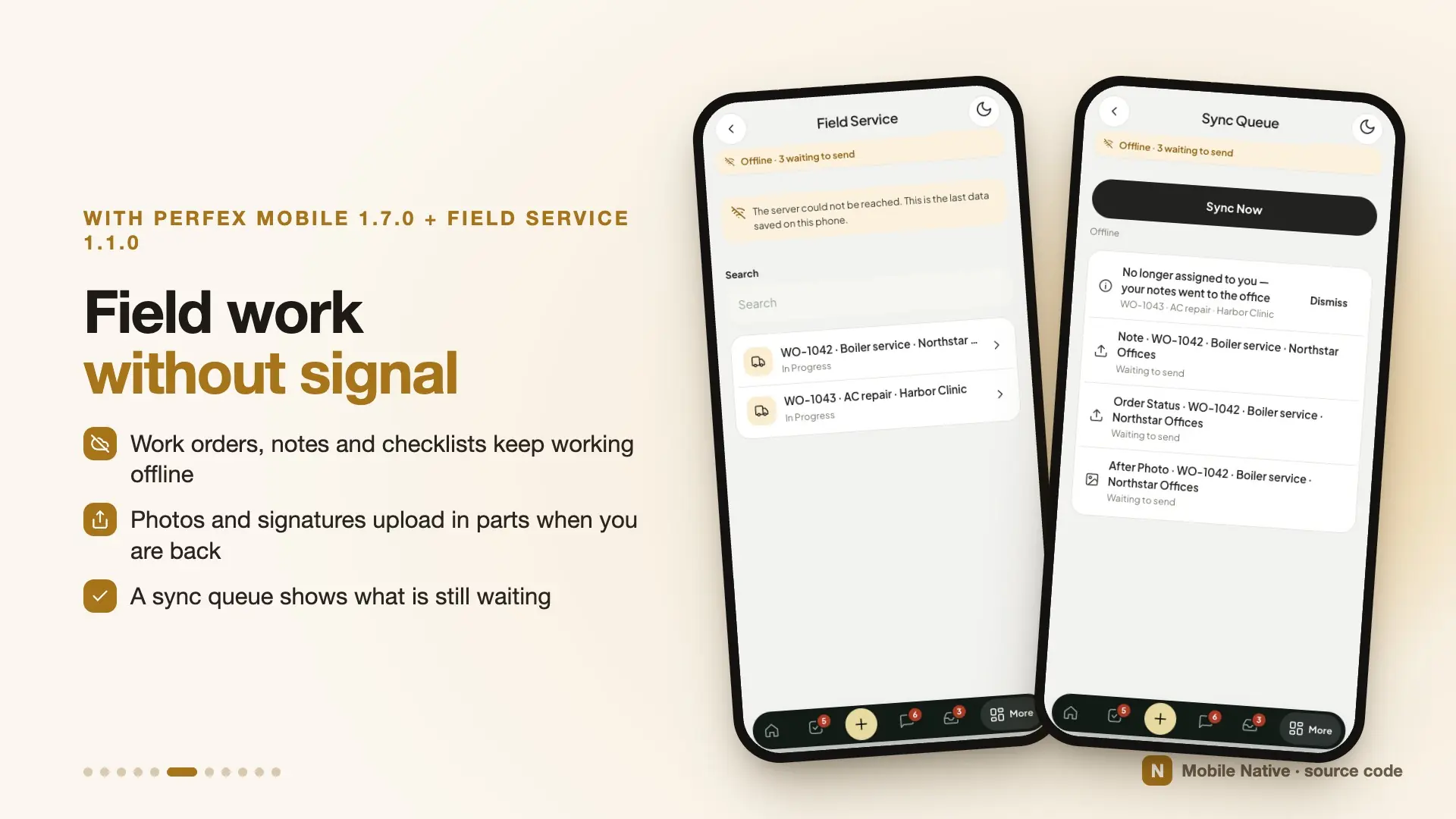
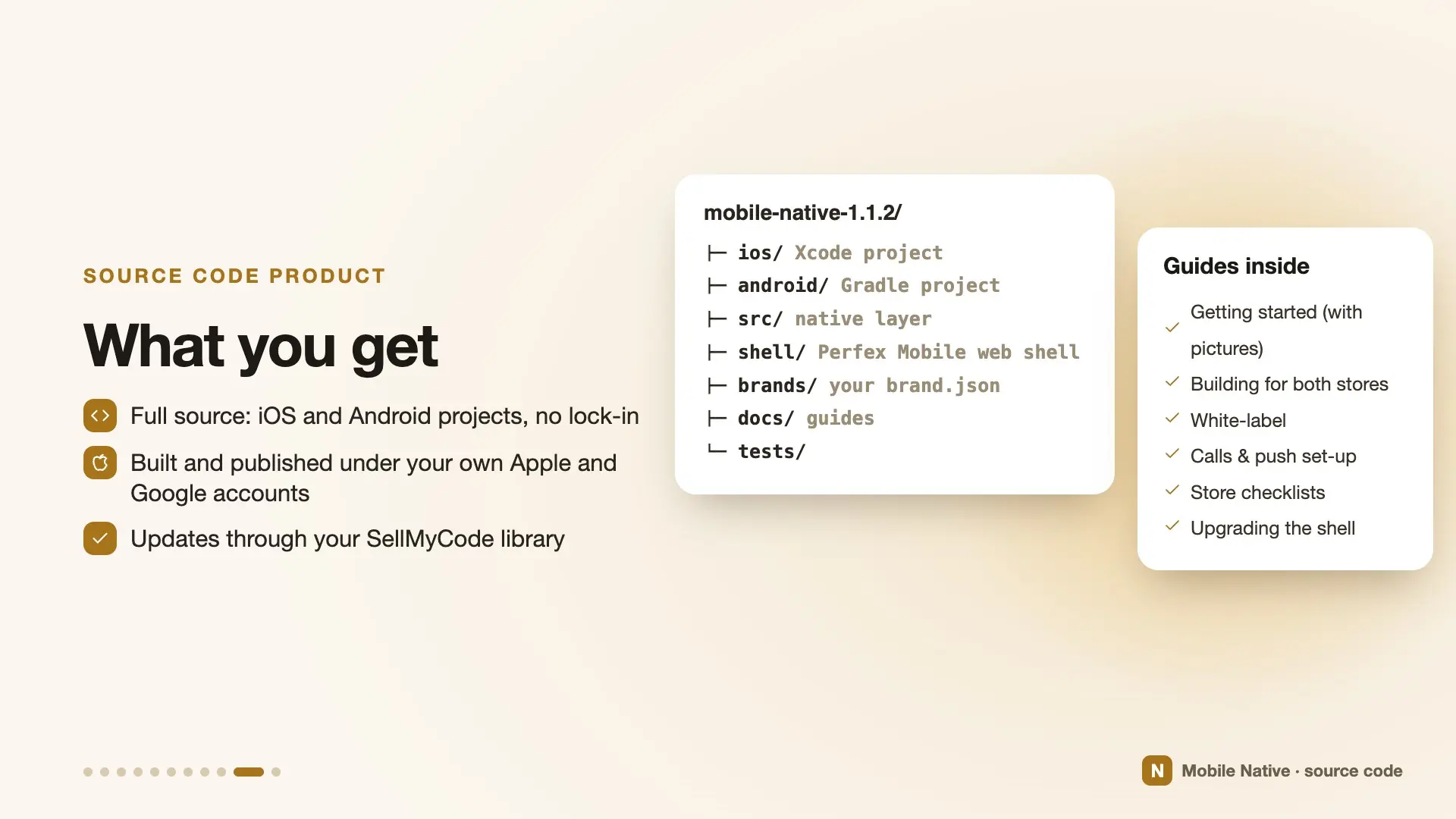
- Built on the Perfex Mobile 1.8.0 web shell: faster Home on CRMs with many invoices, chat and calls load once, Field
  Service offline list and search fixes.
- Docs use the CRM's real menu names (Setup › Mobile App › Settings).


 0 Viewing now
Live buyer activity

Pick 3 of SamSan’s items to unlock 10% off your total.
Everything you pick is added to your cart when you tap the button below.
Last update:
25 Nov, 2026
Published:
20 Nov, 2026
Version:
Category:
Framework:







 Google
 Github
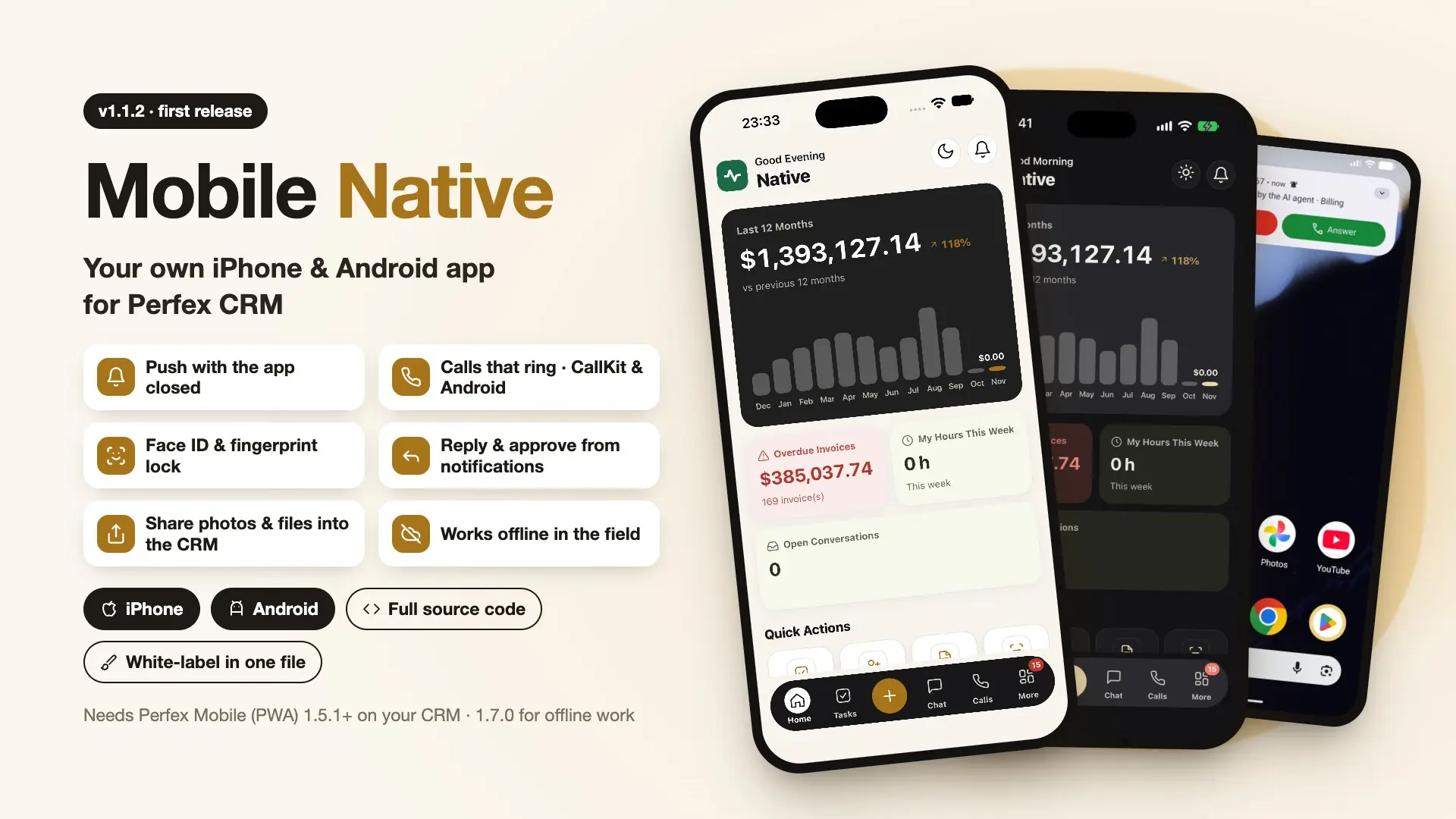
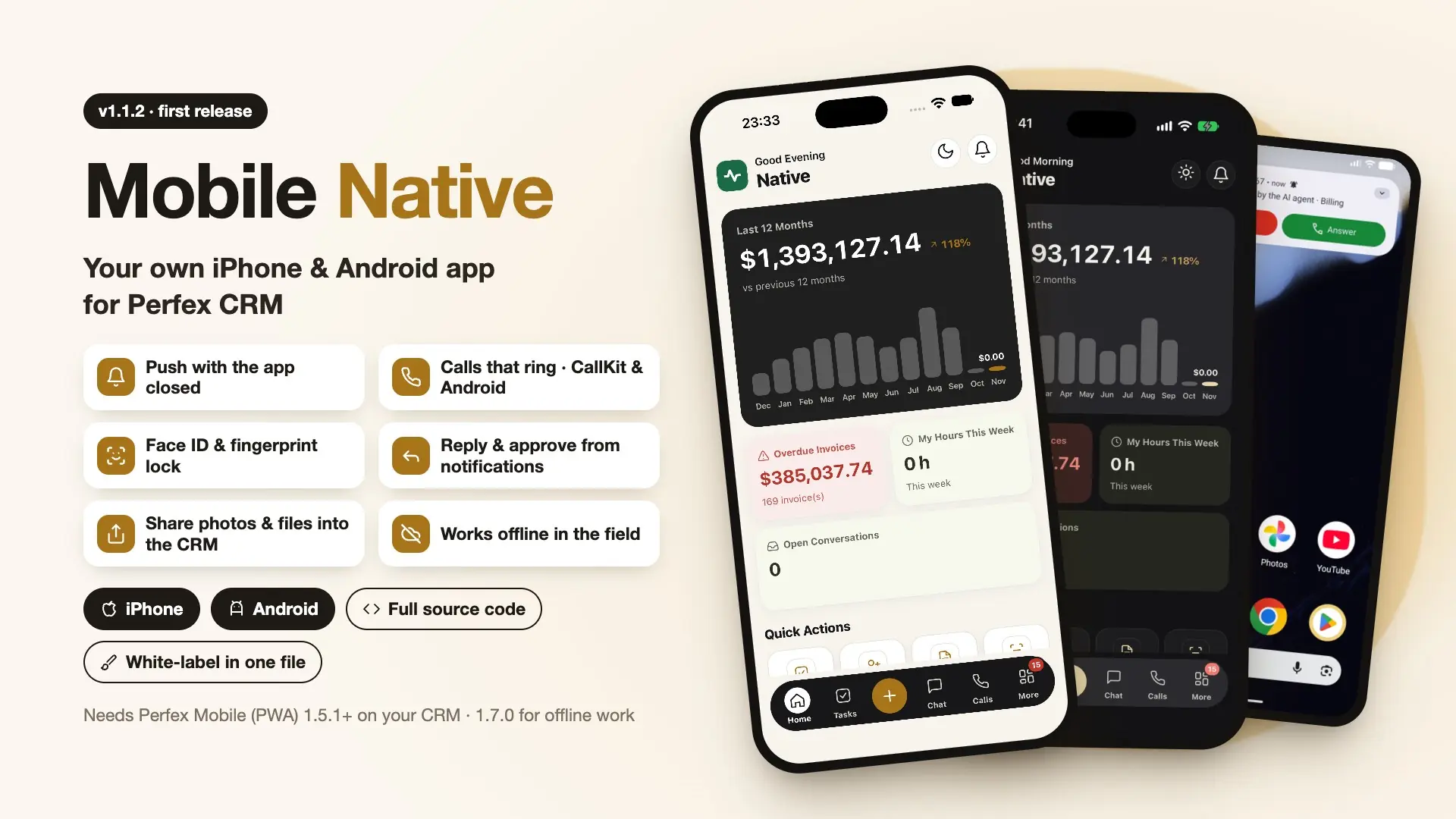
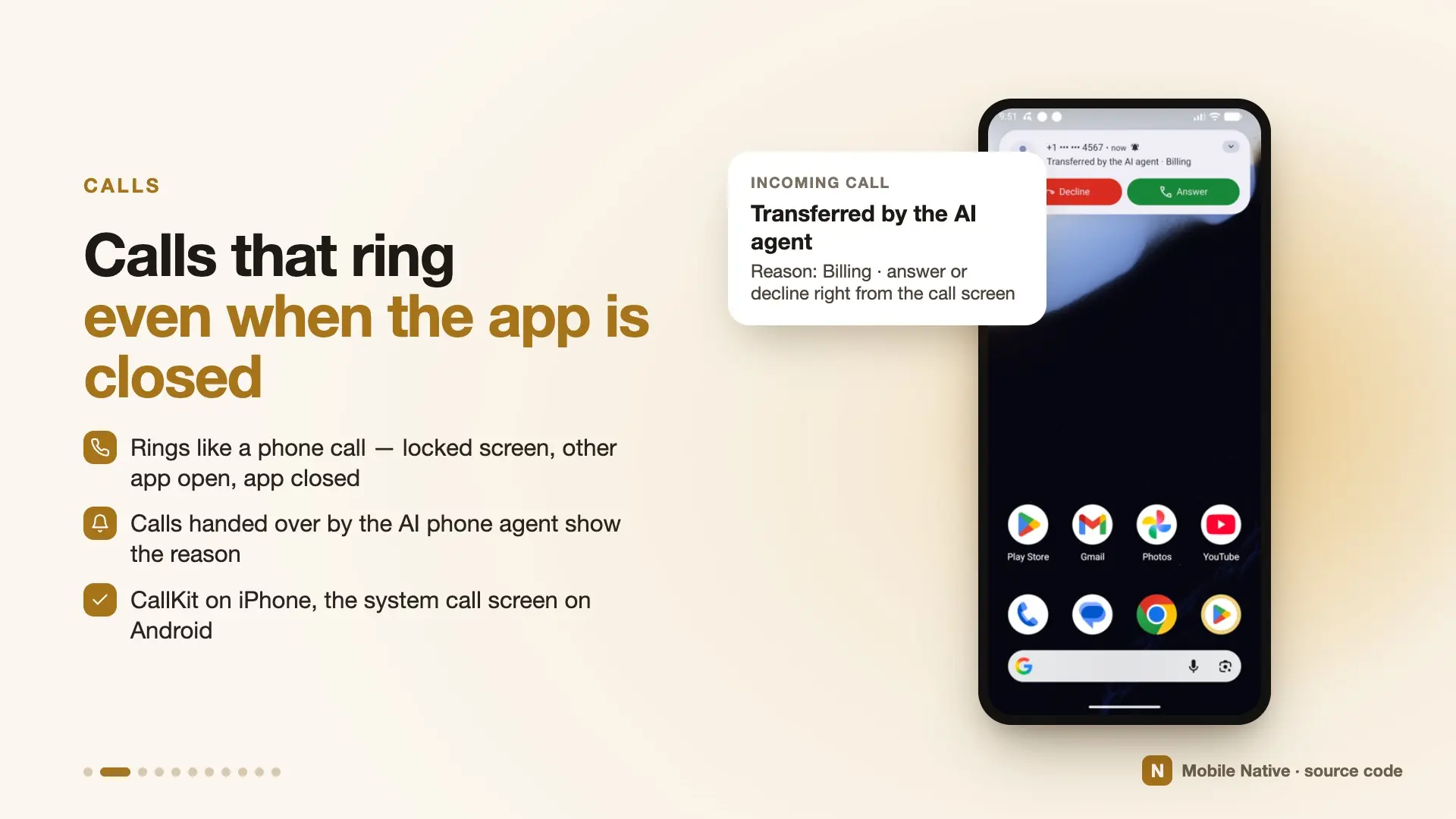
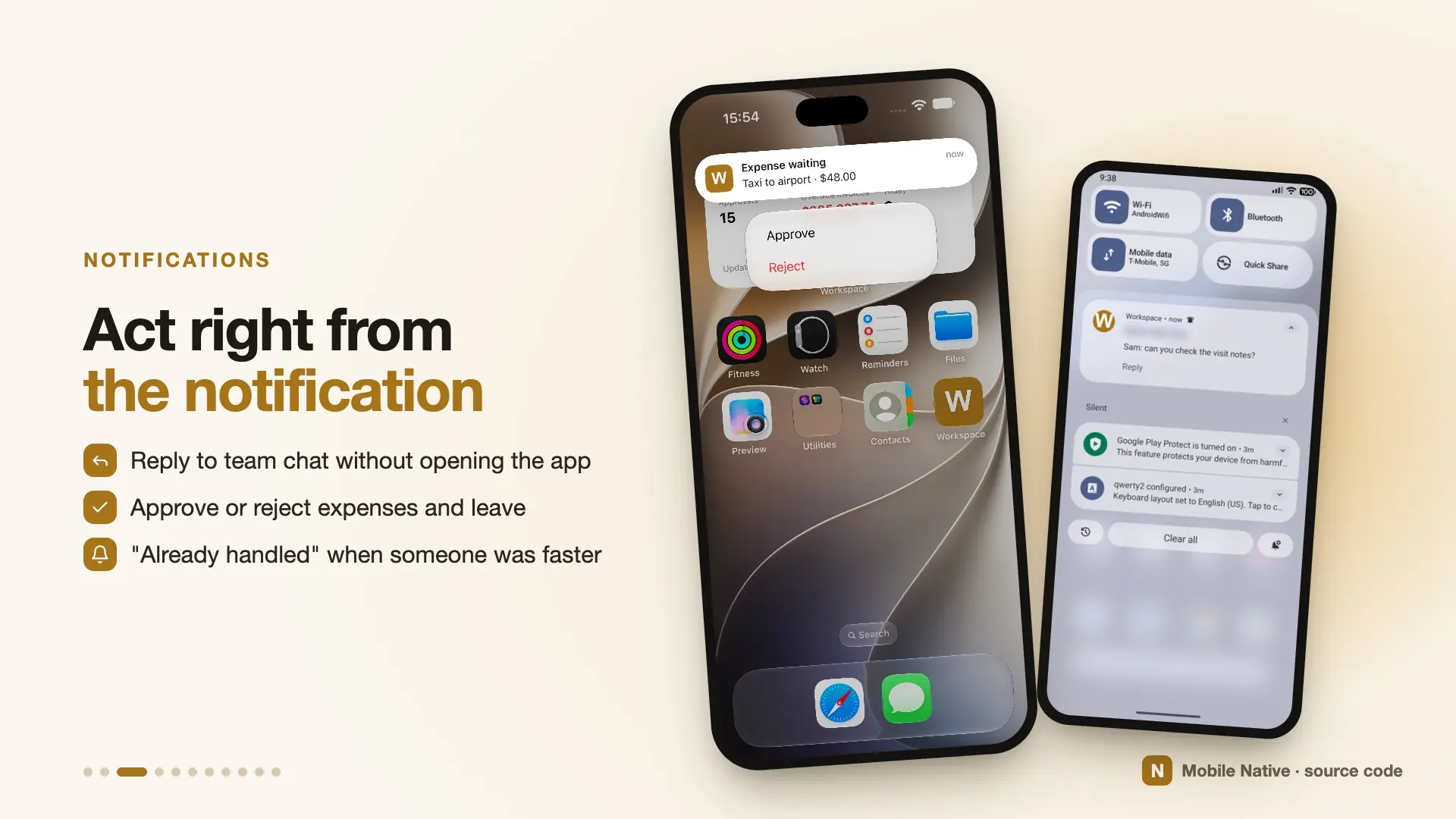
 From Unknown Location
 Elite Seller
 Trend Master
 Featured Item