1.6.3 - 2026-11-20 — Faster pages, CSV files through one writer, search on every long list
Security
- Widget, risk, KRI, loss and leaderboard CSV downloads go through the shared CSV writer: a cell that starts with
  = + - @ (also after spaces or broken characters) opens as text, cells can no longer break out of their column, and the
  file is never shown as a page. The spreadsheet feed link (pulled with IMPORTDATA) stays a plain feed, now with the same
  row writer and no caching
Speed
- Brain Pro settings load together with the CRM's other settings instead of about a dozen queries on every admin page
  (keys, secrets, tokens and webhook addresses stay out)
- Stylesheets, scripts and fonts are cached by the browser and compressed (Apache, LiteSpeed and IIS)
- On Brain Pro pages the font starts loading together with the stylesheet
Search
- Search on risk actions (title, description, risk), objectives, feed links and the dashboard manager; the risk register,
  KRIs and losses move from q= to search= (old links keep working)
- Every search keeps the other filters, starts again on page 1, clears with ×, and is part of the page address. KRIs and
  losses now have pages (rows past the first 25 could not be reached), and objectives, feed links and dashboards page
  after 25
- Feed tokens are never searched
Interface
- Select boxes keep their arrow 12 px from the edge and the text 36 px clear of it, also in right-to-left languages
  (now also in Settings and on the feed link form)
- The widget library shows the name of the permission a widget needs (risk widgets showed an internal code)
1.6.2 - 2026-11-14 — Clearer translations
Translations
- Clearer wording in all 8 languages, in Brain Pro and in its bundled add-on widgets: widgets about contracts,
  warranties and goals ending soon no longer read as already expired (French), active assets no longer read
  "assets assets" (Spanish), and a few wrong words fixed
- Interface text names sibling modules without the "Perfex" prefix and says "CRM"
Security
- Licence actions refuse forged cross-site requests (request guard kit 3.2)
1.6.1 - 2026-11-13 — Perfex Marketing in the family
New
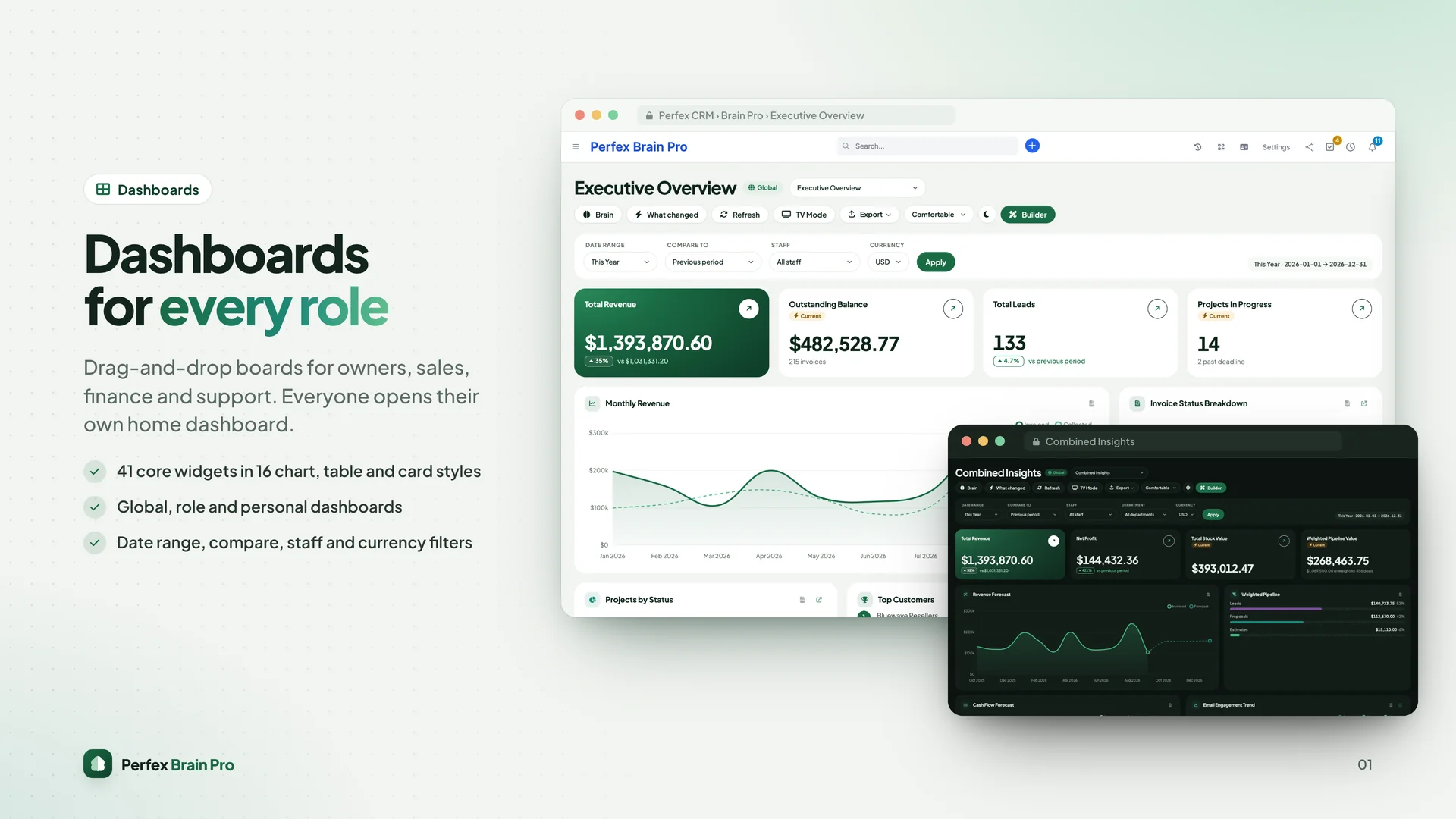
- Perfex Marketing joins the module family: the Business Overview shows its list growth, click rate and revenue
  figures, and its weekly digest section follows the family order
- With Perfex Design Studio 2.0.1 or newer, Marketing's list growth and click rate can be used in Insight blocks on staff
  dashboard pages, answered per viewer
Fixed
- Creating a dashboard from a template now fills in the template's name; type your own name to keep it
- Rebuild Business Overview from the "your modules changed" notice now asks first, like the menu, because widgets you
  added or moved by hand are replaced
- The Providers page no longer shows an empty Categories row for a module that has no widgets yet
- Security: after an incomplete upload, Brain Pro refuses changes until the module is uploaded again, instead of running
  without its request check
Updates
- Upload the new files and run Upgrade Database for the module, active or not: no manual step, every setting and record
  is kept
1.6.0 - 2026-11-13 — Family widgets
New
- Business Overview lists the family modules in one fixed order and picks up their new Brain Pro widgets on its own:
  Perfex Books 1.2.1+ (period close status, budget variance), Perfex Bookings (occupancy, no-shows), Perfex Product Hub
  1.5.1+ (expiring lots, stock by warehouse, open returns, till variances) and Perfex People 1.5.2+ (attendance today,
  approvals waiting, offline punches waiting, overtime, next pay day); Perfex Mobile and Perfex Design Studio join as soon
  as they offer widgets
- A module that is not ready for Brain Pro (for example Perfex Connect with its Brain Pro switch off) shows no tile and no
  digest section; an older version of a module keeps the tiles it had
- Weekly digest: the family's sections in the same fixed order, at most two per module and eight per email
- Perfex Design Studio 2.0.1+: family figures (offline punches waiting, overtime, period close, budget variance, expiring
  lots, open returns, occupancy, no-shows) can be used in Insight blocks on staff dashboards; every viewer sees only
  what they may see, and administrator-only figures are never offered
Improved
- Follows Perfex Design Studio 2.0 themes: colours, light and dark mode come from Design Studio when it is active and the
  Brain Pro theme switch is hidden; without Design Studio, Brain Pro looks exactly as before
- Texts name the host system "CRM" ("Open Brain Pro instead of the CRM dashboard", "Create CRM Task"); the core data
  source is now called "CRM Data"
- Perfex Connect 1.3: Brain Pro's events are sent once the change is saved, and Connect's API docs describe Brain Pro's
  resources and events
- Perfex AI Staff 1.2: Brain Pro's questions are logged without their contents, and a refusal says why (no access to the
  Risk Register or the Team Leaderboard, or no such risk)
Fixed
- Widget groups of other modules show as words (for example "Operations") on the Providers page, the Widget
  Library, the Gallery and the setup screen, instead of an internal name
- Widget Library and Gallery previews show percentage widgets with a sample share (for example 64%) instead of 1284%
- Security: refuses forged cross-site and `gateways/`-tagged requests
Changed
- Brain Pro's AI Staff questions need Perfex AI Staff 1.2.0 or newer
Updates
- Upload the new files and run Upgrade Database for the module, active or not: no manual step, every setting and record
  is kept
1.5.4 - 2026-11-11 — Licence and maintenance update
Updates
- Faster page loads: licence settings are read once per request
- License page follows Design Studio dark mode
- Return specific metric and risk errors, keep Reports visible while scheduled sending is off, and preserve plain-text names.
1.5.3 - 2026-11-06 — Menu for every Brain Pro role
Fixed
- Staff who may only use the Widget Library, Reports or Settings (or create dashboards without viewing them) now see
  Brain Pro in the sidebar with those pages; before, they could open the pages but had no menu item
- Staff who may view only their own dashboards now see Dashboard Manager in the menu
- Gallery and Feeds are listed only for staff who can open them (Risk Register or Leaderboard-only staff no longer get
  links that end on "access denied")
Improved
- The License page says updates are included with your licence; there is no renew prompt
Updates
- Upload the new files and run Perfex's Upgrade Database for the module, active or not: no manual step, every
  setting and record is kept
1.5.2 - 2026-11-01 — Dashboard menu stays selected
Fixed
- With Settings › "Open Brain Pro instead of the Perfex dashboard" on, Perfex's Dashboard menu item now stays selected
  while your Brain Pro dashboard is shown (before, the selection jumped to Brain Pro › My Dashboards), also after
  switching to another dashboard
- The Dashboard menu item opens the Brain Pro dashboard directly, without a detour through the Perfex dashboard
Updates
- Upload the new files and run Perfex's Upgrade Database for the module: no database change, every setting and
  record is kept
1.5.1 - 2026-11-01 — Names on My Tasks and My Reminders
Fixed
- My Tasks and My Reminders showed what a task or reminder is related to as a number (for example "Customer #1");
  they now show its name: the customer, lead, project, invoice, estimate, proposal, contract, expense, credit note,
  ticket or task
- Names follow Perfex's permissions: a record you may not open shows only its type (for example "Customer"), never
  its name
Updates
- Upload the new files and run Perfex's Upgrade Database for the module: no database change, every setting and
  record is kept
1.5.0 - 2026-10-31 — Works with the whole family
Business Overview (new)
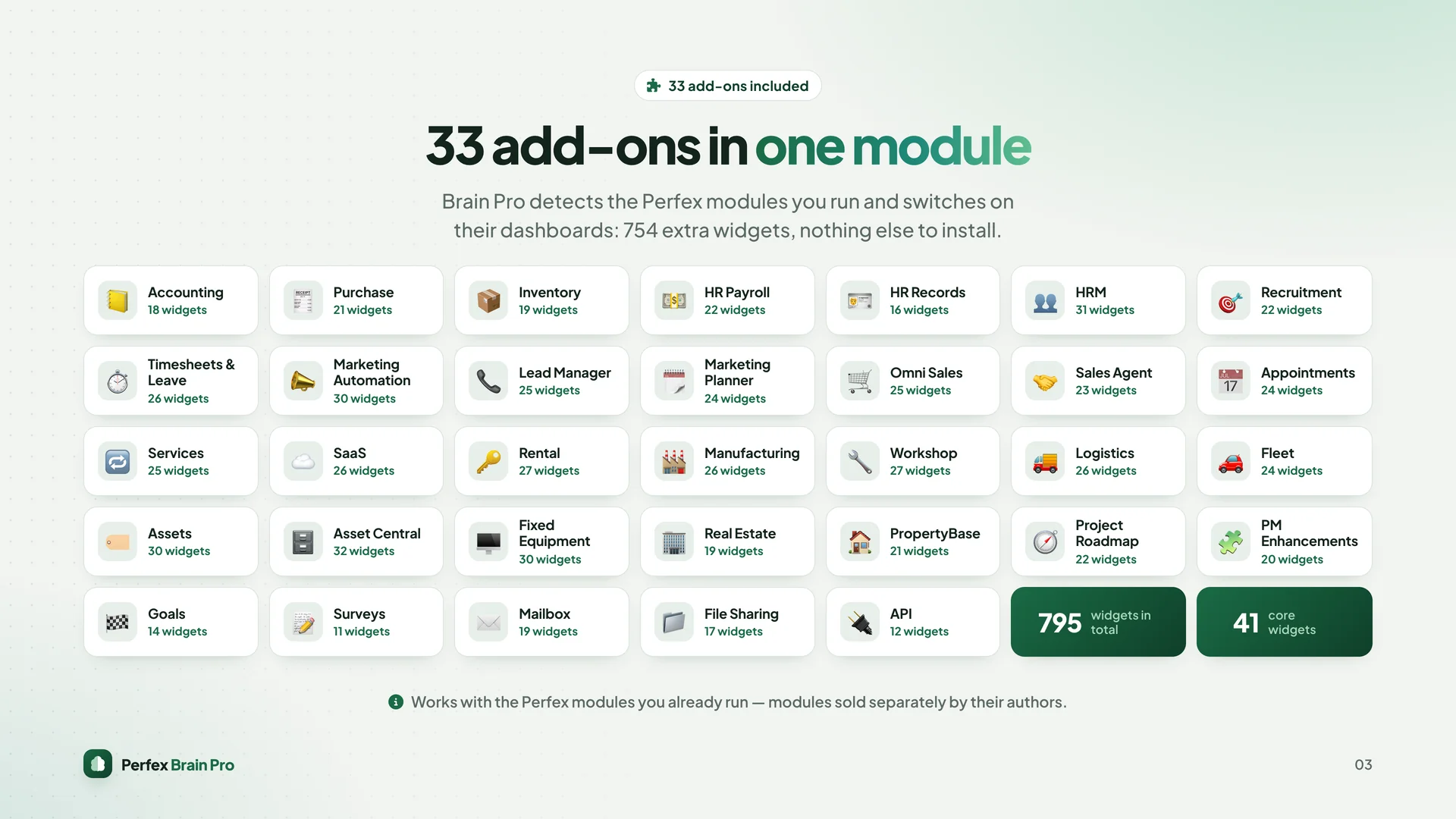
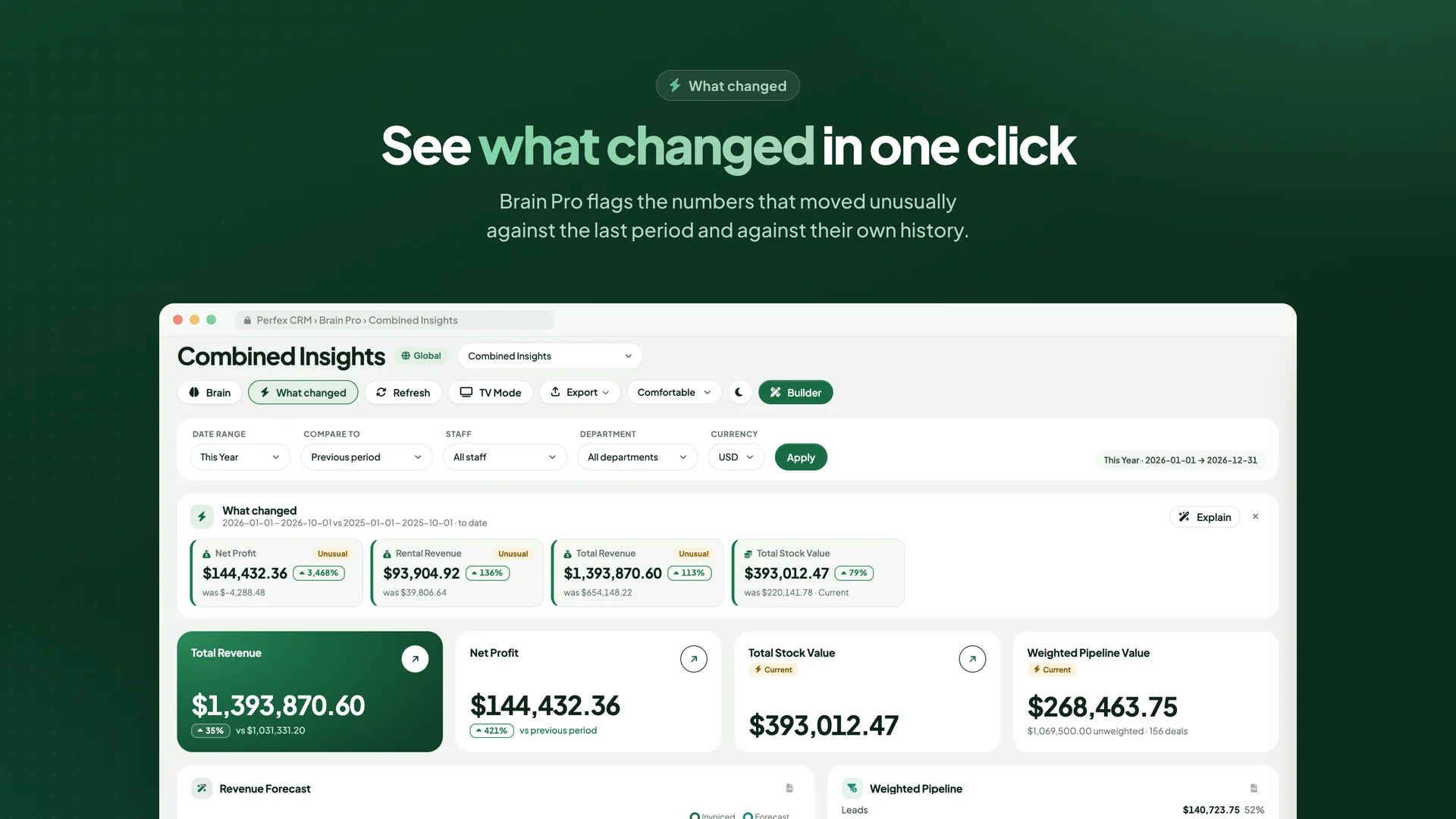
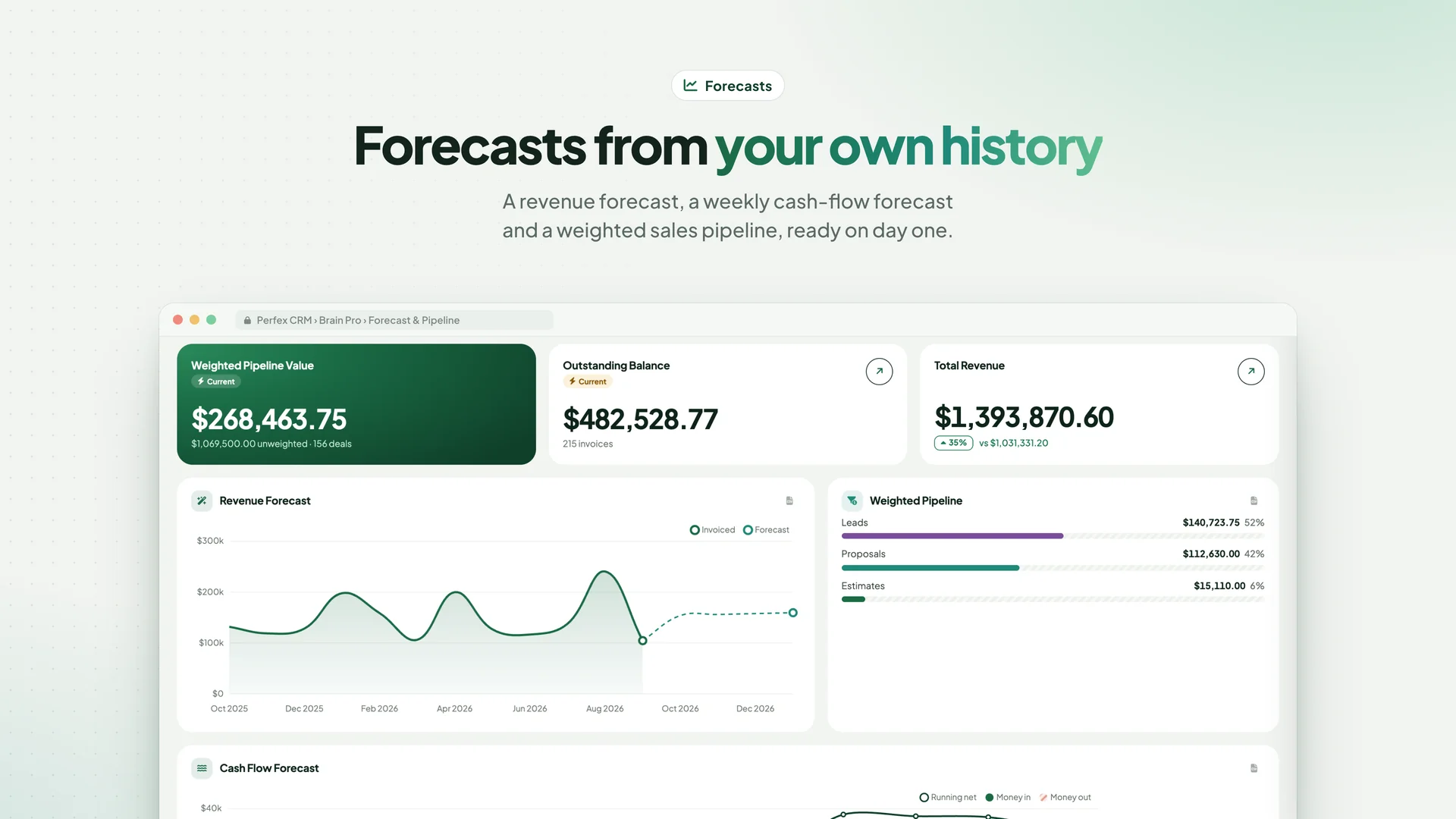
- One dashboard built from the modules you use: Perfex CRM's revenue, overdue invoices, pipeline and open tickets,
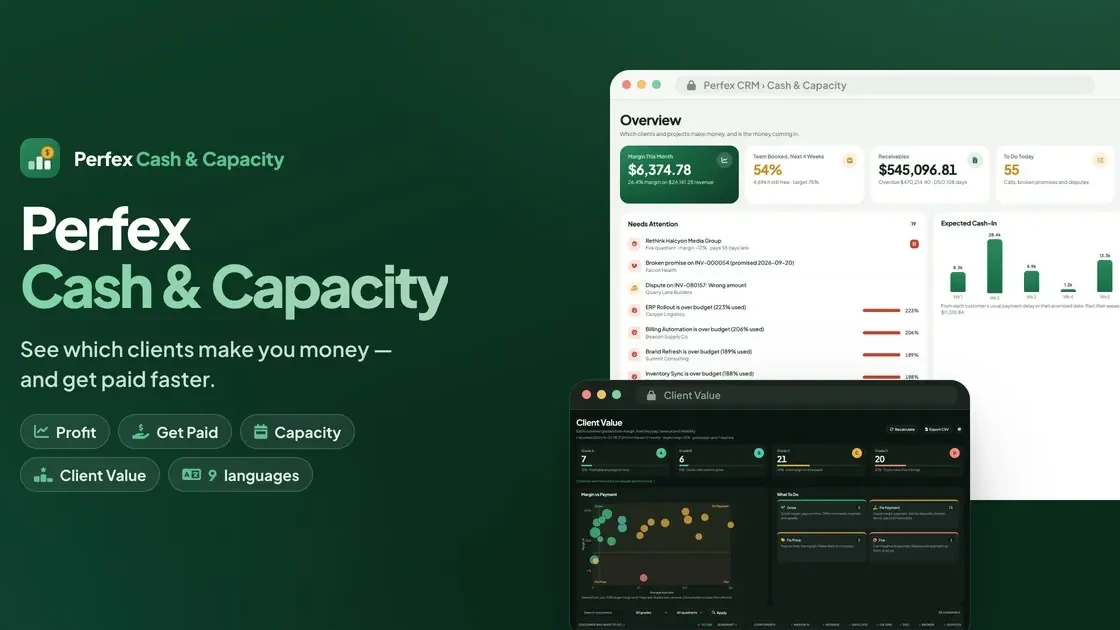
  then two or three key widgets from every active module (Risk Register, Sales Growth, Cash & Capacity, Books,
  TeamPulse, Deliverables, Client Hub, Document Studio, Inbox, Product Hub, People, Flow Studio, Sentinel, Connect and
  the bundled add-ons), laid out on a tidy grid
- Offered once on My Dashboards after the update, in the dashboard gallery and on the welcome screen; administrators
  get a shared dashboard, everyone else a personal one
- Each person sees only the tiles they are allowed to see: no empty or locked tile, and a module that is switched off
  leaves no gap
- "Rebuild Business Overview" when your modules change (a notice appears; also in the Export menu)
- Settings › General: offer the template, show the one-time card
Risk Register
- A risk can link up to 10 records: customers, projects, contracts, invoices, leads, staff and records from your other
  Perfex modules (for example deliverables, contracts, client accounts, bills, employees and products, as each module
  adds them)
- Search by name to link a record: only records you may see are offered; links show as chips on the risk
- A deleted record shows "Removed Record", one you may not see "Restricted Record" — never its name
- Filters by record type match any of a risk's links; CSV export and AI Staff list every link you may see
Weekly digest
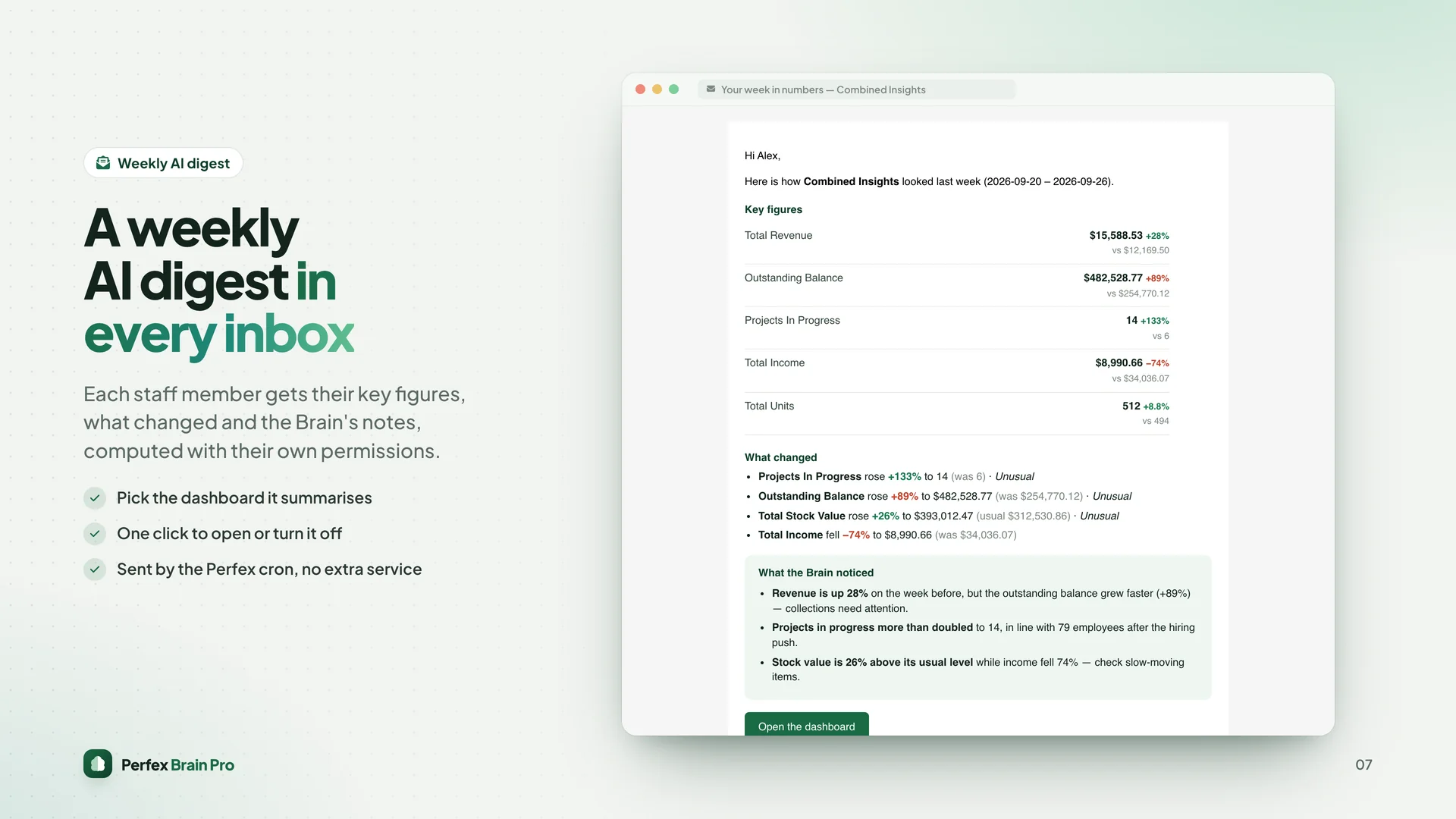
- Sections from your other Perfex modules (for example deliverables due this week, contracts awaiting signature, bills
  due, low stock, security alerts), each with up to five lines, in the same style and only for people allowed to see
  them
- Preview My Digest in the digest dialog: see the email you would get now, nothing is sent
- Fix: a digest with an AI summary could fail when it was built outside the scheduled reports run
Team Leaderboard
- New boards when the modules provide them: Client NPS (Perfex Client Hub, by account owner) and Approved On Time
  (Perfex Deliverables)
- Commissions ranks every earner with Sales Growth versions that list them all (the ten best before)
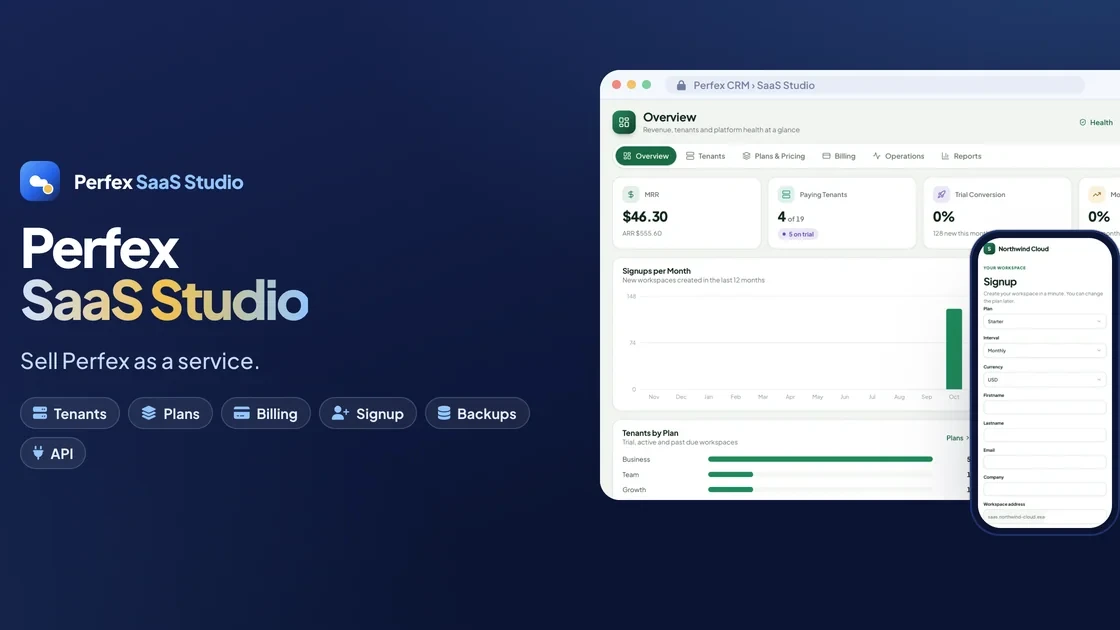
Perfex SaaS Studio
- Brain Pro runs in every workspace under the main installation's license (before, a workspace could show Brain Pro as
  unlicensed); data, caches, digests and leaderboards stay separate per workspace; plans switch Brain Pro on or off
  through their Modules list
Updates
- Upload the new files and run Perfex's Upgrade Database for the module: every setting and record is kept, and a
  risk's existing link becomes its first linked record
- 9 languages, light and dark theme, phones and desktops
1.4.1 - 2026-10-31 — Team Leaderboard
Team Leaderboard (Brain Pro › Team Leaderboard)
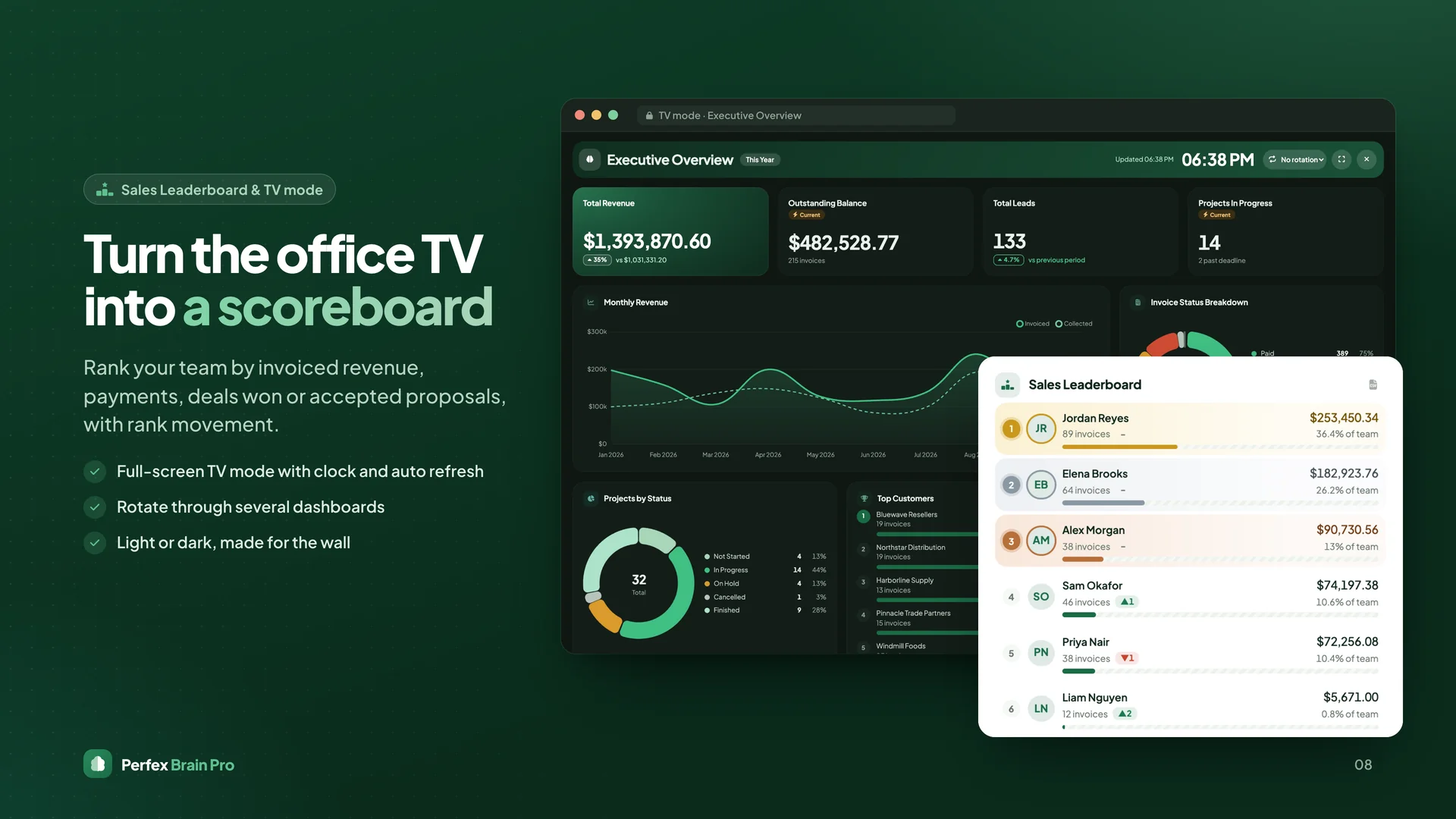
- Boards for Sales (amount invoiced, payments received, deals won or accepted proposals), Leads (leads converted,
  with leads assigned and the conversion rate), Tasks (tasks completed, with the share finished on or before the due
  date) and Support (tickets closed, with the average first reply and time to close)
- Overall: one weighted score across the boards with your own weights (0–10 per board); the page shows how the score
  is made, equal scores share a rank and boards nobody scored on are left out
- With Perfex TeamPulse active: a Billable Hours board; with Perfex Sales Growth active: a Commissions board
- This month, last month, this or last quarter, this year or your own dates, with each person's move since the
  previous period
- Top Performer of the month: chosen on the 1st of the next month, a spotlight with photo, boards led and score, the
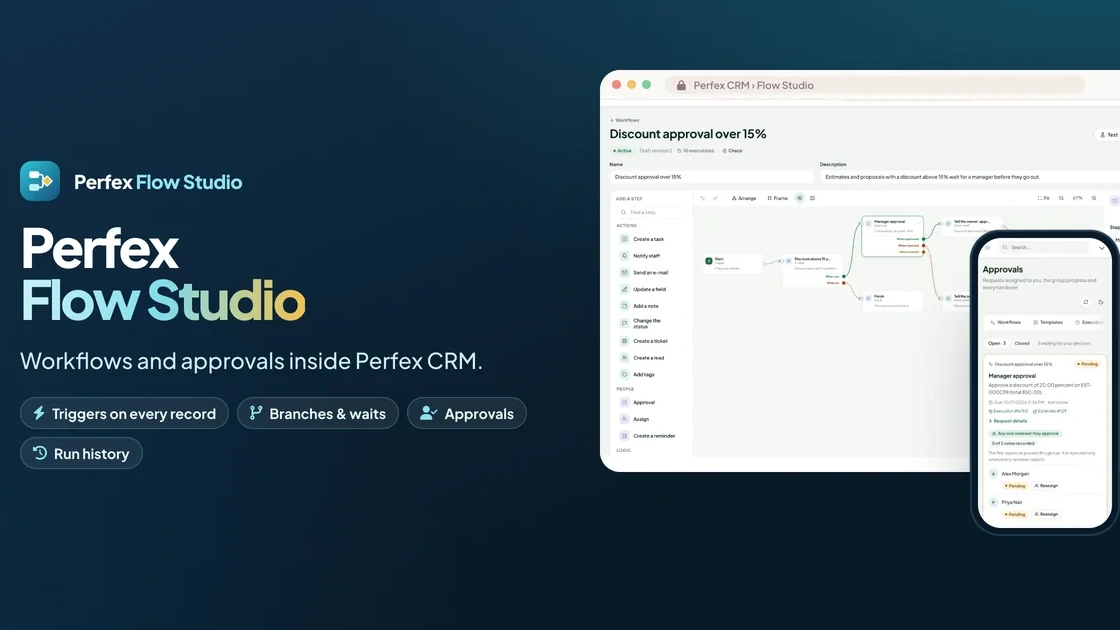
  history of past months, a bell for the winner and the Flow Studio trigger "leaderboard.top_performer"
- People who may not see the whole team see only their own rank and figures, never anyone else's numbers — on the
  page, in exports, widgets, data feeds, the weekly digest, AI Staff and Connect
- Settings: boards and weights, people on the podium (top 3, 5 or 10), leave out administrators, inactive staff or
  chosen people, and Points Only to hide money amounts from everyone but administrators
- TV mode that rotates through the boards, a Team Leaderboard dashboard template and two dashboard widgets (Team
  Leaderboard, Top Performer of the Month), a widget on Perfex's own dashboard and a line in the weekly digest
  ("you are #3 this month, up 2 places")
- AI Staff read tool "leaderboard" and the Connect read-only resource pbp_leaderboard_months
- New staff permissions: Team Leaderboard view the whole team / view own rank
- CSV export of the board, light and dark theme, phones and desktops, 9 languages
Updates
- Upload the new files and run Perfex's Upgrade Database for the module: every setting and record is kept
1.4.0 - 2026-10-30 — Risk Register
Risk Register (Brain Pro › Risk Register)
- One register for the whole business: risks with a category, owner, status, review date, tags and a linked customer,
  project, contract, invoice, lead or staff member (people who may not see that record see "Restricted record")
- Risk matrix 3 × 3, 4 × 4 or 5 × 5 with your own labels and levels; every saved change is a new matrix version and
  earlier assessments keep the version they were scored on
- Initial, reassessment and residual assessments that are never overwritten: a correction is a new entry
- Overview with open risks, risks needing attention, KRIs in alert, losses this year, the heatmap, the level trend,
  top risks and risks by category; an empty register can start from six common starter risks
- Heatmap: every cell shows its score, level name and number of risks; residual, inherent or side by side, filters
  by category and owner, click a cell to list its risks, biggest moves of the last 30 days
- Key risk indicators on any Brain Pro number (core, add-ons, custom metrics) or entered by hand: warning and
  critical thresholds, daily, weekly or monthly, a chart with warning and critical zones, rating overrides with a
  written justification kept in the history
- Automatic responses when a KRI rises: linked risks move to Monitoring and an action is suggested (your own rules
  by category and KRI), critical reopens closed risks and opens an urgent action; owners and risk managers are
  notified (bell, optional e-mail)
- Action plans (treat, mitigate, transfer, accept, avoid) on a board or a table, with cost, due date, a Perfex task on
  request and an effectiveness review against the residual score
- Loss events with estimated and actual loss, recoveries, downtime, variance and net loss; drafts are approved before
  they count; approved events are sent to Perfex Books while Books is active (Books records them from its next update)
- Objectives linked to risks and flagged when threatened; with Perfex TeamPulse 1.3.1 or later, link your TeamPulse
  OKRs with their progress and health
- E-mail templates "Brain Pro: risk assessed in a high band" and "Brain Pro: key risk indicator changed" in
  Setup › Email Templates, with their merge fields listed in the editor
- Risk widgets for dashboards, alerts and PDF reports, a "Risks Needing Attention" section in the weekly digest,
  CSV exports of the register, loss events and KRI history
- New staff permissions: view all, view own, manage risks and risk settings
- Light and dark theme, phones and desktops, 9 languages
Security
- Alert notifications print the widget title as text (titles with HTML no longer render as HTML in the bell)
Updates
- Fix: Upgrade Database from 1.3.5 or older now runs every update step in one go without an error page
- Upload the new files and run Perfex's Upgrade Database for the module: every setting and record is kept
1.3.6 - 2026-10-30 — Upgrade Database while the module is inactive
Updates
- Fix: Upgrade Database now works even when the module is turned off (for example after uploading a new version
  before activating Brain Pro again): every update step now loads what it needs itself
- Upload the new files and run Perfex's Upgrade Database for the module: no manual step, every setting and record
  is kept
1.3.5 - 2026-10-25 — Upgrade Database from any earlier release
Updates
- Fix: Upgrade Database works from any earlier release (no gap in the migration sequence)
- Upload the new files and run Perfex's Upgrade Database for the module: no manual step, every setting and record
  is kept
License checks name the product:

- Every license call (activate, check, pause) now sends Sentinel's sellmycode.net item id, as sellmycode.net requires
- A purchase code bought for another product, or an unknown one, only shows "This purchase code is not valid for
  Perfex Sentinel." The detailed reason is kept in Sentinel's audit log for administrators
- An activation made by an older version with another product's purchase code is paused once and removed from this
  install; enter your Sentinel purchase code to switch Sentinel back on
1.3.1
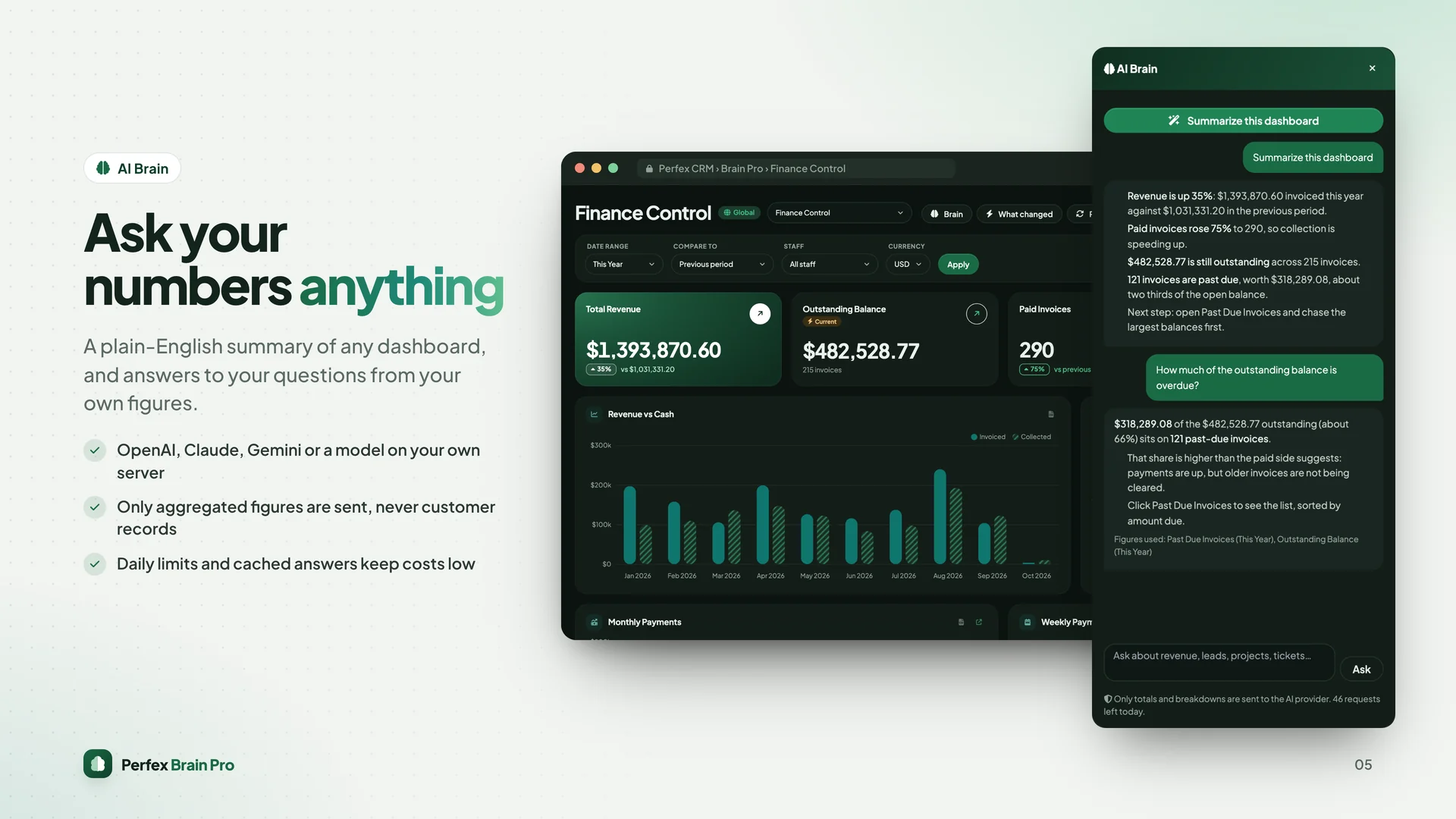
- AI Brain works with OpenAI-compatible servers on your private network (LiteLLM proxy, Ollama, vLLM) once an administrator allows it in Settings; link-local and other reserved addresses stay blocked
- No API key needed for OpenAI-compatible servers that do not use one
- The checked server address is pinned for the request


 0 Viewing now
Live buyer activity

Pick 3 of SamSan’s items to unlock 10% off your total.
Everything you pick is added to your cart when you tap the button below.

This item was featured on SellMyCode
Last update:
19 Nov, 2026
Published:
01 Oct, 2026
Version:
Category:
Framework:







 Google
 Github
 From Unknown Location
 Elite Seller
 Trend Master