1.2.6 - 2026-11-20 — Faster pages, CSV files through one writer, search on every long list
Security
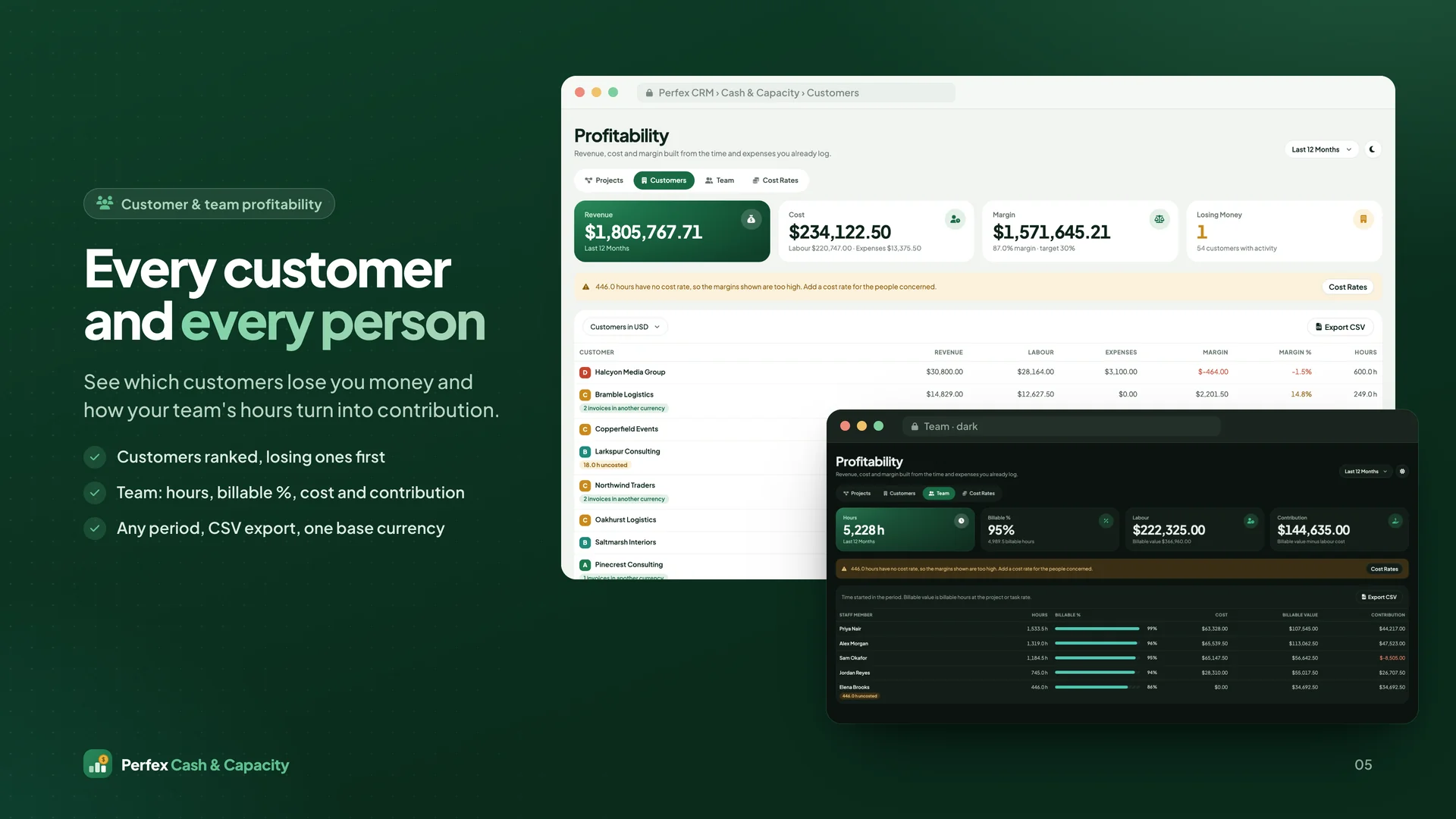
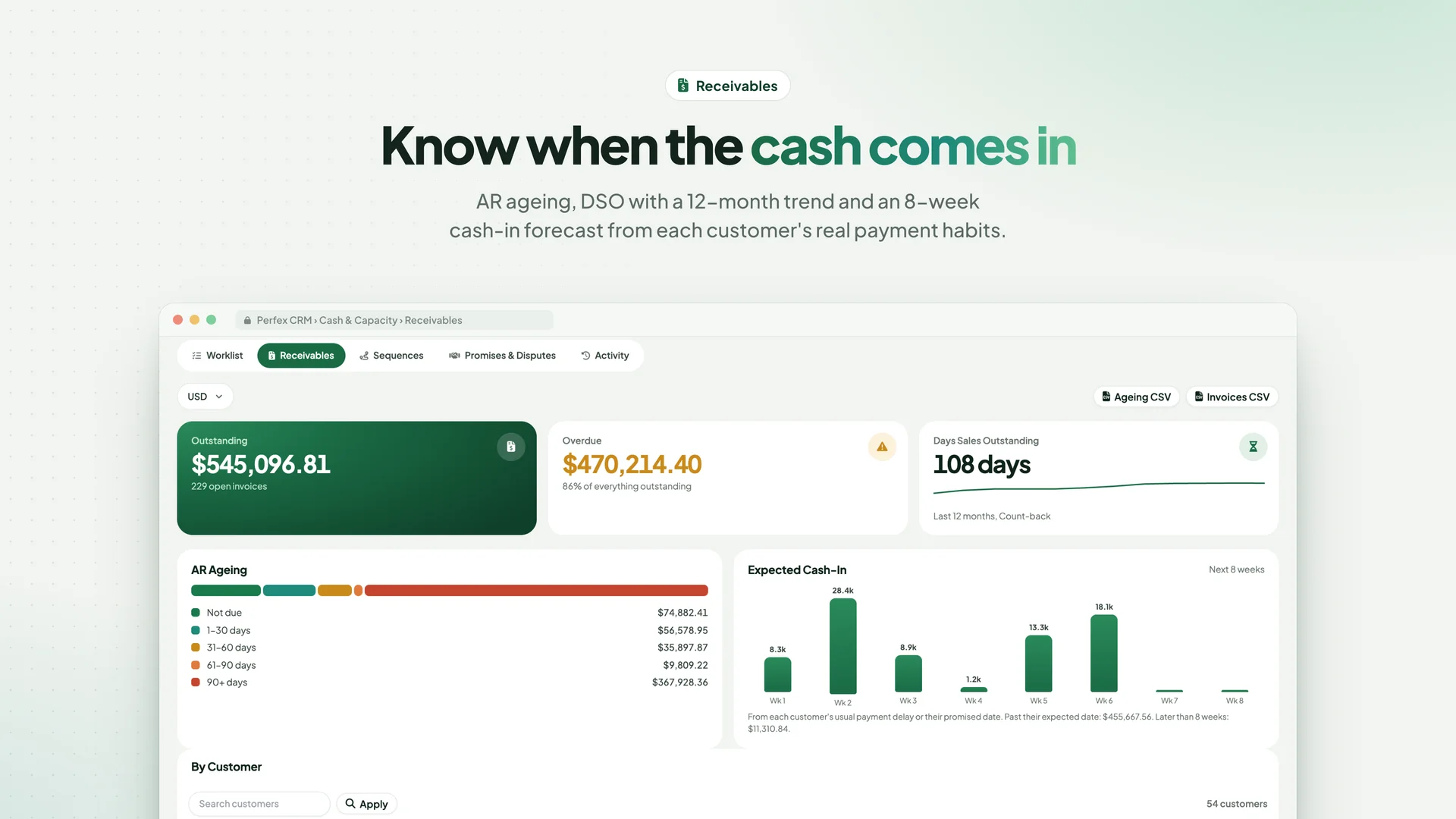
- All five CSV exports (receivables, client value, profitability, capacity) go through the shared CSV writer: a cell
  that starts with = + - @ opens as text in a spreadsheet, also after leading spaces, and the file is never shown as a
  page
Speed
- Cash & Capacity settings load together with the CRM's other settings instead of one database query each; the
  overview no longer looks up the budget thresholds and target margin dozens of times (secrets and caches stay out)
- Stylesheets, scripts and fonts are cached by the browser and compressed (Apache, LiteSpeed and IIS)
- On Cash & Capacity pages the font starts loading together with the stylesheet
Search
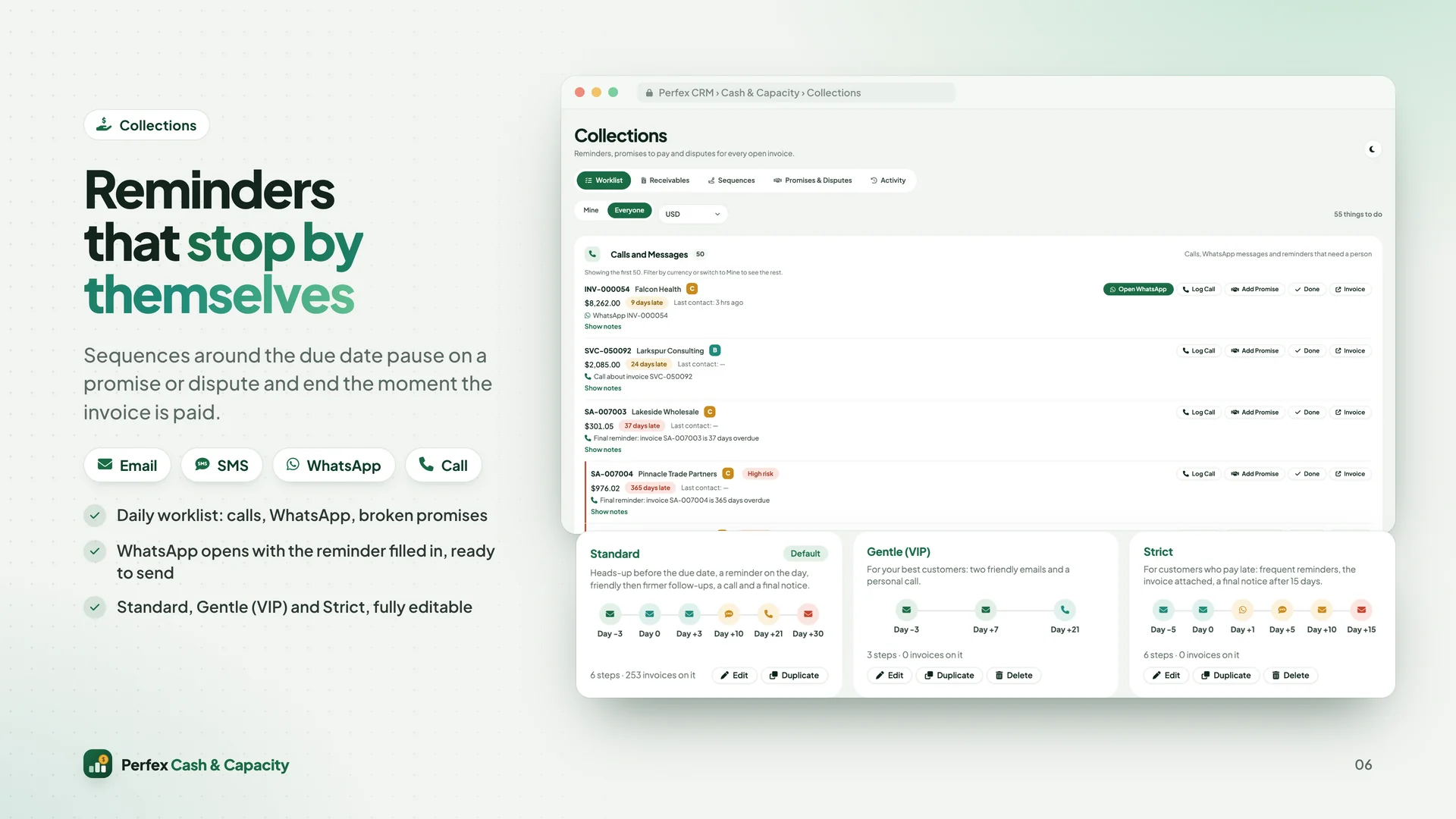
- Search on Collections Log, Worklist, Promises & Disputes, Project and Customer Profitability, Capacity Projects and
  Time Off; Receivables and Client Value move from q= to search= (old links keep working)
- Every search keeps the other filters, starts again on page 1, clears with ×, and is part of the page address;
  exports follow the search on screen
- Lists that were cut off without pages (project profitability at 1000 rows, promises and disputes at 200) now page
  after 25, and so do customer profitability, capacity projects and time off
Interface
- Select boxes keep their arrow 12 px from the edge, also in right-to-left languages
Fixed
- Collections Log, Worklist and the invoice Reminders tab show the reason a step was skipped in words instead of an
  internal code (rows written by the scheduled run)
1.2.5 - 2026-11-18 — Free hours that respect leave
Fixed
- Leave from People counts even when TeamPulse is off (needs People 1.5.7)
- Leave takes off the working hours People counts for each day instead of whole days: leave from Monday 13:00 to
  Wednesday 11:00 on an 8-hour day leaves 4 / 0 / 6 hours free; a full day off still takes the whole day, on the
  person's own date; leave within one day counts at least its own length (8 hours of leave on a 12-hour day leaves 4)
- Days off inside a longer leave (a Saturday you plan work on) count as off
- For exact numbers, give staff a People roster that matches their Capacity hours
- Year-long views (Time Off tab, 366-day searches) keep leave from People
- Planners without People access still see when people are on leave (dates and hours only, with People 1.5.7)
- When leave cannot be known (People off or older than 1.5.7, or people without a People profile) the capacity pages
  say so instead of showing people as free
- The AI "who is free" answer gives staff IDs, the number of matches and pages, and says when a list is partial
- The schedule form shows the right message for hours per day
Security
- Every CSV export uses the same safe cell format
1.2.4 - 2026-11-14 — Clearer translations
Translations
- Clearer wording in Dutch, German, Portuguese, Russian, Spanish and Turkish: receivables no longer read as payables
  and hours off no longer read as free hours (Spanish), estimates and proposals use the CRM's own terms (Turkish),
  untranslated DSO labels translated (German), and a few wrong words fixed
- Interface text says "CRM" and names sibling modules without the "Perfex" prefix
Security
- Licence actions refuse forged cross-site requests (request guard kit 3.2)
1.2.3 - 2026-11-13 — Security update
Security
- The request check on every signed-in Cash & Capacity page also covers addresses typed with different capital letters
  (Windows and macOS servers find the module that way)
- An incomplete upload no longer stops the CRM: a missing security helper file is written to the log instead
1.2.2 - 2026-11-13 — Security update
Security
- Refuses forged cross-site and `gateways/`-tagged requests on every signed-in Cash & Capacity page, also when the CRM's own
  form check is switched off
1.2.1 - 2026-11-10 — Licence and maintenance update
Updates
- Faster page loads: licence settings are read once per request
- License page follows Design Studio dark mode
- Collections explains invalid actions and keeps unchanged settings successful.
1.2.0 - 2026-10-30 — Resource allocation
Capacity
- New Allocation tab: people (or projects) by week, with each person's available hours (working hours minus
  holidays and leave), allocated hours, utilisation and who is over or under booked at a glance
- Type hours straight into a week, or a share such as 50% of that week's available hours; leave it empty to clear
  the week. Pull a week's corner handle to copy it to the weeks next to it. Arrow keys move between weeks
- Allocate one or more people to a project, estimate, proposal, lead or other work for a date range at a number of
  hours per week, a share of their capacity or hours per day, confirmed or tentative, optionally replacing what
  they already had on that work in those dates
- Planned against actual: logged time (Perfex task timers, or Perfex TeamPulse when you chose it as the time
  source) next to the plan, per person and per project, including time on projects nobody planned
- KPI cards: allocated share, free hours, person-weeks over capacity and under target, actual utilisation and,
  with the Profit permission, planned revenue
- Filters by department, role, skill, project and customer; hours or percent view; tentative and actual on or off;
  CSV export of the people or the projects view
- Allocations are the same bookings as the Schedule, so the forecast, Who's Free, utilisation, planned margin and
  Brain Pro widgets all use them; the Schedule's booking panel gains "Per week" and "% of capacity"
- When two people change the same week at once, the second one sees the first one's change instead of overwriting it
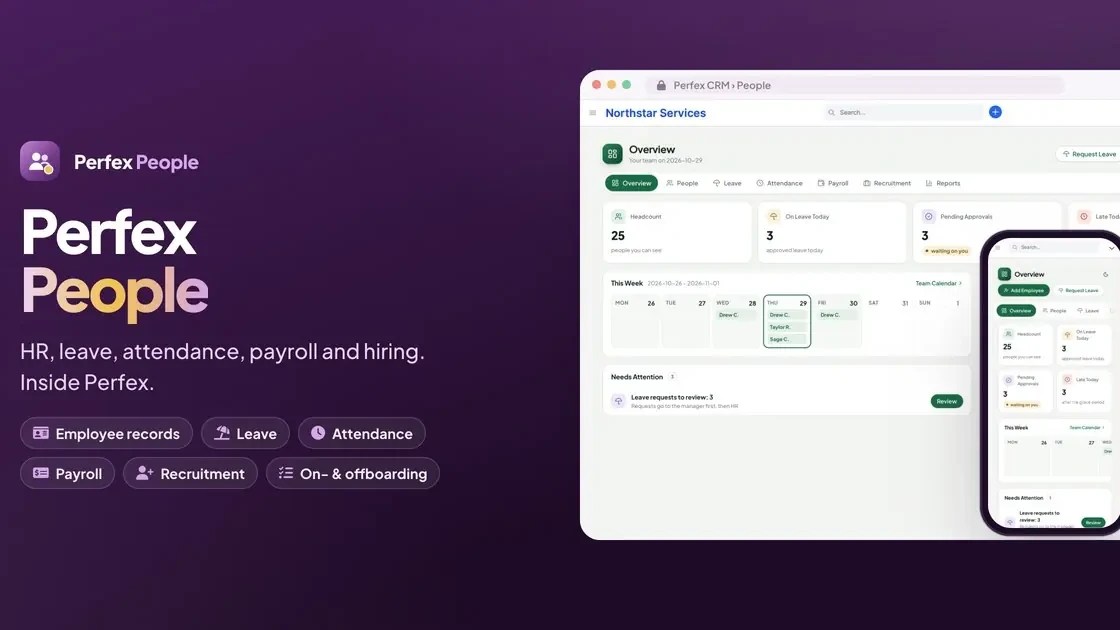
- Approved leave from Perfex People counts as time off (Settings › Capacity, when Perfex People is installed)
- Logged hours always count on the right local day, also around daylight saving changes
Family modules (when installed)
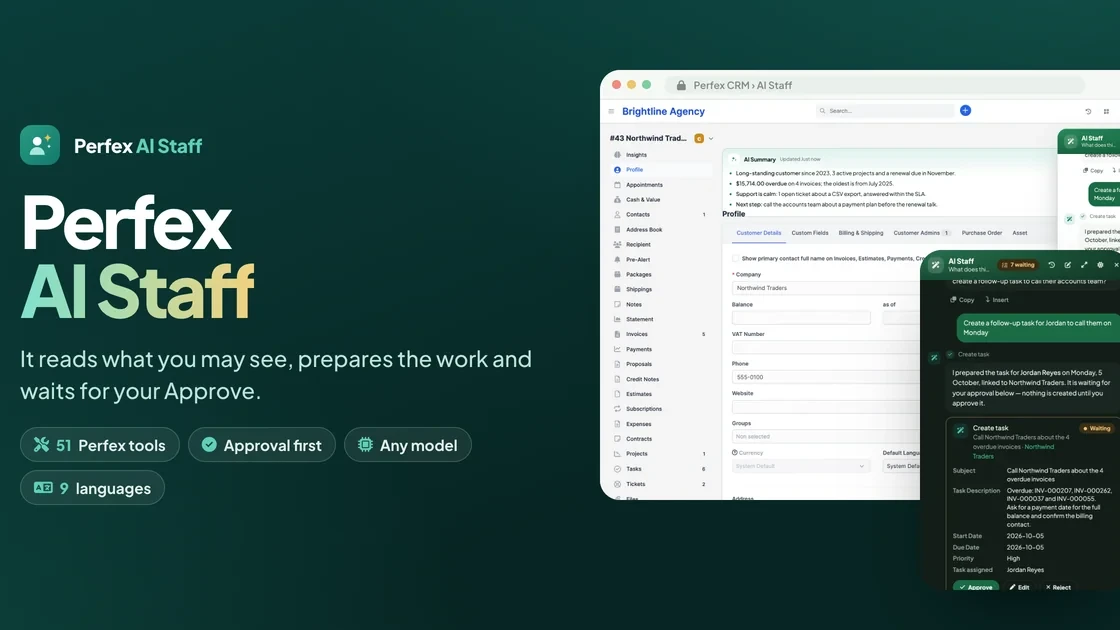
- Perfex AI Staff: new read tool "Who Is Free", for questions like "who is free next week?"
- Flow Studio: new trigger "Person over-allocated in a week", after a change and once a day for the next 8 weeks
- Perfex Connect: new read-only API resource pcc_allocations
- Brain Pro: new widgets Actual Utilisation and Allocation by Person
- Upload the new files and run Perfex's Upgrade Database for the module: no manual step, every setting and record
  is kept
1.1.6 - 2026-10-25 — Upgrade Database while the module is inactive
Updates
- Fix: Upgrade Database no longer stops with an error when Cash & Capacity is not active (for example after
  uploading a new version before activating it again): every update step now loads what it needs itself
- Upload the new files and run Perfex's Upgrade Database for the module: no manual step, every setting and record
  is kept
1.1.5 - 2026-10-25 — Upgrade Database from any earlier release
Updates
- Fix: Upgrade Database works from any earlier release (no gap in the migration sequence)
- Upload the new files and run Perfex's Upgrade Database for the module: no manual step, every setting and record
  is kept
1.1.4 — margins include costs from other modules
Profit
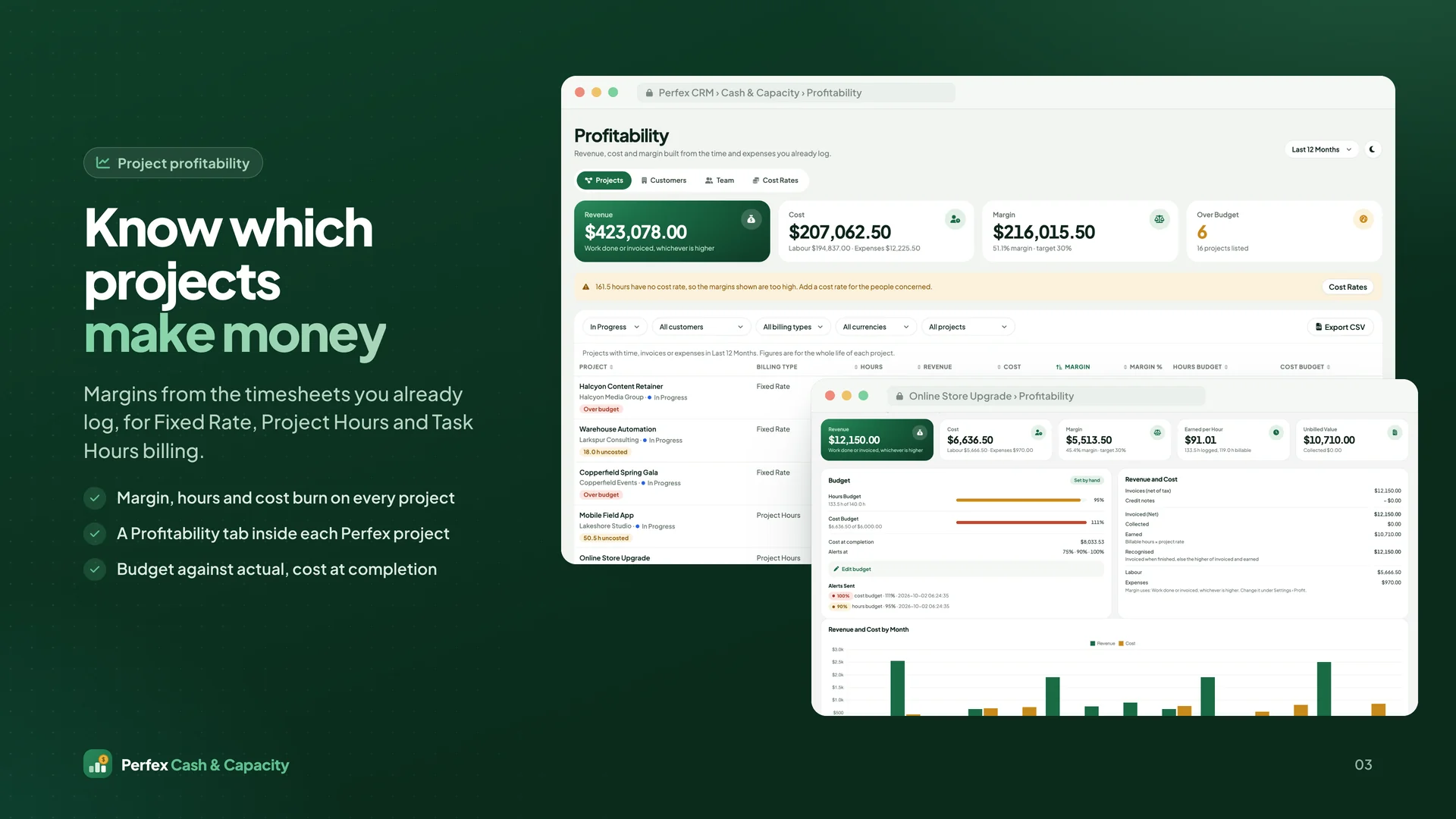
- Project and customer margins now include costs that other SellMyCode modules report, such as approved and paid
  sales commission from Perfex Sales Growth, shown as "Costs From Other Modules" on the project's Profit tab
- Perfex expenses that such a module already counts (for example a commission payout) are left out, so nothing is
  counted twice
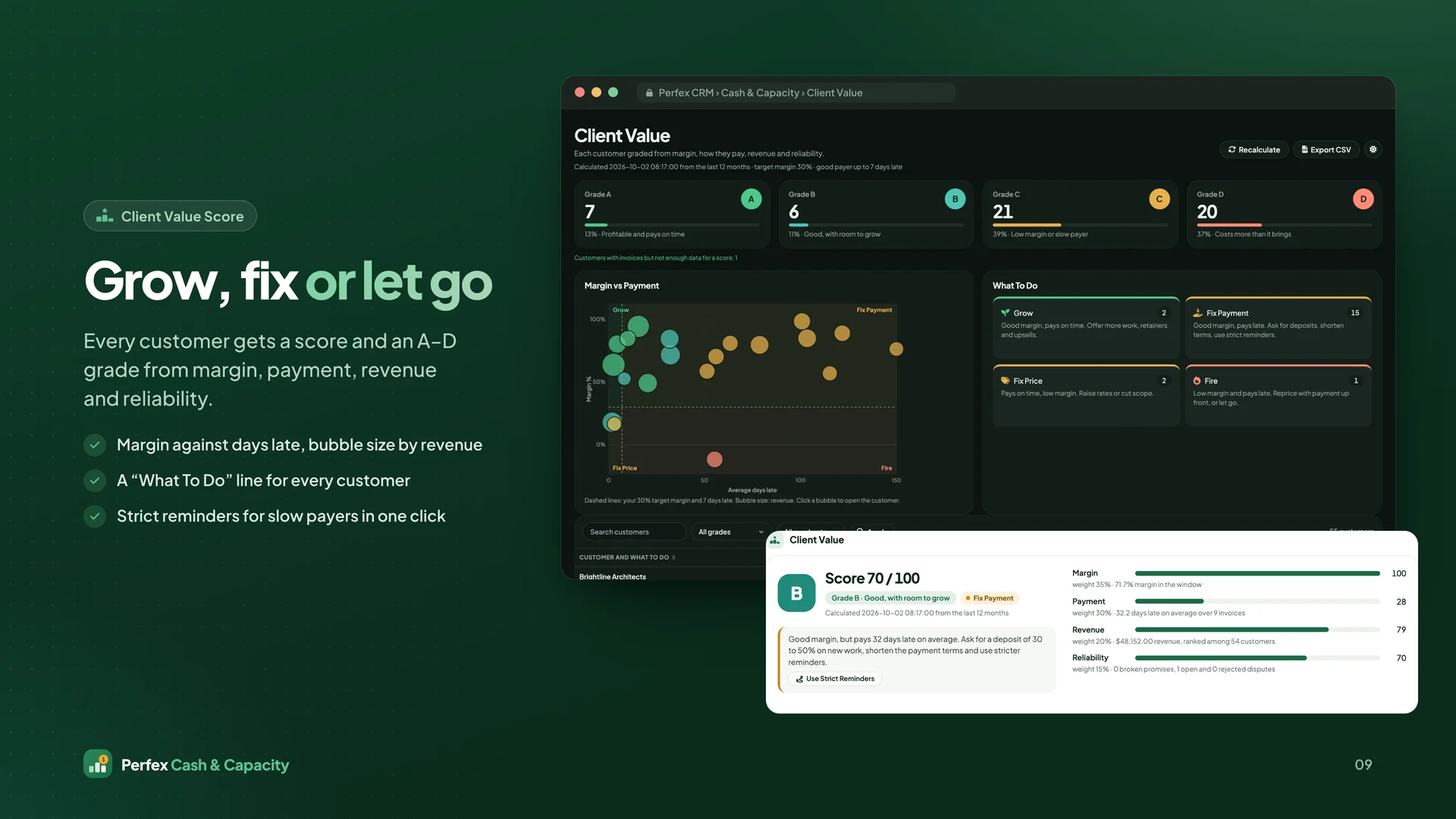
- The monthly chart, margin trend, customer view, Client Value Score and Brain Pro widgets use the same figures
License checks name the product:

- Every license call (activate, check, pause) now sends Sentinel's sellmycode.net item id, as sellmycode.net requires
- A purchase code bought for another product, or an unknown one, only shows "This purchase code is not valid for
  Perfex Sentinel." The detailed reason is kept in Sentinel's audit log for administrators
- An activation made by an older version with another product's purchase code is paused once and removed from this
  install; enter your Sentinel purchase code to switch Sentinel back on
1.1.0 — Capacity
Capacity (new pillar, menu Cash & Capacity › Capacity)
- Working hours per weekday (Settings › Capacity) with per-person changes from a date; billable utilisation target,
  week start, default range, roles kept off the board
- Company holidays, whole or part day, for everyone or one department; import from CSV or iCalendar (.ics)
- Time off (vacation, sick, personal, training, other; full days or hours a day); approved leave and holidays from
  Timesheets & Leave and HRM read automatically, read only, each source can be switched off
- Bookings for a person or a placeholder role on a project, or tentative on an estimate, proposal, lead or named work;
  hours per day or total hours spread over the available days; confirmed or tentative, billable or not
- Schedule board: drag to move, pull the edges to resize, drop on another person to reassign, click to add or edit;
  week colours by booked against available hours, tentative work hatched, holiday and leave shading, today line;
  weeks or days zoom (days up to 8 weeks), 4/8/12/26 weeks, search, filters, grouping, read-only list on phones
- Time off wins: days off get no booked hours and the booking is flagged with the hours it lost
- Conflicts: over-allocated weeks, over-allocated with tentative work, bookings on time off, people no longer planned
- Won work to confirm: suggestions when an estimate or proposal is accepted, an estimate becomes a project or a lead
  becomes a customer; notification to the person who booked it; nothing is confirmed automatically
- Utilisation: planned vs actual and billable % against available hours, by person, department or role, CSV export
- Forecast of free hours for the next 4, 8 or 12 weeks and a Who's Free finder (dates, hours, role, department, skill)
- Planned cost, revenue and margin on the board and per project, only for staff with Profit access
- Capacity section inside the project tab (planned vs actual by week, budget, people) and a Projects overview with
  plan at completion against budget hours and the tentative pipeline
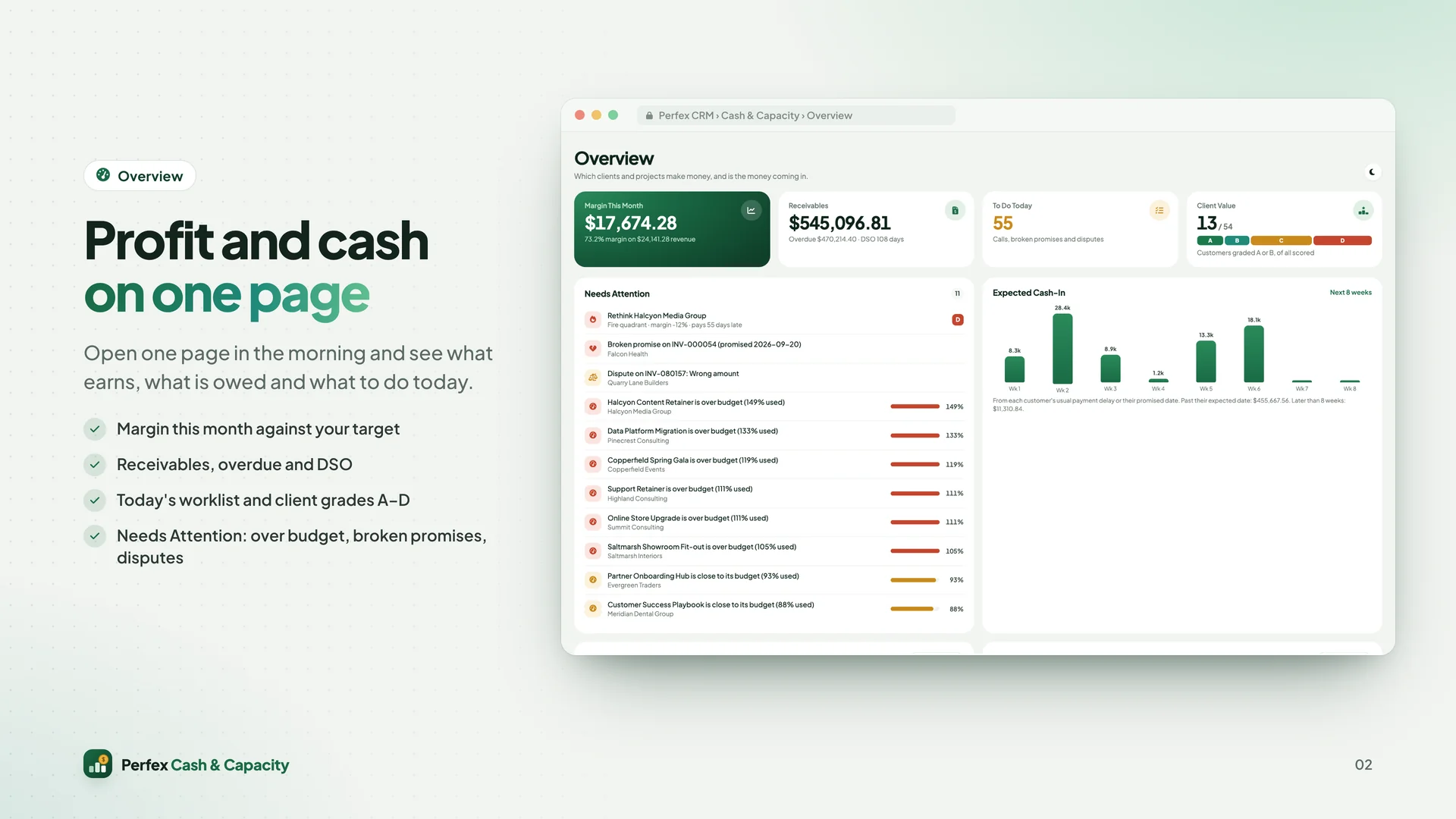
- Overview: Capacity card (booked next 4 weeks, hours free) and over-allocation / won work in Needs Attention
- New permission group Cash & Capacity: Capacity (view, view own, create, edit, delete)
- Concurrency-safe edits: a change made on an outdated booking is refused and the board shows the current one
Perfex Brain Pro
- 6 new widgets (25 in total): Team Utilisation, Planned vs Actual; Booked, Next 4 Weeks; Free Capacity Ahead;
  Over-allocated People; Booked Hours by Project; Tentative Pipeline Hours
- New "Team Capacity" dashboard template
- AI wording works with OpenAI-compatible servers on your private network (LiteLLM proxy, Ollama, vLLM) once an administrator allows it; API key optional for servers that do not use one


 0 Viewing now
Live buyer activity

Pick 3 of SamSan’s items to unlock 10% off your total.
Everything you pick is added to your cart when you tap the button below.

This item was featured on SellMyCode
Last update:
19 Nov, 2026
Published:
02 Oct, 2026
Version:
Category:
Framework:







 Google
 Github

 From Unknown Location
 Elite Seller
 Trend Master