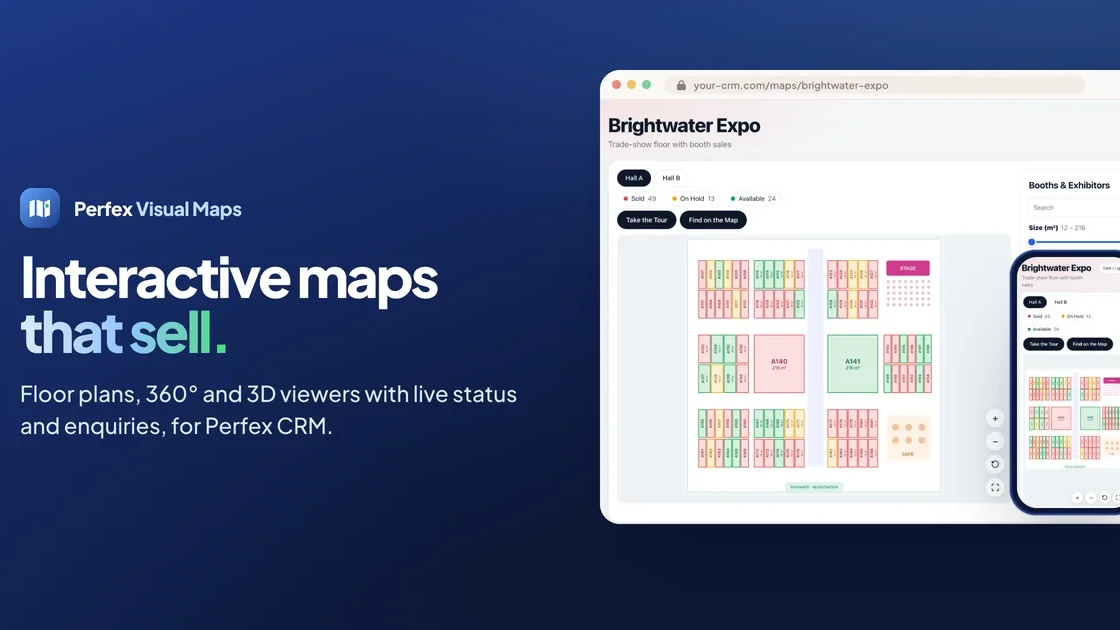
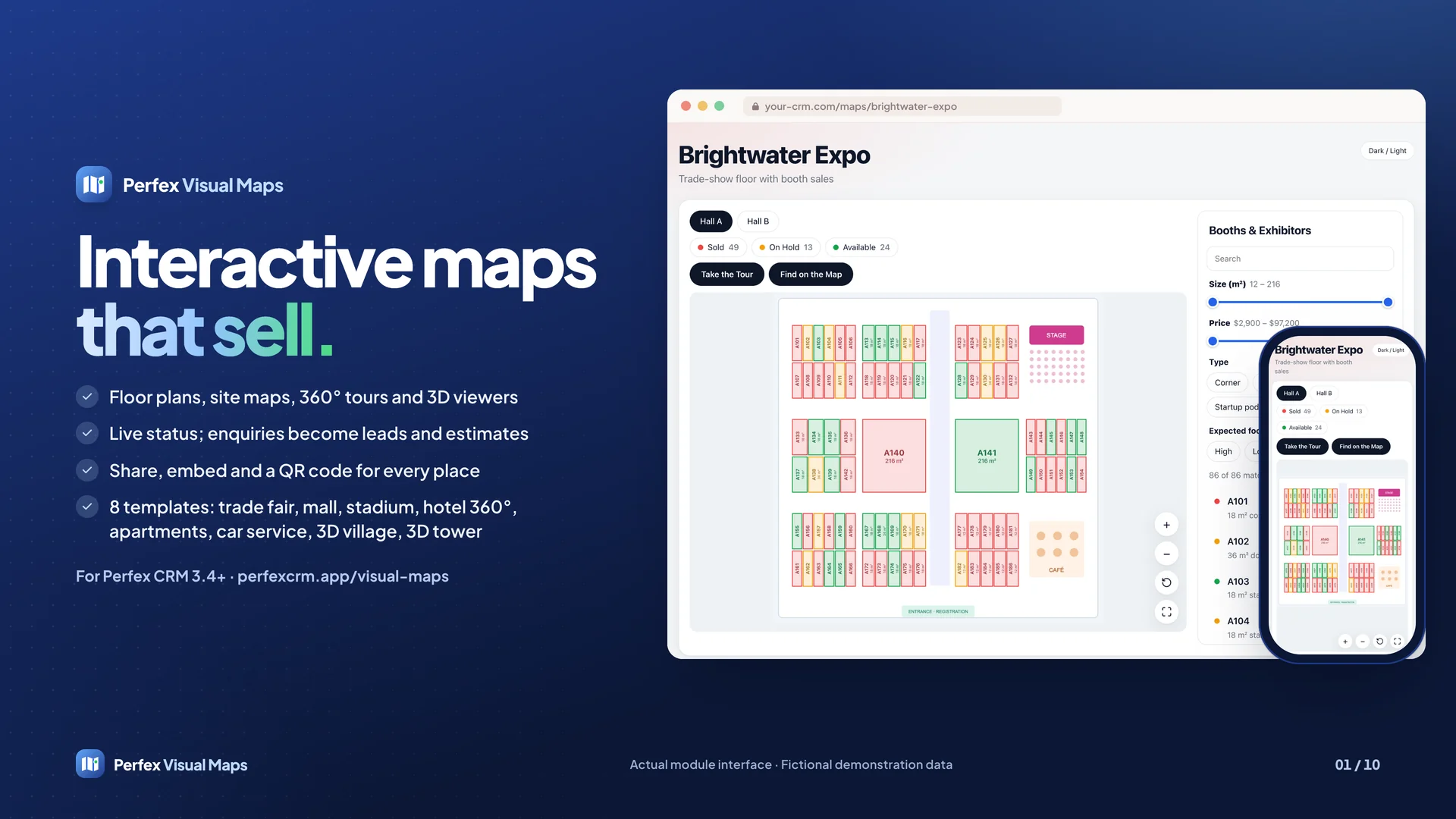
Turn floor plans, site maps, 360° photos and 3D models into interactive maps inside Perfex CRM. Visitors filter by size, price and type, compare places and send an enquiry from any booth, unit or room; your team turns it into a lead or an estimate in one click. Object status (Available, On Hold, Sold, Booked) follows leads, estimates, invoices, contracts and bookings by itself. Every object has a deep link and a QR code, and every public map gets a readable address and iframe code for your website.
Product overview · Documentation
Interactive maps that sell, inside Perfex CRM
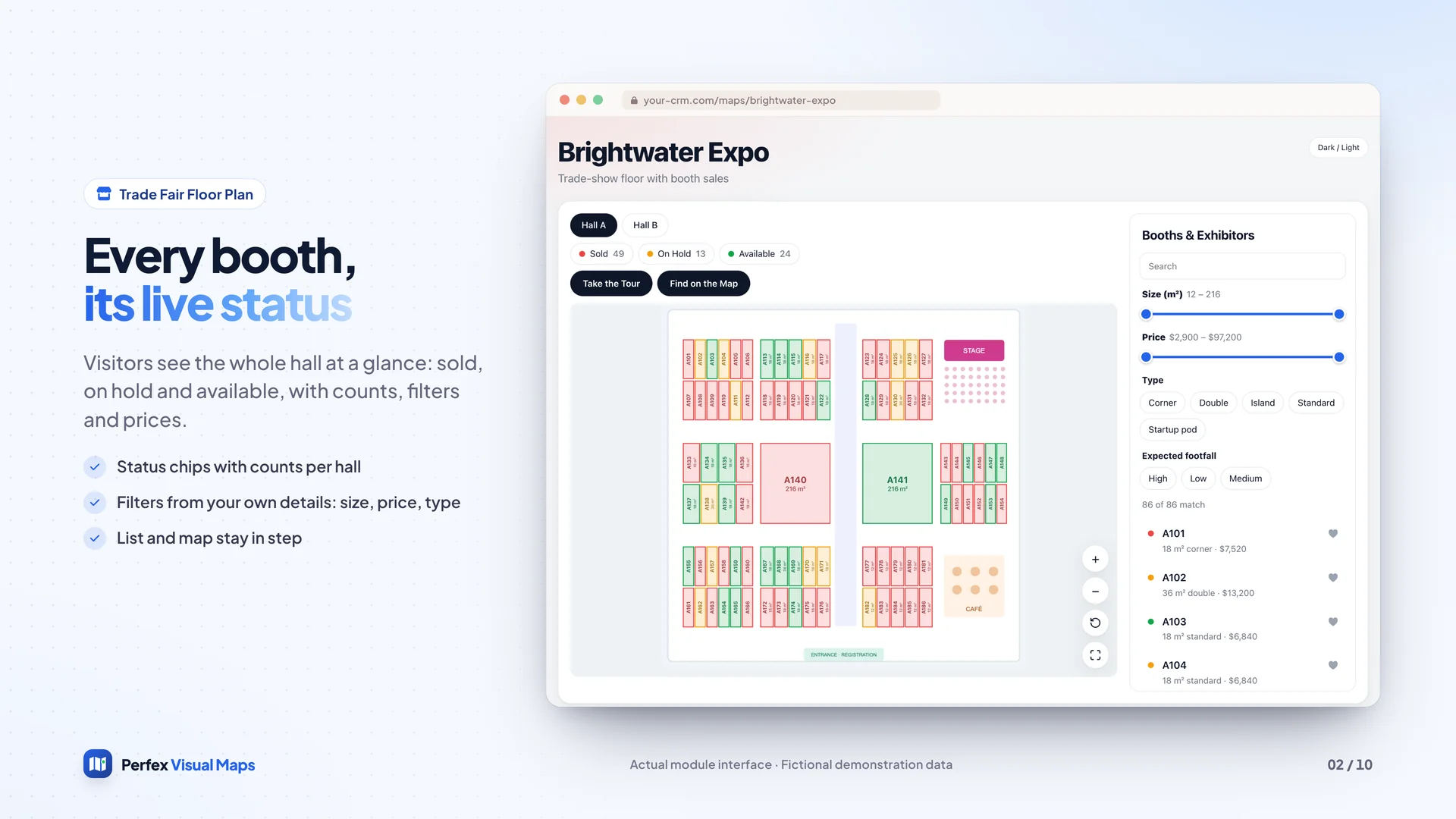
Publish floor plans, site maps, photos, 360° tours and 3D models where visitors pick a booth, apartment, room, bay or stand, see whether it is available and send an enquiry. Every enquiry lands in Perfex CRM, ready to become a lead or an estimate, and the object's status follows the deal by itself.
Status that follows the CRM
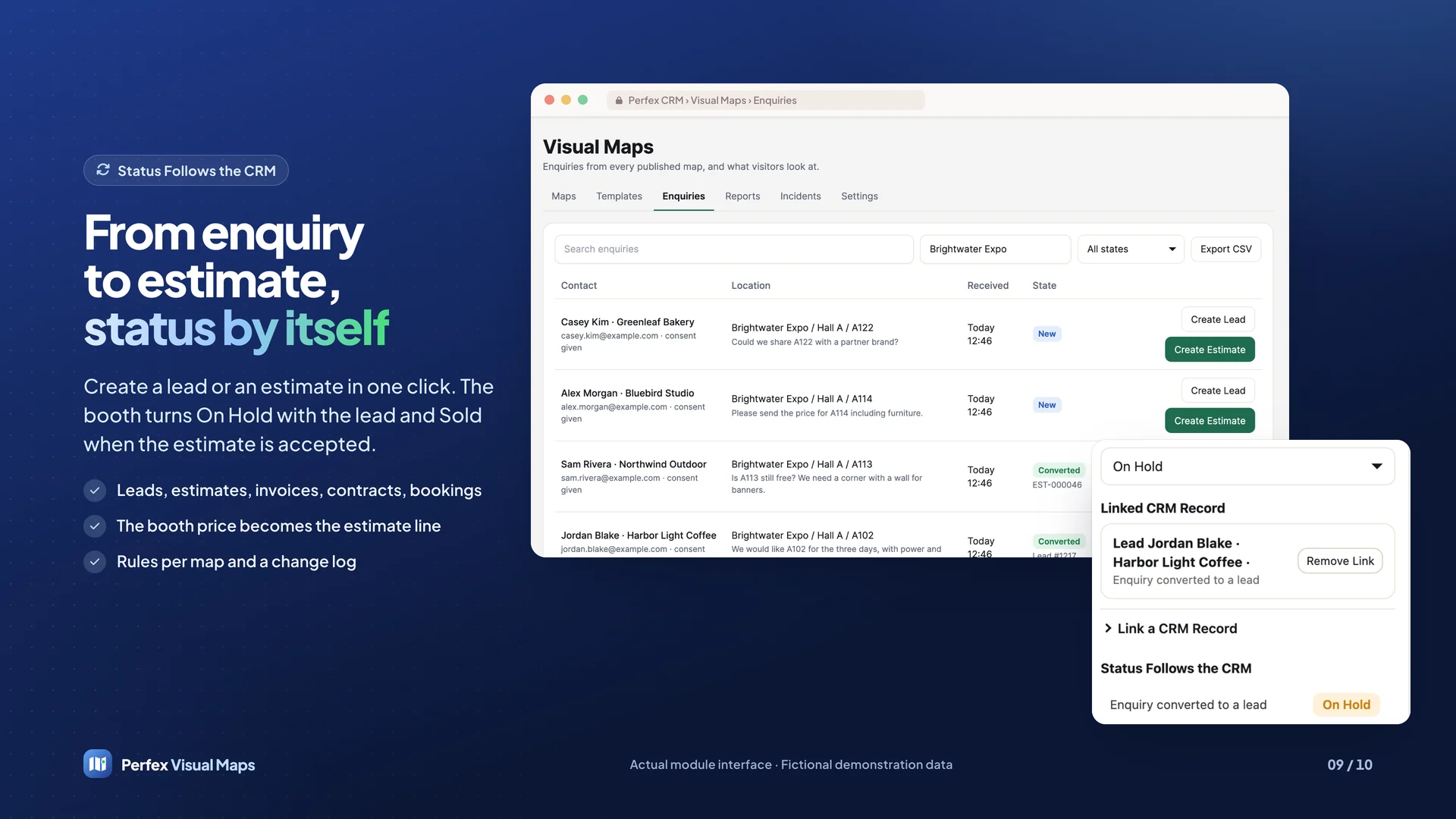
- Link any object to a lead, estimate, invoice, contract or booking. Its status changes by itself: On Hold when the enquiry becomes a lead, Sold when the estimate is accepted or the invoice is paid, Booked when the booking is confirmed.
- Rules per map, a change log, and manual changes kept until the next CRM event.
- Rename the four statuses per map (for example "Let" or "Reserved") and choose their colours.
From enquiry to estimate in one click
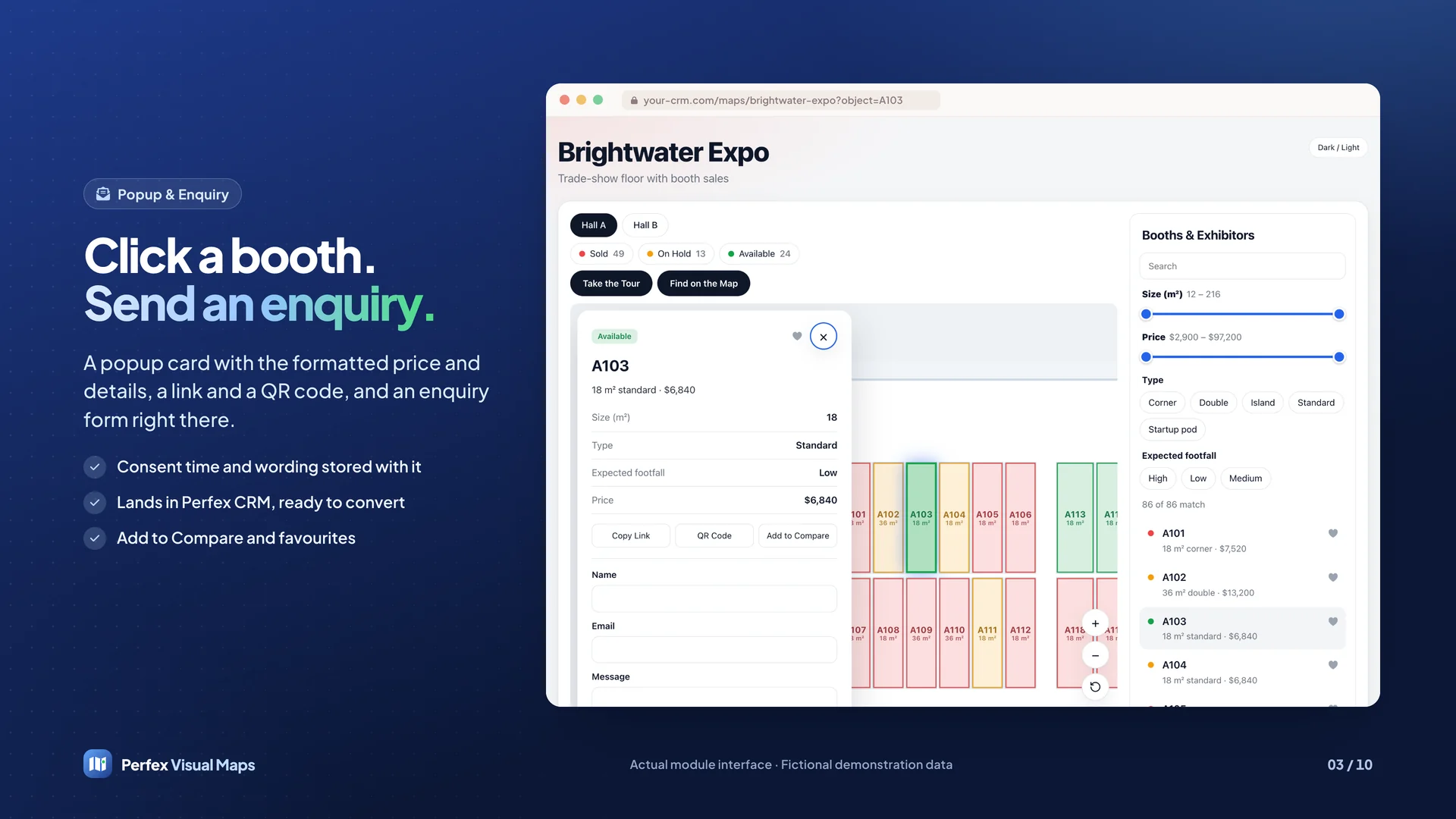
- Visitors send an enquiry from any object; the consent time and wording are stored with it.
- Create Lead or Create Estimate: the object's price becomes the estimate line.
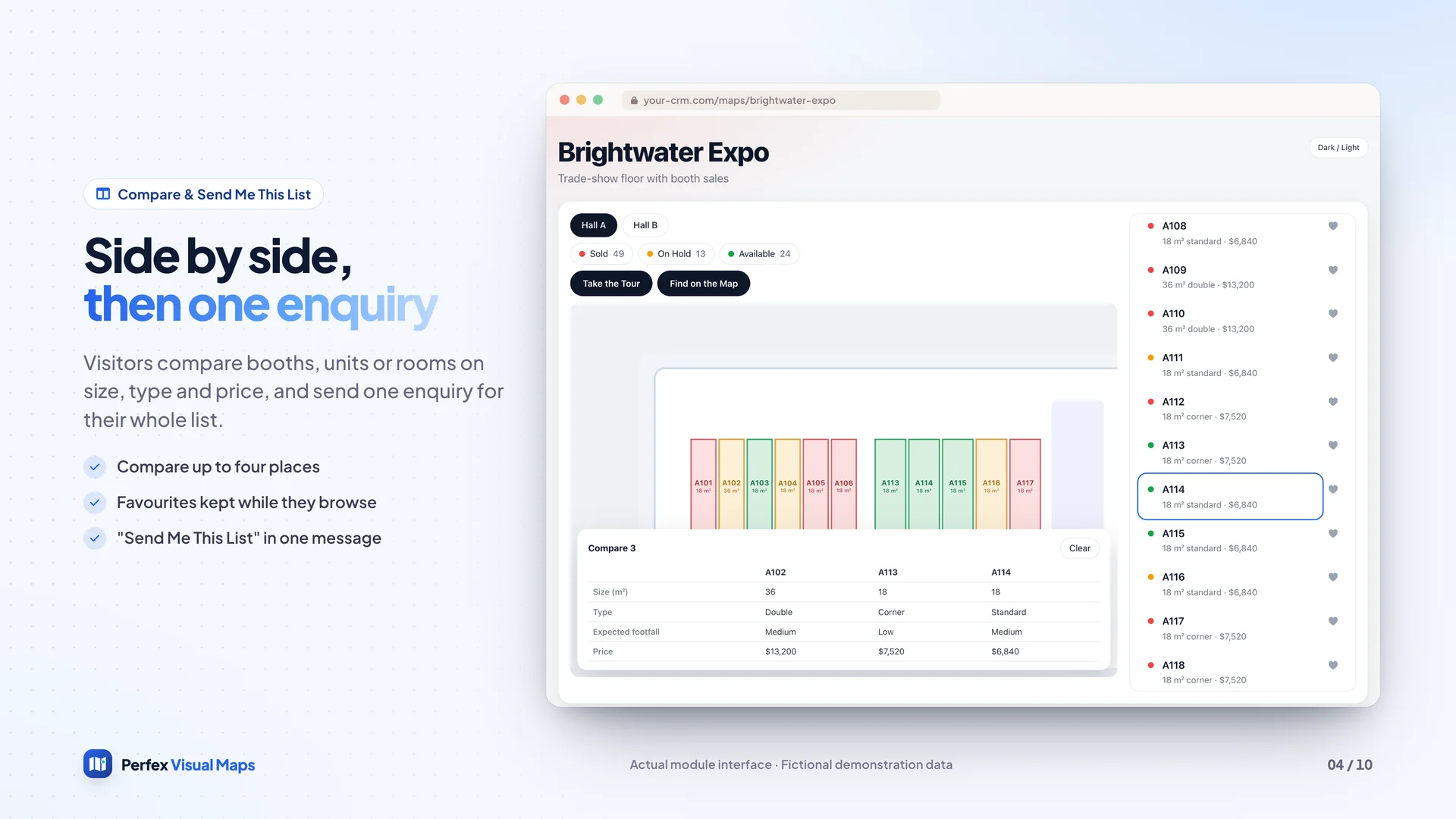
- Favourites, side-by-side compare and "Send Me This List" for one enquiry about several places.
A visitor viewer people enjoy
- Status chips with counts, search, range sliders and filter chips built from your object details (size, price, type, rooms…).
- Popup cards with formatted prices, list cards, tooltips, a guided tour, dark mode and a phone layout.
- Directions across floors with a drawn route and numbered steps.
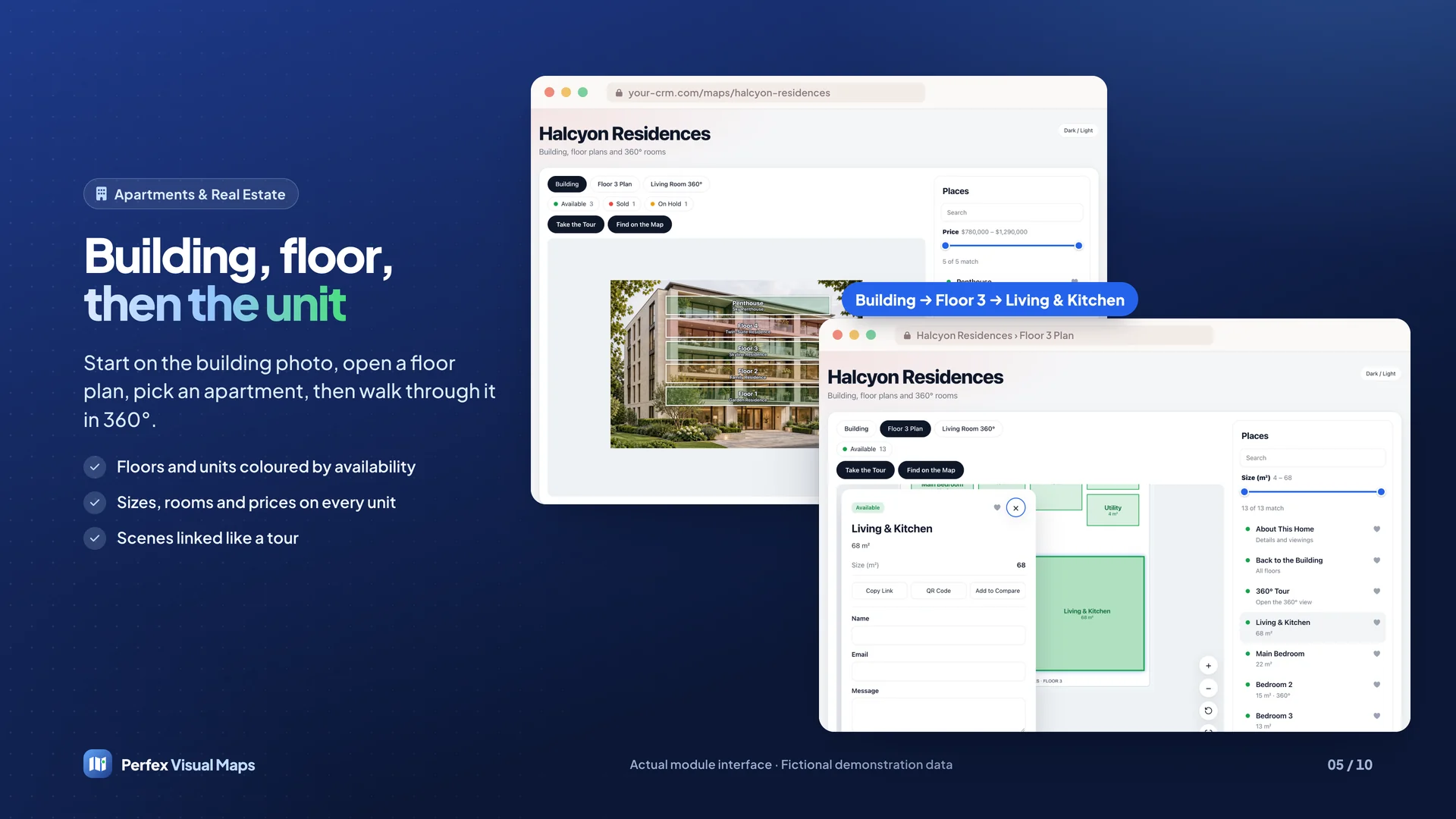
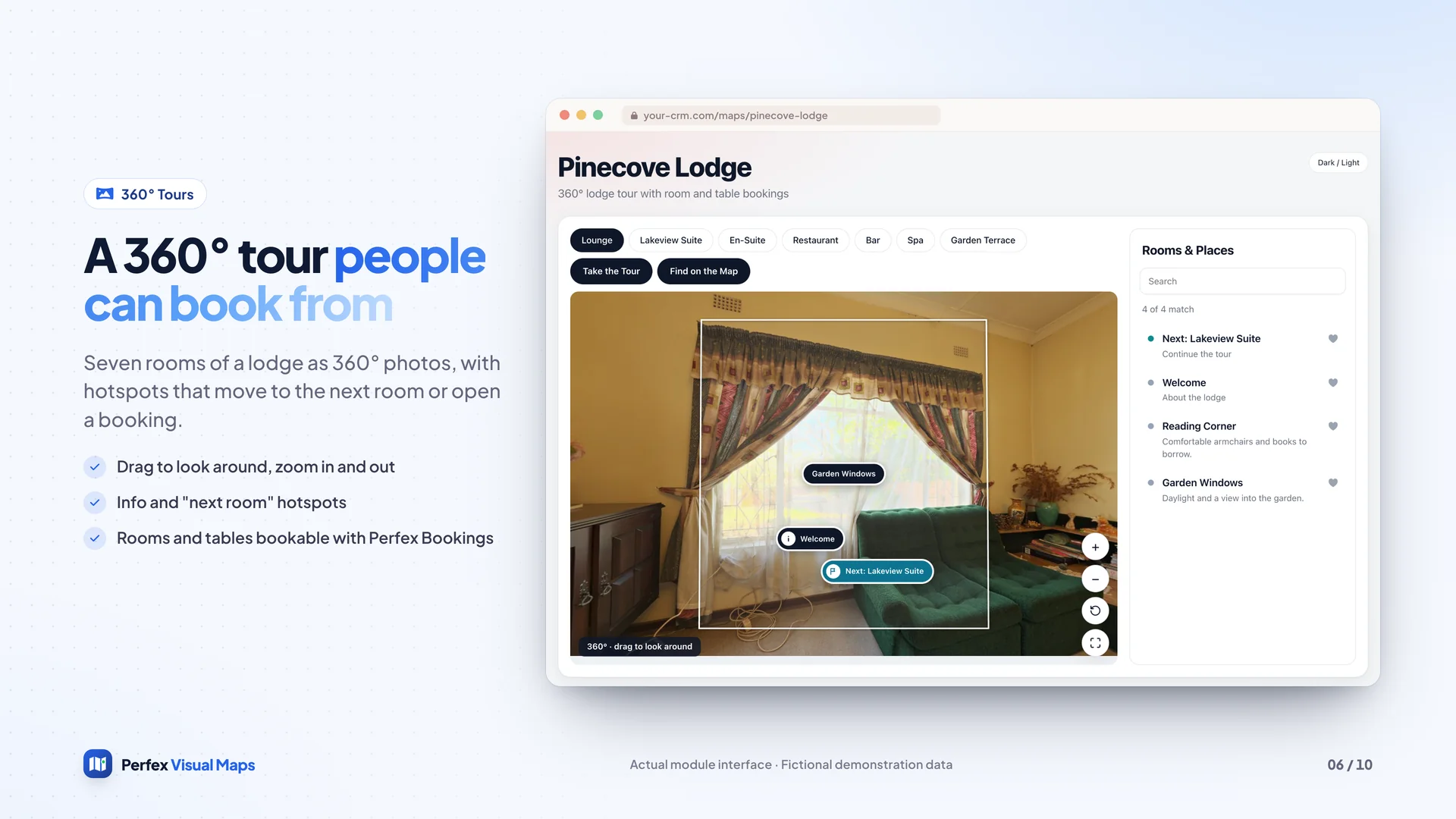
- 360° tours with hotspots that move to the next room or open a booking; 3D models coloured by availability.
Share and embed
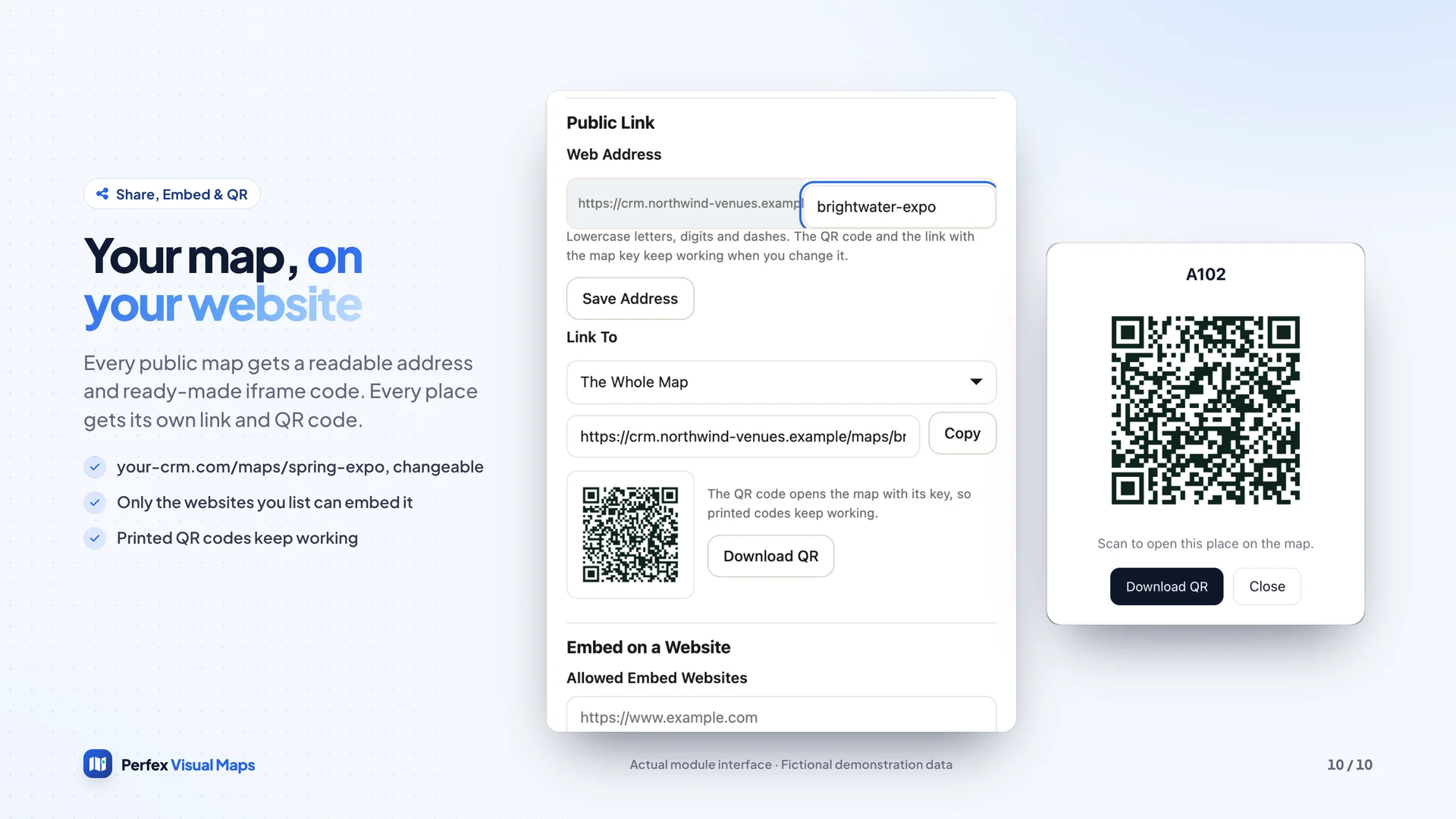
- Every published map gets a readable address on your CRM, such as your-crm.com/maps/spring-expo, that you can change. Printed QR codes keep working.
- A link and a QR code for every object, opening the map on that object.
- Ready-made iframe code (fixed size or responsive 16:9); only the websites you list can show the map.
Built for your team
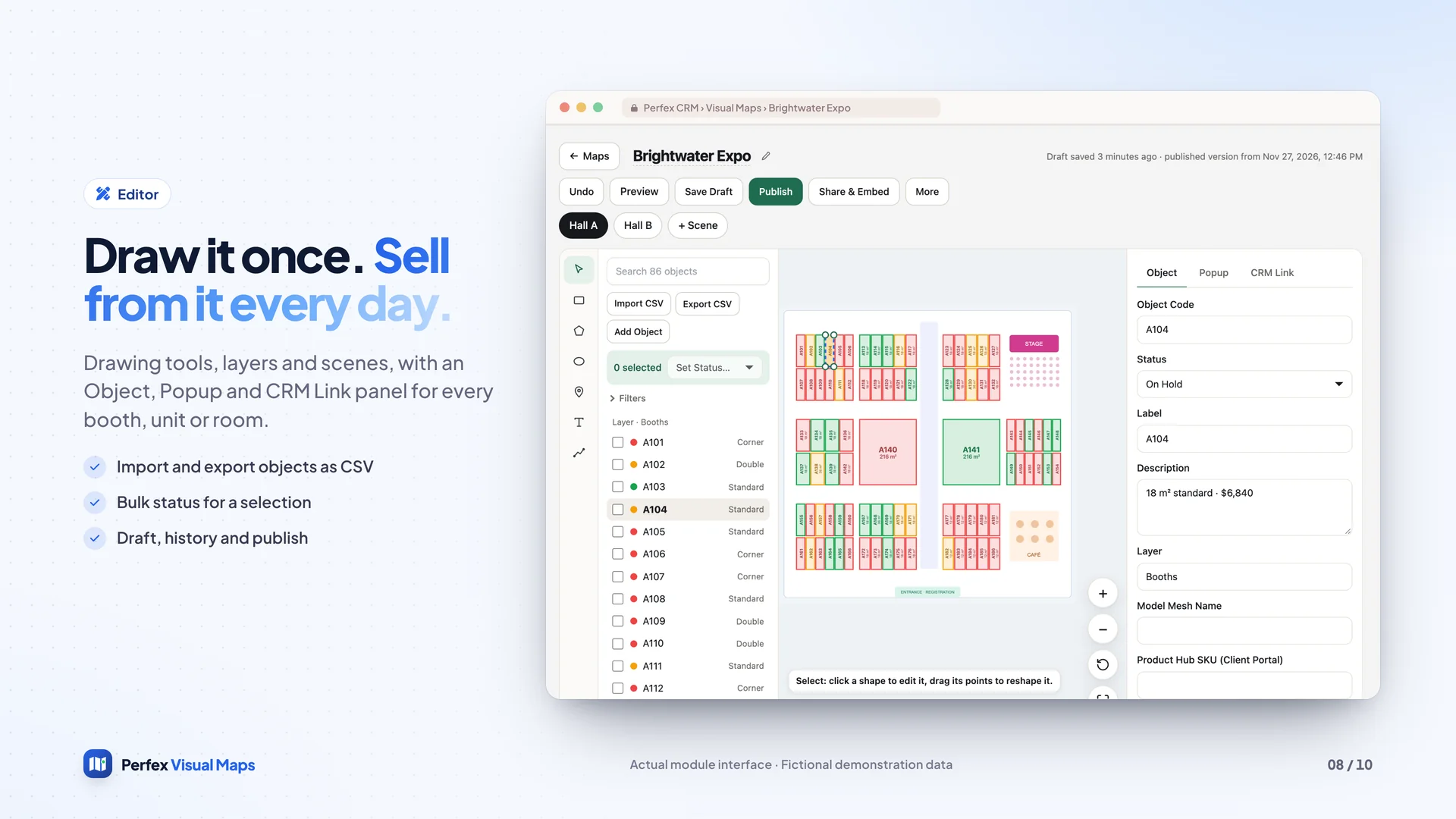
- Editor with drawing tools, layers, scenes, media uploads, undo/redo, drafts, history and publish.
- CSV import and export of objects with row-by-row errors and spreadsheet-formula protection; bulk status.
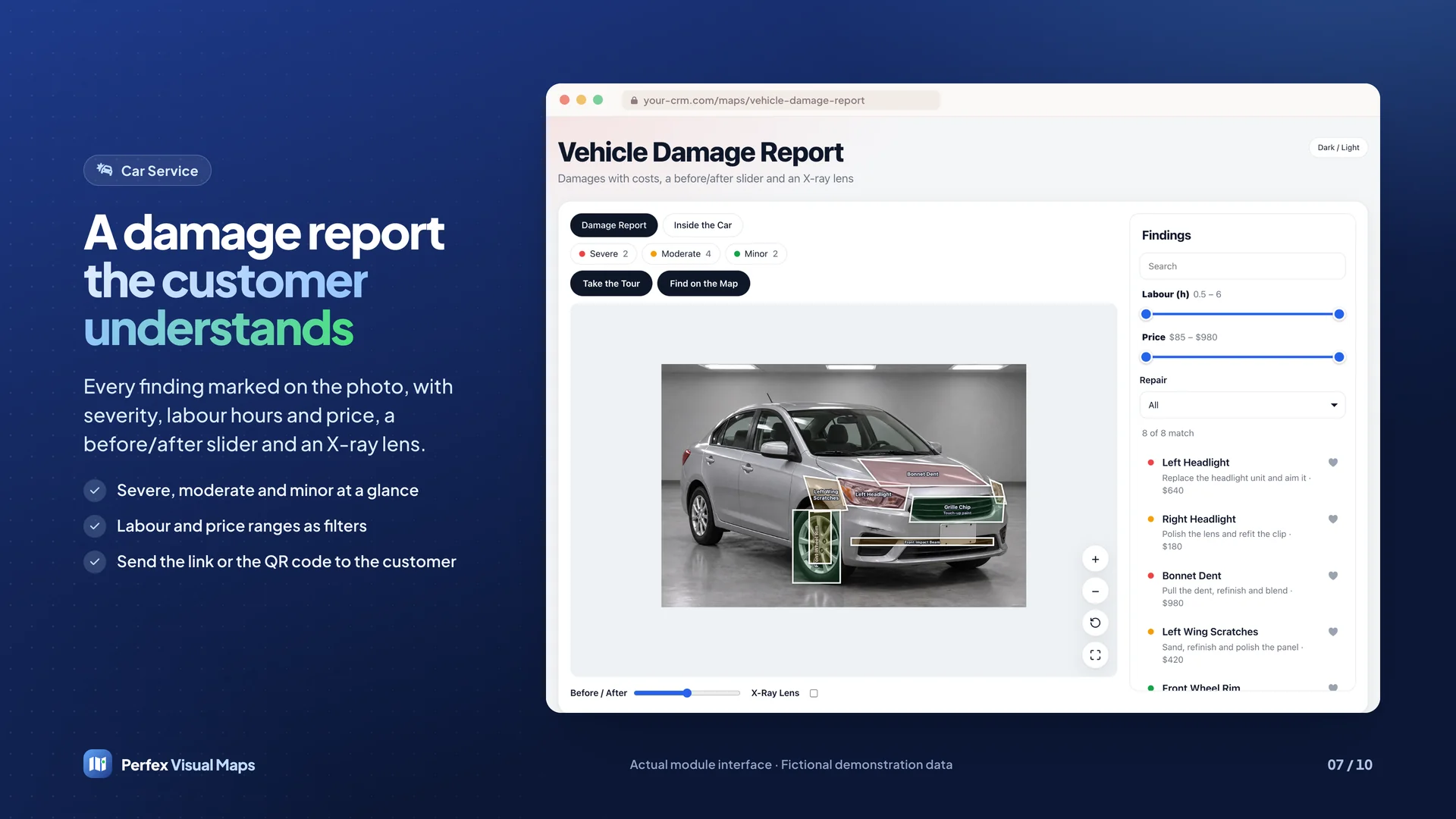
- Template gallery by industry (events, retail, hospitality, real estate, service and repair) plus country outlines and 3D templates.
- Reports: views, selections, enquiries and conversion per map, the most viewed and most enquired objects, and a heat map; CSV export.
- Customer-only maps in the client portal, with support tickets on objects (Field Service work orders with Field Service 1.4.1+).
- Rights: View (Global), View (Own), Create, Edit, Delete, Publish and Enquiries. 10 languages, RTL ready.
Requirements
Perfex CRM 3.4 or newer, PHP 8.2 or newer, the Perfex cron job. 360° and 3D scenes need a browser with WebGL 2; floor plans and photos work in every current browser.


 0 Viewing now
Live buyer activity








 Google
 Github
 From Unknown Location
 Elite Seller
 Trend Master
 Featured Item