Instant download Secure checkout Quality-reviewed items

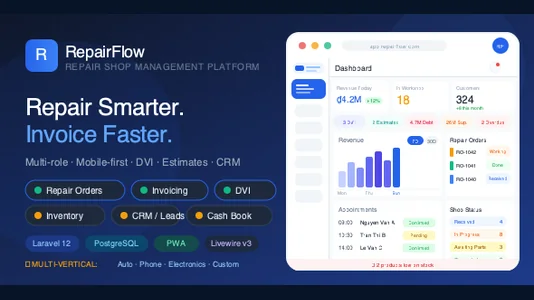
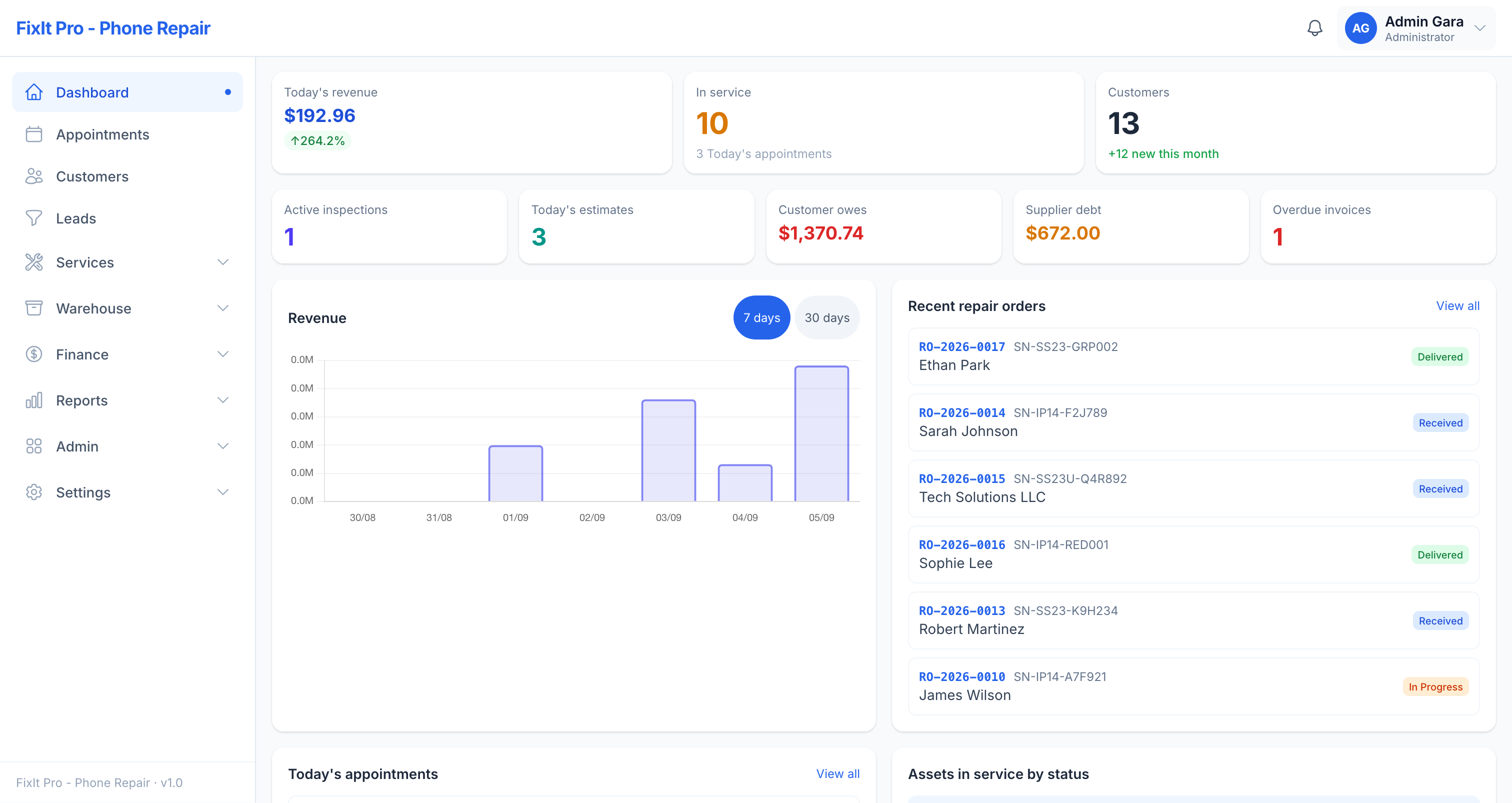
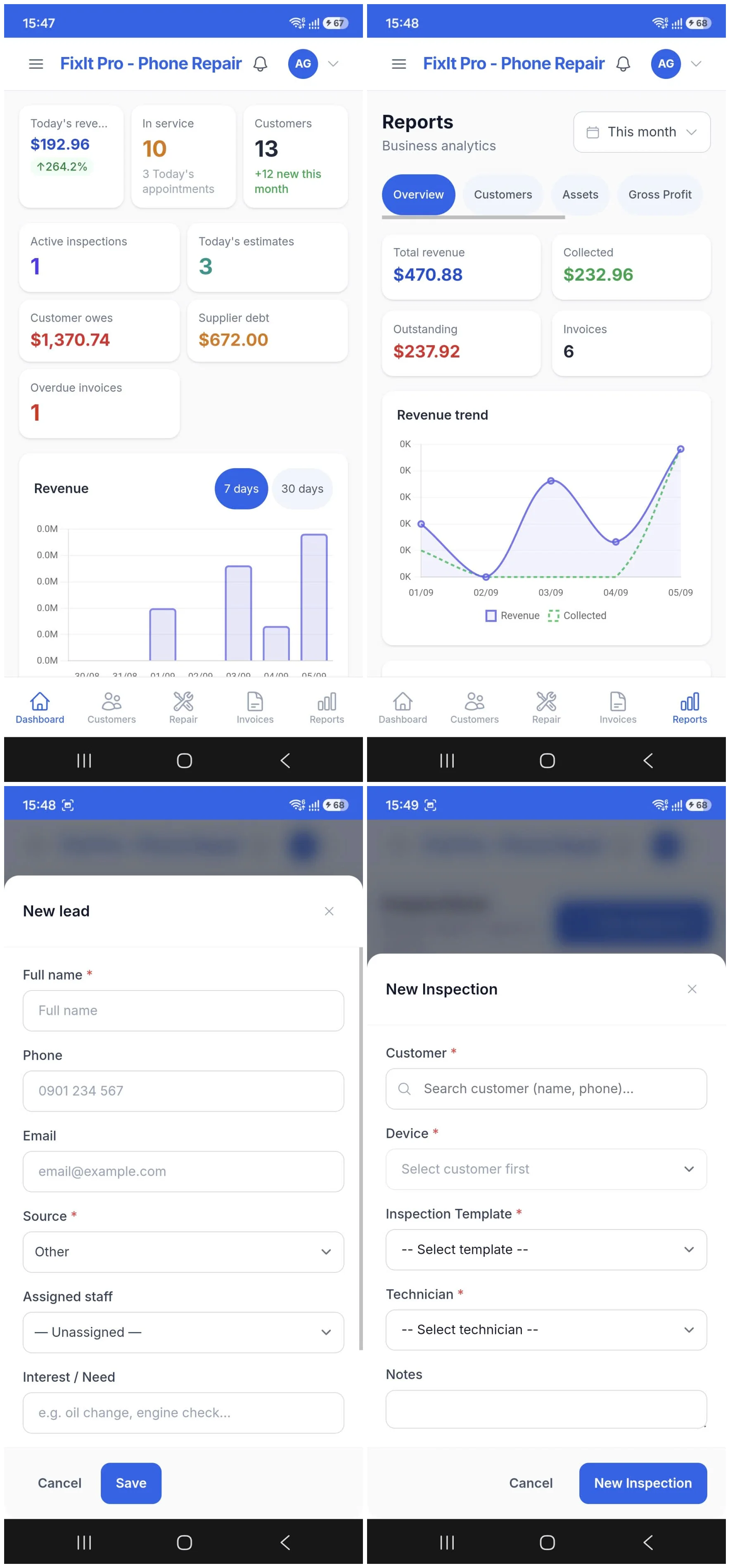
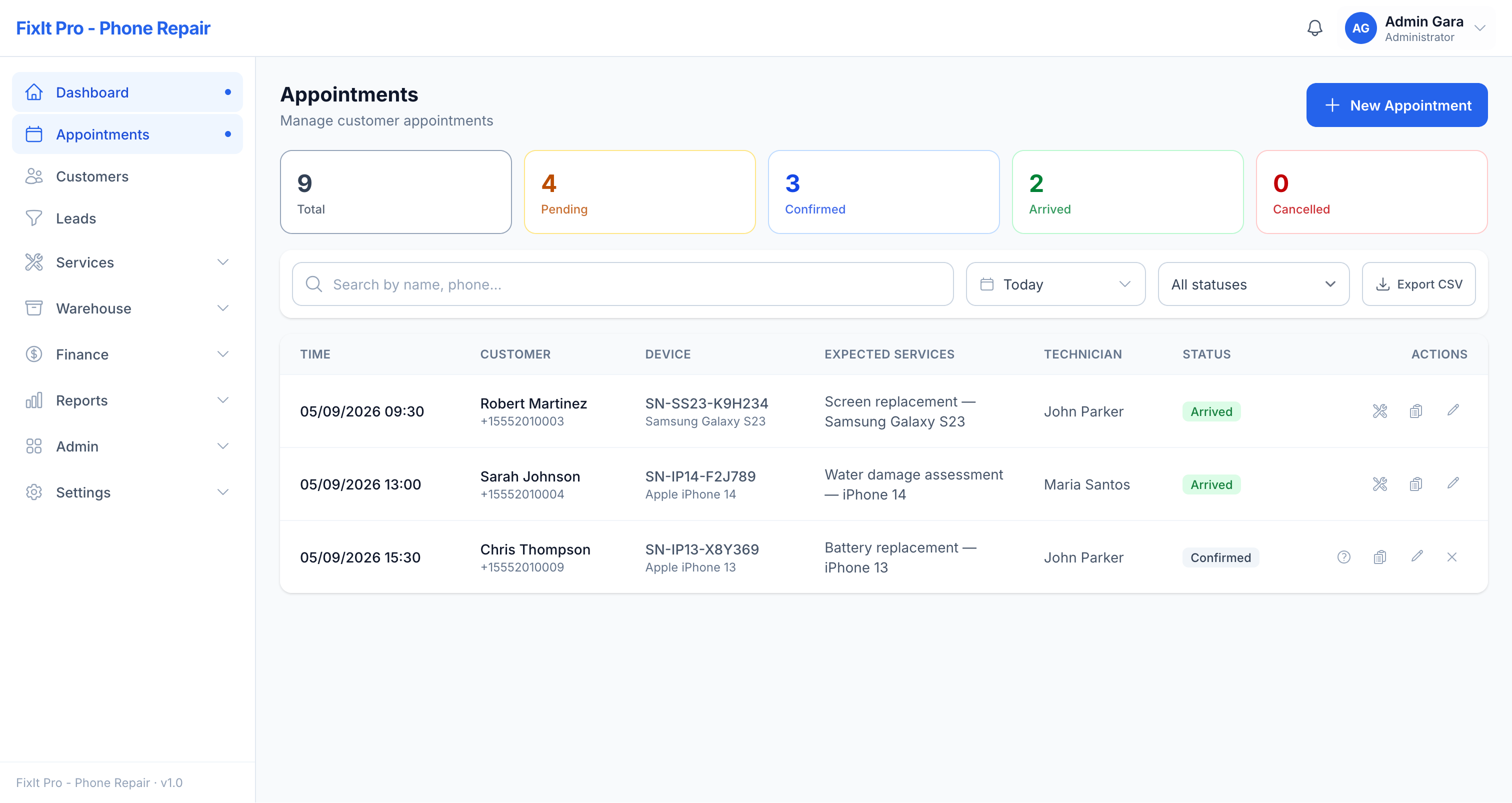
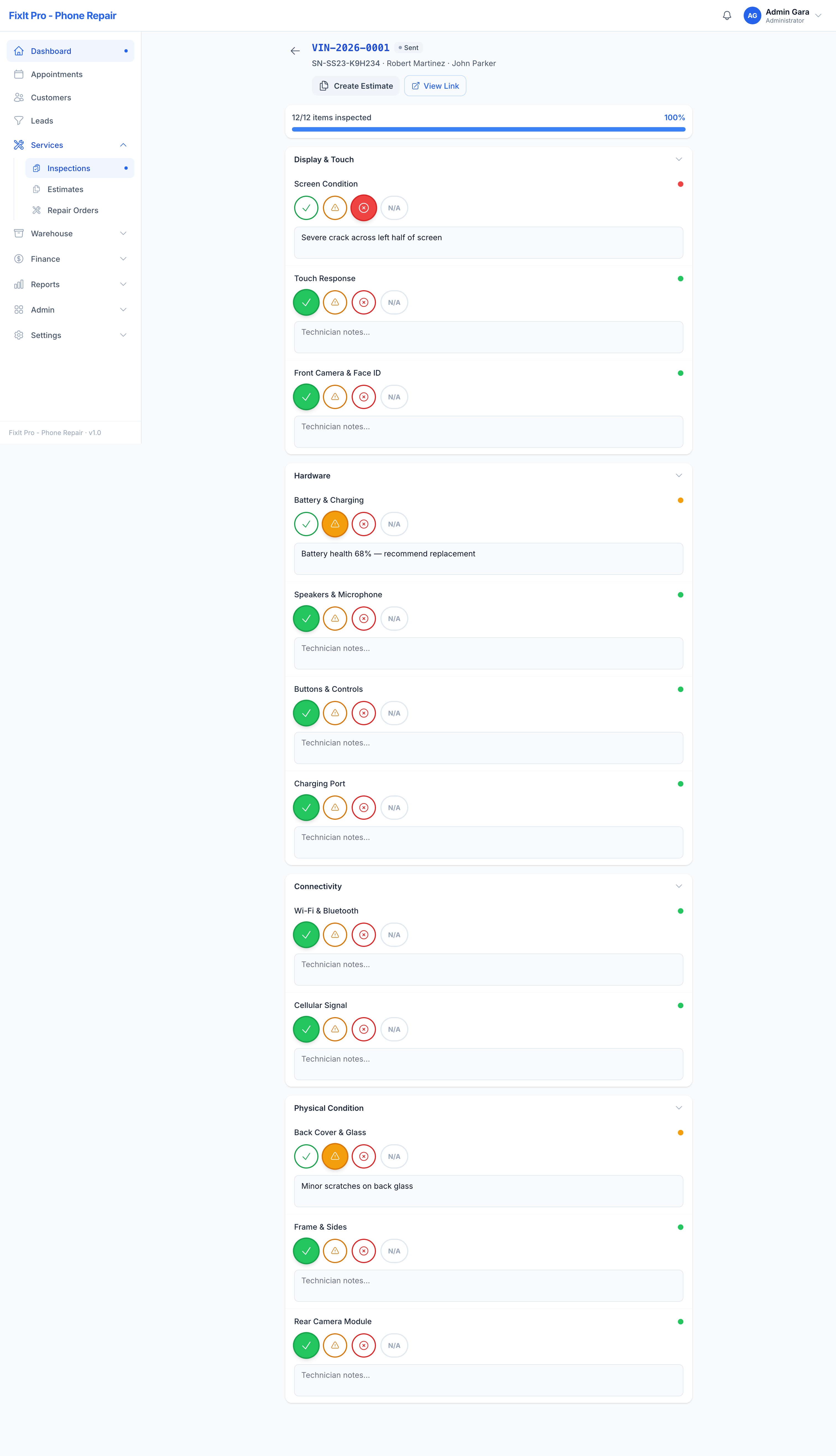
RepairFlow — Repair & Service Shop Management System | Laravel Livewire & PWA

dreamteam supports this item

Read the support details below to know how you can get help.

Supported
Contact the author

This author will respond to buyers' questions and provides support through the support system.

Item support includes:
  • Availability of the author to answer questions
  • Answering technical questions about item's features
  • Assistance with reported bugs and issues
  • Help with included 3rd party assets
However, item support does not include:
  • Customization services
  • Installation services
dreamteam's support instructions
Step 1 — Upload Files to Your Server
Extract the downloaded ZIP. Upload the contents of the repairflow/ folder to your server. Point your web server's document root to the public/ subdirectory inside the application.

Example locations:

Shared hosting: upload to /public_html/, set document root to /public_html/public/
VPS / Dedicated: upload to /var/www/repairflow/, set document root to /var/www/repairflow/public/
Never expose the application root directory directly — only the public/ subfolder should be web-accessible.

Step 2 — Set Directory Permissions
The web server user must have write access to two directories:

chmod -R 775 storage bootstrap/cache
chown -R www-data:www-data storage bootstrap/cache
If unsure of the web server user, use chmod -R 777 temporarily.

Step 3 — Run the Web Installer
Open your browser and go to https://your-domain.com/install. The installer walks you through 7 steps:

Requirements Check — verifies PHP version and all required extensions. Fix any red items before continuing.
Permissions Check — confirms storage/ and bootstrap/cache/ are writable.
Database Configuration — enter your PostgreSQL host, port, database name, username, and password. Click Test Connection. The installer creates the database automatically if it does not exist.
Site Information — set your shop name, full app URL (including https://), and timezone.
Admin Account — create the primary administrator account (phone number + password required; email optional).
Installation — click Start Installation. Runs migrations, seeds roles and permissions, creates demo accounts, generates APP_KEY, and finalises the .env file. Do not close the tab during this step.
Finish — installation complete. Click Go to Login. The /install route is now permanently locked.
Important: The App URL set in Step 4 must exactly match the URL you access the app from. A mismatch will break PWA push notifications and shareable links.
Go to item support
Have a question?

Ask the author about this item before you buy.

Recently Viewed

Author Support i
Updates & Downloads i
  • No update support
  • 1 year update support +$20.00
  • Lifetime update support +$40.00
Total $25.00
0 Viewing now Live buyer activity
© All rights reserved dreamteam
dreamteam
dreamteam

Member since Sep 2026

From Unknown Location
New Author
Exclusive Author
Discount Master
View Portfolio

dreamteam's items

Instant delivery

Ready the moment you pay

Your files are prepared and waiting — download at full speed right after checkout, no waiting around.

  • High-speed downloads
  • Available instantly after payment
SureCommerce — Laravel Ecommerce Platform & QR Warranty System
On Sale
SureCommerce — Laravel Ecommerce Platform & QR Warranty System

SureCommerce is a modern Laravel Ecommerce Platform designed for businesses selling physical products with built-in QR Warranty Management and Anti-Counterfeit Protection.Unlike traditional ecommerce...

$40 $36
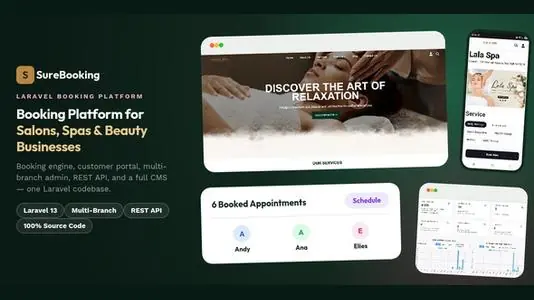
SureBooking — Online Appointment Booking Laravel System for Salons, Spas & Beauty

SureBooking — Online Appointment Booking Laravel System for Salons, Spas & BeautyA complete, self-hosted booking platform built on Laravel 13. Customers book appointments online 24/7 — you manage bran...

$35

Similar items

Multi Salon Spa Barber Appointment Booking Website Addon (saas)

We are presenting custom website built using laravel for multi salon and spa appointment booking, our app is already available on codecanyon. you need to get main product and then buy this website add...

$15
UltimatePOS to WooCommerce Addon (With SaaS compatible)

This PHP addon connects UltimatePOS with WooCommerce, allowing for an online shop that synchronizes with a point-of-sale application. It is designed for businesses that need to manage products, stock,...

$7.50
Multi Theme for Perfex CRM

Note: This is Perfex CRM Module.

$4

We use cookies to personalize your experience. By continuing to visit this website you agree to our use of cookies