Your brand. Every Perfex CRM screen — and the pages around it.
New in 2.2.6: backups restored on another domain or server keep their uploads and theme files; live Bookings times in four website templates. New in 2.2.5: every premium website and Client Portal template is redesigned, with the original designs kept as "Classic"; livelier website blocks and live times from the Bookings module. New in 2.2: Build with AI drafts your website, client portal home and admin pages from a short description of your business, with Perfex AI Staff; sliders; Halo premium sign-in pages and Beacon premium system pages. New in 2.1: the Premium Gallery of designed template packs with motion. New in 2.0: one visual editor for your website, the client portal, dashboards and record pages.
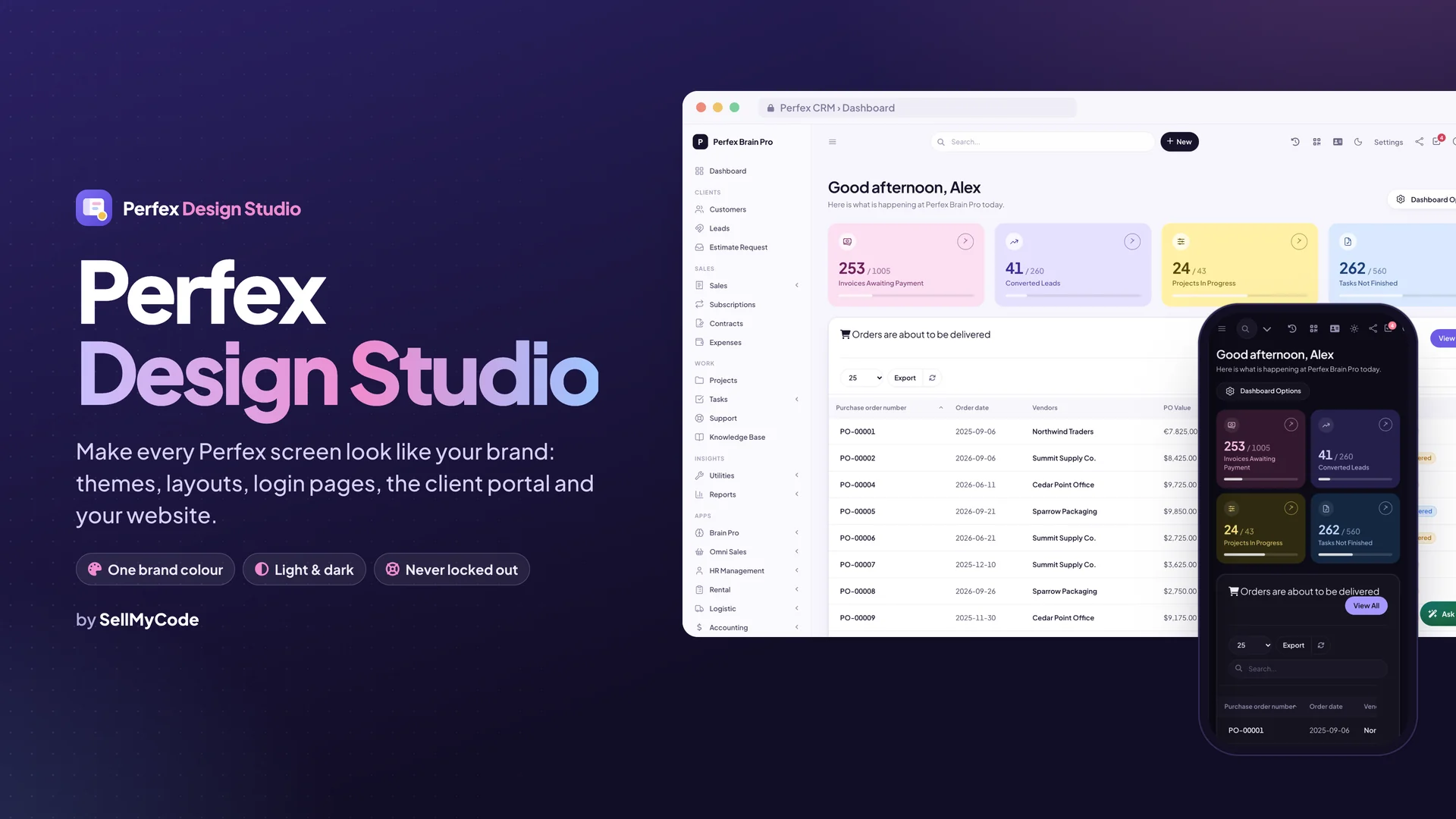
Your team spends the whole day in Perfex CRM and your clients sign in to it — yet it looks like every other installation. Perfex Design Studio turns your brand into a complete design system for the staff area, the sign-in pages, the client portal and a public website, and gives you a visual editor to design the pages themselves. It restyles Perfex screen by screen from one set of design tokens instead of painting over colours, and it is built so that a theme can never lock you out.
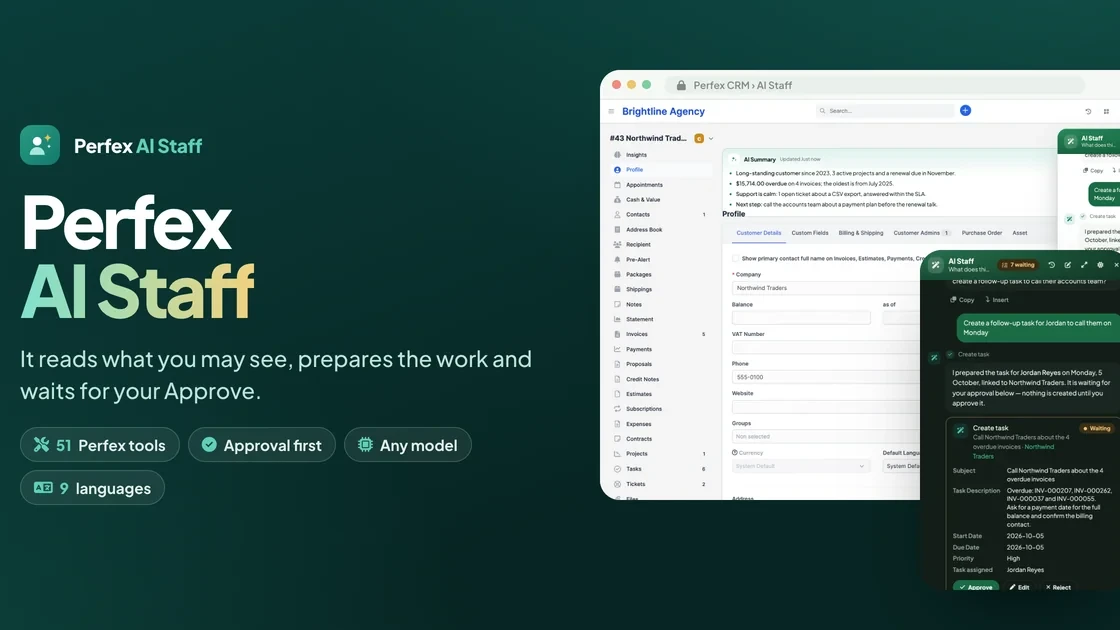
Build with AI (new in 2.2, with Perfex AI Staff 1.2 or later)
- Describe your business — name, industry, services, who it is for, tone and the pages you want — and AI Staff plans the site: the pages and the sections of each page.
- Review the plan before anything is built: rename, remove or reorder pages and sections, and see the estimated AI cost first.
- One click builds the pages one by one with progress and the real cost; every page is a draft, never published. The build respects your AI budget: it stops before going over and resumes later.
- The same description builds your client portal home and your admin dashboard and record pages (customer, lead, task, invoice); portal pages show only what a contact may see.
- Start from a Premium pack: AI fills the pack's pages with your own words and facts and keeps its design, motion and pictures.
- In the editor: Refine with AI on any section ("shorter", "two columns", "add pricing", Ctrl+Z brings it back), wording suggestions for headlines, texts and buttons, free stock photos saved to your media library, and AI pictures when your AI Staff can make them.
- Brand look from a description: one to three looks (colours, font pair, corners, spacing), each checked for readable contrast in light and dark; nothing changes until you accept, and Undo works for 24 hours.
- Write with AI on the Custom HTML block (administrators): the proposal next to your HTML with the changes marked, cleaned exactly like HTML you type yourself.
- Safe by design: the AI only uses the editor's own blocks, adds no code, scripts or outside links, and every page goes through the same checks as a page you build by hand.
Premium Gallery (new in 2.1)
- New in 2.2.6: Client Portal templates install without a "missing website look" message; the Classic cards show their label in your language and the counter counts the current templates.
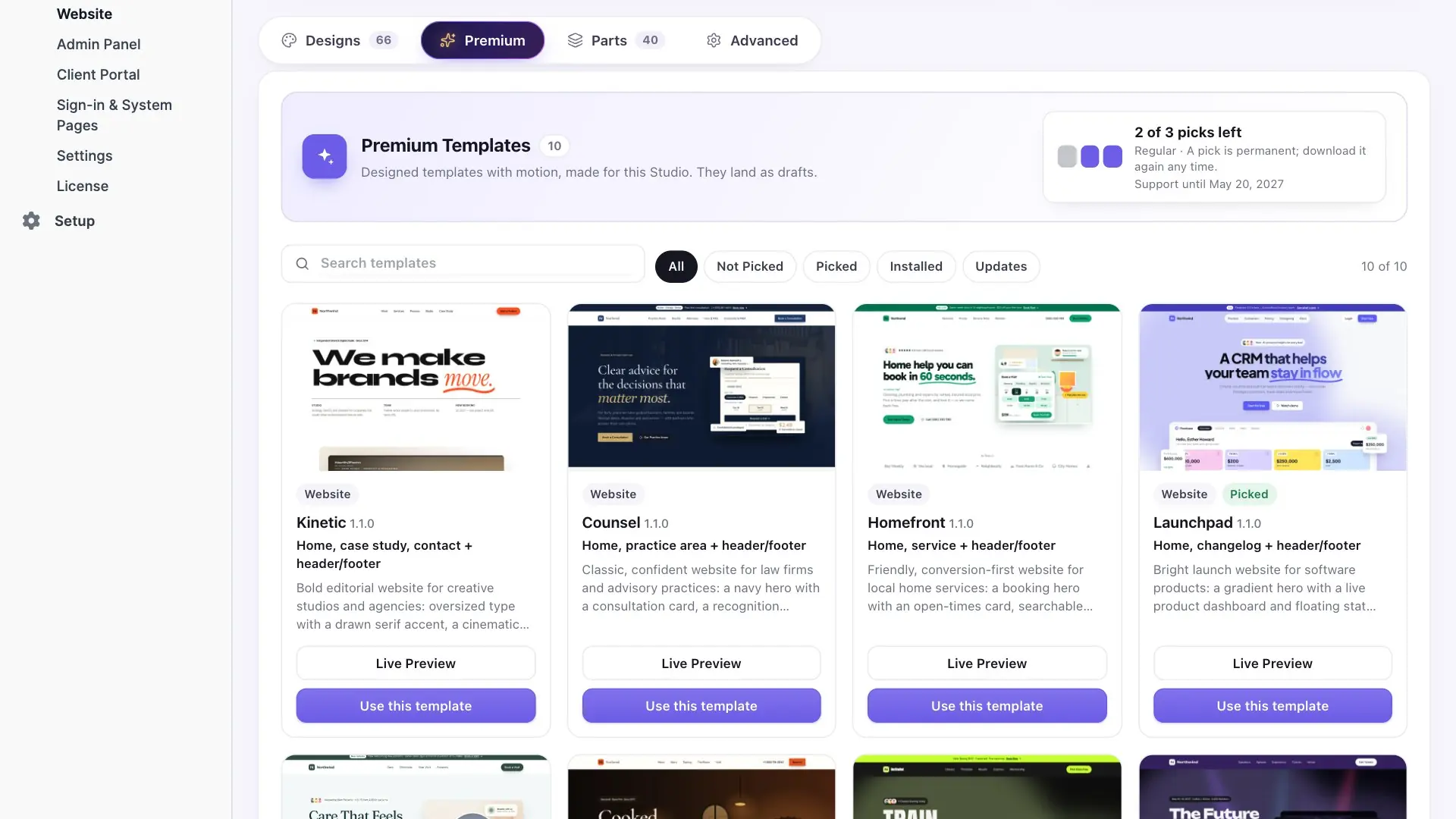
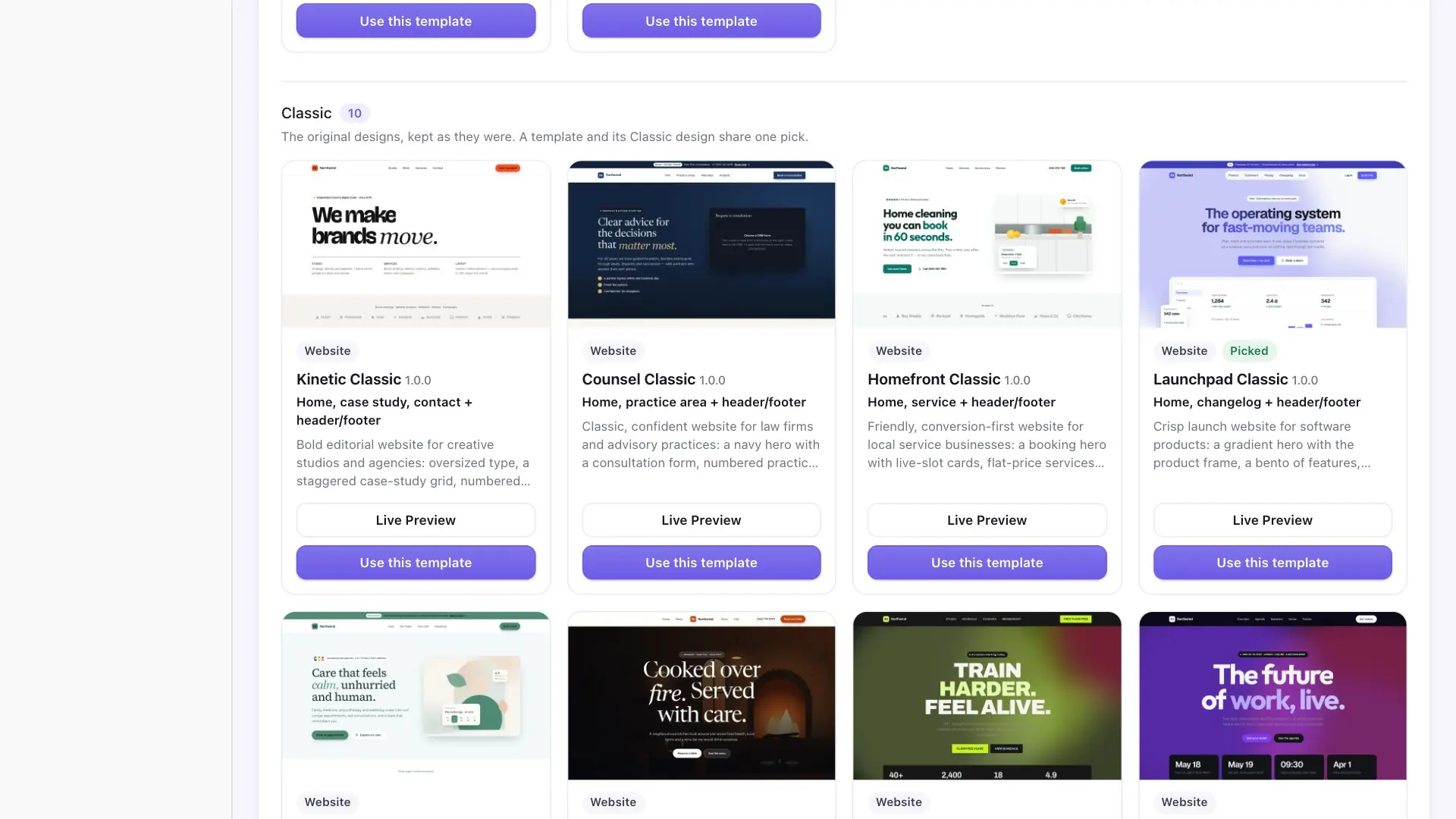
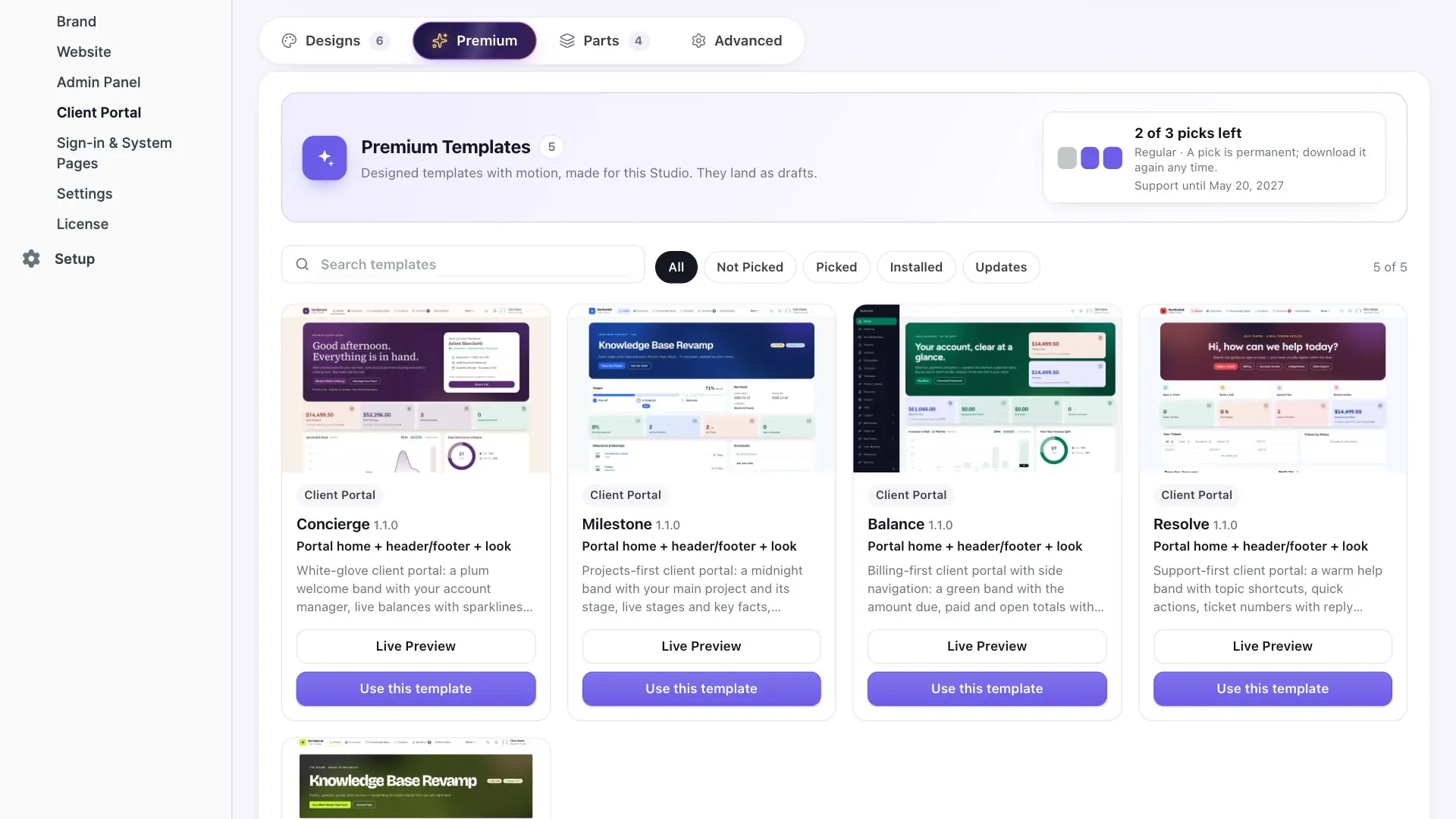
- New in 2.2.5: all 10 website templates and the 5 Client Portal templates are redesigned with an industry look, sliders and richer motion; the original designs stay as "Classic" (a template and its Classic design share one pick). Search and filters in the gallery.
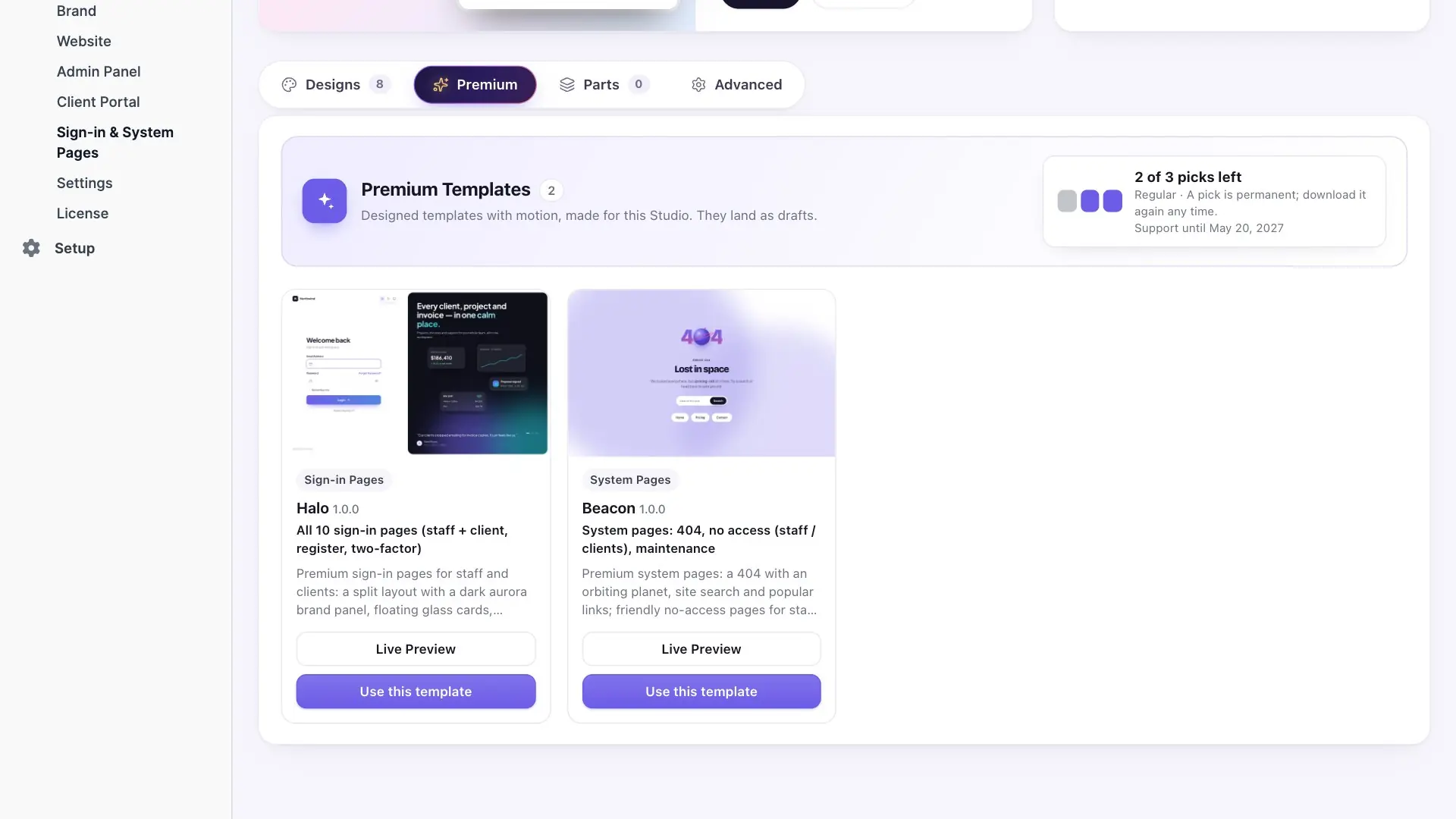
- A Premium tab on Website, Client Portal, Admin Panel, Sign-in & System Pages and in the editor's Templates panel: designed template packs with motion, made for this Studio.
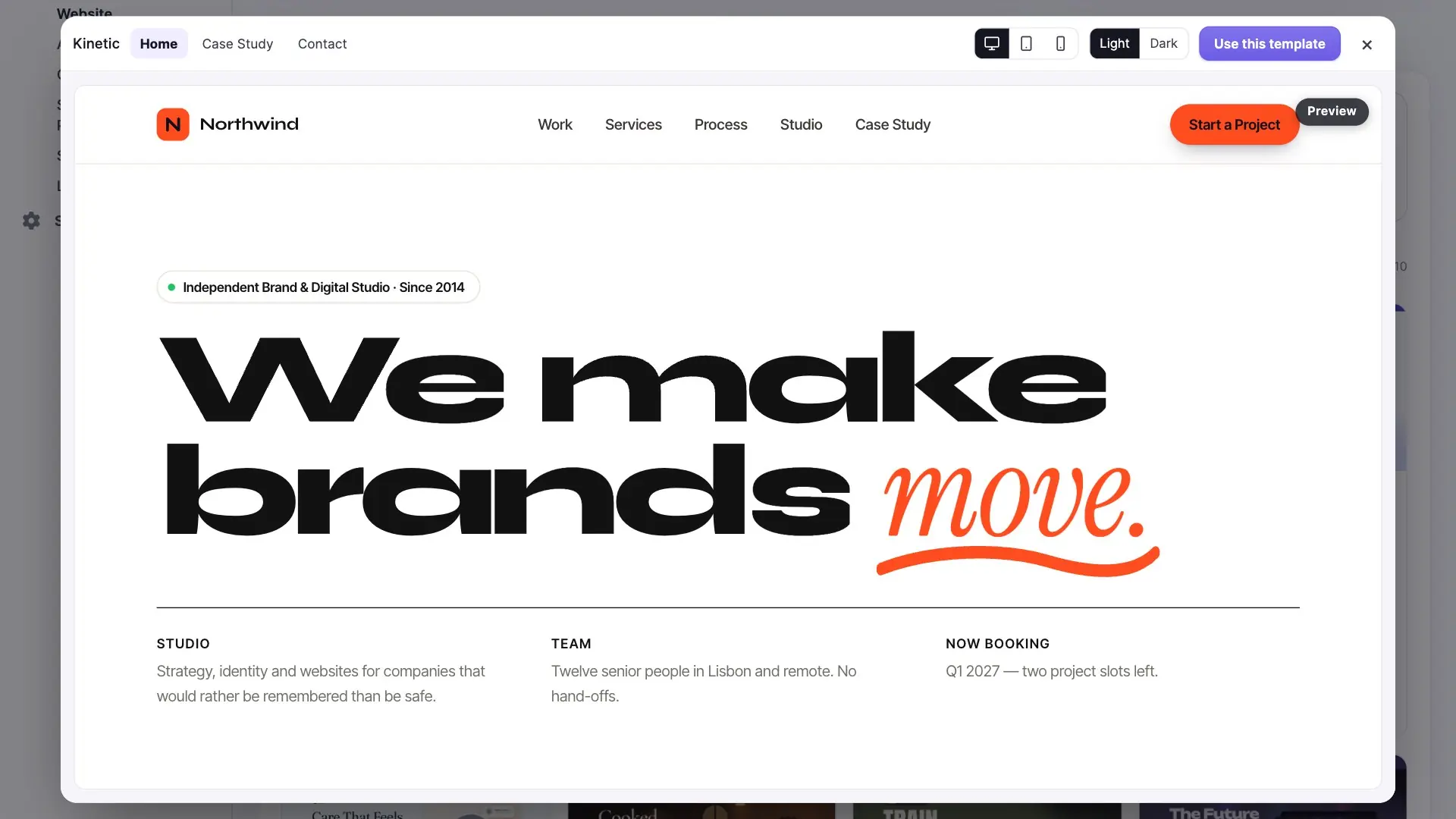
- A live preview on desktop, tablet and phone, light and dark, before you pick a pack.
- A pack lands as drafts through the kit import and can be undone in one click; nothing goes live until you publish it.
- Regular licence: 3 packs of your choice, yours for good and downloadable again any time. Extended licence: every pack.
- New in 2.2.1: Halo, premium sign-in pages for staff and clients (a dark brand panel with soft moving light, your product picture, rotating client quotes, a gradient sign-in button in your brand colour), and Beacon, premium system pages (404 with search, access denied for staff and clients, maintenance with a live countdown).
One visual editor for every surface (new in 2.0)
- Design Studio is organised by surface: Overview, Brand, Website, Admin Panel, Client Portal, Sign-in & System Pages.
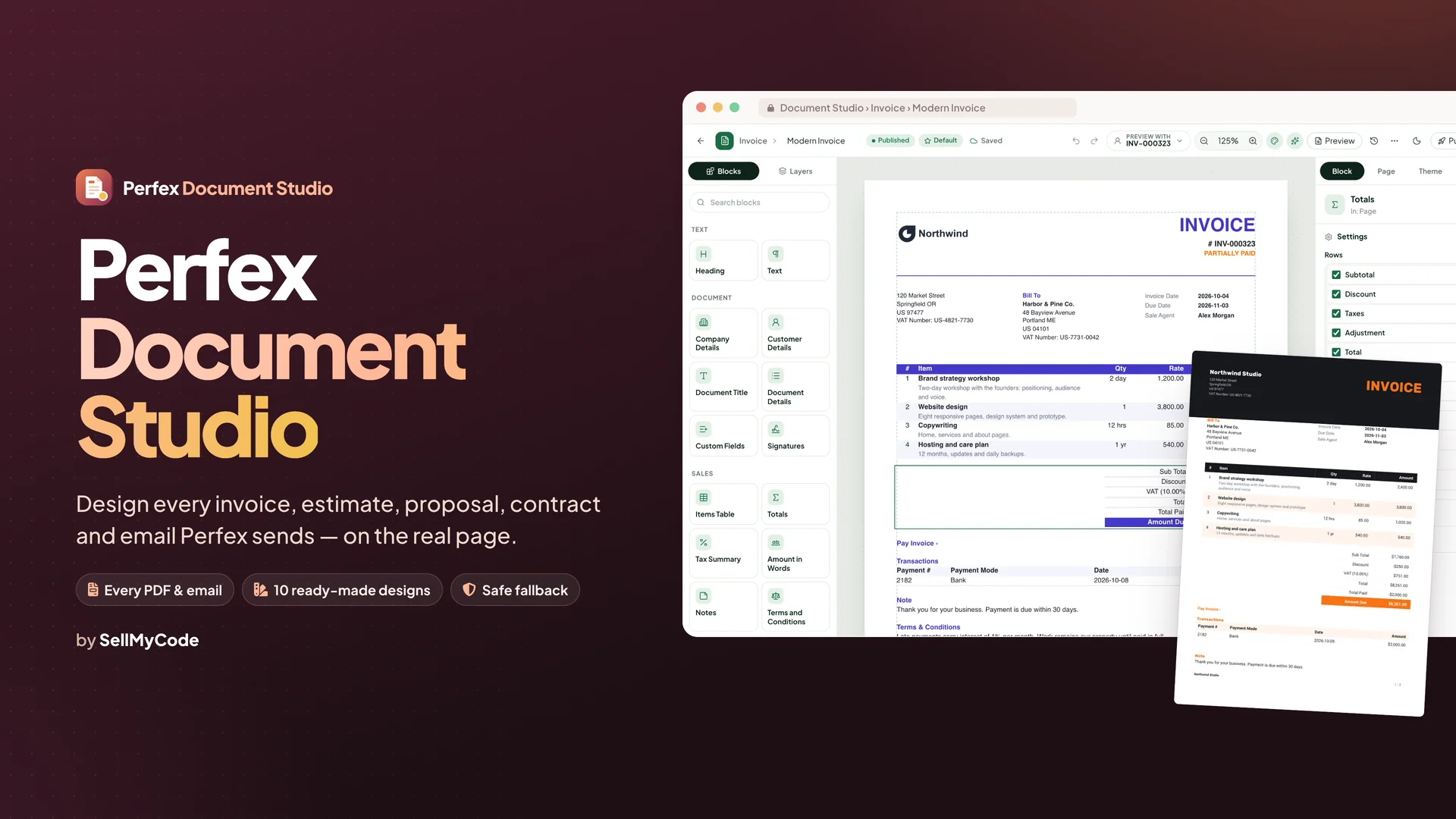
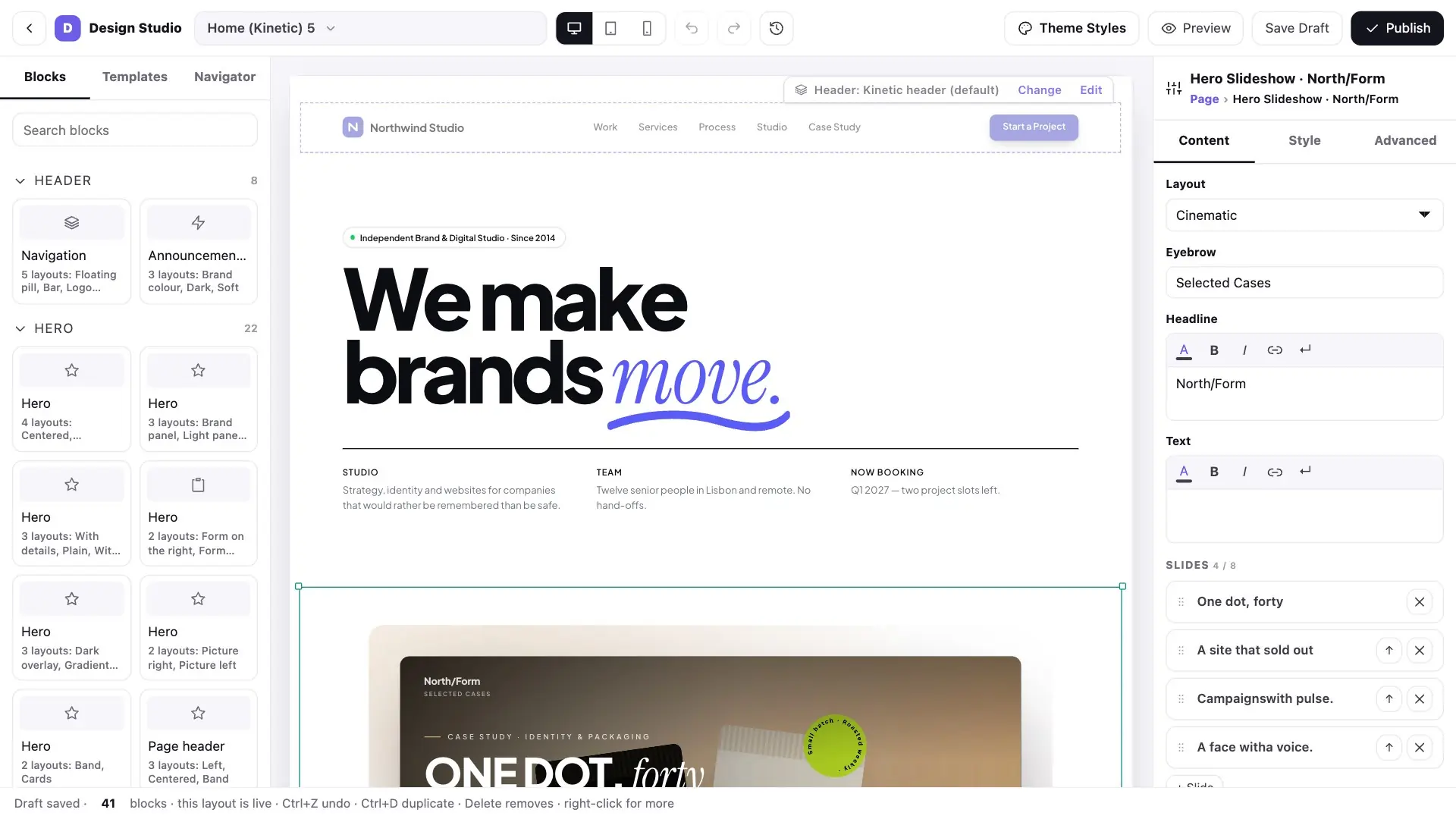
- Website pages, the client portal home, per-role dashboards and the customer, lead, task and invoice pages in one editor: drag blocks, columns that stack where you choose, Typography and Border controls with your Brand Kit fonts and colours.
- Data blocks resolved on the server for the person viewing them, with Perfex's own permissions: record and custom fields, related invoices and estimates, and display conditions on status, amounts, role or permission.
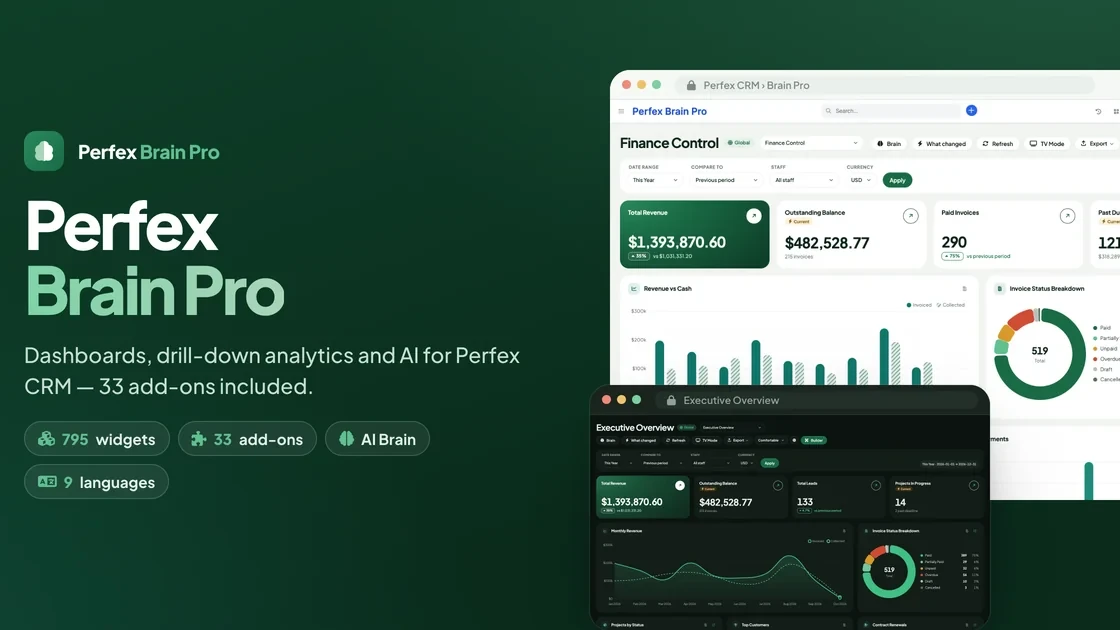
- Insight blocks: KPI cards with sparklines and area, line and bar charts with one period picker per dashboard; other SellMyCode modules add their own figures.
- Preview shows the draft, even unsaved, as the real page; staff who may only view get a read-only editor.
- Motion (new in 2.1): entrance, hover, count-up, stagger and parallax, with a Play button; Settings › "Respect reduced motion" keeps pages still for visitors who ask their device for less motion.
Website builder
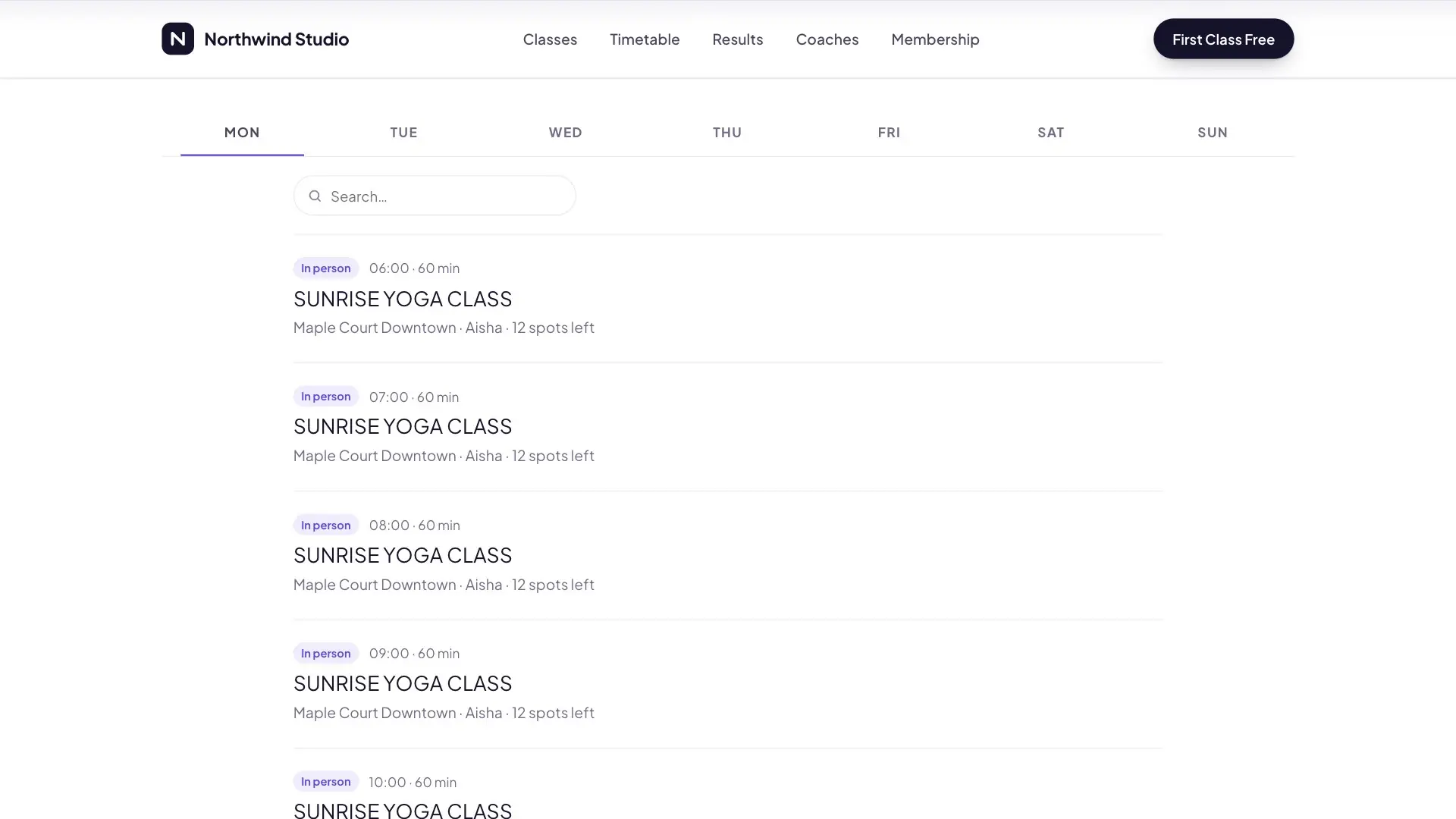
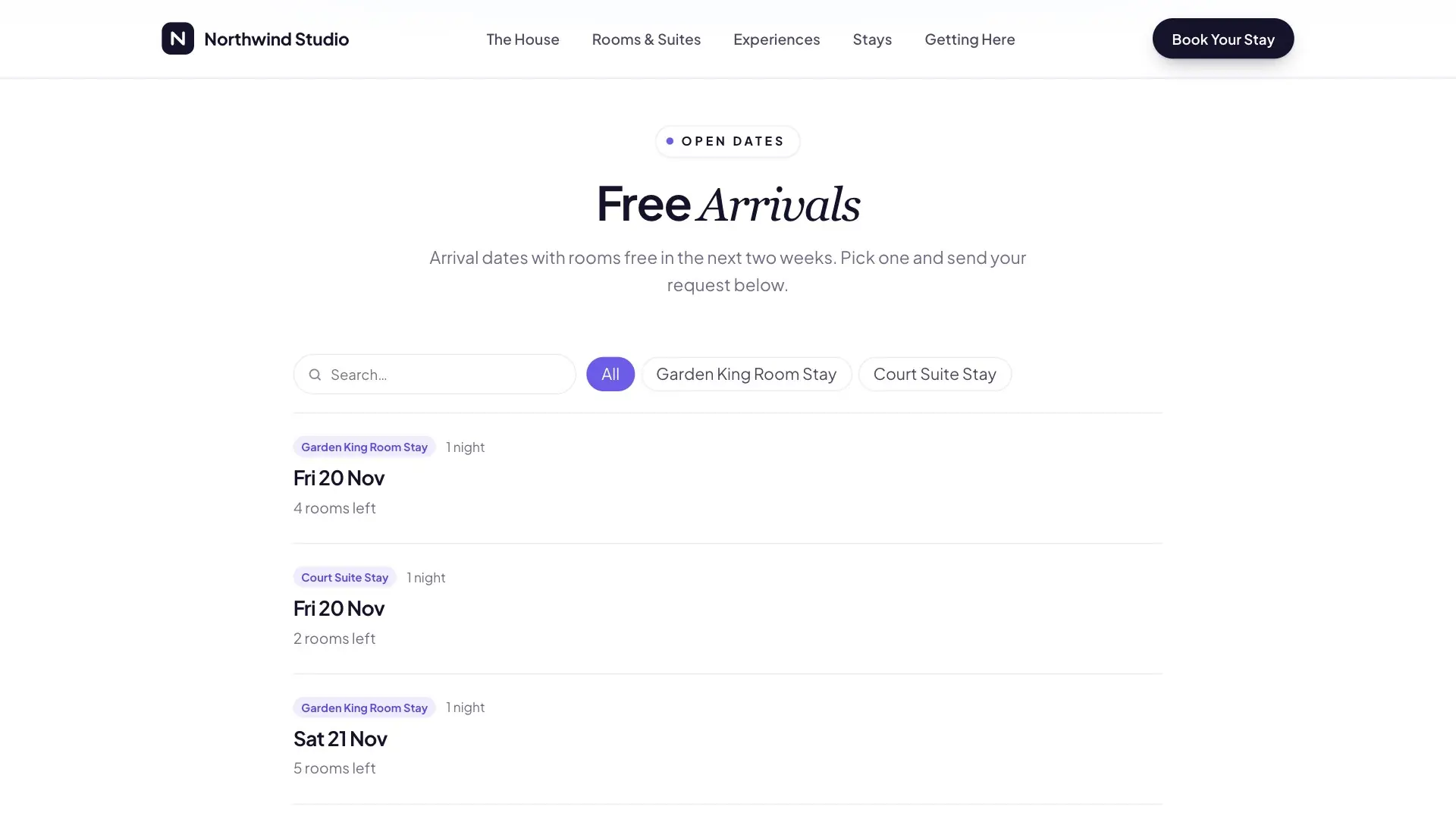
- New in 2.2.6: Ember, Serene, Homefront and Voyage show live times from Bookings 1.6.2 or newer (restaurant tables, appointments, room stays with nights); the booking bar at the bottom of the screen has a round button and takes the site's colours.
- New in 2.2.5: searchable lists with filter chips, before/after pictures, tabs that move on by themselves, monthly/yearly price flip, rolling numbers, a booking button that stays on screen, title words with a hand-drawn underline, marker or outline, and live times from the Bookings module in the location's own time zone.
- Hero, features, pricing, testimonials, logos, stats, FAQ, team, forms and more as editable blocks; unpack any block into headings, text, images and buttons.
- Sliders (new in 2.2): Hero Slideshow, Testimonial Carousel and Gallery Carousel in eleven layouts, with arrows, dots, swipe, keyboard, autoplay and pause on hover; every slide stays in the page for search engines.
- Countdown block for launches and offers (new in 2.1).
- Industry templates as editable blocks — Use This Template creates draft pages, never published.
- A header and footer library with display conditions (all pages, chosen pages or an address pattern) and a Navigation block.
- Lead forms that send to your Perfex web-to-lead form (captcha, consent, assignment and notifications as in Perfex), with extra spam protection.
- Blocks from other modules, for example the Bookings form.
- Publish a page as the CRM home page; SEO title and description, social card, canonical address, noindex and sitemap.xml.
Sign-in and system pages
- Ten staff and client pages in one editor — login, forgot and reset password, set password, two-factor code, registration — with layouts from split to video background.
- Your own Page not found (404), No access (staff and clients) and Maintenance pages, made in the visual editor; missing records inside Perfex pages show your 404 page.
- Maintenance mode with a 503 page and Retry-After; administrators, allowed staff and IP addresses get through, and payment callbacks and the Perfex APIs keep working. A plain 500 page in your colours for server errors.
Design kits
- Export a whole look as one .pds kit: website pages, portal, record pages, dashboards, sign-in and system pages, theme parts and styles.
- Import on another installation as drafts with a preview of every item; one click undoes the import. Kits contain data only: strict checks refuse code, unsafe links and oversized files.
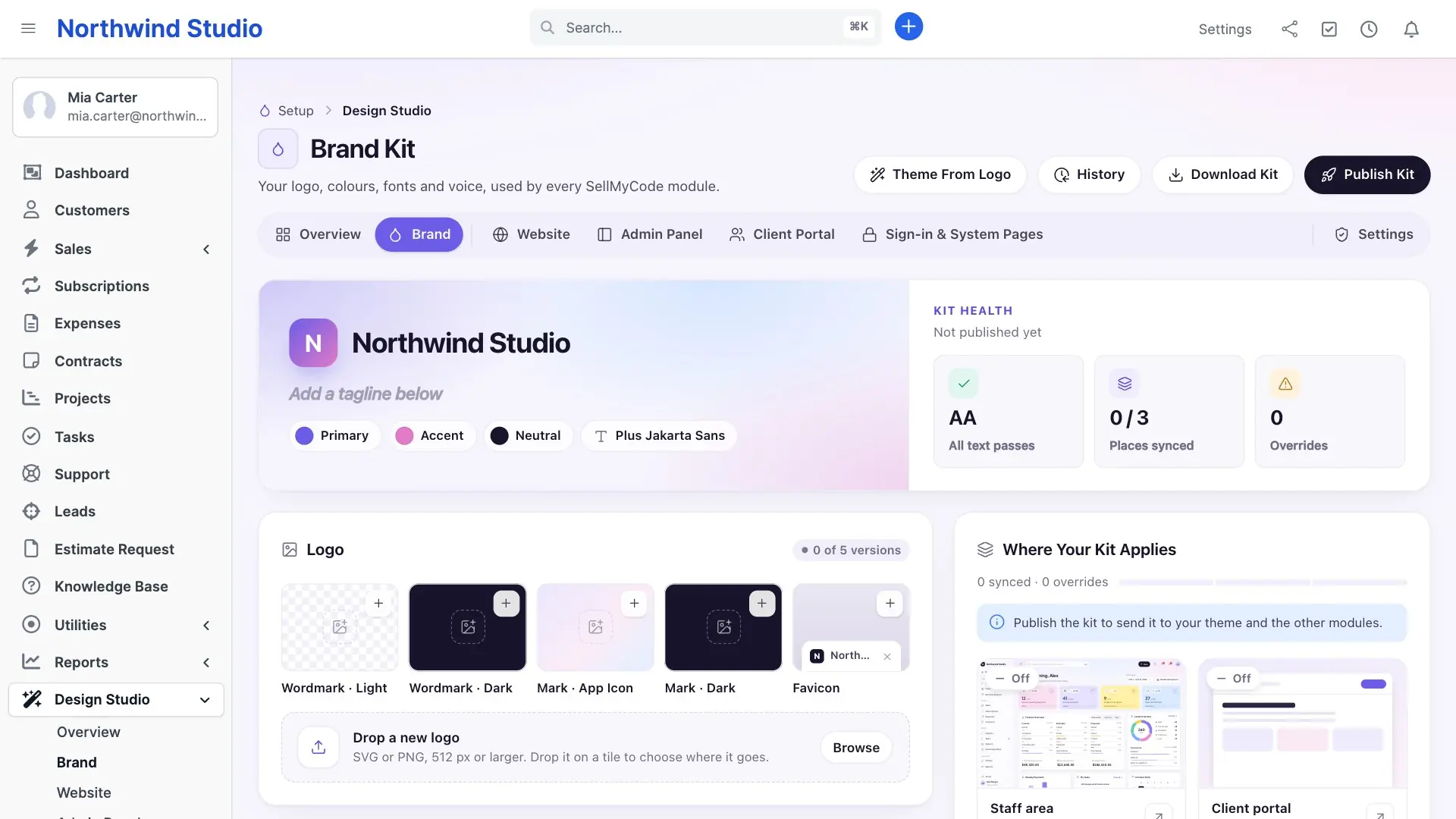
Brand Kit: your brand in one place
- Logo: wordmark for light and dark backgrounds, app icon, dark mark and favicon.
- Primary, accent and neutral colours with a generated scale and contrast badges; text that is too light gets a darker shade automatically.
- Fonts: bundled, system or your own WOFF2/TTF files — self-hosted, no Google calls.
- Voice & email: brand name, tagline, sender name, reply-to and tone.
- A theme from your logo or website: three suggested themes with light and dark previews and a before/after slider on your own dashboard.
- Publish Kit sends it into the theme that applies, with Undo and a history of every version; other SellMyCode modules read it.
One brand colour, a full light and dark theme
- An 11-step palette generated in OKLCH for light and for dark, with a WCAG contrast check for every text role and automatic adjustment.
- Style presets, each light and dark, bundled fonts (nothing loads from a CDN), corner radius, density, shadow depth and custom CSS.
- A theme editor with a real Perfex page as the live preview on desktop, tablet and phone; drafts, versions, restore and JSON export/import.
The staff area, restyled screen by screen
- Perfex screens styled one by one: tables, forms, invoices, estimates and proposals with their editors, customers, leads, projects, kanban boards, tasks, tickets, calendar, reports and setup.
- Screen Check opens every restyled screen with your draft before you apply it; a light/dark switch per staff member.
- Works with your other modules: Full Theme, Frame Only or Original Look per module, a dark-mode safety net for other vendors' pages and a Compatibility Check that lists hard-to-read text.
Layouts, menus and lists
- Sidebar, icon rail or top navigation; a menu builder with groups, icons, colours, badges, custom links and visibility per role.
- Saved views and advanced filters on tasks, leads, projects, invoices, estimates, tickets and customers — private, shared or per role.
- Advanced data tables on 12 main lists: your own columns, compact rows, sticky header and first column.
- Ctrl/Cmd + K: search records, settings and quick actions from any staff page, only what each person may see.
A client portal theme
A proper Perfex customers-area theme in your colours, light or dark, with portal menus, headers and footers from the library and a designed portal home (Client Room blocks: needs your attention, documents, invoices, projects). Every client feature keeps working.
Never locked out
- Preview on your own account, apply with Undo, a version for every publish; every page you build or import starts as a draft.
- Safe mode for one browser (?pds_safe=1, also on the login page), a one-time recovery link that works without signing in, and kill switches without a browser.
- Any error while theming falls back to the default Perfex look. Every action is in the history, and in Perfex Sentinel's audit log when installed.
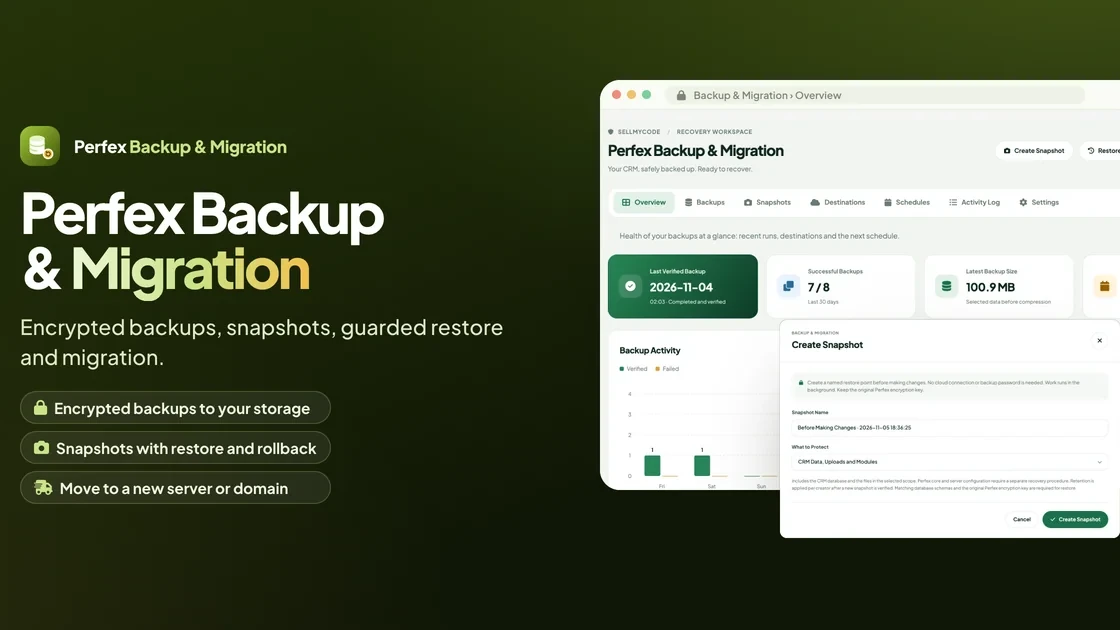
- Moves between servers (new in 2.2.6): a backup restored on another domain, server or database — hosting move, staging copy, Backup & Migration "new domain" — keeps its Design Studio uploads and theme files.
Sell design as a SaaS plan feature
Run Perfex as a service with Perfex SaaS Studio and each plan decides how much of Design Studio its workspaces get: Locked, Brand or Full, with switches for Brand Kit, Themes, Layout & Menu, Login Pages, Website, Page editor, AI layout, Templates and packs and Custom CSS. Downgrades keep the previous level for a grace period and nothing is deleted.
Built the Perfex way
- No core file or my_ view changed: hooks, stylesheets and a regular customers-area theme folder.
- Permissions for viewing, editing drafts, publishing and safety settings, and a separate website permission.
- Nine languages: English, Spanish, Portuguese (Brazil), French, German, Italian, Dutch, Turkish and Russian. Updating needs no manual step: upload the files and run Upgrade Database.
What is included
The installable module ZIP, offline HTML documentation, changelog and third-party license notices (Lucide icons under the ISC License with Feather-derived icons under the MIT License; bundled fonts under the SIL Open Font License). Premium packs are downloaded inside the module with your licence. Perfex CRM itself, hosting and AI-provider subscriptions are not included.
Product overview · Documentation · Live demo


 0 Viewing now
Live buyer activity









 Google
 Github
 From Unknown Location
 Elite Seller
 Trend Master