1.1.0 - 2026-11-21 — Offline work orders
New
- Offline work orders for technicians on the mobile app (needs Perfex Mobile PWA 1.7.0 or later): assigned jobs stay on the phone, and travel, arrival, work, waiting for materials, completion, notes, checklist answers, materials, photos and the customer's sign-off are queued and sent in order when the signal returns. With an older Perfex Mobile the app stays online, exactly as in 1.0.
- The office wins: work sent for a job that was reassigned, cancelled or closed in the meantime is never applied over the office's change; it is kept as a staff-only note that never appears on the customer's report. A job rescheduled while the technician was offline still accepts the work and is marked for review.
- Changed While Offline page for dispatchers: what the phone saw, what the office had, phone time and sync time, with search, filters and Mark Reviewed.
- Work order History → Offline Sync lists every change a phone sent; status history shows the phone time next to the sync time, and the Time tab marks offline times as "Phone time (offline, corrected)".
- Photos and signatures from the phone upload in resumable parts with a checksum, so a weak signal never loses or corrupts a picture.
- Settings → Features → Offline Work Orders (on by default).
Improved
- Phone clocks are corrected instead of refused: offline work keeps the phone's time adjusted by the measured clock difference, the server time is stored as well, and a clock more than 5 minutes off is flagged. Online requests no longer fail when the phone clock is a few minutes off; only a clock more than 72 hours off is refused.
- Every queued change is checked again on arrival (rights, assignment, job state) and applied exactly once; single-use device tokens (72 hours) stop a signed-out or revoked phone from sending work.
- The tab bar keeps the current page in view when the window is narrow; filter dropdowns have more room for their arrow.
Fixed
- Upgrade Database now also works while the module is deactivated.
1.0.0 - 2026-11-19 — First release
New
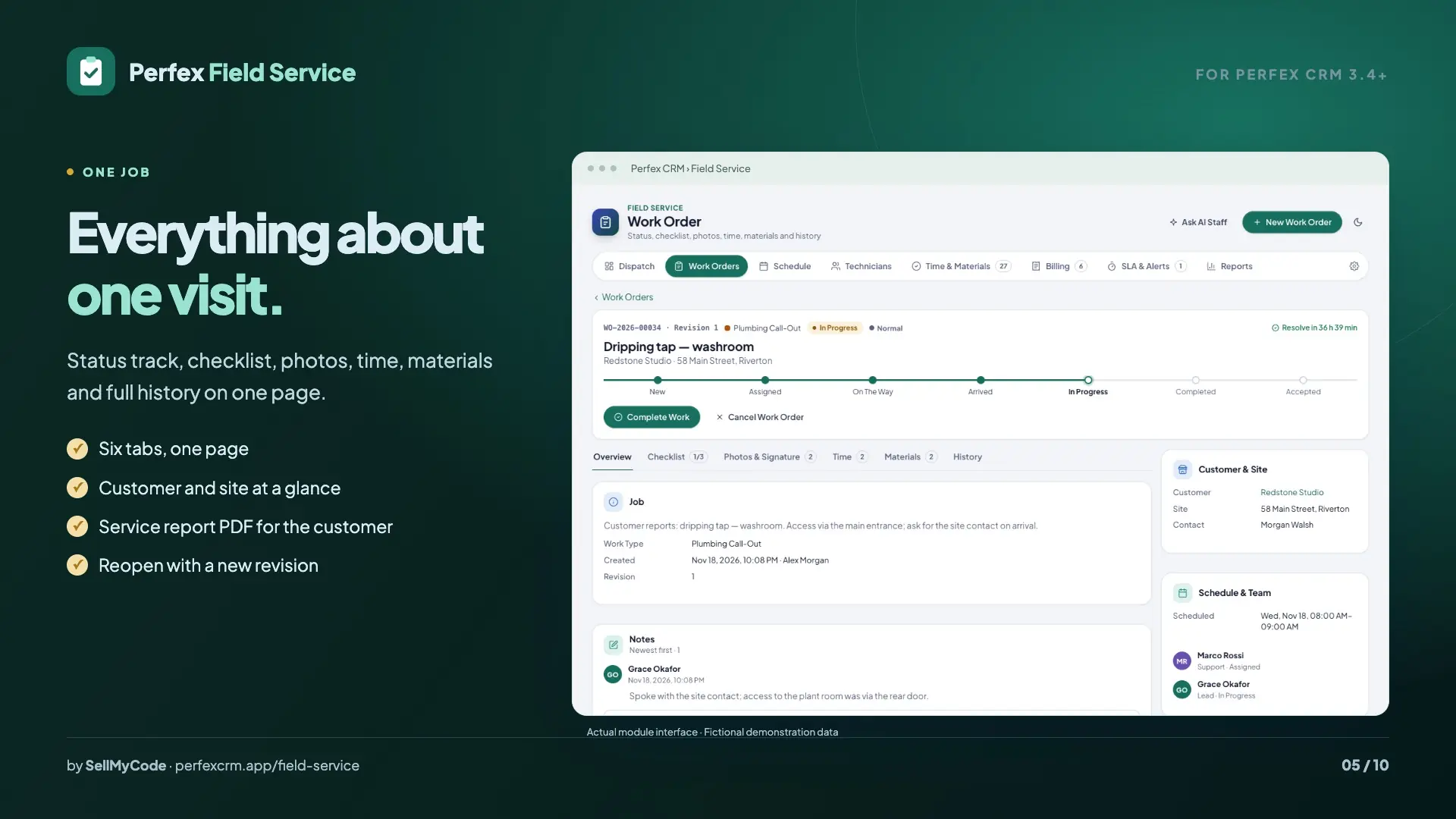
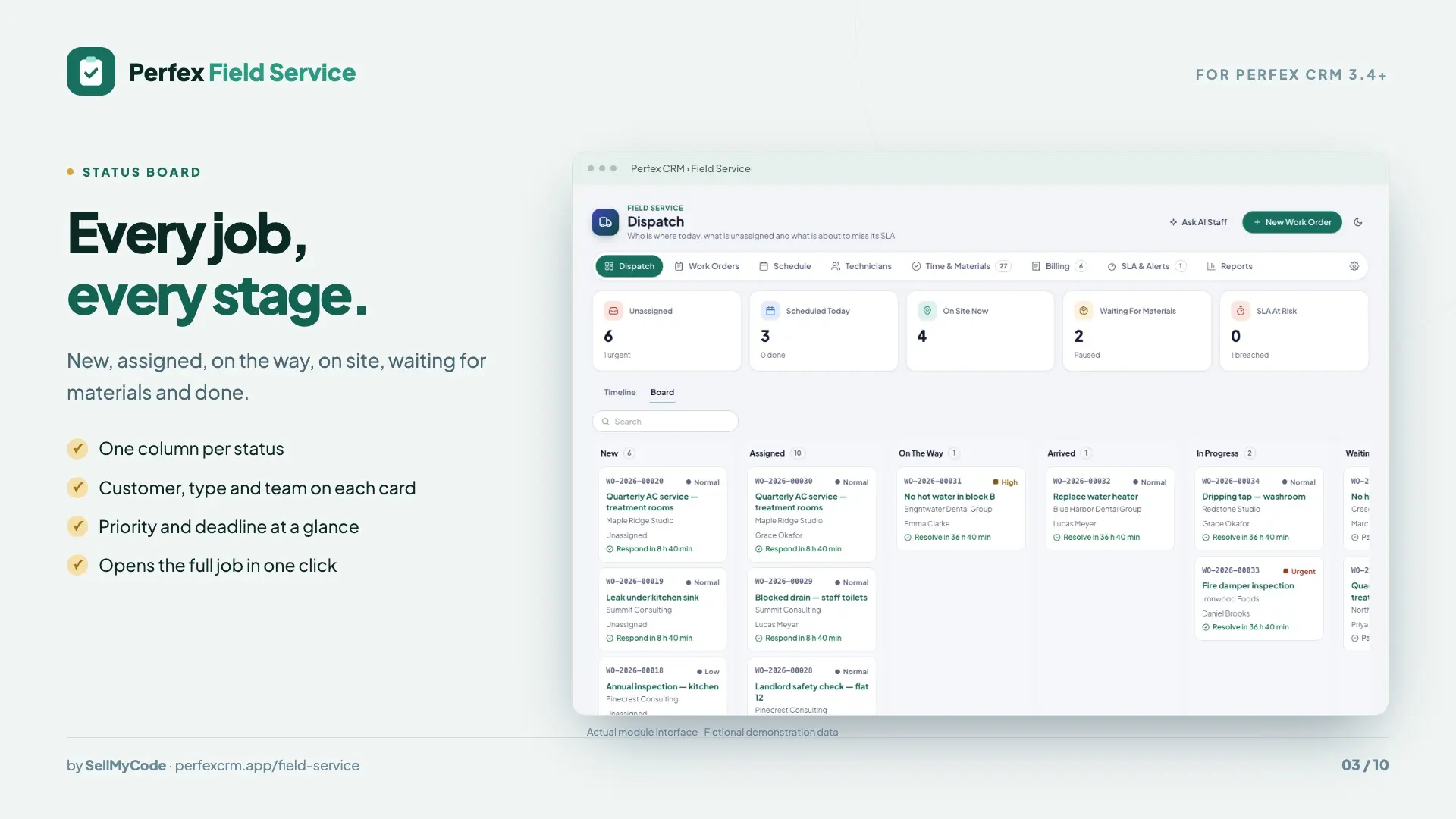
- Work orders with work types, checklists, priorities, customer and site, response and resolution deadlines, and a status track from New through Assigned, On The Way, Arrived, In Progress, Waiting For Materials, Completed and Accepted.
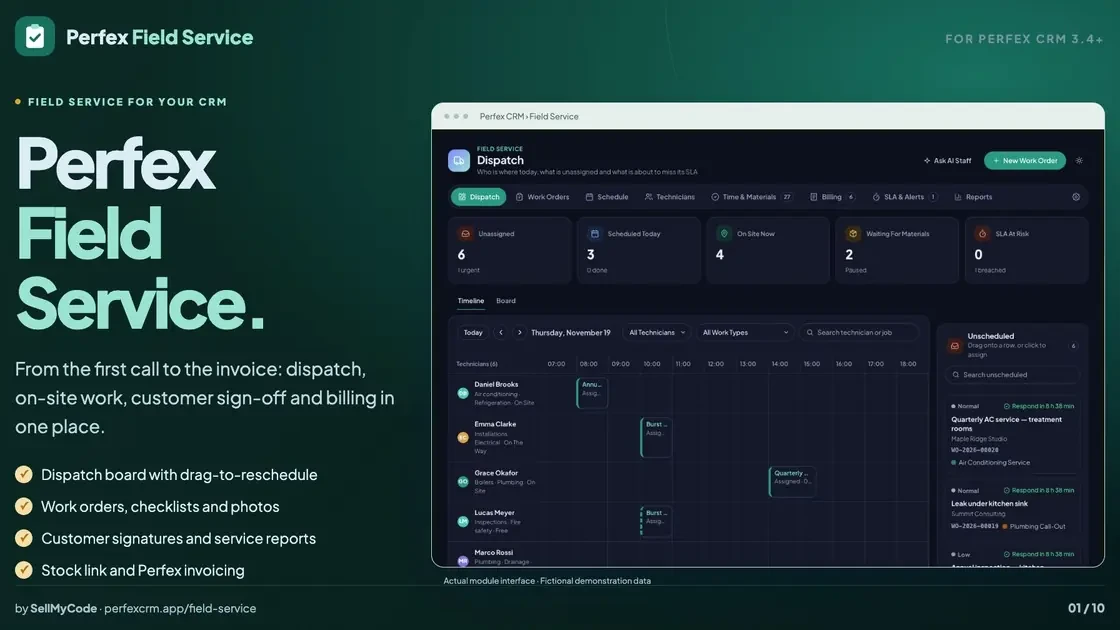
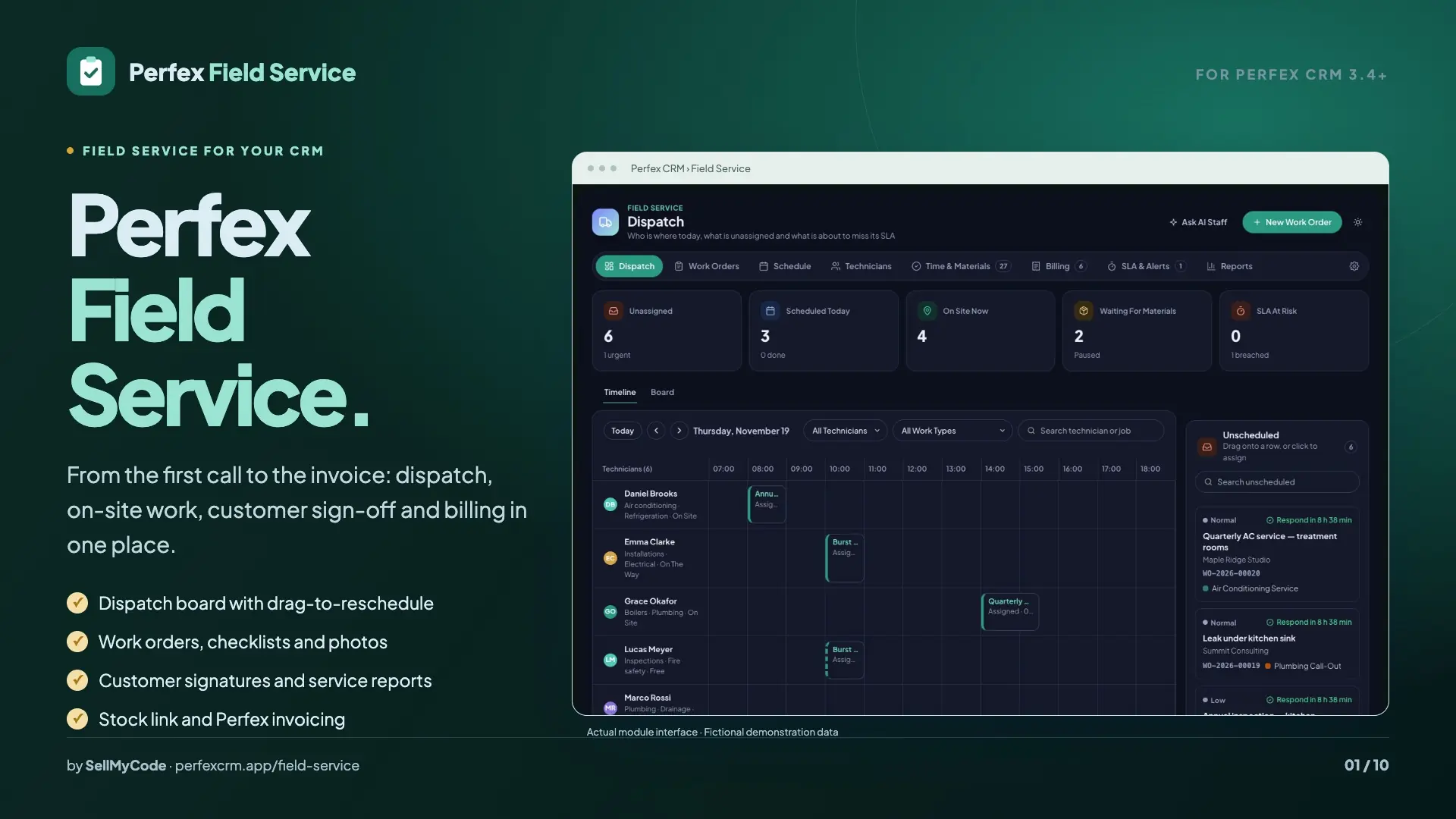
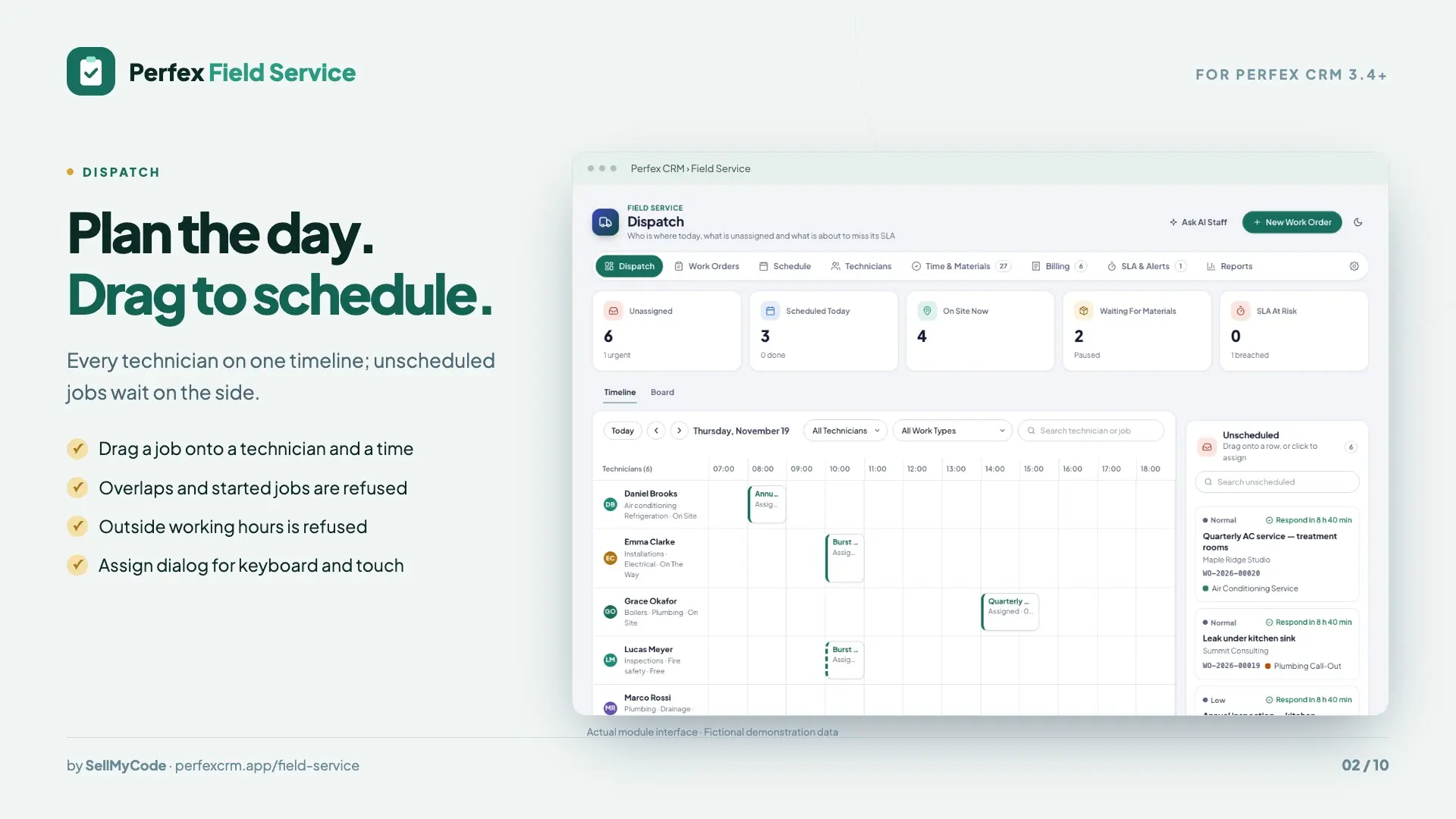
- Dispatch: a day timeline per technician with an Unscheduled list and technician and work type filters; drag a job onto a technician and a time, or use the Assign dialog (keyboard and touch). Moving a team job keeps the team; handing it to another technician asks first. Overlaps, jobs already started (by anyone on the team) and times outside a technician's working hours are refused; a second dispatcher who moved the same job first is told so.
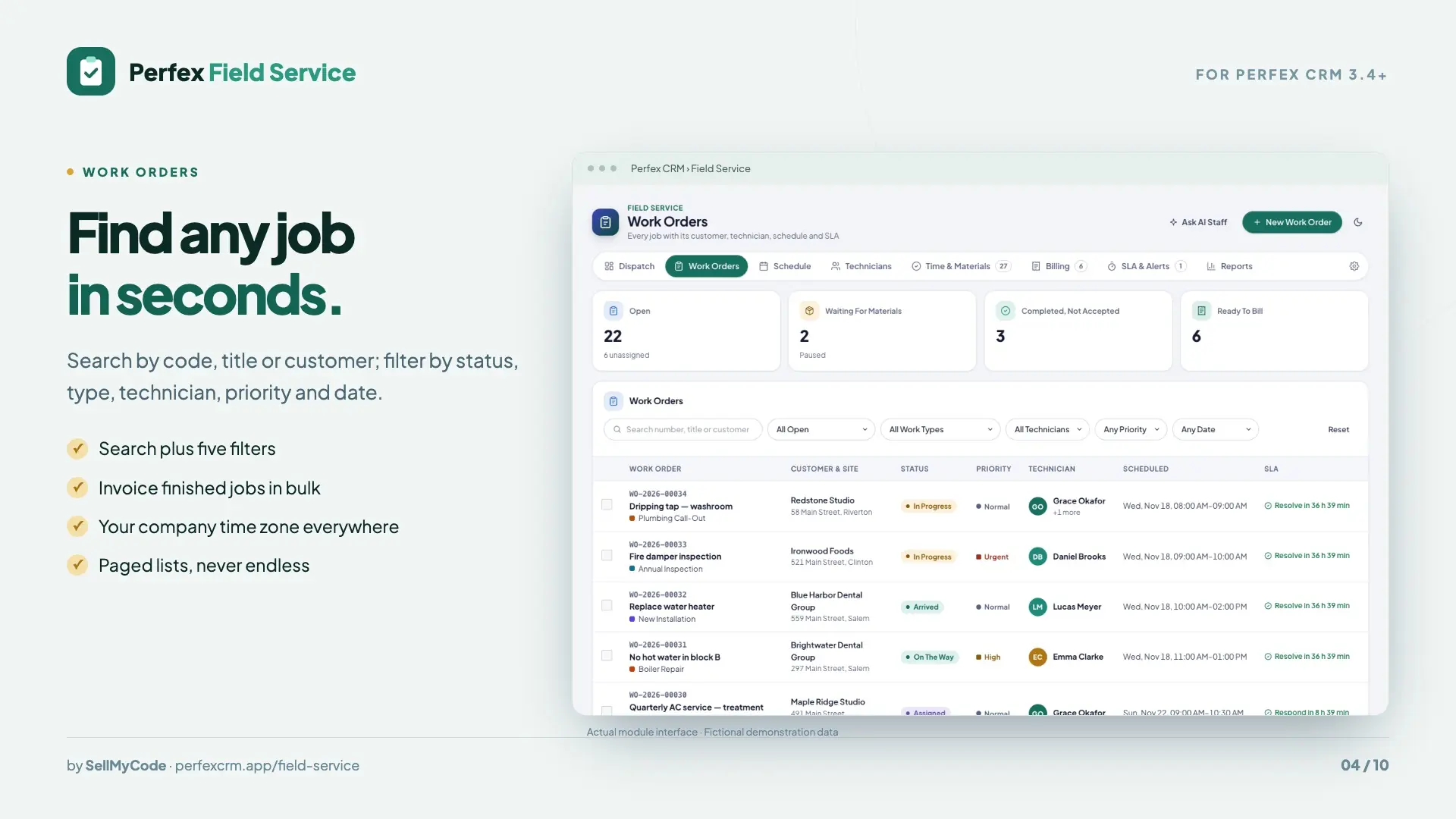
- Status board, a week Schedule and a Work Orders list with search, five filters, paging and bulk invoicing.
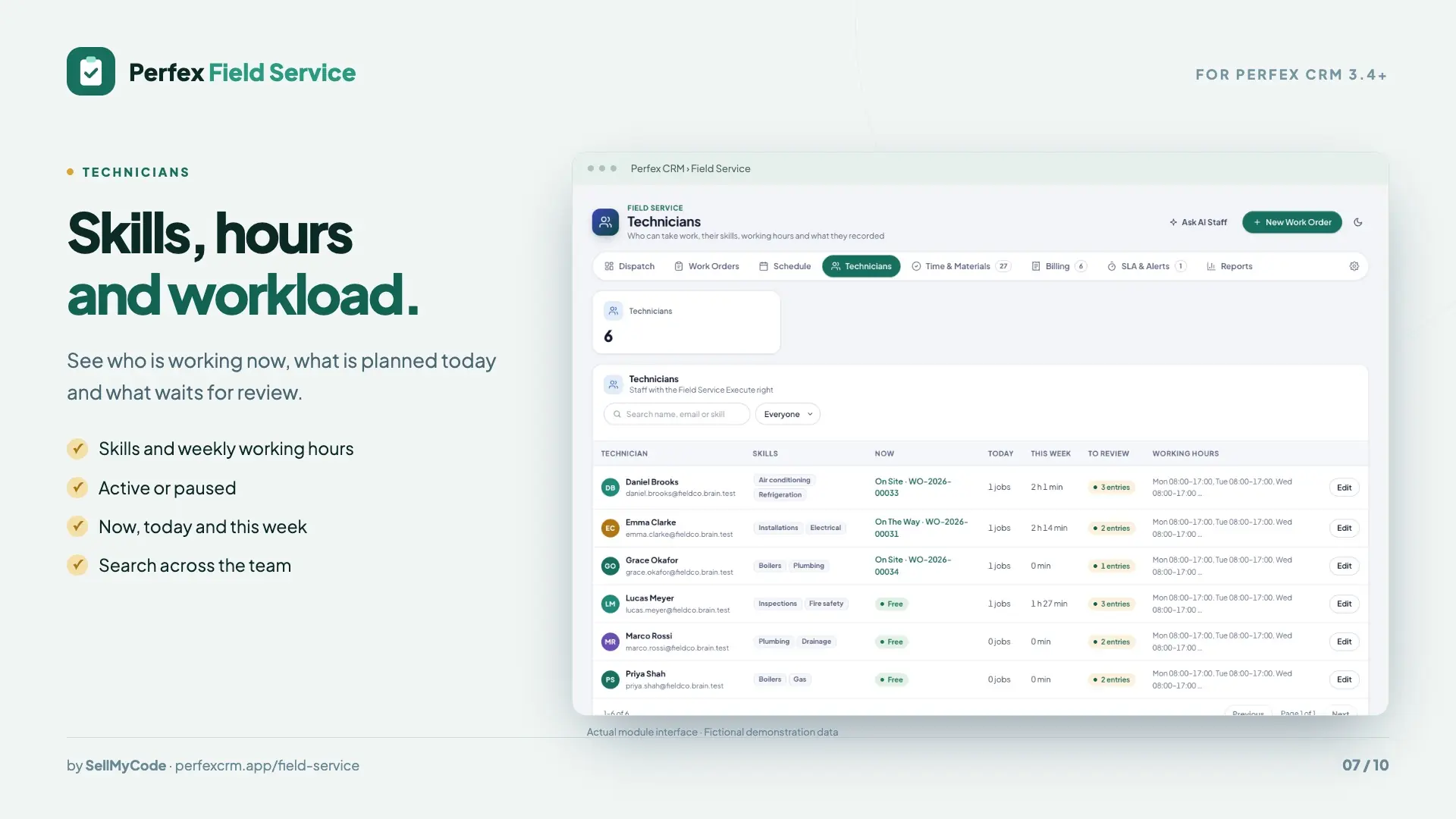
- Technicians: skills, weekly working hours, active or paused, and who is working now, today and this week.
- On site, through the technician app in Perfex Mobile 1.5.0+: travel and work time on the server clock, checklist answers, private photos, notes, materials and the customer's signature or a reason for none. Everything is saved online.
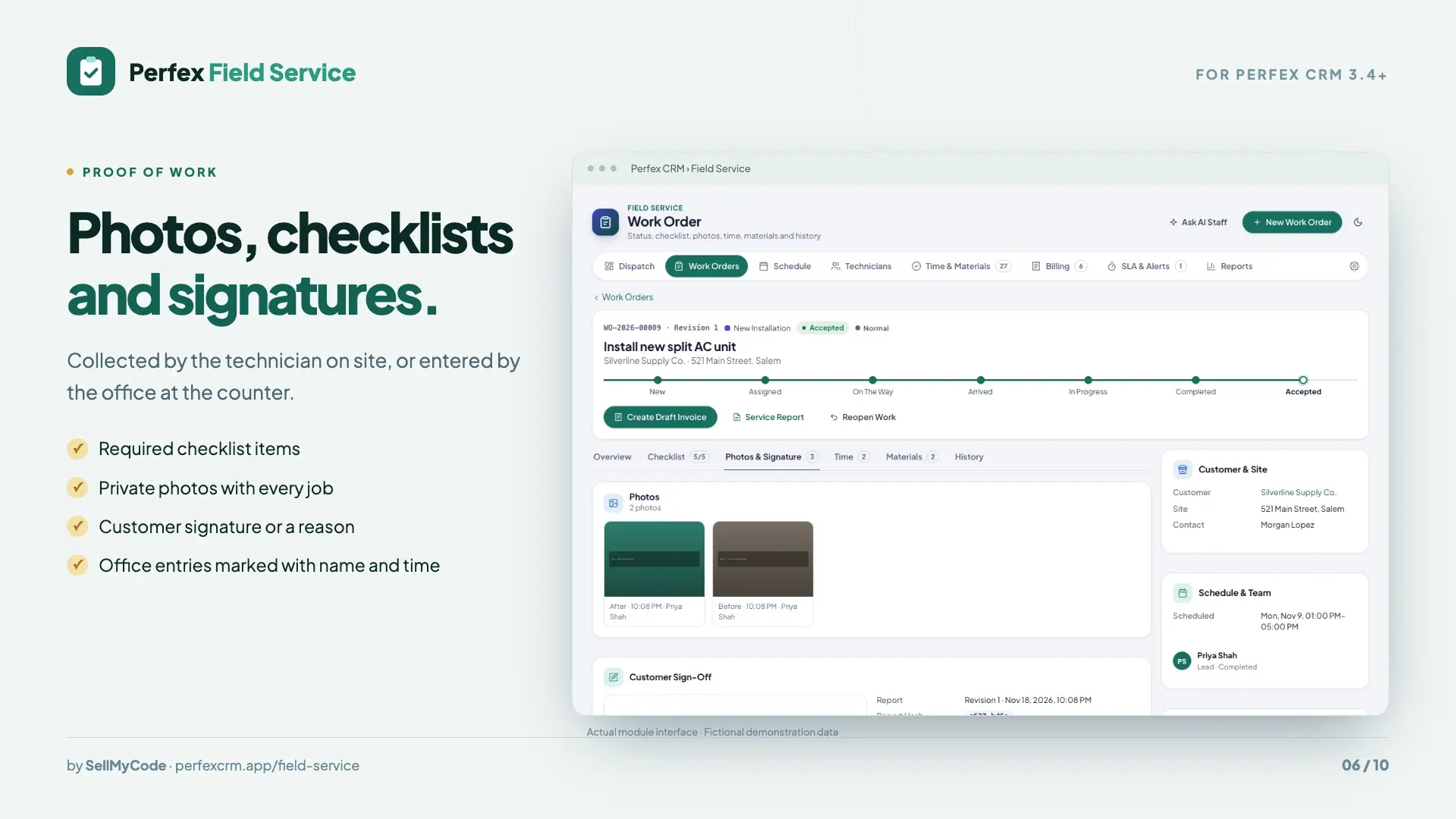
- Office entry on the web for jobs done without the app: checklist answers, photos, notes, materials (Product Hub products and bins in stock mode), past time with a reason (also from before the job was keyed in, up to 31 days), completion (also for a job waiting for materials) and a counter signature, each marked with the staff member and time, kept in the audit trail and shown as office entries on the customer's report.
- Frozen service report per revision as a PDF for the customer; reopening a job starts a new revision without losing what was already approved or issued.
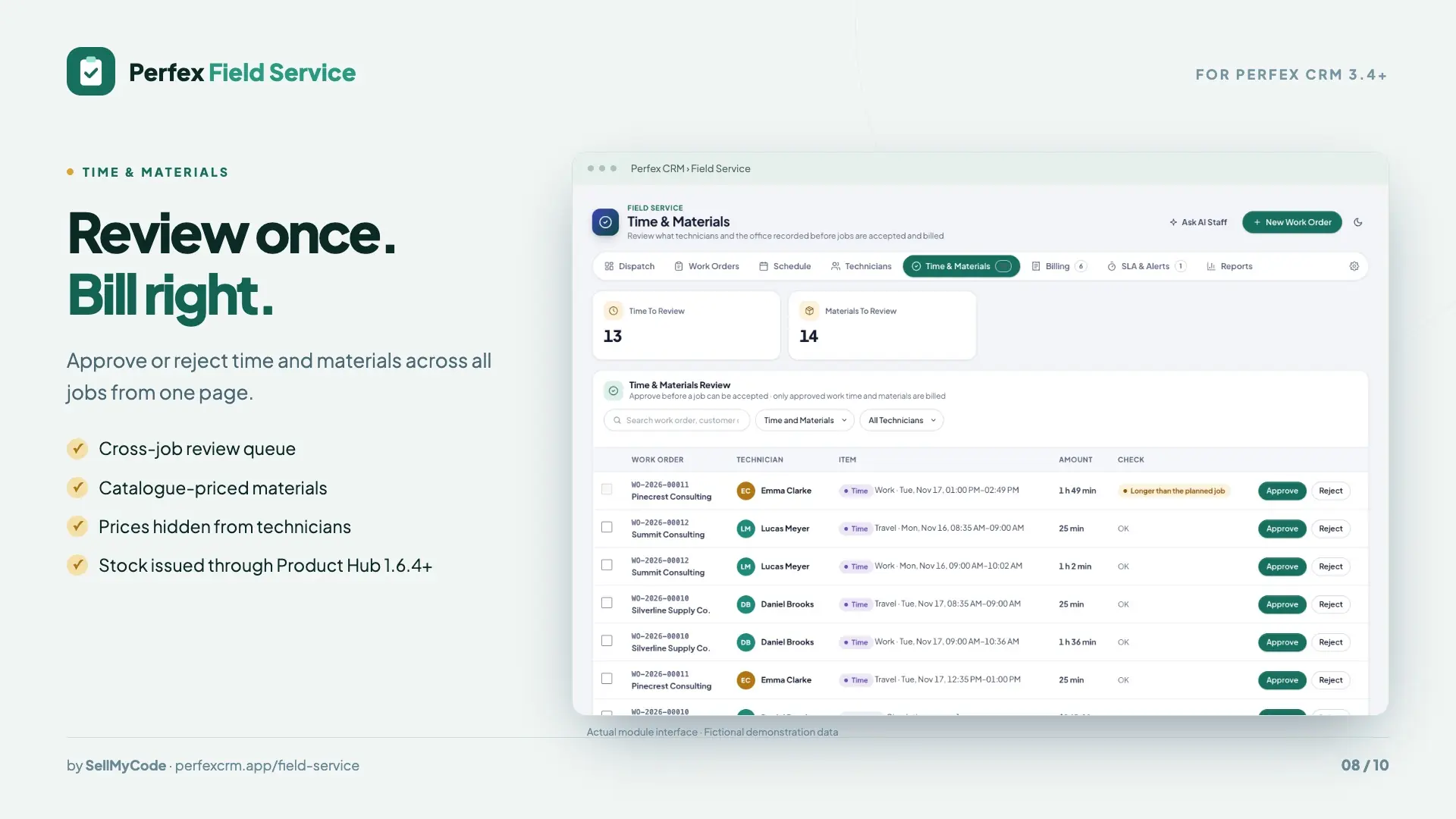
- Time & Materials: approve or reject time and materials across all jobs on one page. Prices come from the catalogue (searchable, paged picker) and stay hidden from technicians without View Price.
- Stock: with Product Hub 1.6.4+ (Integrated mode) materials are picked by product, warehouse and lot with the quantity on hand, checked against the exact bin before saving (shortage, expired lot, inactive warehouse and products no longer selling each get their own message) and issued once; Record Only mode records materials without changing stock.
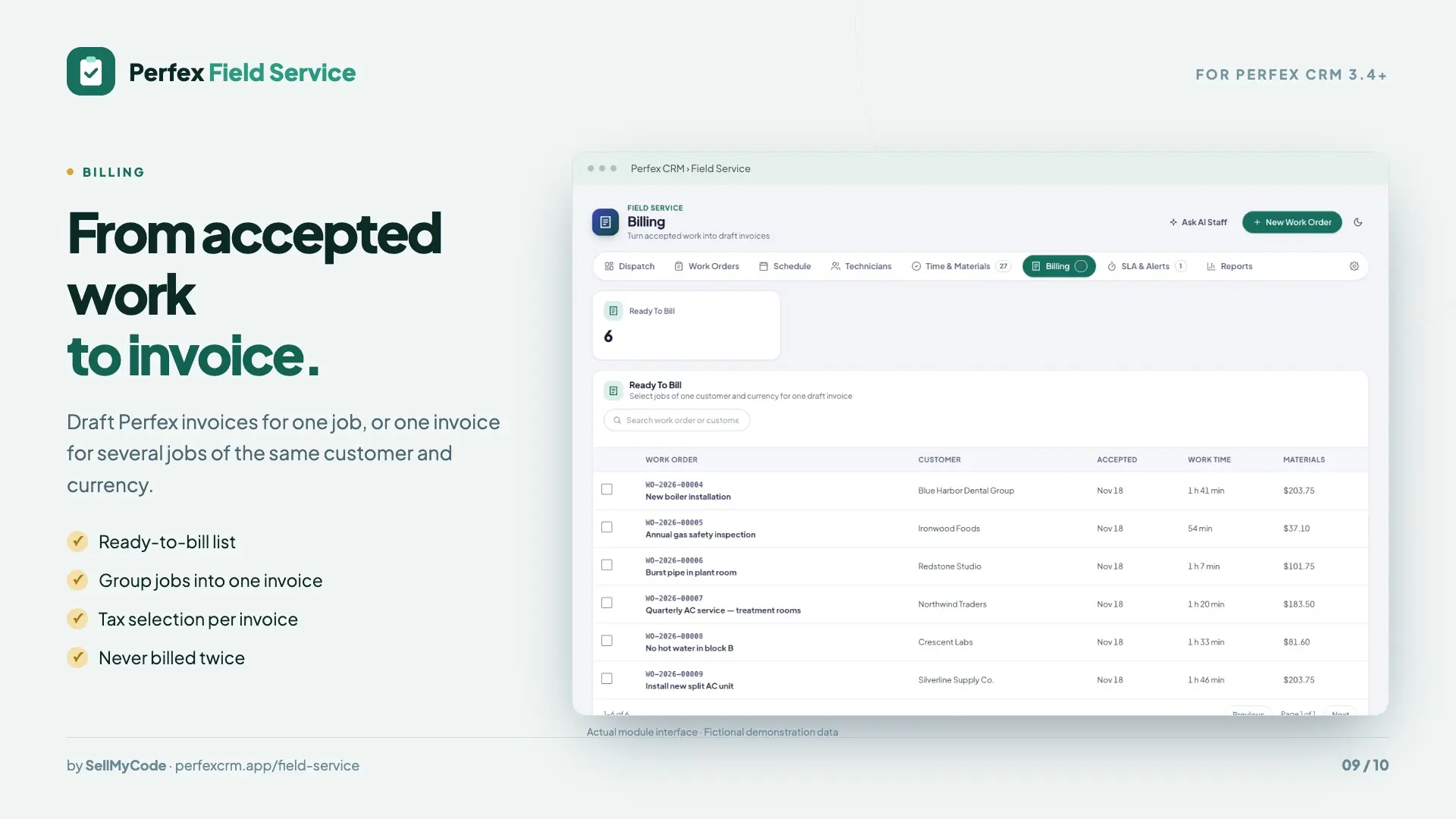
- Billing: draft Perfex invoices for one accepted job, or one invoice for several jobs of the same customer and currency, with tax selection and protection against billing a job twice.
- SLA & Alerts: response and resolution clocks on business hours, alerts to staff and a delivery history; customer PDF email when enabled.
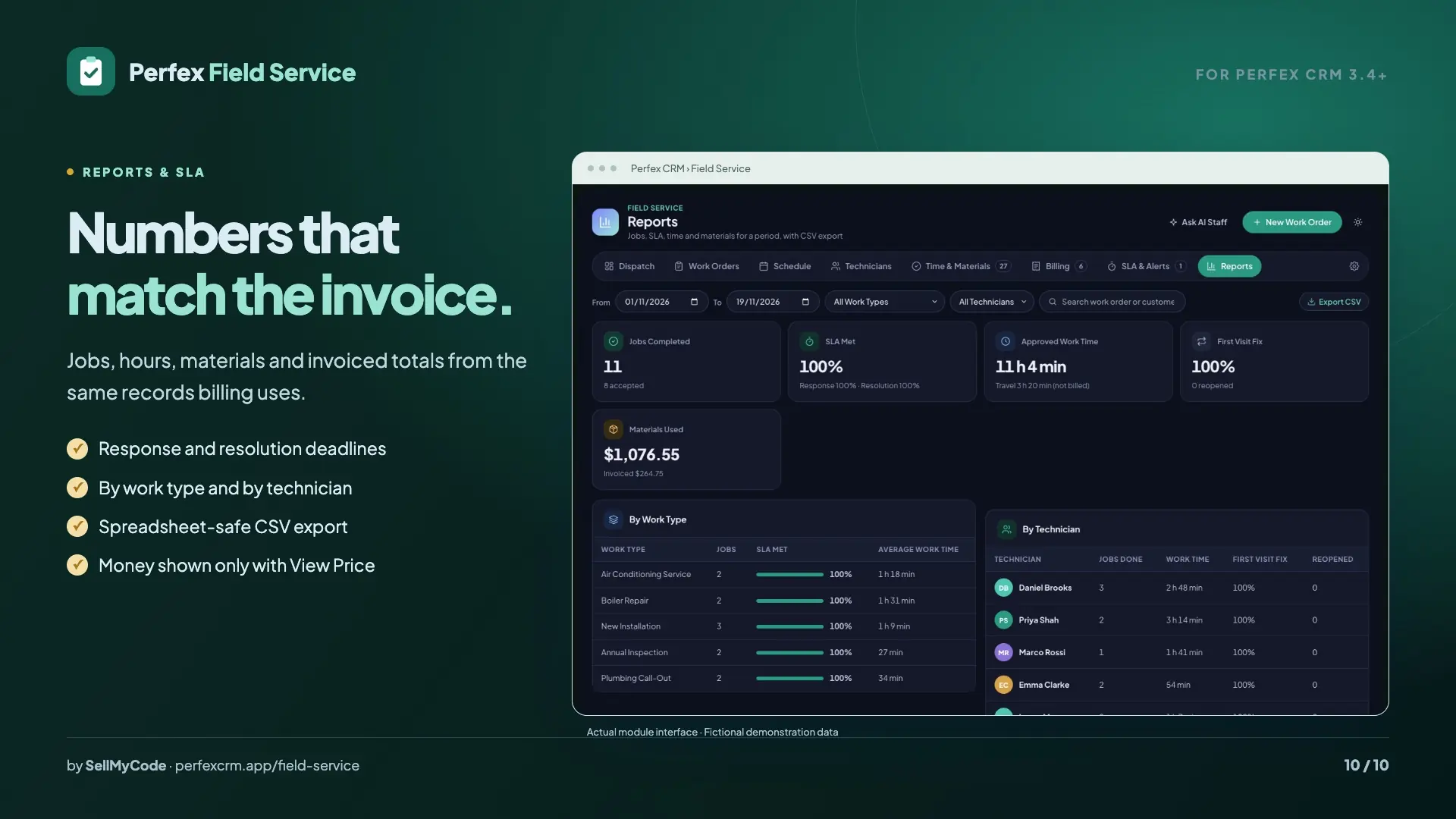
- Reports: jobs, work and travel hours, materials and invoiced totals for a period, by work type and by technician, from the same records billing uses; CSV export that is safe to open in spreadsheets; money only for staff with View Price.
- Approved time can be imported into Perfex TeamPulse when TeamPulse supports it.
- Ask AI Staff from every Field Service page when Perfex AI Staff is installed.
- Permissions per action, including Enter Work For Technicians; light and dark theme; 9 languages.


 0 Viewing now
Live buyer activity

Pick 3 of SamSan’s items to unlock 10% off your total.
Everything you pick is added to your cart when you tap the button below.
Last update:
20 Nov, 2026
Published:
18 Nov, 2026
Version:
Category:
Framework:







 Google
 Github
 From Unknown Location
 Elite Seller
 Trend Master
 Featured Item