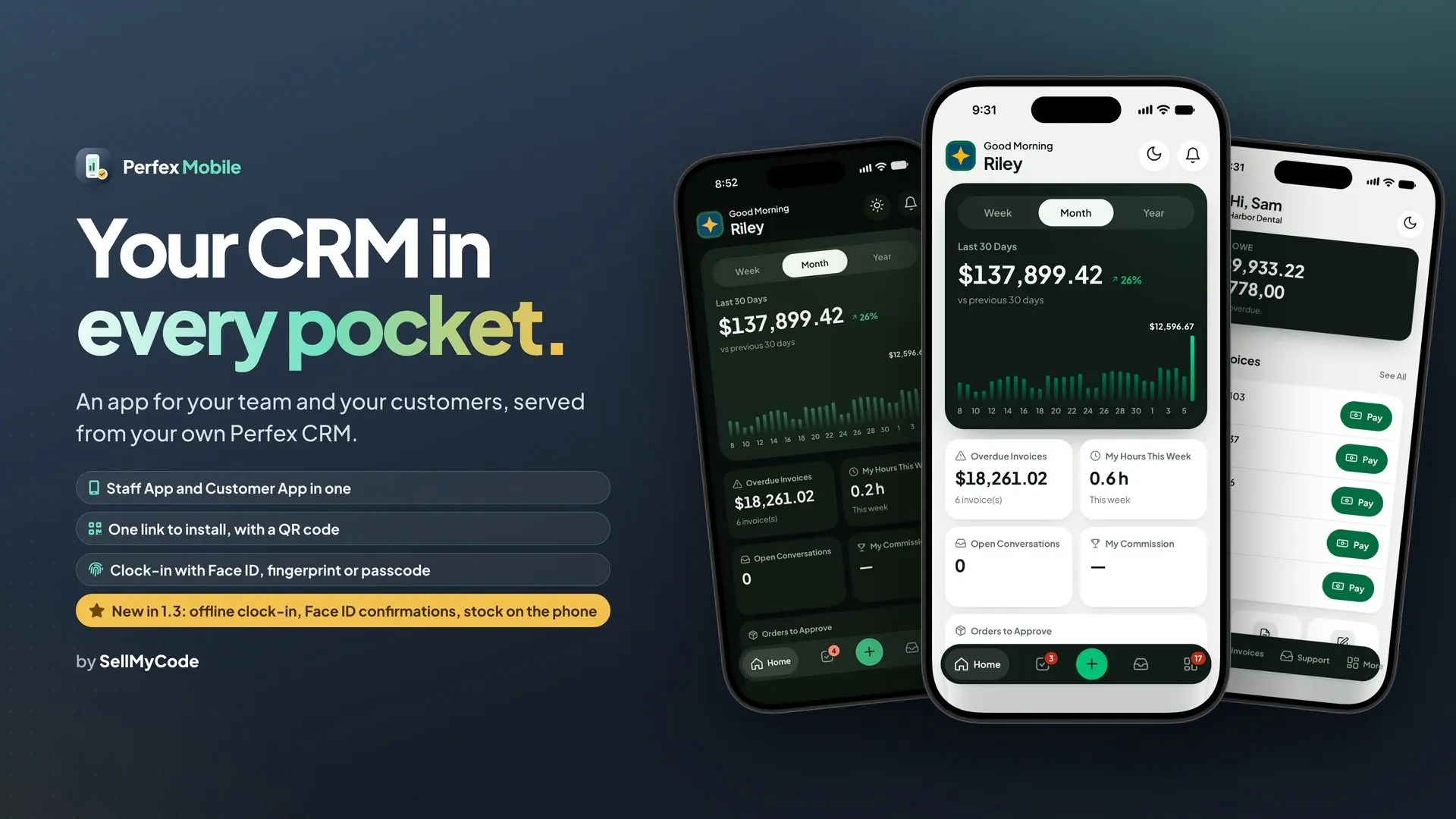
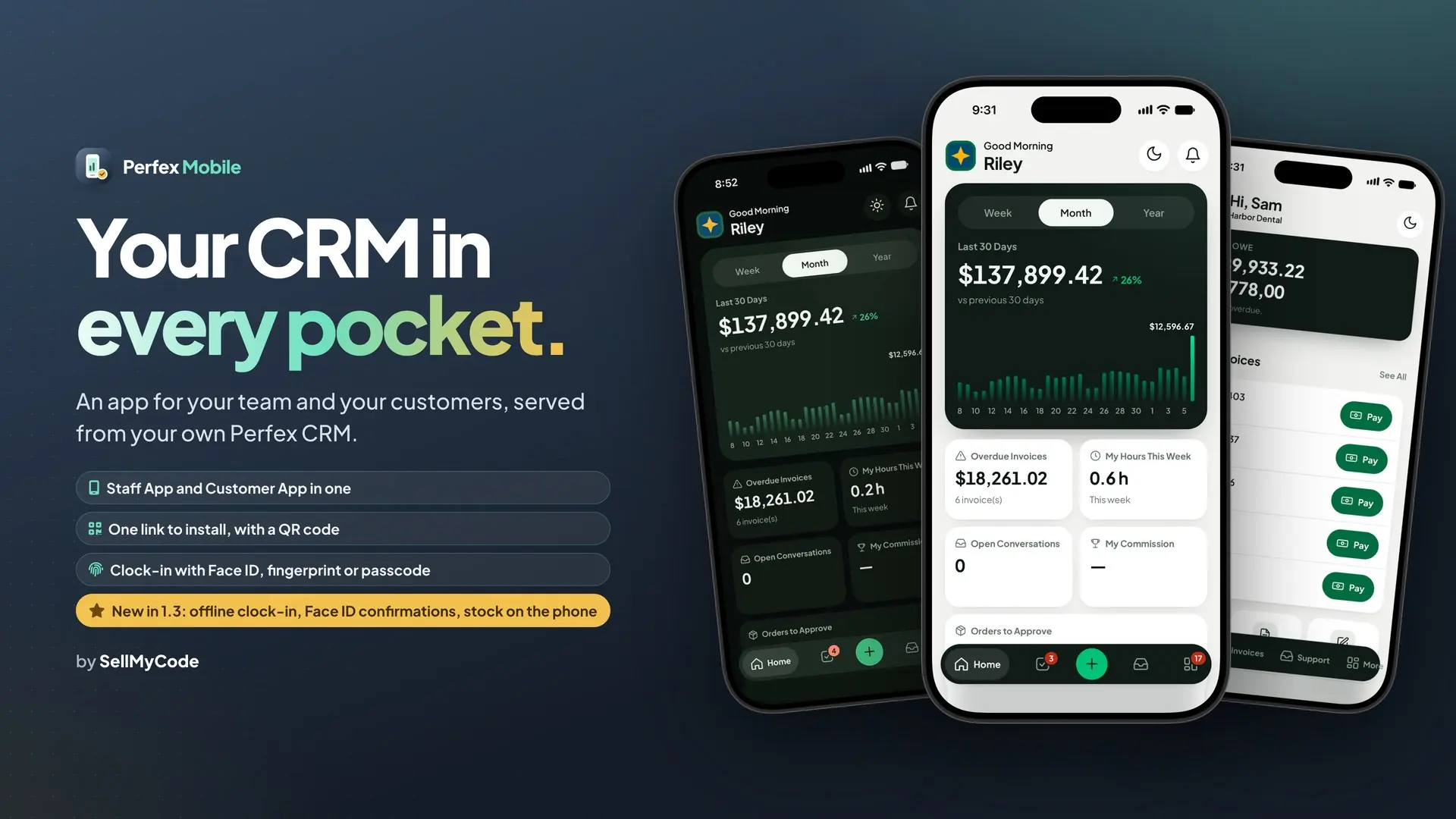
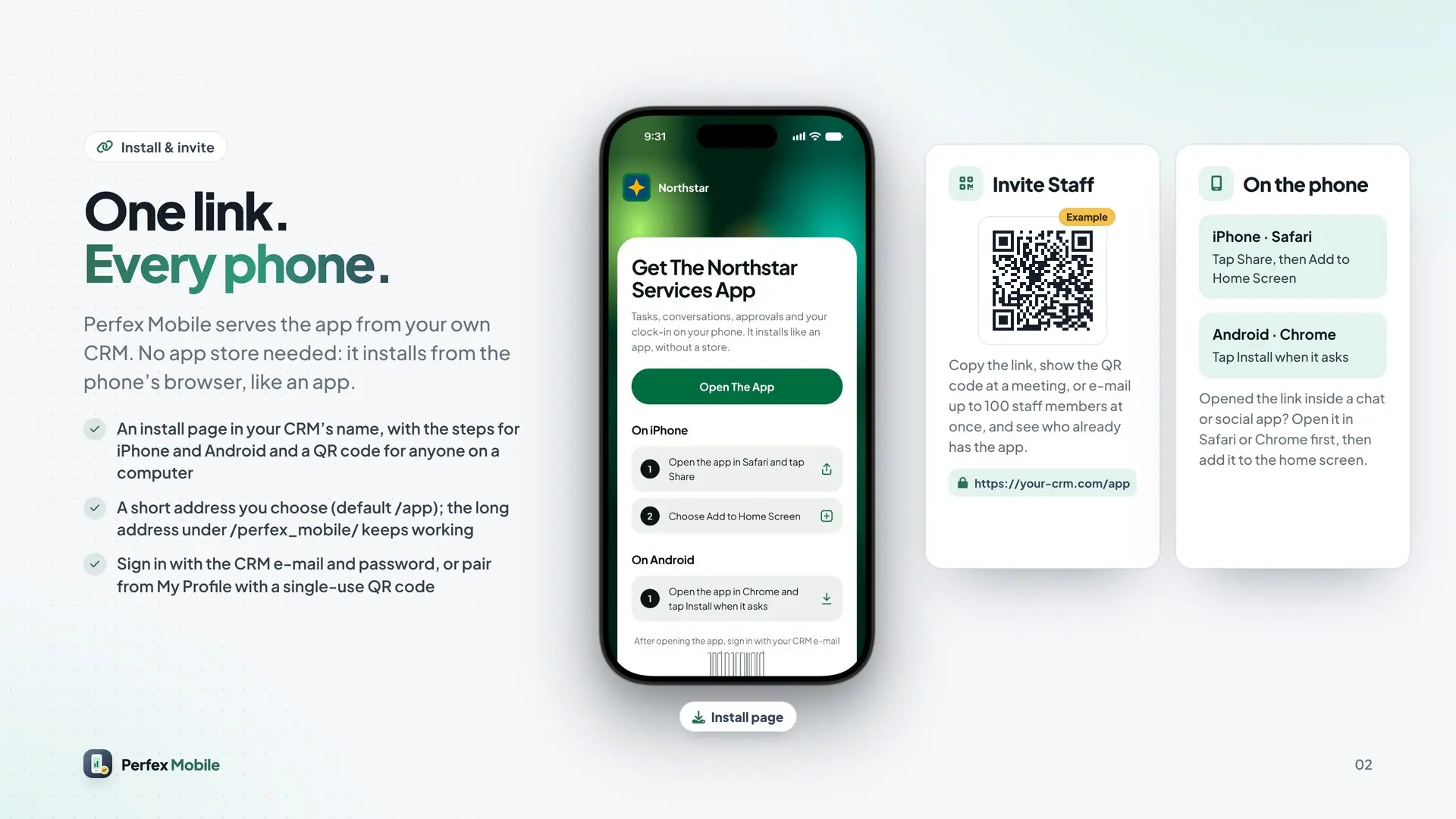
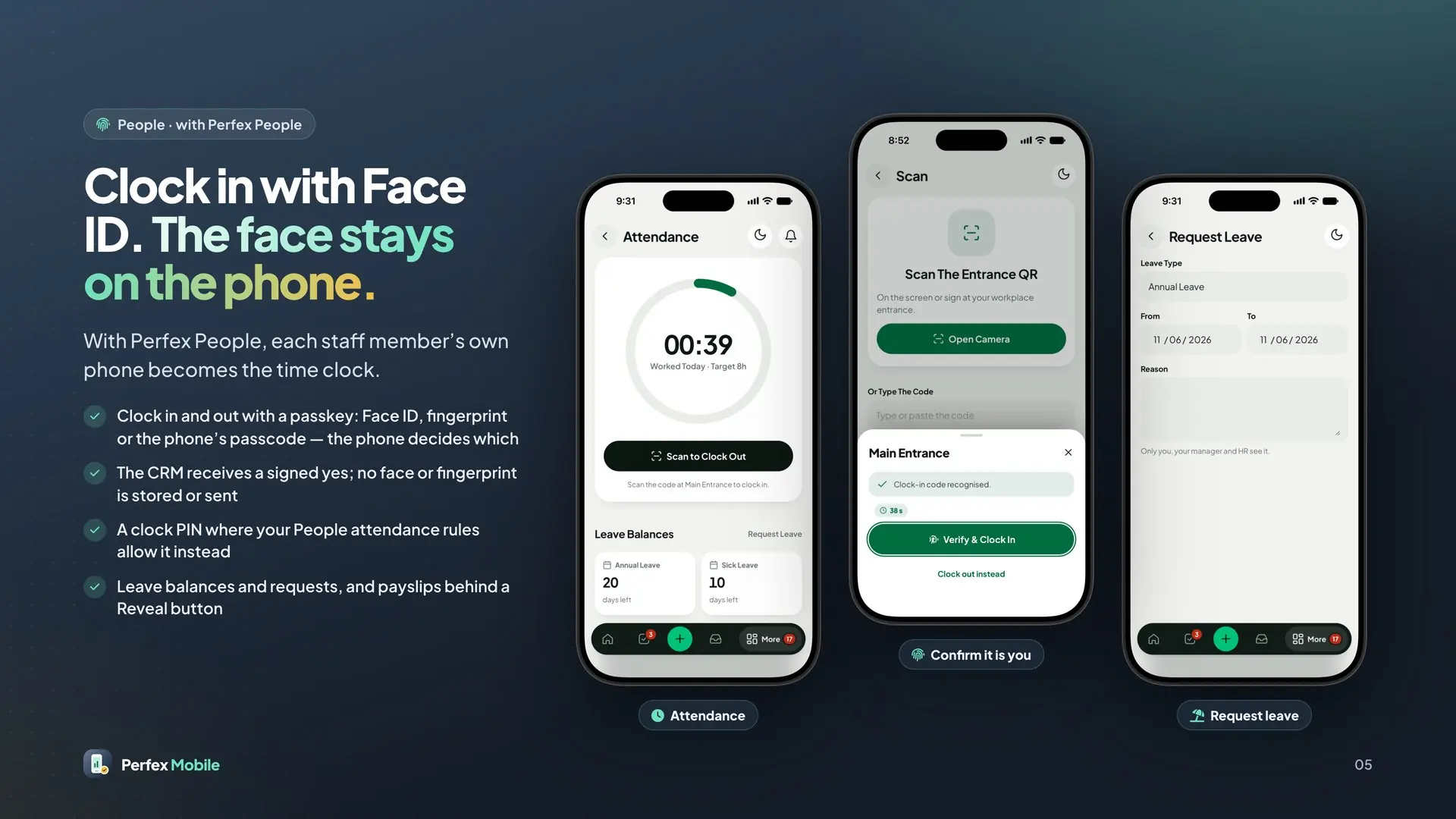
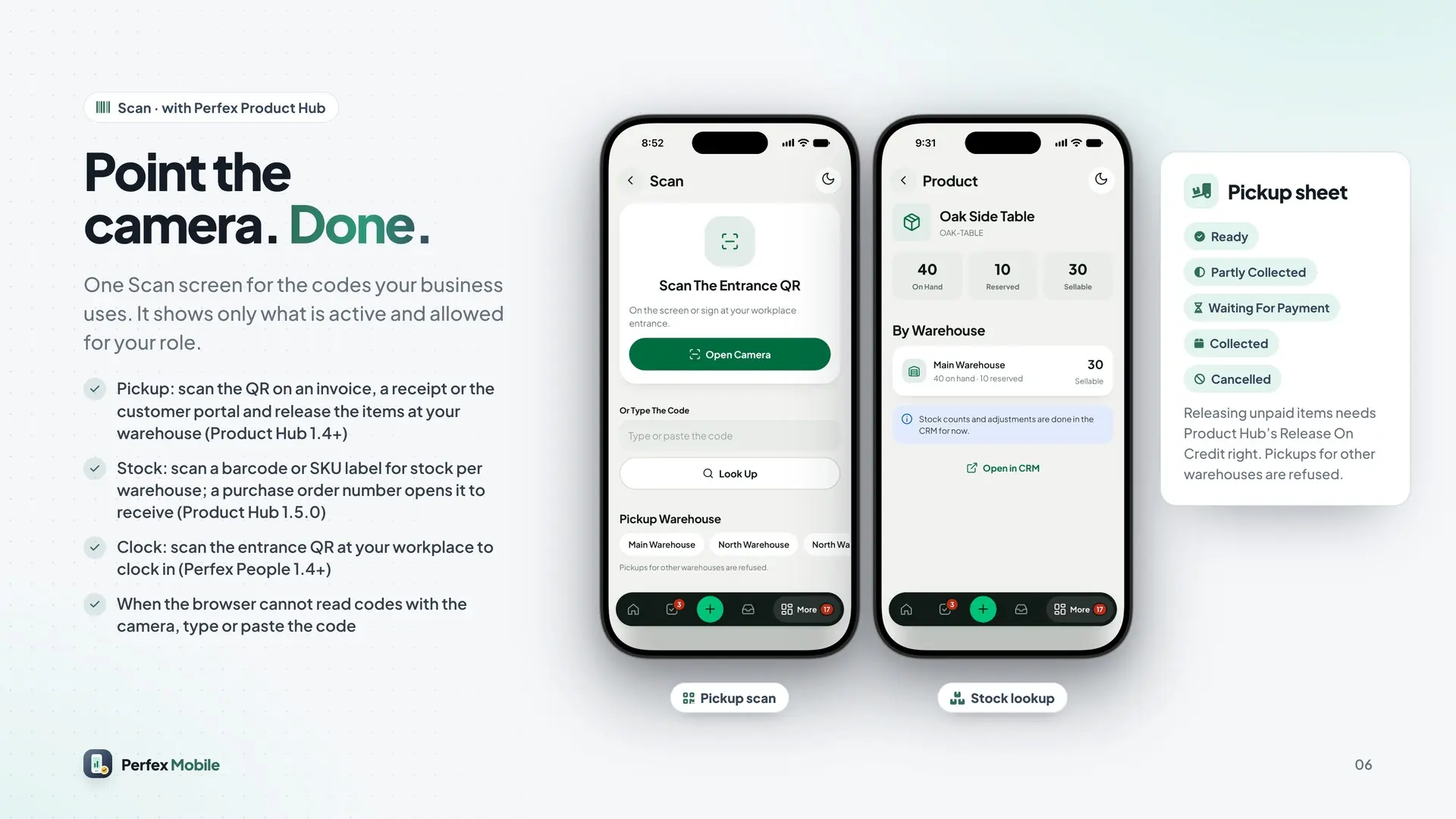
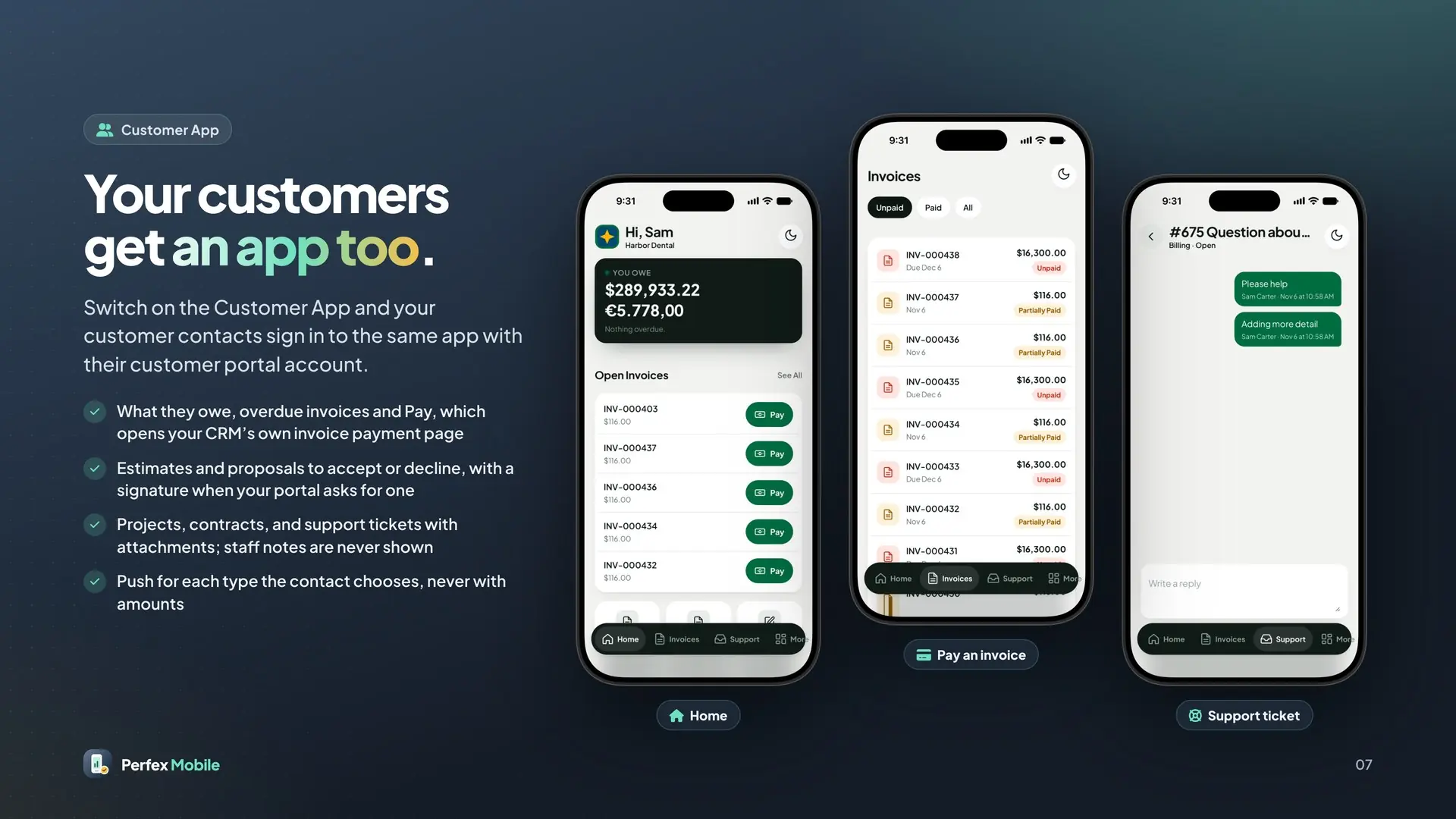
Perfex CRM on the phone, for your team and your customers. Staff work on tasks and timers, the inbox, approvals, customers and leads, invoices and estimates, attendance and leave, and stock. Customers see what they owe and pay, accept quotes, follow projects and open support tickets. The module serves one installable app from your own CRM address: send your team one link, they add the app to the home screen and sign in, with no app store in between. Staff clock in with Face ID, fingerprint or the phone passcode, and scan pickup QR codes, product barcodes and the entrance QR code. Clock-in with Face ID or QR needs Perfex People 1.4+; pickup scans and stock need Perfex Product Hub 1.4+. It works offline, sends push notifications, and speaks your CRM's languages with your own custom fields.
Perfex Mobile puts the parts of Perfex CRM people use every day on the phone, with the same rights they have on the web, and gives your customers an app of their own. Version 1.4 adds Team Chat and company announcements (with Perfex Inbox 2.3), Perfex Books approvals and receipt capture, visits in route order and a clear sign-out when Perfex Access Control blocks a person. The module serves an installable app from your own CRM address: send your team one link, each person adds the app to the home screen and signs in with their own CRM account. No app store needed.
Requirements up front: clock-in with Face ID or QR needs Perfex People 1.4+; pickup scans and stock need Perfex Product Hub 1.4+.
Field visits without signal (Perfex Bookings 1.6): today's and tomorrow's visits stay on the phone in route order. On the Way, Arrived, work start and pause, the checklist, notes, parts, photos and the customer's signature all work with no signal and are sent in order when the signal is back; changes made by the office win.
Calls and meetings (Perfex Inbox 2.4 / Team Pulse): voice and video calls between colleagues from the app, an incoming-call banner while the app is open, and your meetings with Join — on your company's own video server (Jitsi).
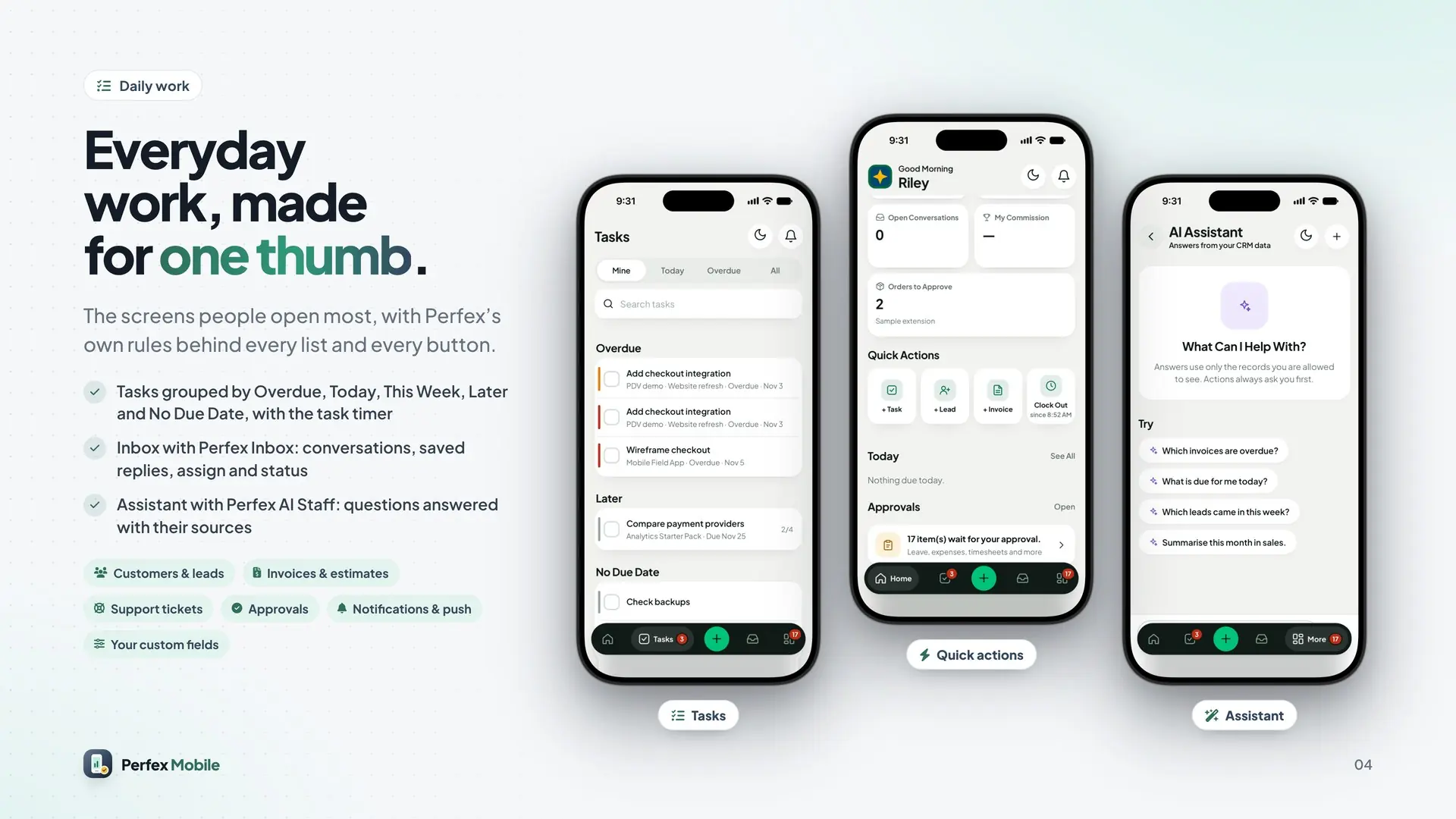
Lists that fit the screen with Previous / Next pages, search on every long list, a smoother pull to refresh, AI Conversations (Perfex AI Staff 1.4) and Field Service screens when that module is active — in a refreshed, calmer look.
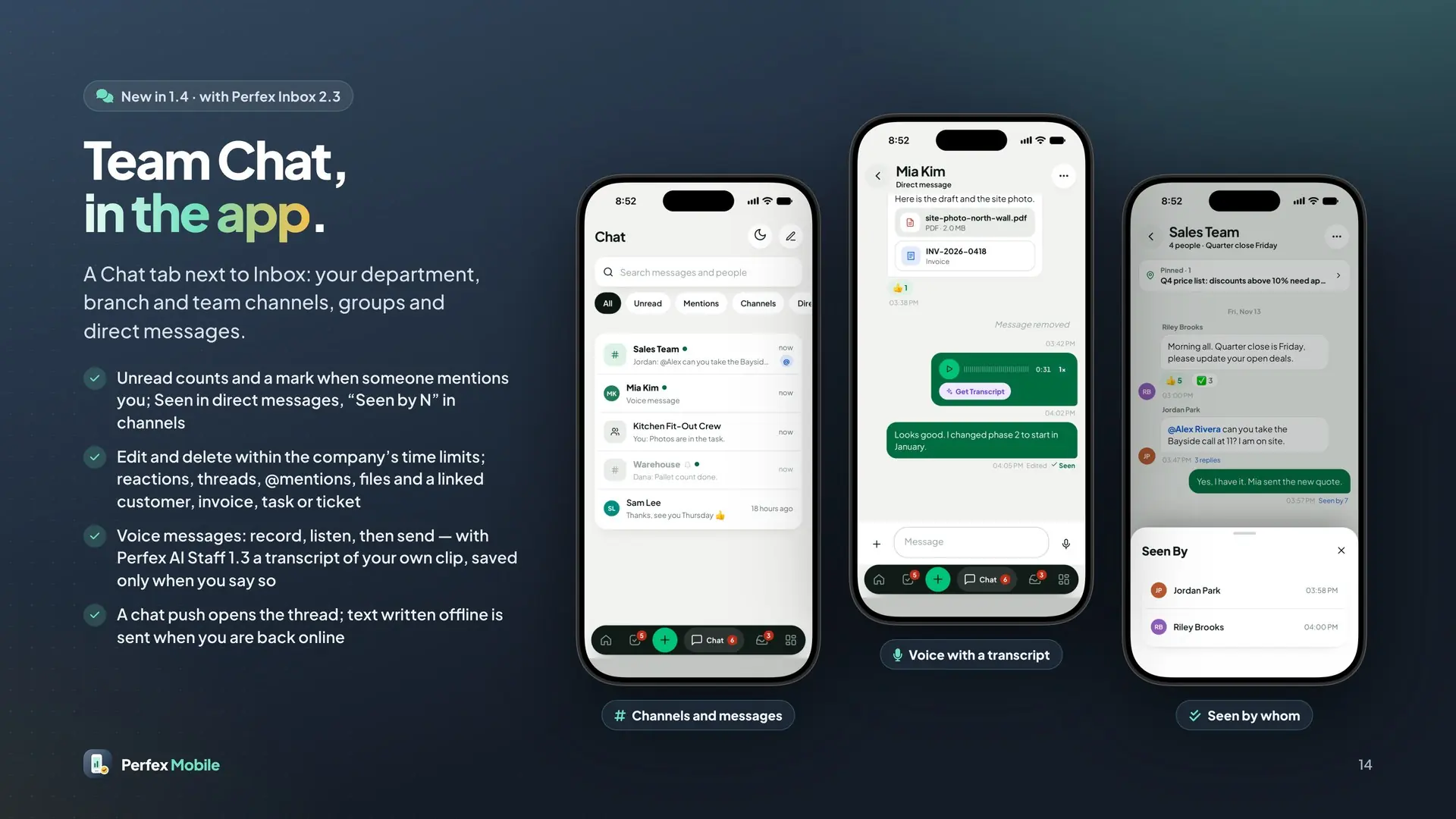
Team Chat (Perfex Inbox 2.3): a Chat tab next to Inbox with your department, branch and team channels, groups and direct messages. Unread counts and a mark when someone mentions you; Seen in direct messages and "Seen by N" in channels; edit and delete within the company's time limits; reactions, threads, @mentions, photos and files, and a linked customer, invoice, task or ticket. Voice messages: record, listen, then send; with Perfex AI Staff 1.3 a transcript of your own clip, saved only when you say so. A chat push opens the thread, and text written offline is sent when you are back online.
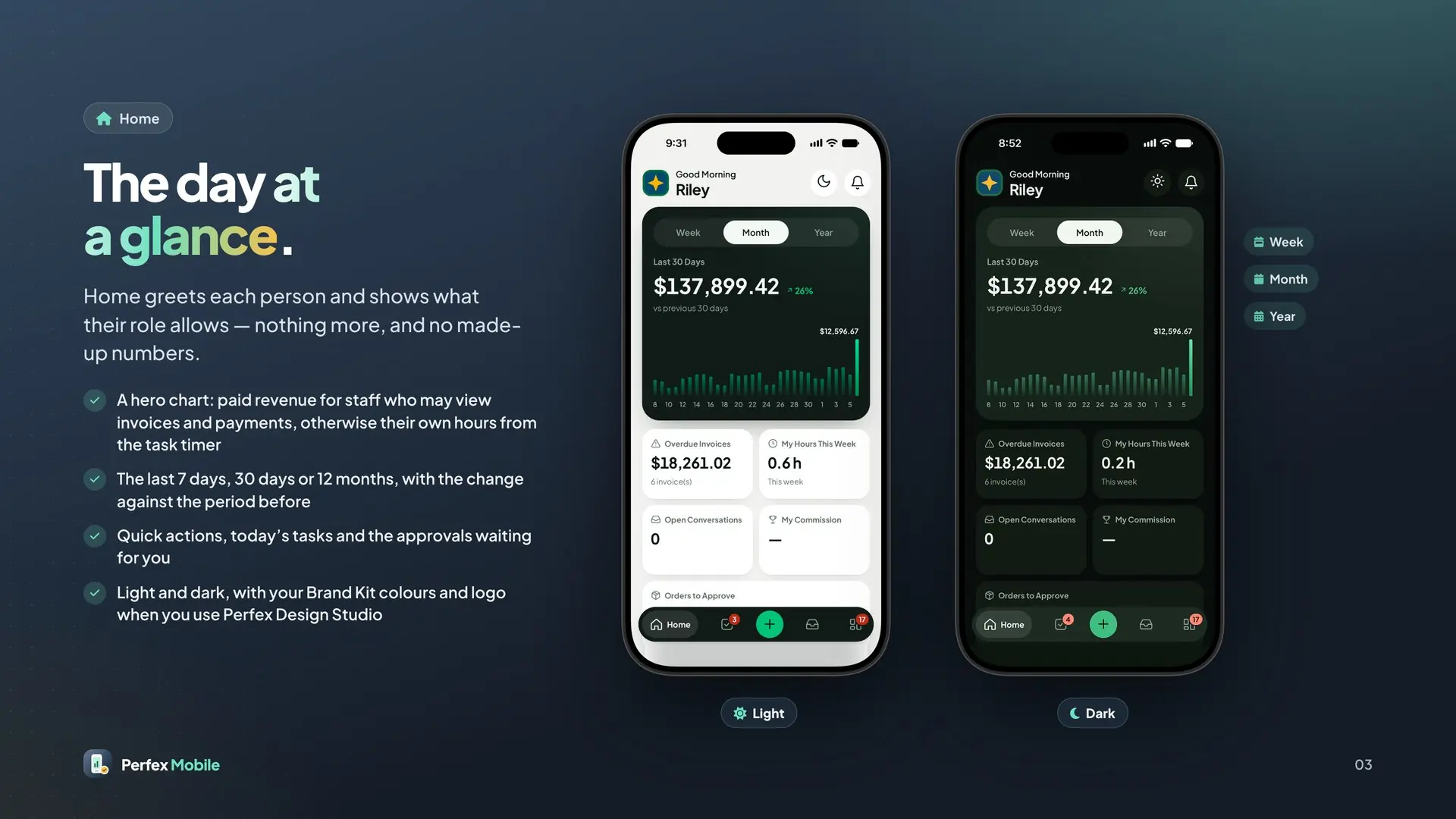
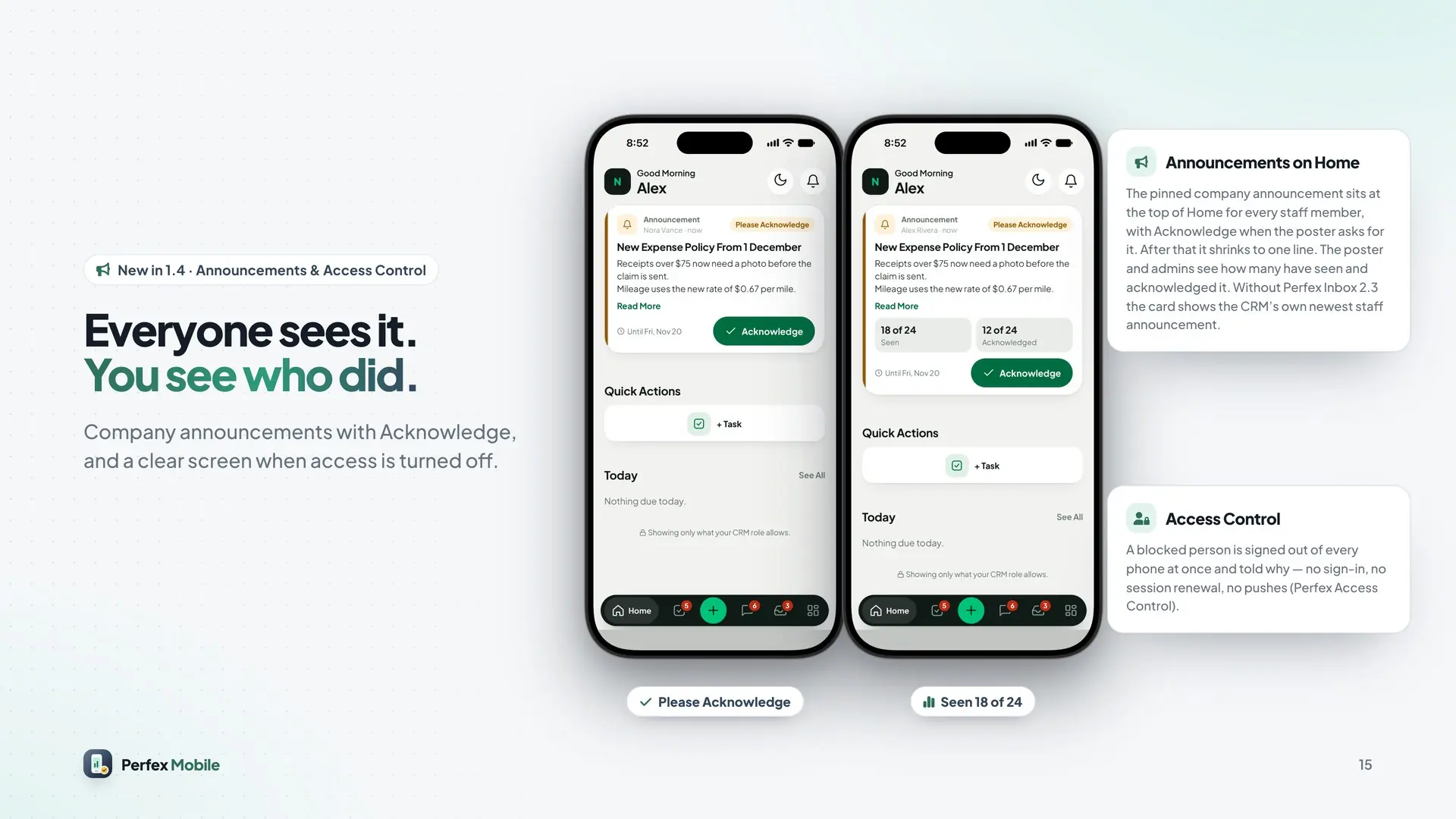
Company announcements on Home (Perfex Inbox 2.3): the pinned announcement sits at the top of Home for every staff member, with Acknowledge when the poster asks for it; afterwards it shrinks to one line. The poster and admins see how many have seen and acknowledged it. Without Inbox 2.3 the card shows the CRM's own newest staff announcement.
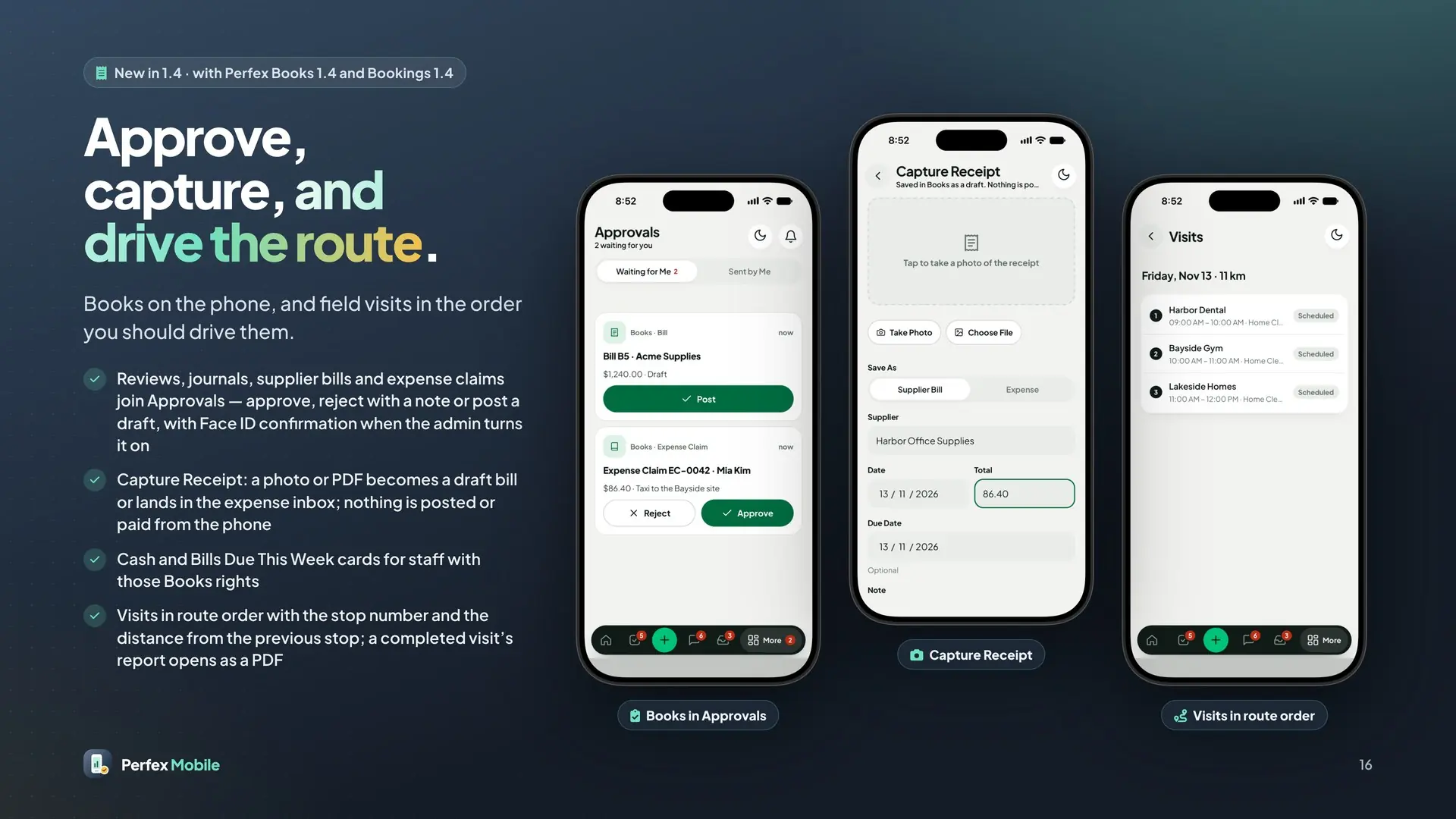
Perfex Books 1.4 on the phone: reviews, journals, supplier bills (approve, reject with a note, post a draft) and expense claims join the Approvals list, with Face ID confirmation when the admin turns it on. Capture Receipt sends a photo or PDF to Books as a draft bill or to the expense inbox; nothing is posted or paid from the phone. Cash and Bills Due This Week cards for staff with those Books rights.
Visits in route order (Perfex Bookings 1.4 and newer): stop numbers, the distance from the previous stop and the completed visit's report as a PDF. Perfex Access Control: a blocked person is signed out of every phone at once and told why.
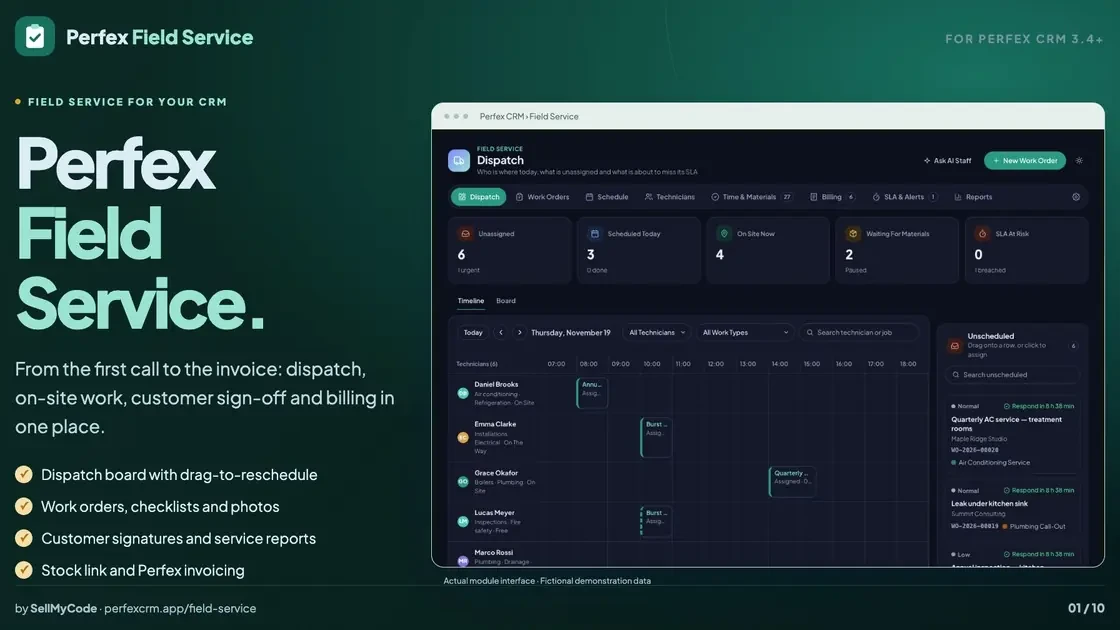
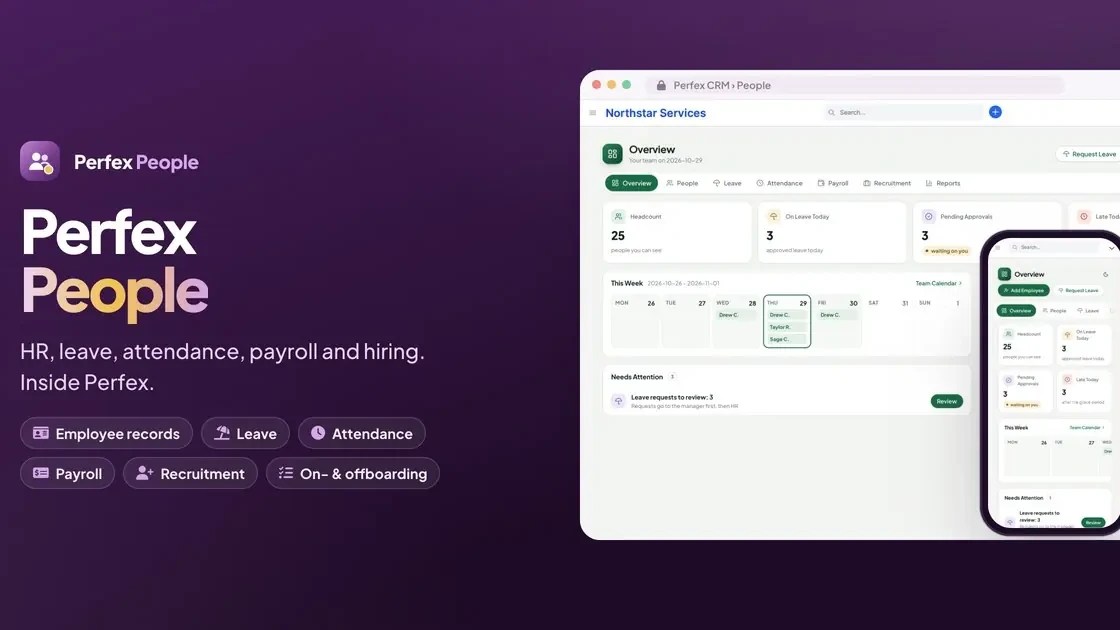
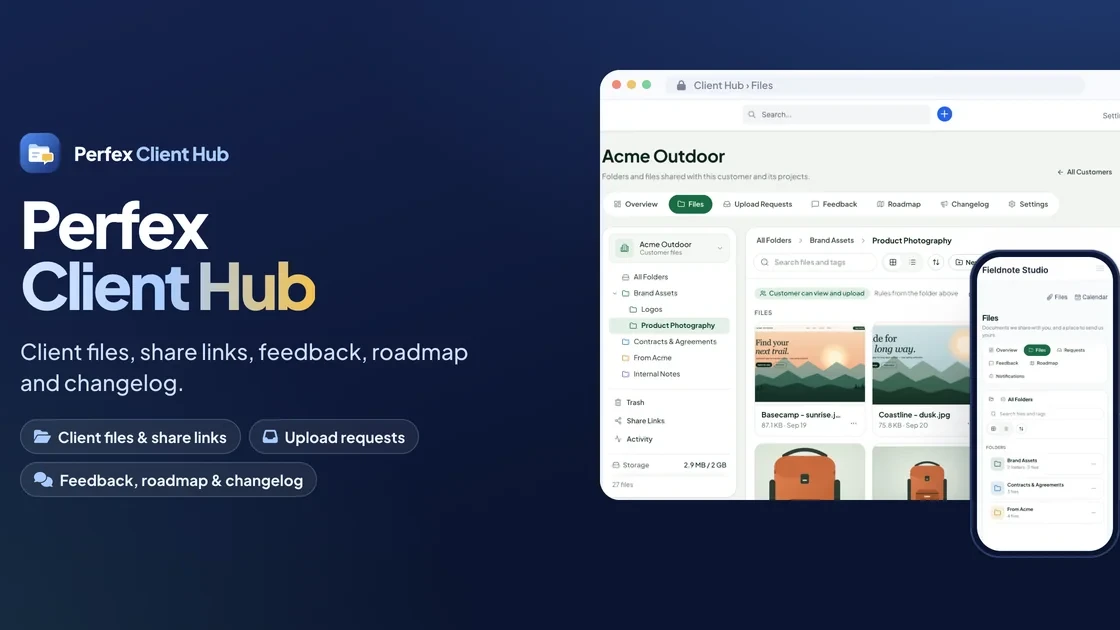
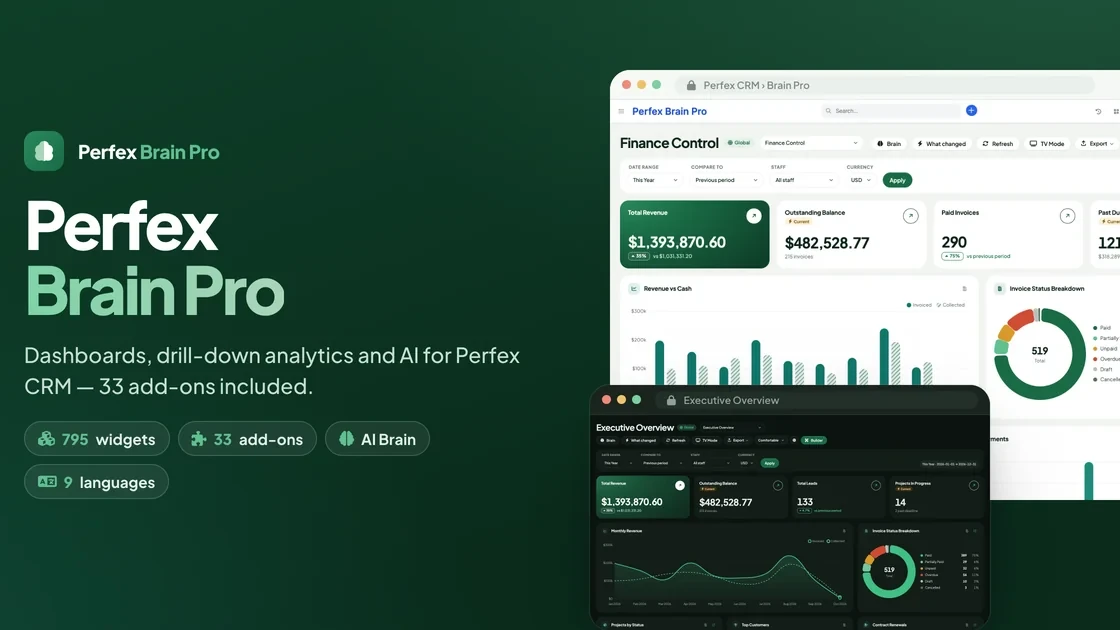
Perfex Mobile works on its own with Perfex CRM. Our other modules light up their screens when they are active: People (clock-in, leave, payslips), Product Hub (stock, pickup scans), TeamPulse (task timer, hours, timesheet approvals), Inbox (conversations), AI Staff (assistant, AI approvals), Sales Growth (commission approvals and targets), Flow Studio (workflow approval steps), Deliverables (open client feedback), Sentinel (two-step sign-in and lockouts), Design Studio (Brand Kit colours and logo) and Client Hub (links to customer files in the portal). Setup › Perfex Mobile › Connected Modules shows each one as Connected, Not Active or Needs an Update. Other modules can add Home cards, a screen and approval items through a documented hook. Perfex Inbox 2.3 adds Team Chat and announcements; Perfex Books 1.4 adds approvals, receipt capture and Home cards; Perfex Bookings 1.4 adds route order and the visit report; Perfex Access Control signs blocked people out.
Perfex CRM 3.4 or newer; PHP 8.1 or newer with OpenSSL; MySQL or MariaDB; HTTPS on your CRM (installing the app, push notifications, the camera and passkeys need it); Perfex's cron job at least every 5 minutes. For the short address, a writable application/config/my_routes.php; without it, the long address keeps working. Push on iPhone needs iOS 16.4 or newer and the app added to the Home Screen.
English, Spanish, Portuguese (Brazil), French, German, Italian, Dutch, Turkish and Russian, plus your CRM's own translations and overrides. A language we do not ship falls back to English.
The installable module ZIP with the app inside, offline HTML documentation, changelog and licence notices (Plus Jakarta Sans under the SIL Open Font License, ZXing under Apache-2.0). Perfex CRM and hosting are not included. The app is not listed in the App Store or Google Play: it installs from the phone's browser.
$349 one time (Regular licence), with free lifetime updates.


 0 Viewing now
Live buyer activity

Pick 3 of SamSan’s items to unlock 10% off your total.
Everything you pick is added to your cart when you tap the button below.
Last update:
25 Nov, 2026
Published:
06 Nov, 2026
Version:
Category:
Framework:
Tags:







 Google
 Github
 From Unknown Location
 Elite Seller
 Trend Master
 Featured Item